

Join Over 40,300+ Professionals
Who build smart funnels and automations with FunneKit

Frictionless Checkouts
Email & SMS Marketing
Attractive Order Bumps
Rich Contact Profile
One Click Upsells
Workflow and Integrations
In-depth Analytics
Segmented Broadcast
A/B Testing
Revenue Tracking
Robust Rule Engine
Sliding Cart
Get FunnelKit Now

FunnelKit Blog

Recent Blogs
How to Set Up the WooCommerce Shipping Calculator on the Checkout Page (2026)
The WooCommerce shipping calculator on the checkout page shows your customers their exact costs (with a breakdown of the shipping fee, tax, and item price, plus the total) the moment they start typing their address. When it’s missing or misconfigured, buying from your store feels like ordering dinner through an app. On the final payment screen, you added items worth $25, but some hidden fees push your total past $40. Suddenly, the leftovers in your fridge sound fine. Baymard Institute notes that extra costs like shipping cause roughly 48% of checkout abandonments. But do you know your online store already behaves this way natively? A customer
Aug 13, 2026
Editorial Team
Join Over 40,300+
Subscribers to get free tips, tricks, and resources to grow your mailing list
Recent Blogs
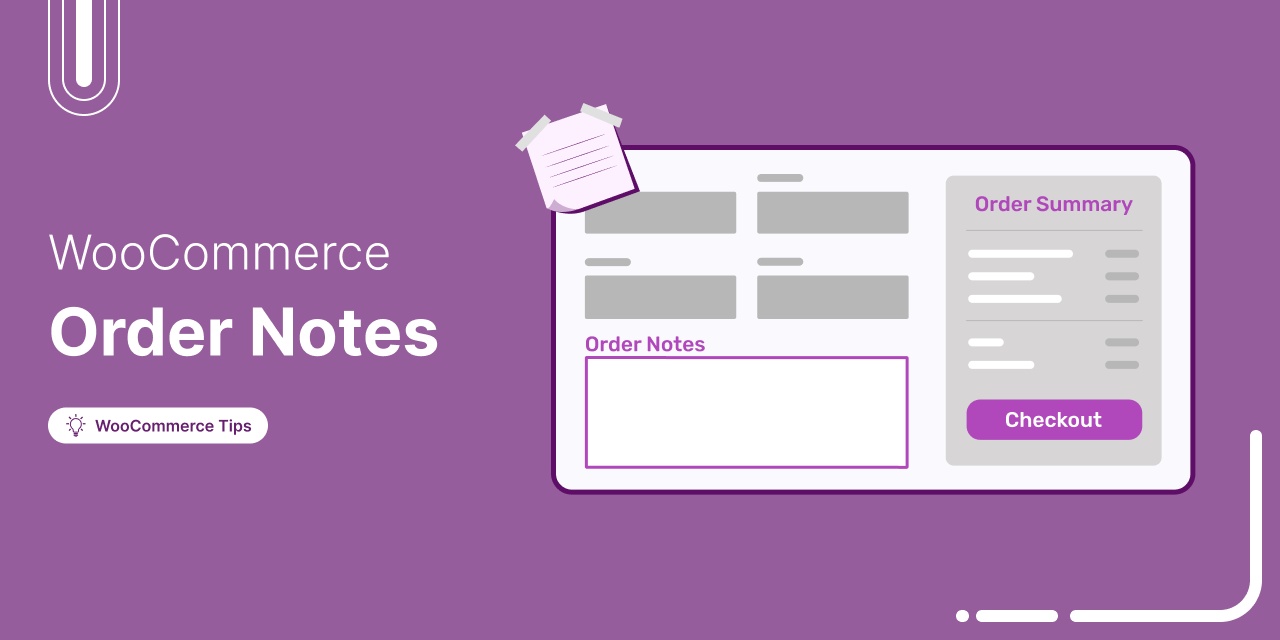
WooCommerce Order Notes: The Complete Guide for Store Owners & Developers
Imagine a courier who is stuck at a customer's gate with a flower delivery. The gate code was typed into the WooCommerce order notes three days ago, but nobody put it on the shipping label! That single missed note costs you time, double shipping fees, and a customer support headache. The frustrating part? The instruction that would have prevented it all was already in your system. There are three different types of order notes in WooCommerce, and they all behave differently. Customers write them at checkout, your team writes them privately in the dashboard, and WooCommerce writes them automatically to track stock or payment updates. However,
Aug 12, 2026
Editorial Team
WooCommerce Caching Done Properly: The Exclusions That Let You Cache Everything Else
WooCommerce caching goes wrong more often from caching too little than from caching too much. The cautious setup is the expensive one. Almost every guide on the subject is written as a warning. Here is the list of things caching will break; here is what to switch off. Good luck. Store owners read it, get nervous, exclude half the store, and end up paying for a caching layer that barely does anything. Meanwhile, the Deloitte and Google study Milliseconds Make Millions found that a 0.1 second improvement in mobile site speed was associated with an 8.4% lift in retail conversion rate and a 9.2% lift in
Aug 11, 2026
Editorial Team
![How to Send Custom WooCommerce New Account Emails [Plus Follow-Up]](https://funnelkit.com/wp-content/uploads/2025/02/New-Design-253.jpg)
How to Send Custom WooCommerce New Account Emails [Plus Follow-Up]
A new account email is more than just a confirmation; it's the first touchpoint that sets the tone for user engagement. WooCommerce sends generic, unpersonalized account emails by default. It confirms the new account creation but fails to engage users, drive conversions, or reinforce your brand identity. A well-structured new account email should do more than confirm access; it should welcome, guide, make you feel valued, and encourage action. Let's see how new account emails work in WooCommerce, how you can customize them for better results, and how follow-ups can help build stronger relationships for better lifetime value. Does WooCommerce Send New Account Emails? Yes, WooCommerce
Aug 11, 2026
Editorial Team

13 Best WooCommerce Marketing Plugins You Need to Grow Your Business
Best WooCommerce marketing plugins can make the difference between a store that just exists and one that consistently generates sales. Even if your products are great, they won’t sell if people don’t discover them or aren’t guided to buy. That’s where marketing steps in. And it’s not only about running ads outside your store. Real growth happens inside your WooCommerce store too through emails, upsells, offers, and smart on-site prompts that nudge visitors toward a purchase. The problem is that WooCommerce doesn’t include these marketing capabilities by default. So if you want predictable growth, you need the right tools working in the background. In this guide,
Aug 11, 2026
Editorial Team
How to Send WooCommerce Failed Order Emails to Customers (2026)
WooCommerce failed order emails to customers do the job a barista does in about four seconds. The card gets declined, they ask if you want to try another one, you tap it, the sale completes. Nobody loses anything. Online, that same declined card plays out very differently. The buyer sees a vague error, closes the tab, and assumes something is broken. You find a failed order in the dashboard hours later. Neither of you ever speaks to the other. Run the arithmetic on your own store. Five hundred orders a month at a 5% payment failure rate is 25 dead orders. At an $80 average order
Aug 11, 2026
Editorial Team
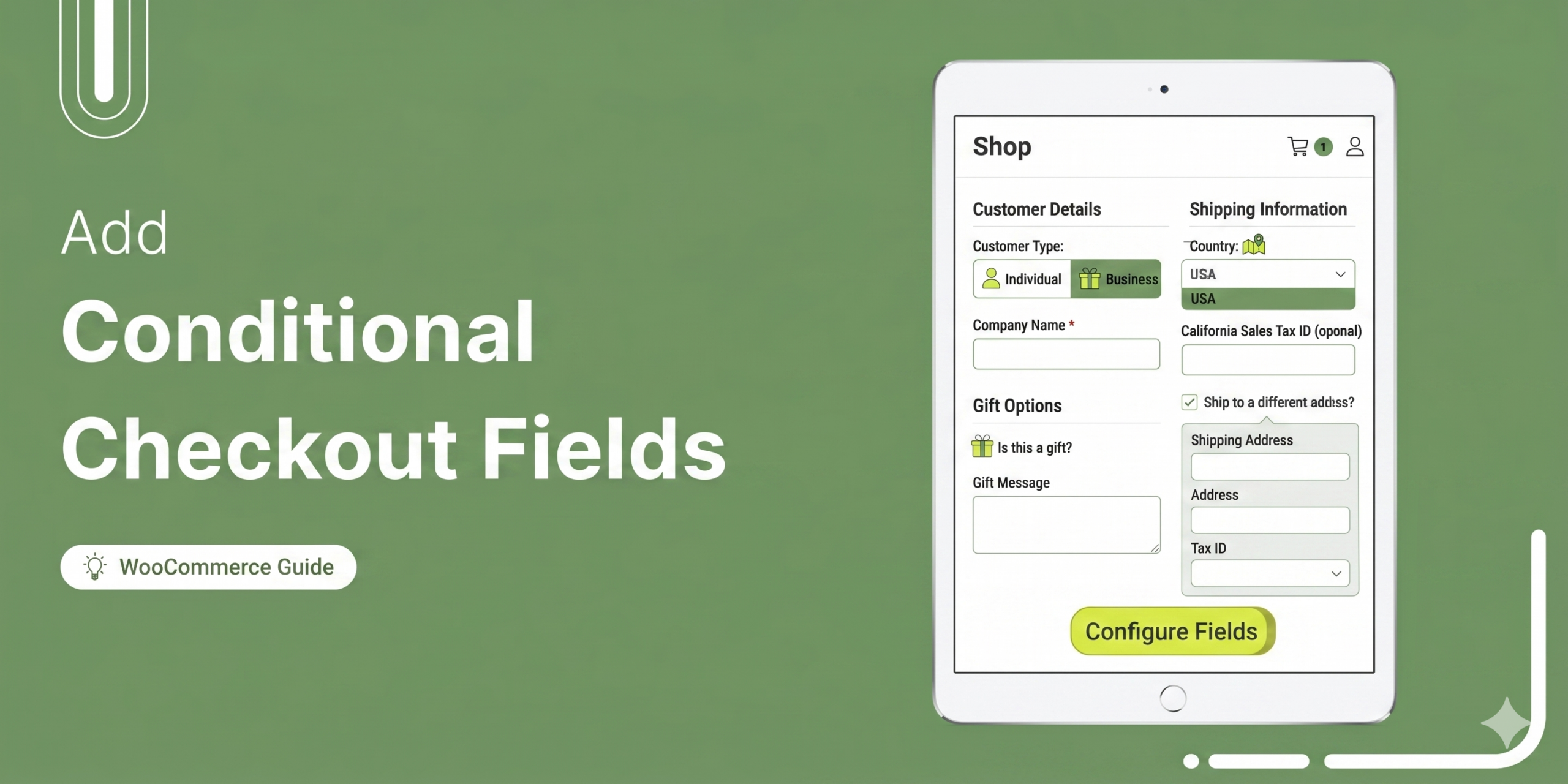
How to Add Conditional Checkout Fields in WooCommerce (Step-by-Step)
WooCommerce conditional checkout fields work like a good server: nobody hands the dessert menu to a table that just asked for the check. Fields appear or stay hidden based on rules you set, so a gift message box shows up only when a customer picks gift wrapping, and a VAT number field only for business buyers in the EU. Out of the box, WooCommerce cannot do this. Every customer sees the same static form, whether they are buying a digital download or a pallet of furniture. Baymard Institute puts a number on what that costs: 18 percent of shoppers have abandoned a checkout because it felt
Aug 10, 2026
Editorial Team
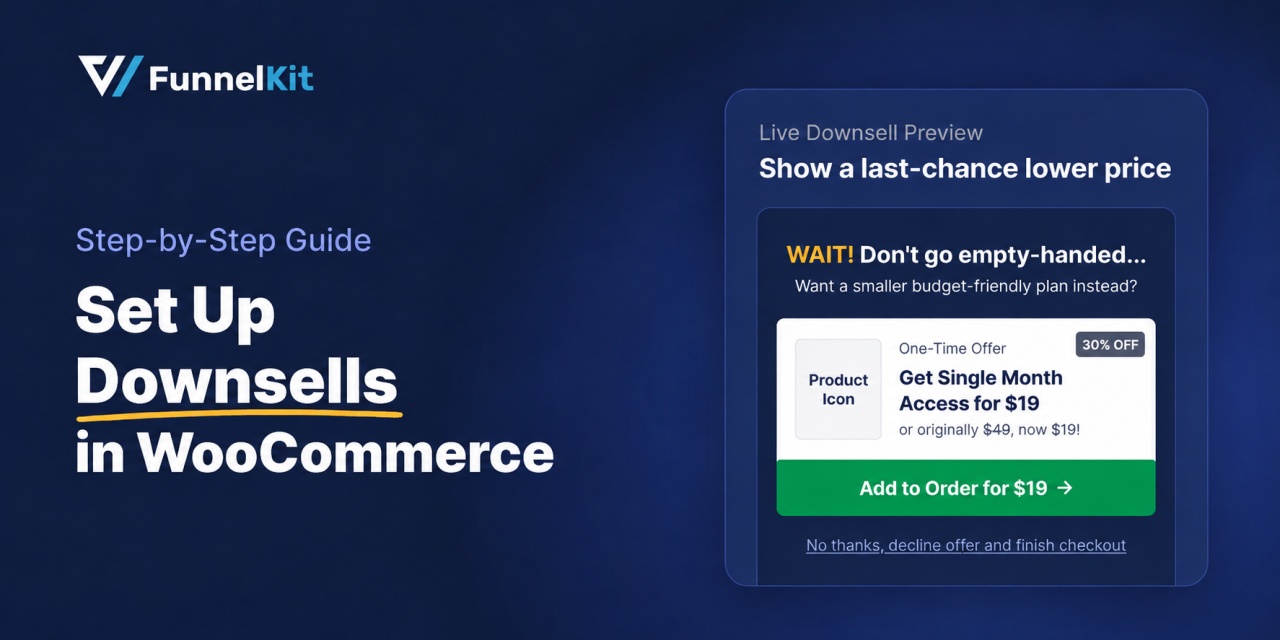
What Is a Downsell? Meaning, Examples, and How to Use One to Save a Lost Sale
A downsell gives customers a cheaper option after they turn down your main offer. If you show it too soon, you might convince them to skip the original offer and go straight for the cheaper one. Say you run a hair-care store and offer a $129 kit after checkout. Some customers will decline it, and that’s usually where the offer ends. But what if you show them a $39 travel-size version instead? Since they’ve already said no to the full kit, the smaller option gives them another reason to buy. Every sale adds $39 to an order you’ve already secured. In this guide, we’ll cover what
Aug 10, 2026
Editorial Team
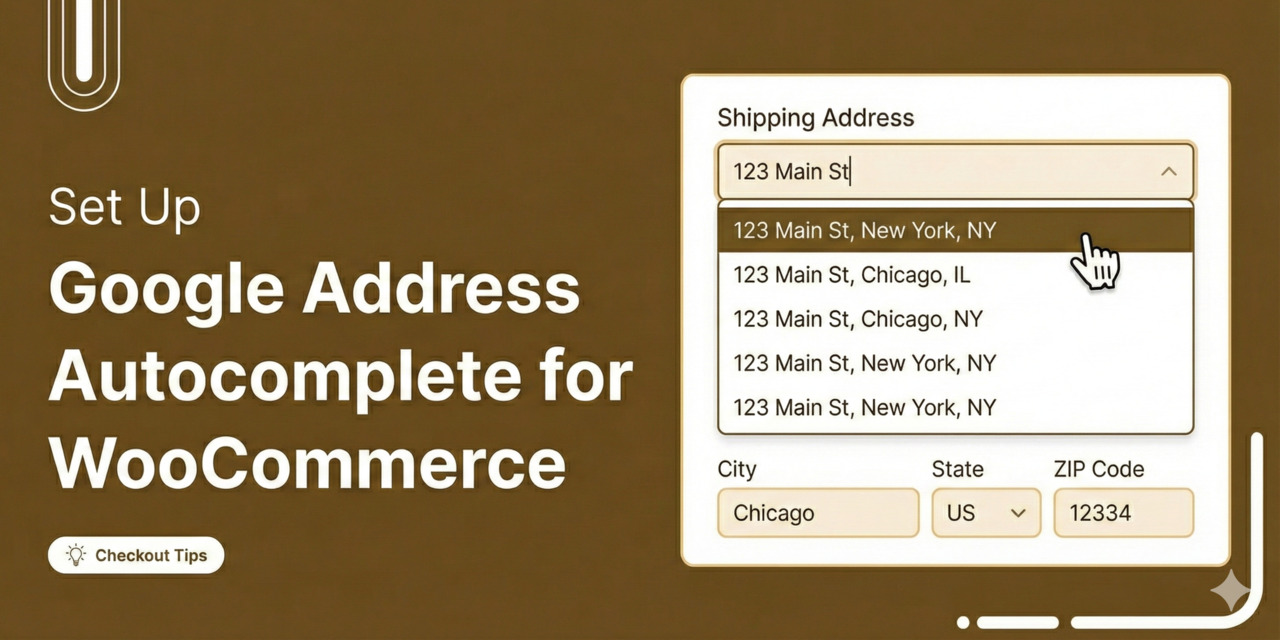
How to Set Up Google Address Autocomplete in WooCommerce
Tired of losing sales because of a clunky checkout process? More than 70% of online shoppers abandon their carts, and one big reason is the hassle of typing in long, detailed addresses. [Source: Baymard Institute] To make matters worse, address mistakes lead to 41% of delivery delays and 39% of failed shipments, creating headaches for both you and your customers. In our analysis of various checkout sessions, we found that manual address entry is a leading cause of cart abandonment on mobile devices (and even on desktops). The solution? Google Address Autocomplete for WooCommerce. This feature allows customers to fill in their addresses instantly, streamlining the
Aug 7, 2026
Editorial Team
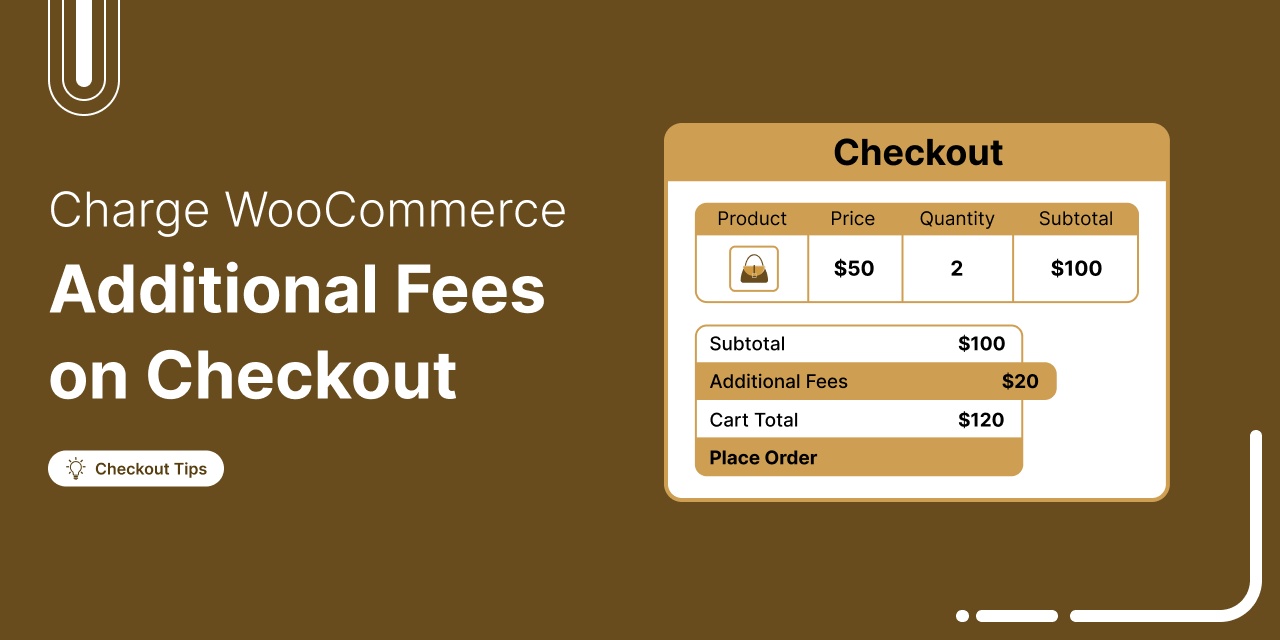
How to Charge WooCommerce Additional Fees on Checkout: Step-by-Step Guide
Discover how to add transparent extra fees at WooCommerce checkout for packaging, handling, or COD, etc, without frustrating your customers. Are you thinking of charging additional fees on your WooCommerce checkout page? Many store owners need to apply extra costs like packaging, handling, or Cash on Delivery (COD) charges to maintain healthy margins. WooCommerce doesn’t support this out of the box, but with the right plugins, you can add dynamic fees based on product price, cart total, shipping method, payment type, and more. However, it’s also crucial to apply these fees transparently. Hidden or surprise charges can frustrate customers, lead to abandoned carts, or damage your
Aug 7, 2026
Editorial Team
Ready to Transform Your Store?

Join 40,300+ successful store owners who trust FunnelKit to power their businesses.
Conversion Optimized Checkout Pages
Increase Revenue with Smart Upsells
Capture Emails & Recover Abandoned Carts
Automate Winbacks & Repeat Sales


1009+ 5 star reviews on WordPress.org