FunnelKit Blog
New launchSpotlight
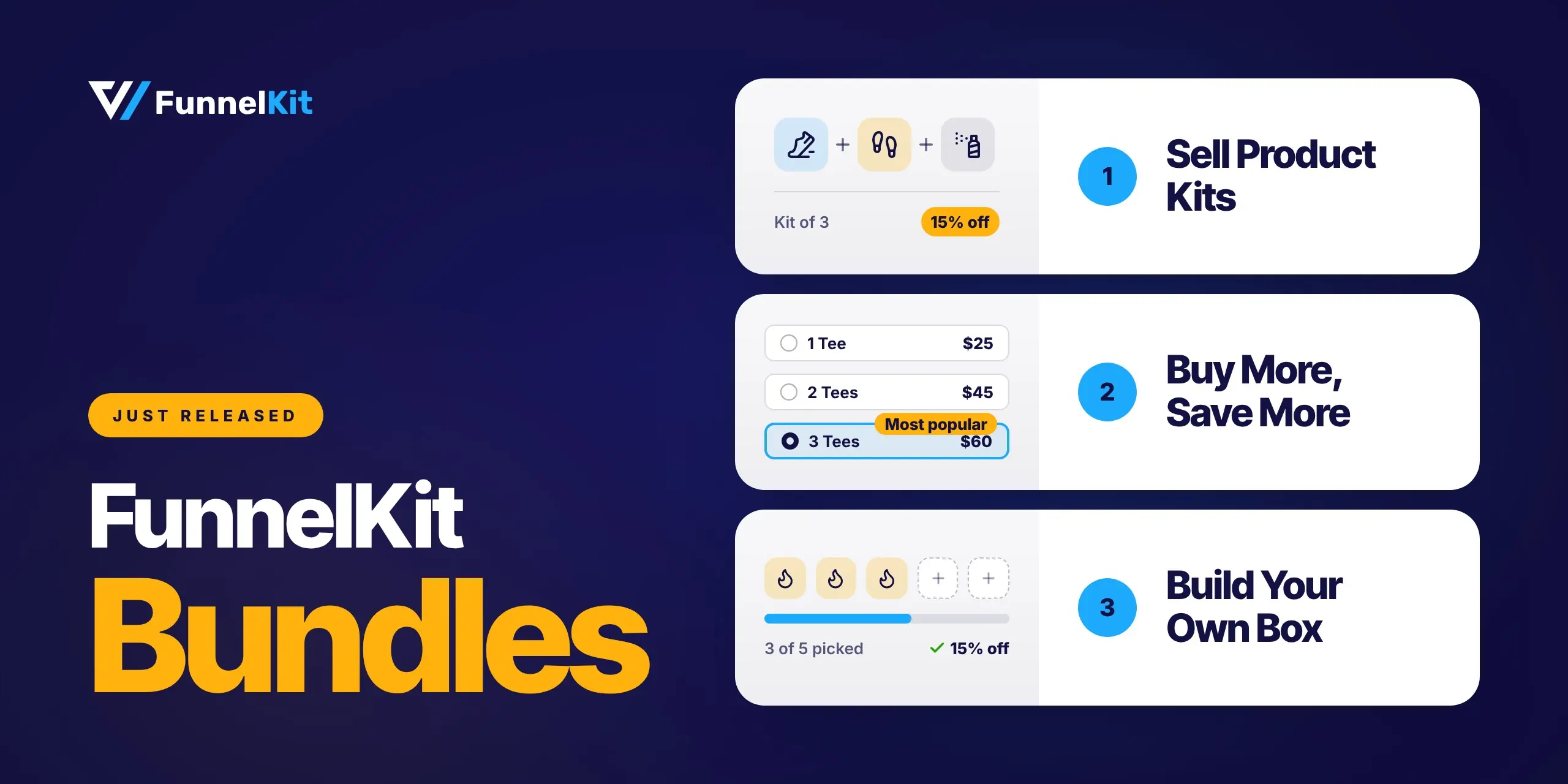
FunnelKit Bundles is here! You can now create and sell product bundles directly from Funnel Builder. Choose from four bundle types, two of which are completely free. Whether you want to sell product kits, offer discounts on bulk purchases, or let customers put together their own boxes, you can do it all from the same dashboard you use for checkout pages, order bumps, and one-click upsells. You don't need to install another plugin or manage a separate set of discount rules. Let's say a shopper adds a $25 T-shirt to their cart. That’s a $25 order. Now imagine showing them an offer to get three T-shirts
- Damanjeet Singh
Recent Blogs
Are you struggling to streamline your WooCommerce checkout for Brazilian customers? Brazil’s unique requirements, such as CPF, CNPJ, and RG fields, can make the default WooCommerce setup insufficient for legal compliance and smooth payment processing. Without these customizations, your store could experience transaction issues or fail to issue proper tax documents, which can lead to customer frustration. In this guide, we’ll show you how to optimize your WooCommerce checkout to meet Brazil’s specific needs using FunnelKit Funnel Builder. This will ensure a smooth and seamless customer experience. Get FunnelKit Now 🔥 Try Risk-free with 14 Days Money Back Guarantee Why are Extra Checkout Fields Essential for
- Editorial Team
Are you looking to add a donation feature at the checkout page of your WooCommerce store? Loyalty isn’t built just on discount coupons. It’s built on connection and shared values. When your WooCommerce store gives customers the chance to support a meaningful cause at checkout, it leaves a lasting impression. Adding a donation option is a simple yet powerful way to show what your brand stands for and invite your customers to stand with you. Whether you're raising money for a nonprofit, supporting a local community, or backing a cause that aligns with your brand, allowing customers to donate at checkout can make a real difference.
- Editorial Team
Are your customers wasting time scrolling through a long list of countries to pick one? If you only sell in one country, why even ask them to choose? It’s an unnecessary step in the checkout process. Extra clicks like this can confuse shoppers and lead them to abandon their carts. Removing unnecessary countries from the list or eliminating the country field (if you only sell to one country) can streamline the checkout process for your customers. This will result in fewer abandoned carts and increased conversions. In this post, we will guide you on how to exclude countries from the checkout list or remove the country
- Editorial Team
What if you could collect tips at WooCommerce checkout just like a physical shop? This can positively impact your staff’s lives with extra earnings. Some happy customers are eager to show appreciation, and adding a tip feature gives them an easy way to do just that. And for your team, it means well-earned extra income they truly deserve. A Forbes 2023 survey reveals that 65% of people tip at least 11% more when using digital payment methods compared to cash. This proves just how effective digital tipping can be. In this blog, we will share how to add a tip collection option at WooCommerce checkout, along
- Editorial Team
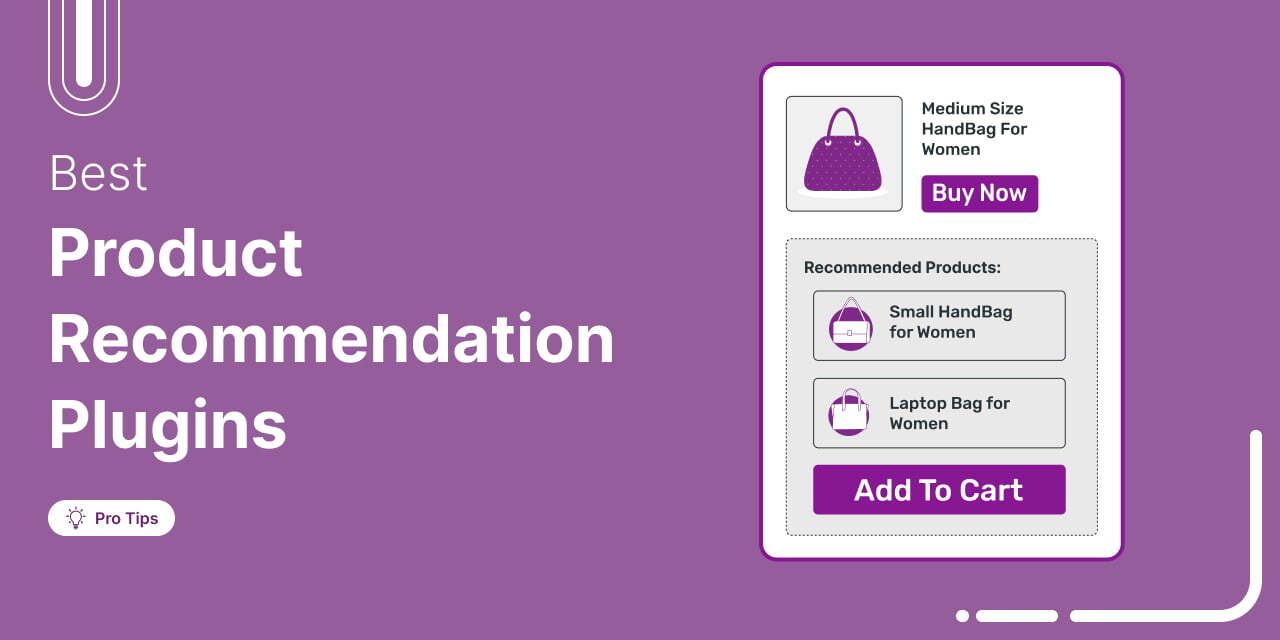
Many WooCommerce store owners are surprised when their high-quality products don’t translate into high sales. But success isn’t just about getting traffic. It’s about keeping shoppers engaged and guiding them toward the right products. That’s where smart product recommendations come in. If your store can automatically suggest products your customers actually want, it can boost sales and improve the shopping experience successfully. The good news? The right WooCommerce product recommendation plugin can do this for you. In this blog, we’ll share the top WooCommerce product recommendation plugins to help you boost conversions and grow your business. Get FunnelKit Now 🔥 Try Risk-free with 14 Days Money
- Editorial Team
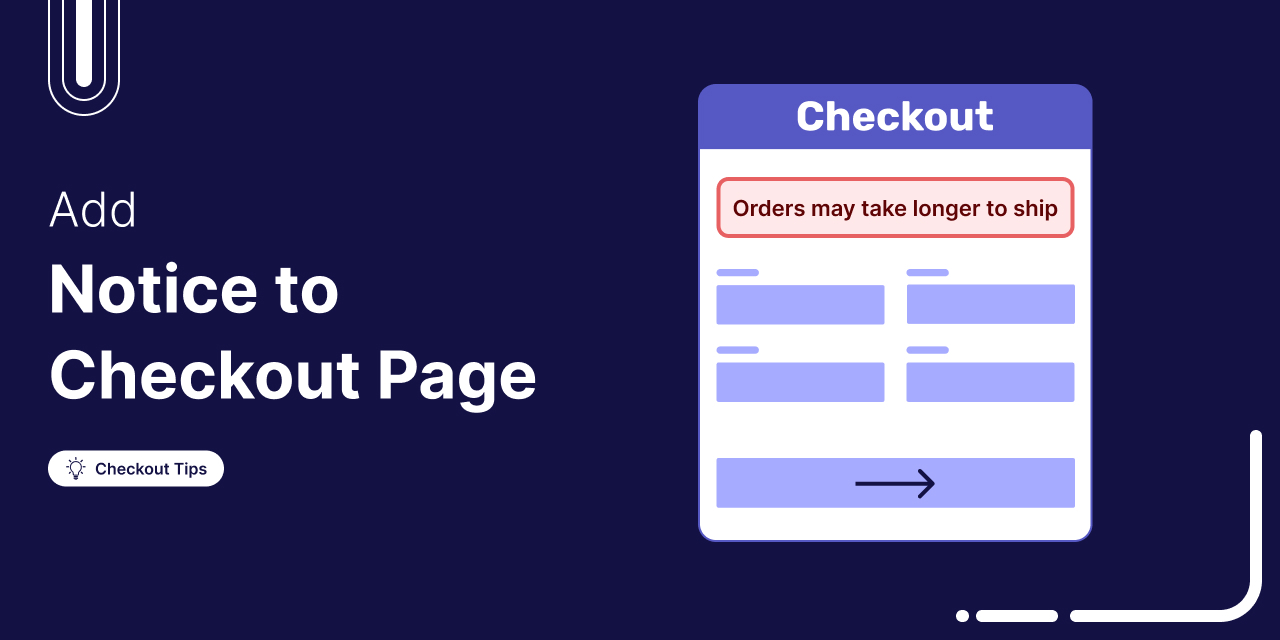
Tired of answering the same shipping questions over and over? Many WooCommerce store owners face this problem. Repeated inquiries about delivery times, shipping costs, and potential delays can take up a lot of time and disrupt the flow of business operations. Here’s the trick: A shipping notice on your checkout page can drastically reduce those repetitive questions. By adding a notice on the checkout page, you can provide your customers with clear delivery times and potential delays before they complete their order. You set proper expectations and eliminate confusion. In this blog, we'll show you how to add notices to your WooCommerce checkout page, keeping customers
- Editorial Team
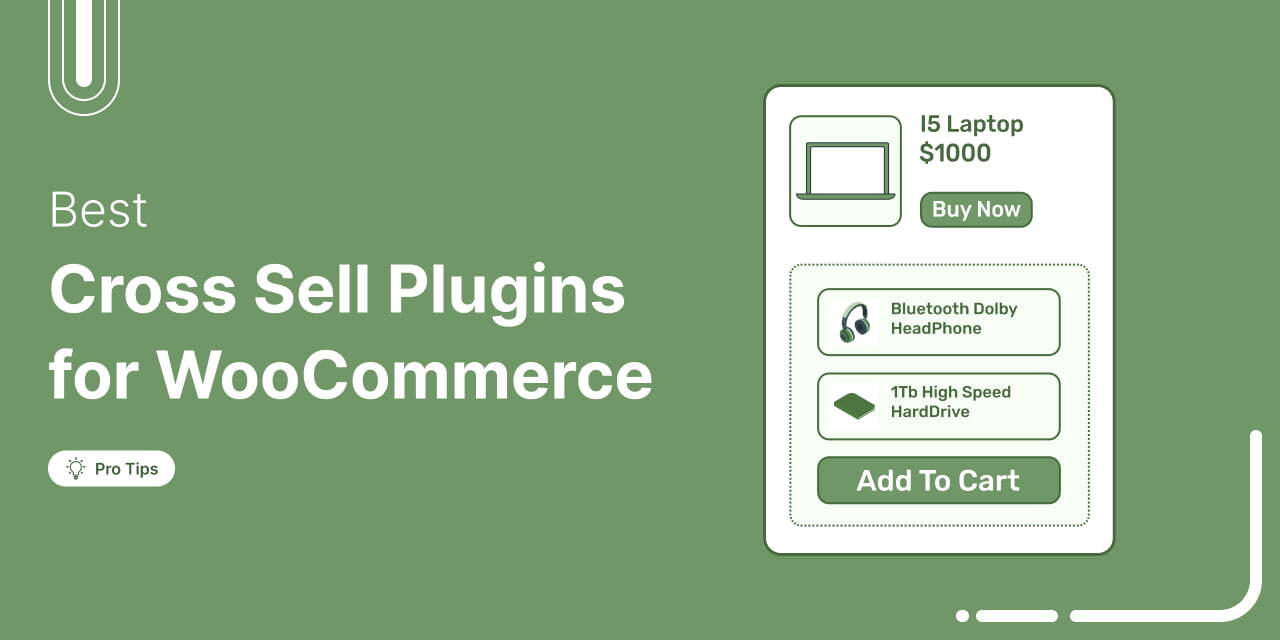
What if we told you that you're probably leaving money on the table every time someone buys from your online store? That’s the reality for many WooCommerce store owners who overlook the power of cross-selling. It’s not just about throwing products at your customers; it’s about offering the right product at the right moment, which is a highly powerful tactic to boost order value. Unfortunately, many store owners struggle with setting up cross-sells that actually drive conversions. In this post, we’ll show you how to find and use the best WooCommerce cross-sell plugin to skyrocket your sales without any extra hassle. Get FunnelKit Now 🔥 Try
- Editorial Team
Are you looking to create a custom Divi WooCommerce checkout page for your online store? The default WooCommerce checkout page looks plain and isn’t optimized enough to give users a smooth shopping experience. Though it provides essential features for customers to complete their purchases, it doesn’t offer the best experience. You can change that by replacing the default checkout page with the Divi WooCommerce checkout. Divi templates will give your checkout pages a clutter-free, chic look that allows your users to enjoy a frictionless shopping experience on your website. The best part is that you can create your custom WooCommerce checkout template with Divi just by
- Editorial Team
Want to boost your sales and make your products more affordable for customers? Offering WooCommerce payment plans can help. Studies show that 35% of shoppers are more likely to buy when they can pay in installments. [Splitit] High upfront costs often lead to abandoned carts. By offering payment plans, you can make your products more accessible and increase conversions. Setting this up in WooCommerce may seem tricky, but don’t worry! In this post, we’ll show you how to set up WooCommerce payment plans in simple, easy steps. What Are WooCommerce Payment Plans? WooCommerce payment plans let you offer different payment options for a single product or
- Editorial Team
Subscribe For Latest Updates
Get free tips, tricks, and resources to grow your mailing list.
Make More From Every Sale
FunnelKit works at the three moments a store earns money: before checkout, at checkout and after the order.
★★★★★
4.9/5 from 1,013+ reviews on WordPress.org
One order.
Three chances to earn more.
$100$120$140$150
Cart value+$20 before checkout+$20 at checkout+$10 after checkout+$50 · 50% more
$100+$20+$20+$10=$150
$100
$100
$100
+$20
$120
$100
+$20
+$20
$140
$100
+$20
+$20
+$10
$150
Cart ValueStarting Point
Bundles & Cart UpsellsBefore Checkout
Order Bumps & UpsellsAt Checkout
Recovery & Follow UpsAfter Checkout
Same traffic, same shopper, more revenue.