

Join Over 40,300+ Professionals
Who build smart funnels and automations with FunneKit

Frictionless Checkouts
Email & SMS Marketing
Attractive Order Bumps
Rich Contact Profile
One Click Upsells
Workflow and Integrations
In-depth Analytics
Segmented Broadcast
A/B Testing
Revenue Tracking
Robust Rule Engine
Sliding Cart
Get FunnelKit Now

FunnelKit Blog

Recent Blogs
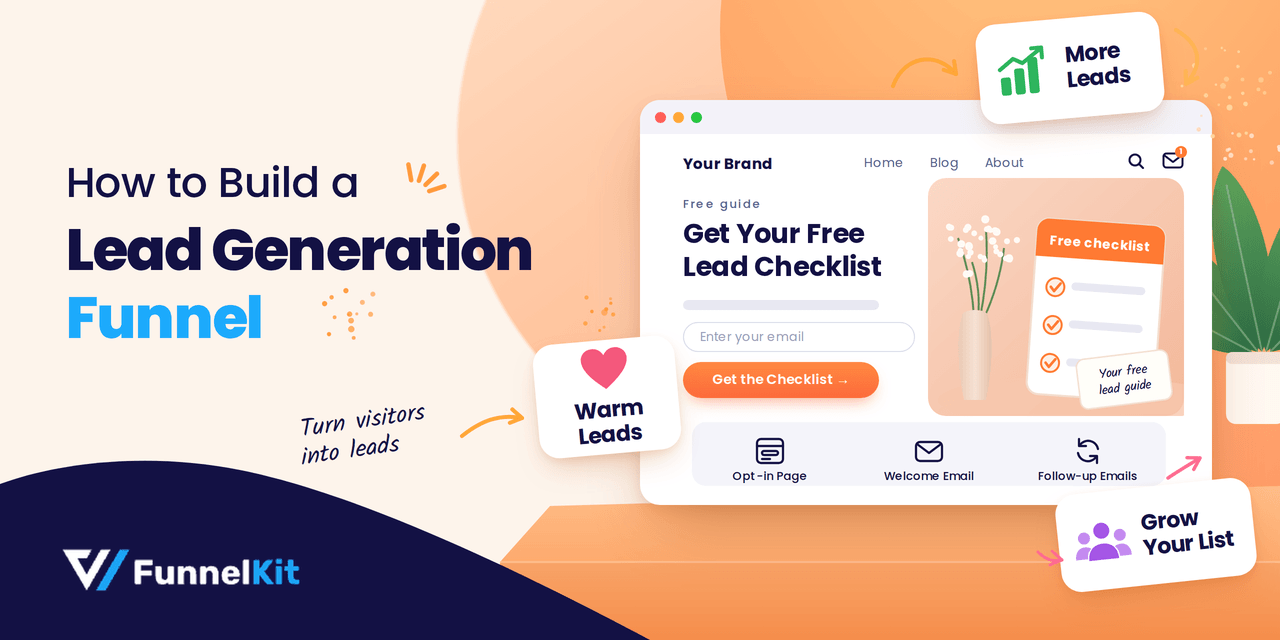
How to Build a Lead Generation Funnel: Stages, Steps and Examples
A lead generation funnel is the path a stranger takes from their first click to becoming a contact you can follow up with, and eventually, ideally, a customer. Most businesses have some version of this journey. Very few have it clearly mapped out. Buyers are also doing more of the early research on their own. In Gartner’s 2026 sales survey of 646 B2B buyers, 67% said they prefer a rep-free buying experience. A lead generation funnel helps businesses guide that research, capture interested prospects, and continue the conversation after they leave the website. In this guide, you’ll learn how the five funnel stages work, how to
Sep 21, 2026
Editorial Team
Join Over 40,300+
Subscribers to get free tips, tricks, and resources to grow your mailing list
Recent Blogs
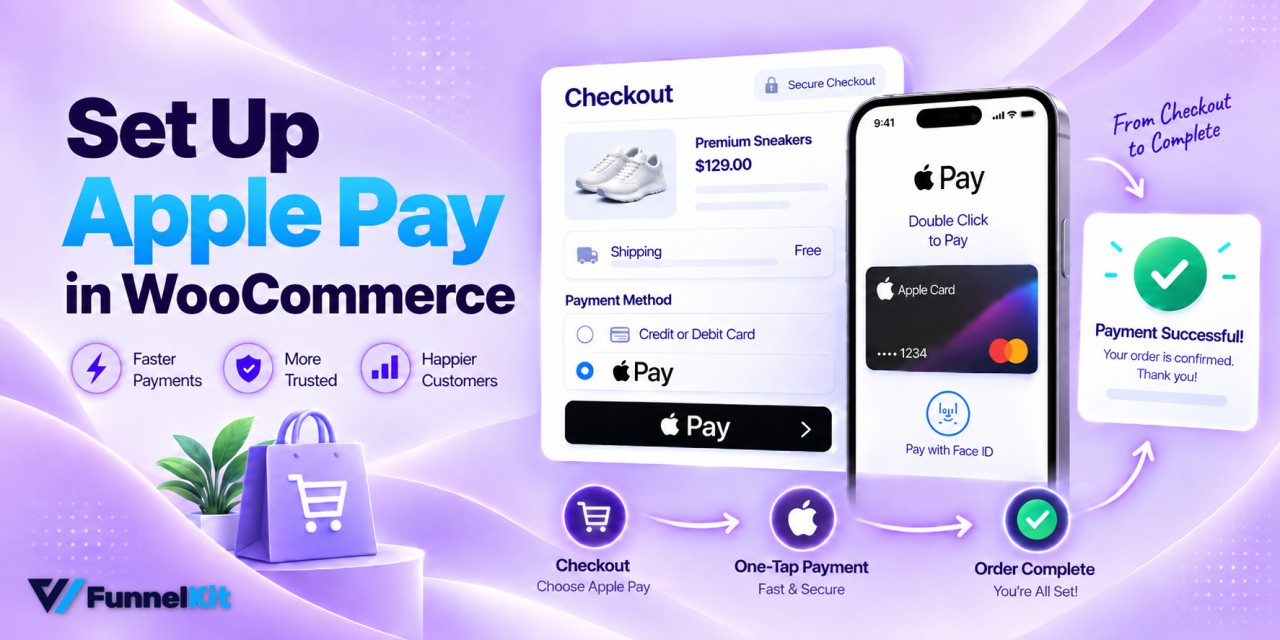
How to Set Up WooCommerce Apple Pay & Accept Online Payments
WooCommerce Apple Pay lets shoppers skip most of the checkout form. They tap Apple Pay, double-click the side button, and confirm the payment with a glance at the screen. Think about someone shopping on a crowded train, holding their phone in one hand and a rail with the other. Entering a card number and delivery address with one thumb is exactly the kind of friction that can kill an order. With Apple Pay, their card and shipping details come from Wallet, so they can complete the purchase before they reach the next stop. If you save just 10 of those orders each month on a store
Sep 21, 2026
Editorial Team
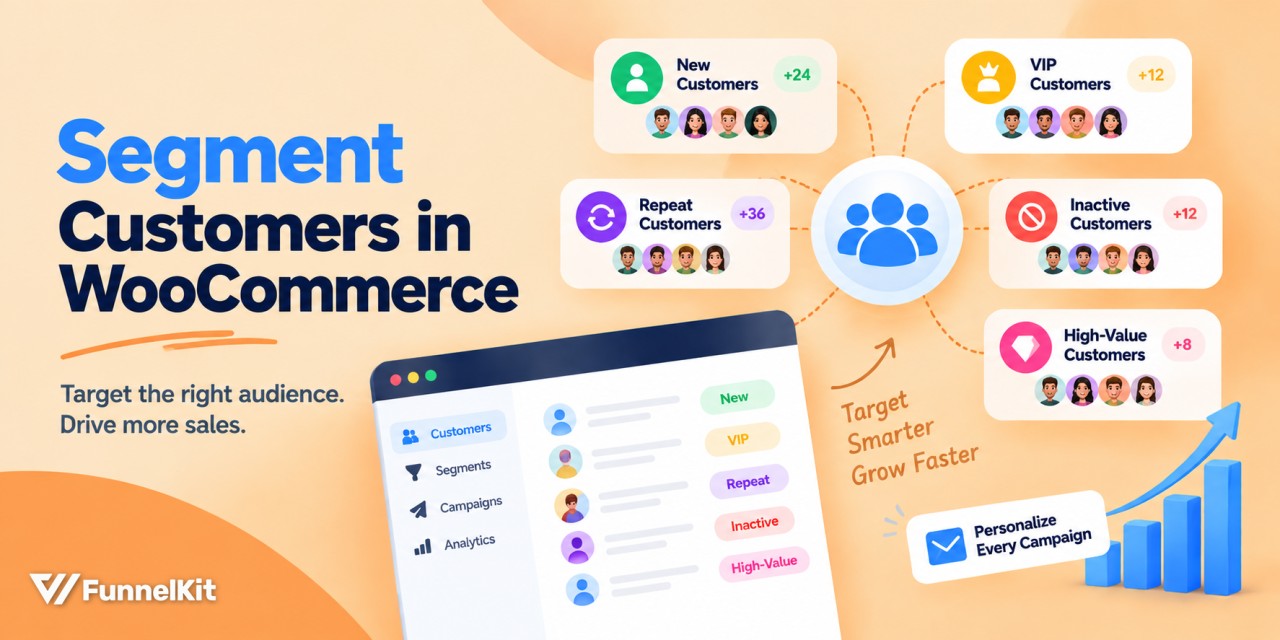
WooCommerce Customer Segmentation: Personalize Your Marketing with These Proven 7 Segments
WooCommerce customer segmentation is what separates stores that treat every subscriber the same from stores that actually make more from their list. Sending one broadcast to everyone means new customers, big spenders, and people who bought once and never came back all get the same email. Epsilon's research found 80% of consumers are more likely to buy from a brand that personalizes the experience, and segmentation is how that happens in practice. In this blog, you'll learn what customer segmentation is, seven segments worth building, how to set each one up in your WooCommerce store, and how to put one to work in a real broadcast
Sep 18, 2026
Editorial Team
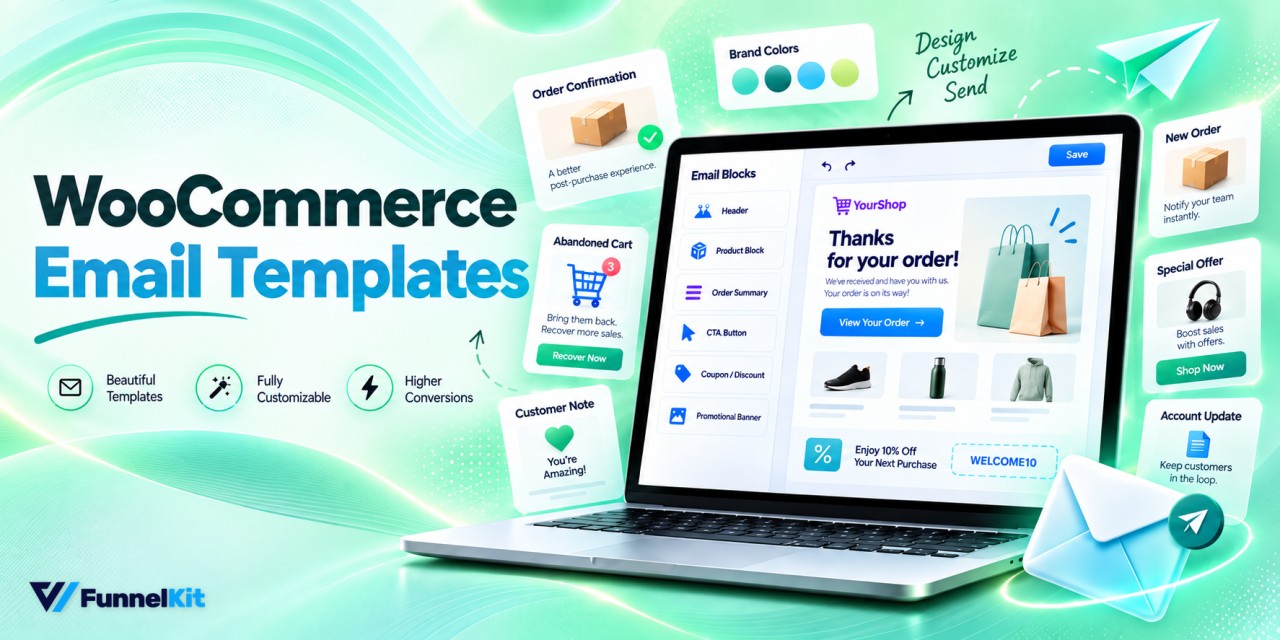
WooCommerce Email Templates: How to Design Beautiful Custom Emails
WooCommerce email templates are usually one of the last things a store owner thinks about styling, even though they're among the first things customers see after placing an order. Every notification uses the same header, footer, and stylesheet, so an order confirmation and a password reset can end up looking like the same grey document with different text. The order confirmation is a message customers are actively waiting for, so it's one of the most reliably opened emails a store sends. Yet on most stores we look at, it's also one of the first things nobody has bothered to customize. The default emails work, but they
Sep 18, 2026
Editorial Team
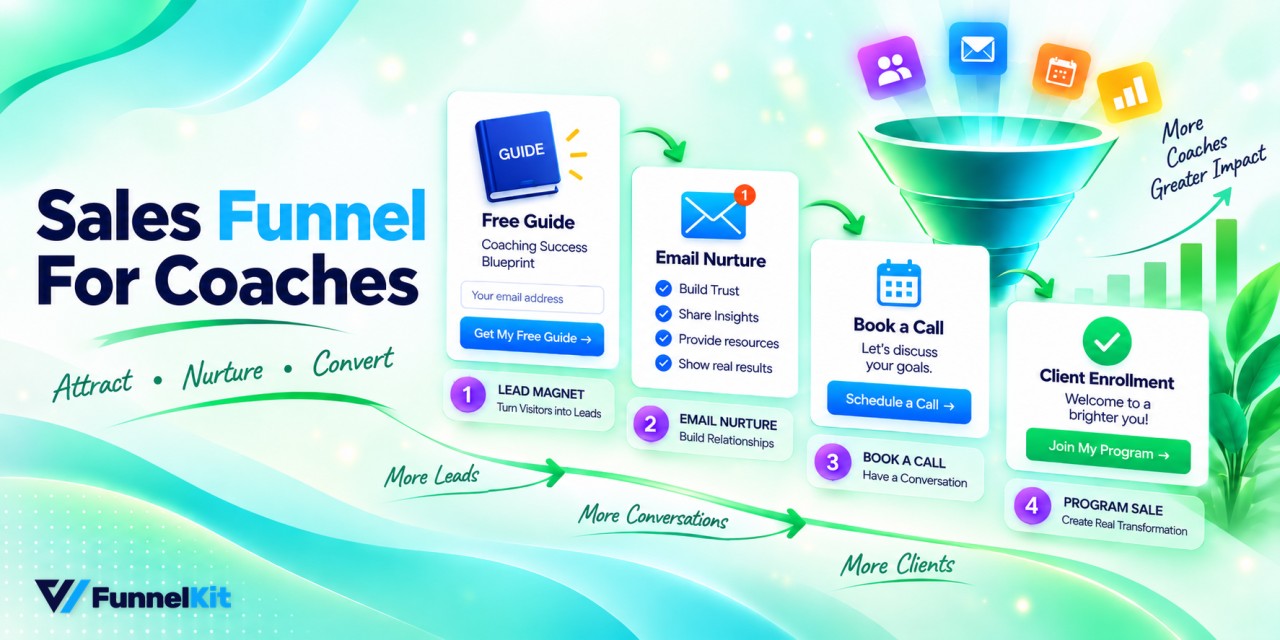
Sales Funnel for Coaches: The 6-Stage System That Books Qualified Calls on Autopilot
A sales funnel for coaches should do one thing well, i.e., book qualified calls, because many stop at collecting email addresses. A polished landing page and a free PDF can feel like progress. But if the people opting in can't afford your program or were never serious about buying, you haven't built a client acquisition system. You’ve just built another list. The real goal is to take someone from "I've never heard of you" to "I've booked a discovery call, and I'm ready to buy." A well-built funnel handles the qualifying, nurturing, and scheduling along the way, so the people who land on your calendar already
Sep 18, 2026
Editorial Team
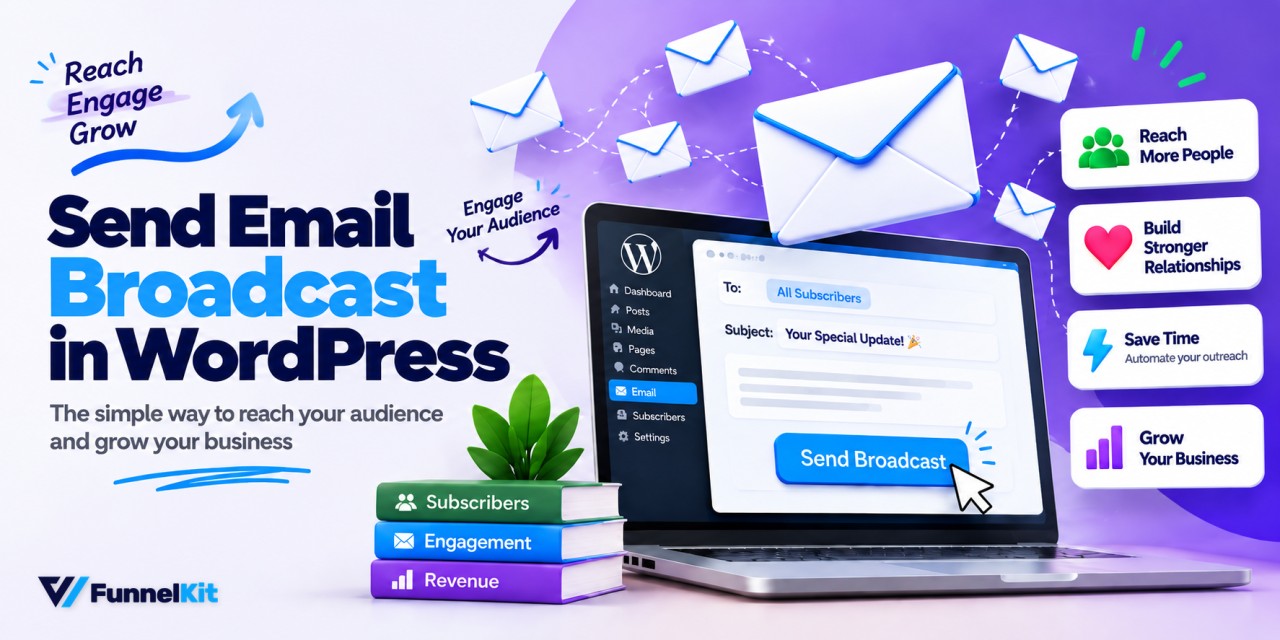
How to Send a Broadcast Email in WordPress (Step-by-Step)
Sending a broadcast email sounds simple until your first campaign ends up in spam. Think of a store manager picking up the PA mic and saying, "Attention shoppers, everything in aisle four is 20% off for the next hour". Everyone hears the same message at the same time, and suddenly there's a crowd in aisle four. A broadcast email works much the same way. You write one message and send it to your entire email list, or to a specific segment, at the same time. For example, send an early-access offer to 4,000 past customers. If 1.5% buy with an average order value of $85, that
Sep 17, 2026
Editorial Team
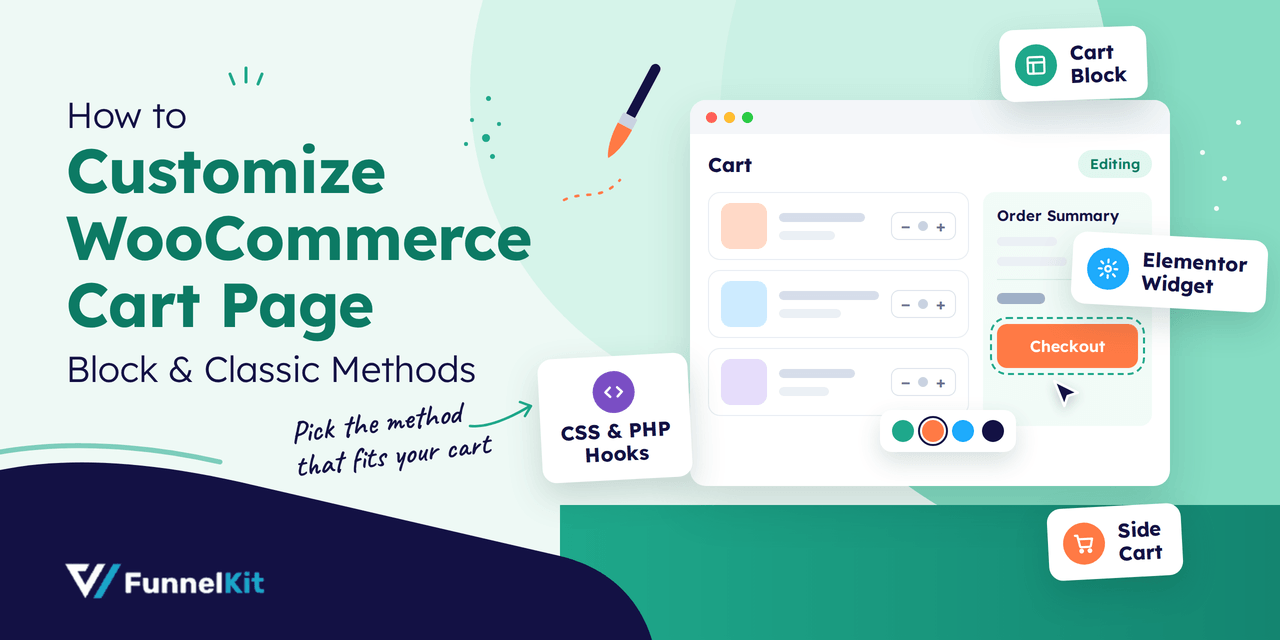
How to Customize the WooCommerce Cart Page (Block & Classic)
You can customize the WooCommerce cart page with the Cart block, a page builder like Elementor, or CSS and PHP snippets. Which method works for you depends on the cart your store runs: the Cart block or the classic [woocommerce_cart] shortcode. Each one takes different tools. That's why you can follow a cart tutorial step by step and still end up with a screen that looks nothing like the tutorial, and why plenty of store owners give up and keep the default design. That default deserves a second look. The cart page is the step right before checkout, so small changes there, like a clearer checkout
Sep 17, 2026
Editorial Team
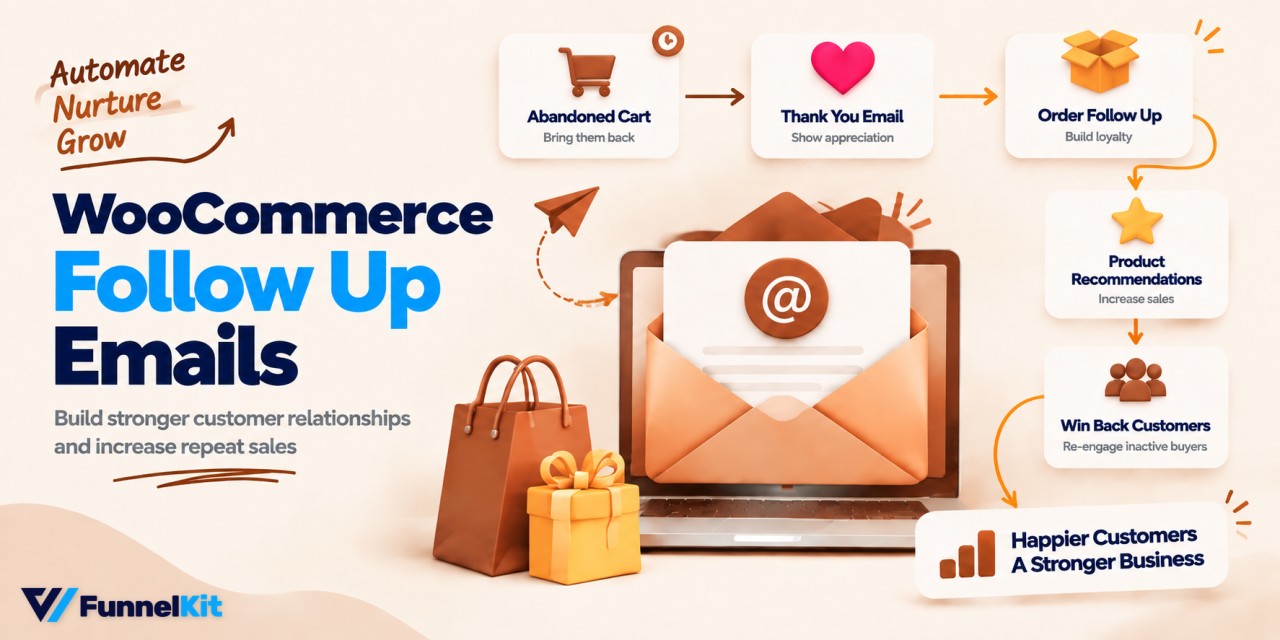
WooCommerce Follow-Up Emails: How to Set Them Up and Recover More Sales
WooCommerce follow-up emails work a lot like the little things a good coffee roaster does to bring you back. Say you buy a pour-over kit from your local roaster. The next time you walk in, the barista asks how it's going, points out the grind setting most people get wrong, and recommends a fresh bag that works well with your setup. You weren't planning to buy more coffee, but you leave with another $18 bag anyway. Without that conversation, the roaster makes $45. With it, they make $63 before your first bag even runs out. Keep that customer coming back for beans every month, and that
Sep 16, 2026
Editorial Team
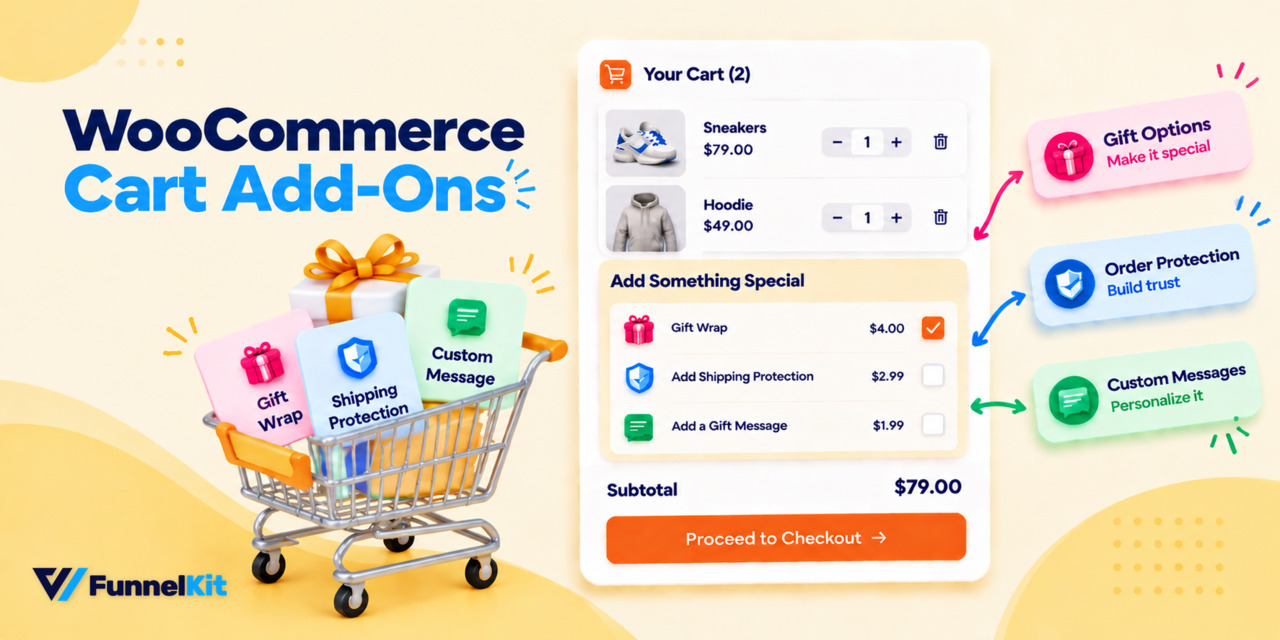
WooCommerce Cart Add-Ons: How to Optimize Your Shopping Cart to Boost AOV
Looking for an easy way to boost your store's average order value without pushing customers away? This is where WooCommerce cart add-ons help you in this competitive market. It helps you suggest relevant products, offer deals, and personalize the shopping experience right in the cart. With smart recommendations like cross-sells, upsells, and limited-time offers, you can effortlessly increase your average order value while keeping your customers happy. In this guide, we will break down the best WooCommerce cart add-ons and show you how they can help take your store to the next level. How do Default WooCommerce Cart Add-Ons Work? By default, WooCommerce offers basic cart
Sep 15, 2026
Editorial Team
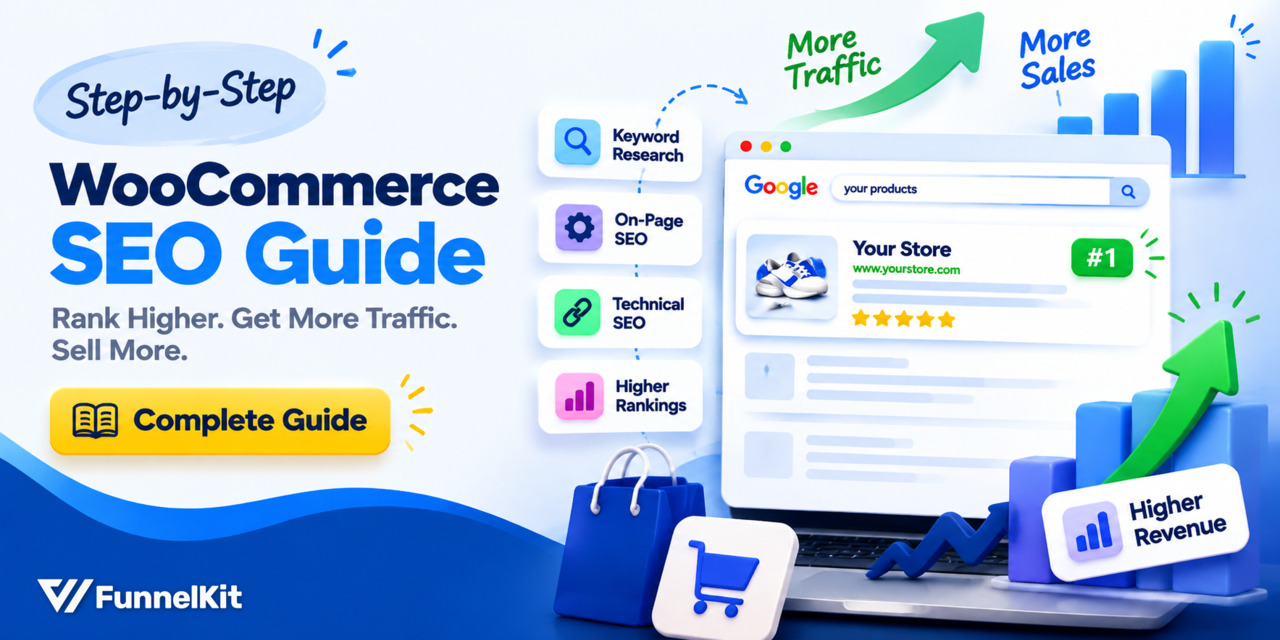
WooCommerce SEO: How to Get Your Products and Categories Ranking
WooCommerce SEO is how you get your products in front of people already looking for what you sell on Google. Skipping it will turn your store into something that looks a bit like a badly organized bookshop. Some shelf labels are missing, the stockroom door is wide open, and the same book somehow ends up on five different shelves. Shoppers have a hard time finding what they want, and Google has a harder time figuring out which pages matter. The value is easy to put into perspective. Say an ad click costs you $1.20. And a category page bringing in 1,500 organic visits a month is
Sep 15, 2026
Editorial Team
Ready to Transform Your Store?

Join 40,300+ successful store owners who trust FunnelKit to power their businesses.
Conversion Optimized Checkout Pages
Increase Revenue with Smart Upsells
Capture Emails & Recover Abandoned Carts
Automate Winbacks & Repeat Sales


1009+ 5 star reviews on WordPress.org