

Join Over 40,300+ Professionals
Who build smart funnels and automations with FunneKit

Frictionless Checkouts
Email & SMS Marketing
Attractive Order Bumps
Rich Contact Profile
One Click Upsells
Workflow and Integrations
In-depth Analytics
Segmented Broadcast
A/B Testing
Revenue Tracking
Robust Rule Engine
Sliding Cart
Get FunnelKit Now

FunnelKit Blog

Recent Blogs
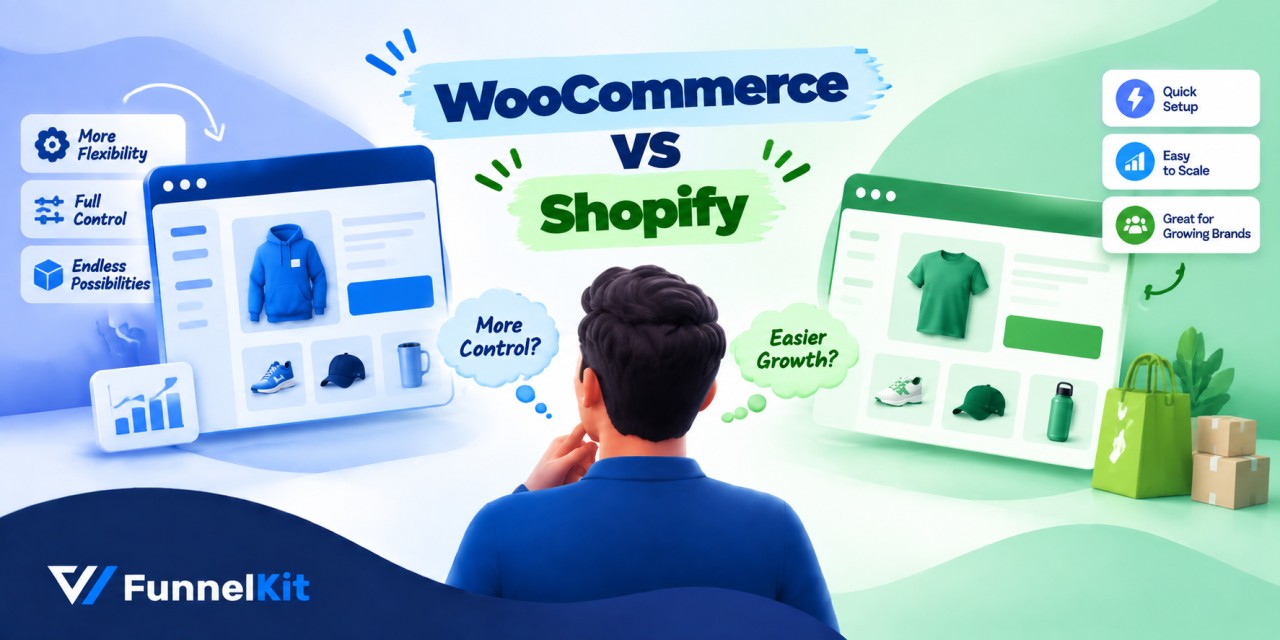
WooCommerce vs Shopify: Which eCommerce Platform Is Best for You
WooCommerce vs. Shopify usually comes down to two familiar arguments: WooCommerce costs less, while Shopify is easier to manage. Our numbers tell a slightly different story. At $20,000 a month in sales, the two platforms cost almost exactly the same. At $200,000 a month, Shopify can actually come out ahead on raw fees if you use Shopify Payments. So yes, there's a real cost advantage to running an open-source platform, but it's not as simple as comparing the monthly plan price. The bigger differences come from app subscriptions and payment gateway fees. In this guide, we compare WooCommerce and Shopify across twelve categories that can directly
Sep 9, 2026
Editorial Team
Join Over 40,300+
Subscribers to get free tips, tricks, and resources to grow your mailing list
Recent Blogs
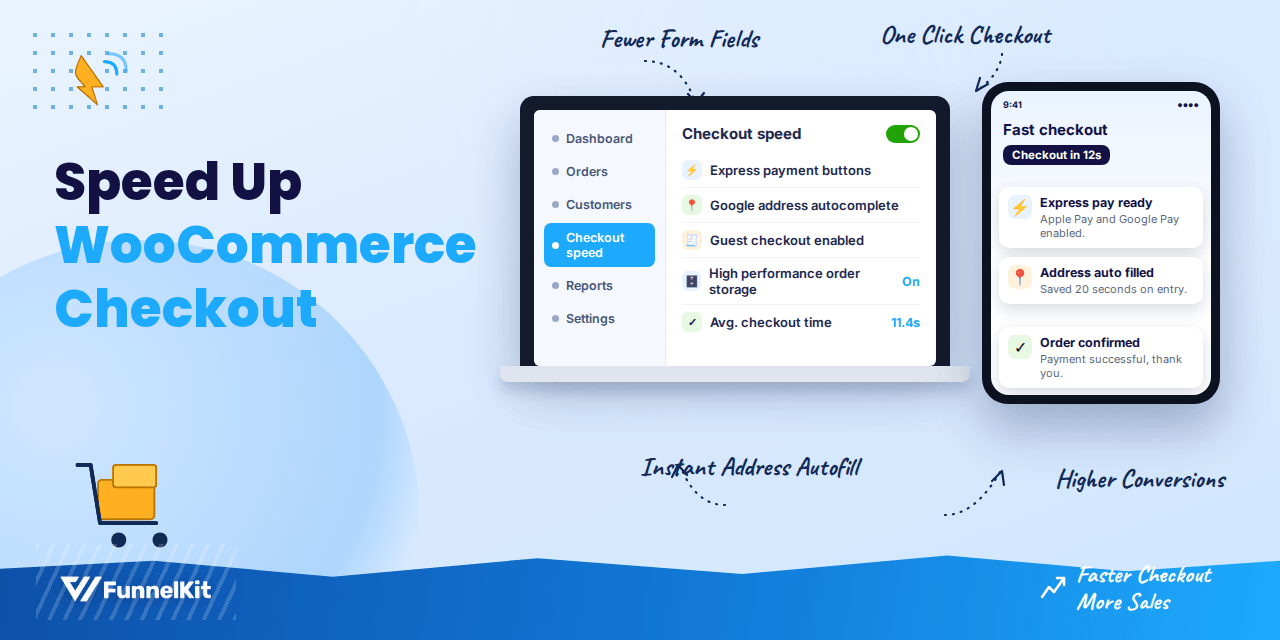
How to Speed Up WooCommerce Checkout: 12 Fixes That Actually Work
Speeding up your WooCommerce checkout starts with knowing where the delay actually lives. Is it your server, your scripts, your payment gateway, or the sheer number of fields on the form? Most stores never find out. They install a caching plugin, call it done, and wonder why the checkout still crawls. The problem is that WooCommerce checkout runs on a dynamic page. It calculates totals, taxes, and shipping in real time, talks to your payment gateway, and writes order data to the database, all while a customer is watching a spinner. A generic speed plugin that works wonders on your blog often does nothing for this
Sep 8, 2026
dipa.s
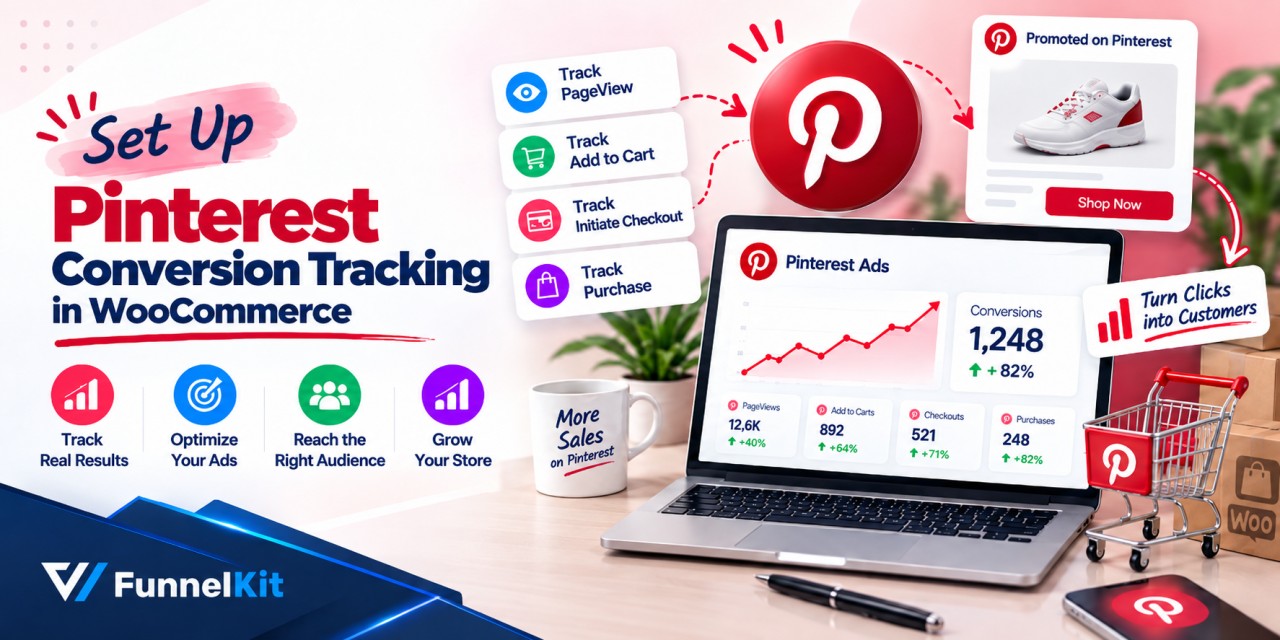
How to Set Up Pinterest Conversion Tracking in WooCommerce
Pinterest conversion tracking in WooCommerce tells you which pins actually turned into orders. But across many stores, it only catches about two-thirds of them. Think about two people trying to count the same crowd walking through a door. One is standing inside with a clicker. The other is watching from across the street through a window, but every few minutes, a delivery van blocks the view. Both are counting honestly. Only one has a clear view. That's basically what happens with the Pinterest tag. It tracks conversions from the shopper's browser, so things like ad blockers, payment redirects, and caching can get in the way. Your
Sep 8, 2026
Editorial Team
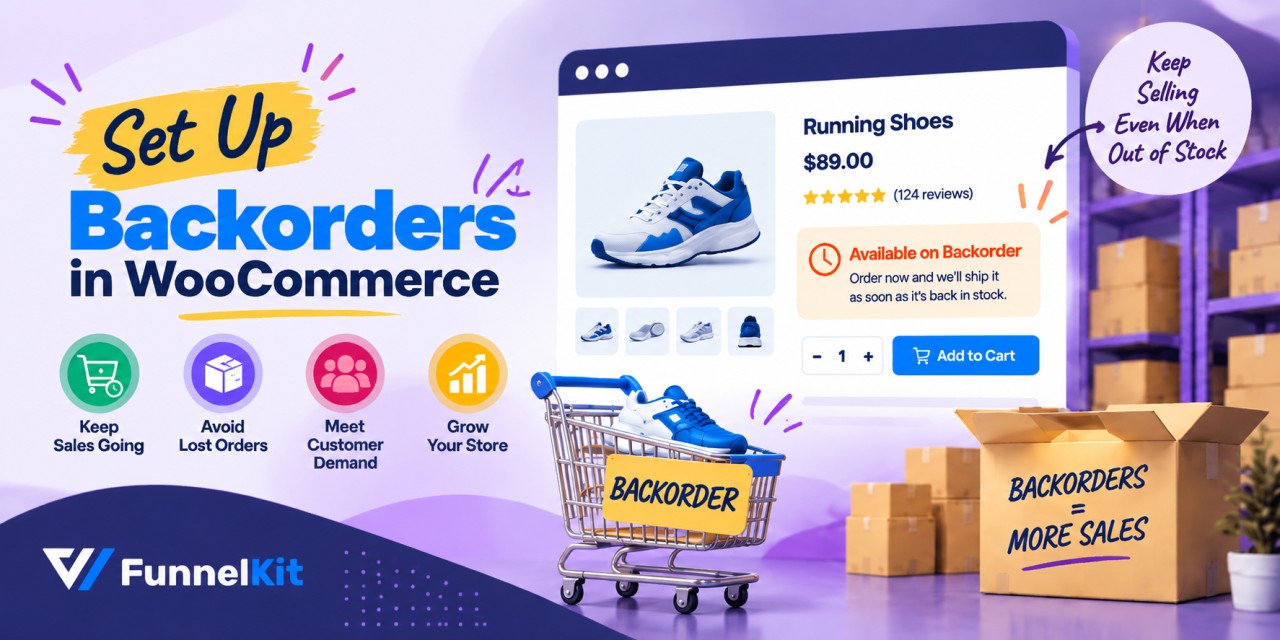
How to Set Up Backorders in WooCommerce to Keep Selling Out-of-Stock Products
Quick answer: A WooCommerce backorder lets a customer buy a product after its stock hits zero, with delivery once you restock. WooCommerce supports this natively in two ways. You can turn on Manage stock for a product and set 'Allow backorders?' to Allow or Allow, but notify customer. Or you can leave stock management off and set Stock status to On backorder. The first method tracks quantities; the second doesn't. Picture a bakery at four in the afternoon. The last sourdough sold out twenty minutes ago, but someone walks in asking for one. The baker can tell you either of the two things: “Sorry, we're sold
Sep 8, 2026
Editorial Team
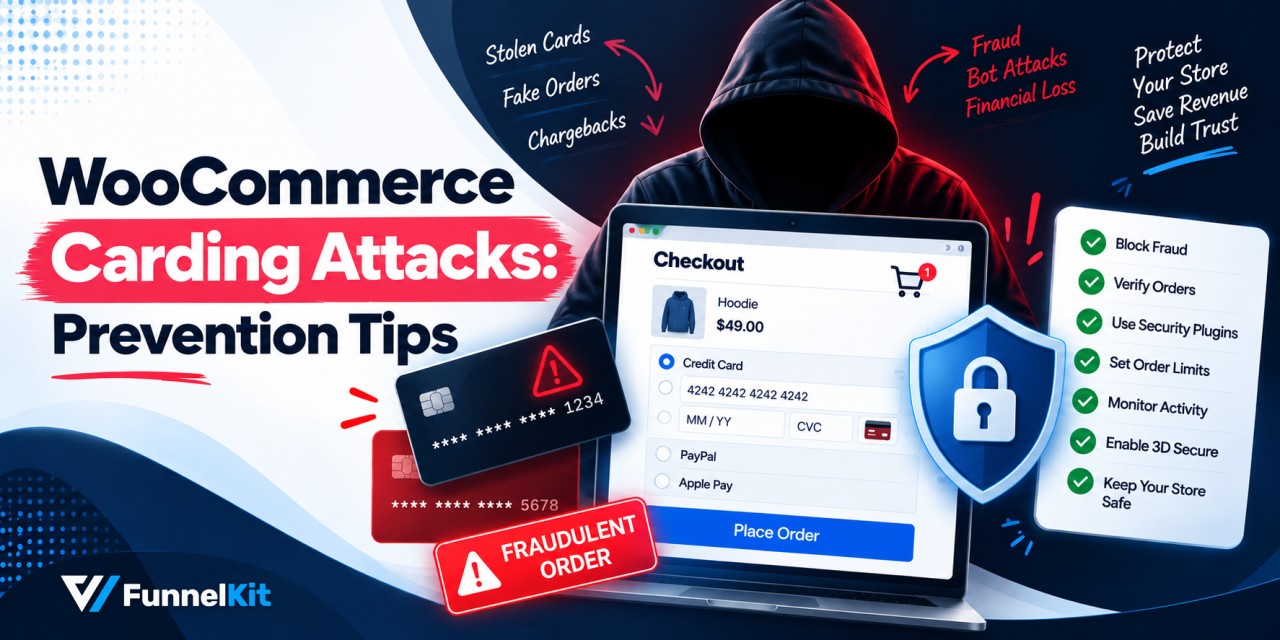
WooCommerce Carding Attacks: 7 Prevention Tips to Follow
Running a WooCommerce store means juggling a lot of moving parts. Security has to stay near the top of that list. WooCommerce's popularity cuts both ways though, since the same reach that draws customers also draws fraudsters. Carding attacks are one of the more common threats that comes with that territory. Here's how it works: bots test stolen credit card details by running small transactions through your store, just enough to see which cards still work. When it succeeds, you're the one left covering the transaction fees, fielding chargebacks, and cleaning up the reputational mess. In this guide, we’ll cover 7 effective ways to prevent WooCommerce
Sep 7, 2026
Editorial Team
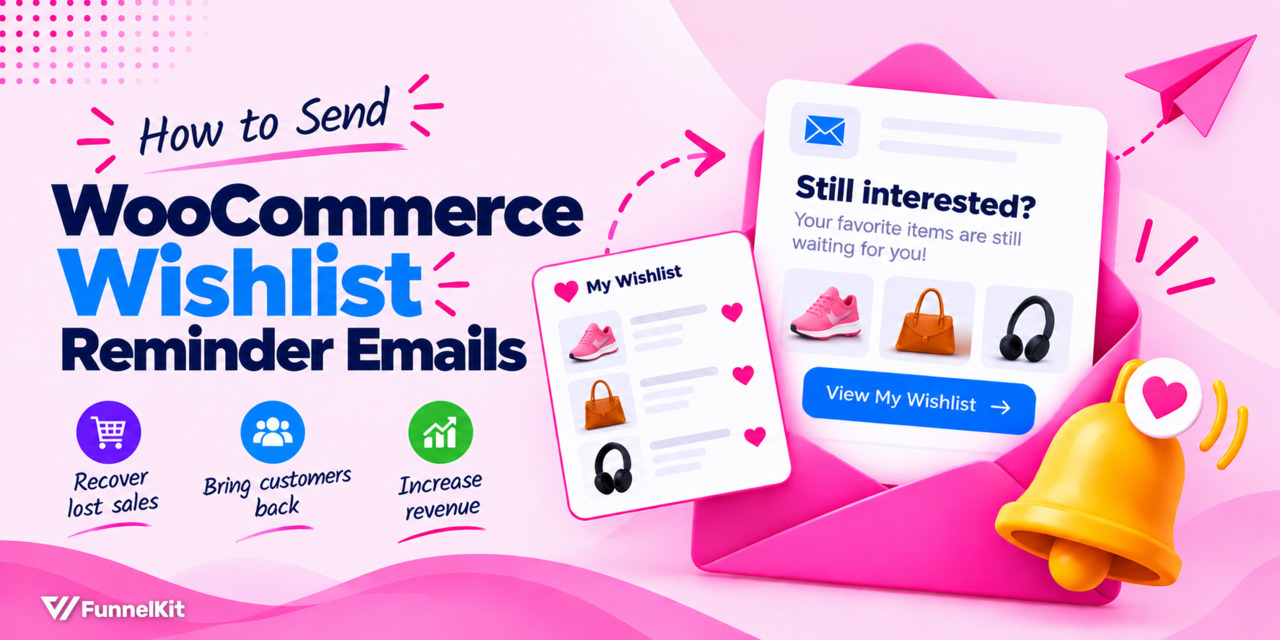
How to Send WooCommerce Wishlist Reminder Emails (Step-by-Step)
WooCommerce wishlist reminders are one of those things many stores set up once, collect the data for, and then completely forget about. Think about a shopper who lands on your store, finds a product they want, hesitates on the price, and hits the heart icon instead of Add to Cart. That little heart icon is actually a useful signal. You know what product they want, and there's a good chance they'll come back for it later. But in many stores, that's where the process ends. The product sits in their wishlist, untouched, while the same store might be sending multiple follow-up emails to shoppers who abandoned
Sep 7, 2026
Editorial Team
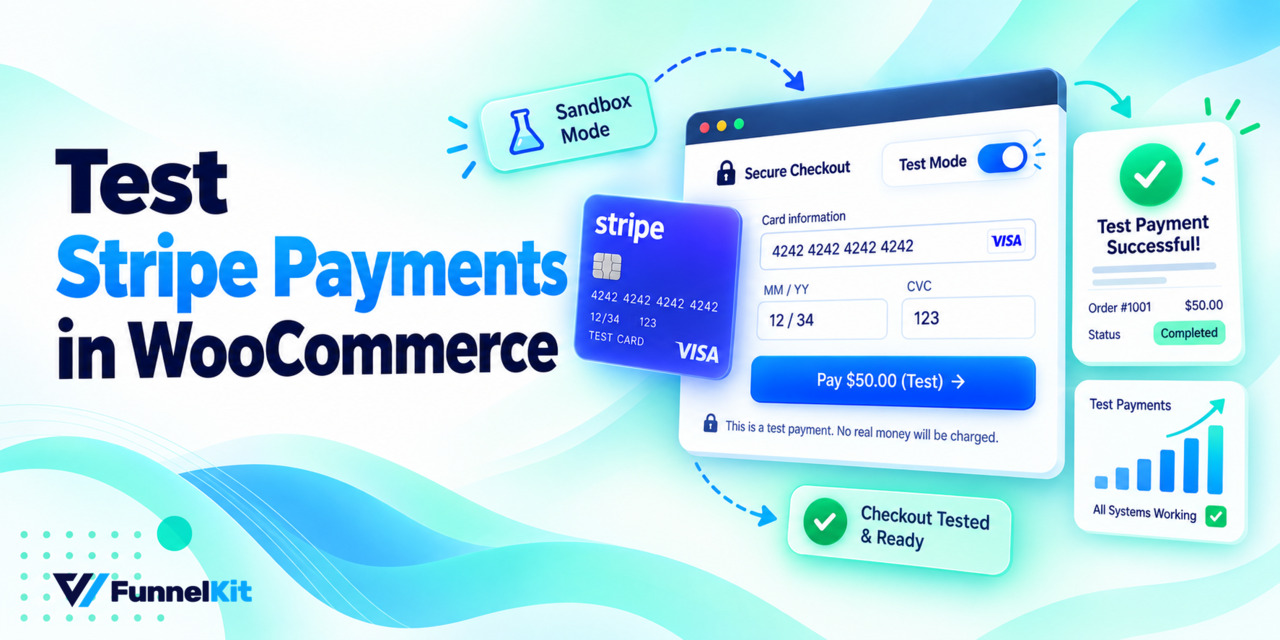
How to Test Stripe Payments in WooCommerce Before You Go Live
Testing Stripe payments in WooCommerce is quite simple. Turn on test mode in your Stripe plugin, add a product to your cart, and check out using the test card 4242 4242 4242 4242. Use any future expiry date and any three-digit CVC. Then check WooCommerce orders to make sure the order was created, and your Stripe dashboard under Payments to confirm the payment went through. That’s really all it takes and you can do it in about a minute. But it’s worth testing properly because a store can look completely fine while payments are actually broken. The products are there, checkout loads normally, and everything seems
Sep 7, 2026
Editorial Team
![Winback Campaign: What It Is and How to Build One in WooCommerce [2026]](https://funnelkit.com/wp-content/uploads/2026/09/woocommerce-winback-campaign-funnelkit.jpg)
Winback Campaign: What It Is and How to Build One in WooCommerce [2026]
A customer buys once, then disappears. No complaint, no unsubscribe click, just quiet. This silence costs more than most stores realize. Winning back someone who already knows your brand costs six to seven times less than convincing a total stranger [Source: Braze]. Most WooCommerce stores still don't do enough to retain customers, though. No trigger, no sequence, nothing waiting to catch these customers before they slip out the door for good. A winback campaign fixes that gap. It's a targeted message sequence, usually email, sometimes SMS or push, sent to customers who've gone quiet after a period of buying or engaging with your store. Get the
Sep 6, 2026
Editorial Team
WordPress SMTP: How to Fix Email Deliverability (2026 Guide)
Struggling with WordPress emails landing in spam or not reaching users at all? Password resets, order notifications, and customer updates are essential, but the default WordPress email system is not built for reliable delivery. This can harm your brand reputation, frustrate customers, and reduce sales. The solution is WordPress SMTP. Using a reliable SMTP plugin ensures your emails reach inboxes every time. In this guide, we will show the best SMTP service providers, top WordPress SMTP plugins, and a step-by-step setup to improve your email deliverability. What is SMTP? SMTP (Simple Mail Transfer Protocol) is the standard protocol for sending and receiving emails online. This mail
Sep 4, 2026
Editorial Team
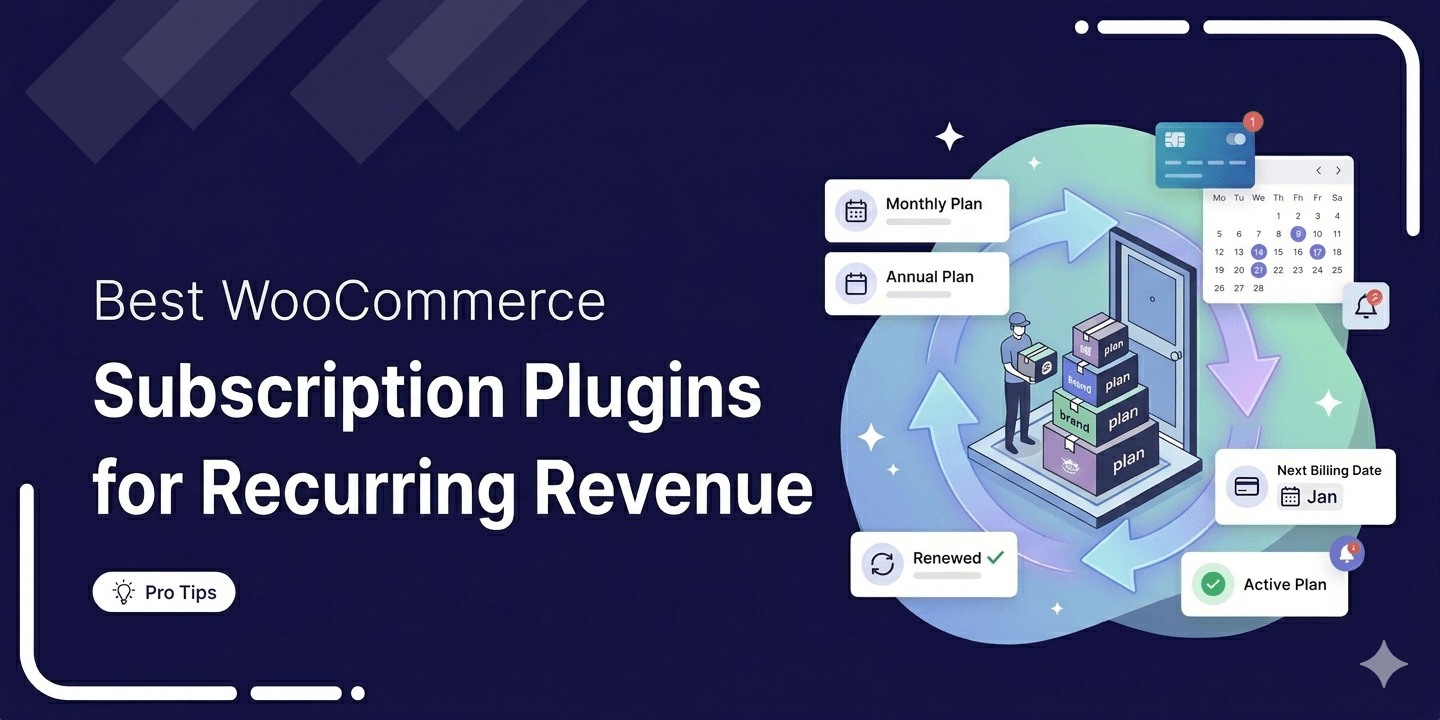
6 Best WooCommerce Subscription Plugins: Tested and Compared (2026)
The right WooCommerce subscription plugin turns one-time buyers into predictable recurring revenue. On the other hand, a wrong one breaks renewals, loses customers, and costs more than the license fee. According to Zuora’s Subscription Economy Index, the subscription economy has grown by over 300% in the last seven years. Unfortunately, WooCommerce doesn't natively support any of it. No recurring billing, no renewal management, no failed payment recovery. Every store running subscriptions needs a plugin to handle all three. We've watched the wrong choices play out across real stores. So we tested more than 20 options to find out which ones actually hold up. Six made the
Sep 3, 2026
Editorial Team
Ready to Transform Your Store?

Join 40,300+ successful store owners who trust FunnelKit to power their businesses.
Conversion Optimized Checkout Pages
Increase Revenue with Smart Upsells
Capture Emails & Recover Abandoned Carts
Automate Winbacks & Repeat Sales


1009+ 5 star reviews on WordPress.org