

Join Over 40,300+ Professionals
Who build smart funnels and automations with FunneKit

Frictionless Checkouts
Email & SMS Marketing
Attractive Order Bumps
Rich Contact Profile
One Click Upsells
Workflow and Integrations
In-depth Analytics
Segmented Broadcast
A/B Testing
Revenue Tracking
Robust Rule Engine
Sliding Cart
Get FunnelKit Now

FunnelKit Blog

Recent Blogs
How to Add Trust Badges to WooCommerce Checkout (Block & Classic)
Adding trust badges to your WooCommerce checkout can help remove the hesitation shoppers feel before entering their card details. That hesitation matters because 19% of shoppers abandon checkout because they don’t trust the site with their card details. [Source: Baymard Institute Research] With average checkout abandonment near 70%, even a small improvement can mean more completed orders. The problem is that adding a badge isn’t as straightforward as it sounds. WooCommerce has both classic and block-based checkout, and many snippets you’ll find online only work with the classic version. On the block checkout, they simply do nothing. This guide covers four ways to add trust badges
Sep 2, 2026
Editorial Team
Join Over 40,300+
Subscribers to get free tips, tricks, and resources to grow your mailing list
Recent Blogs
How to Set Up and Track WooCommerce Email Log
Ever had a customer claim they never got their order confirmation or shipping email? Ideally, you would double-check, but there’s no way to know if it was sent or why it didn’t reach the customer’s inbox. Without a proper WooCommerce email log, troubleshooting delivery issues is a guessing game. Plus, tracking email opens and clicks gives you valuable insights into your audience’s behavior. In this post, we’ll walk you through setting up WooCommerce email logs step by step so you can ensure your emails are delivered and have the data to back it up. Understanding WooCommerce Email Log Data WooCommerce email logs give you valuable insights
Sep 1, 2026
Editorial Team
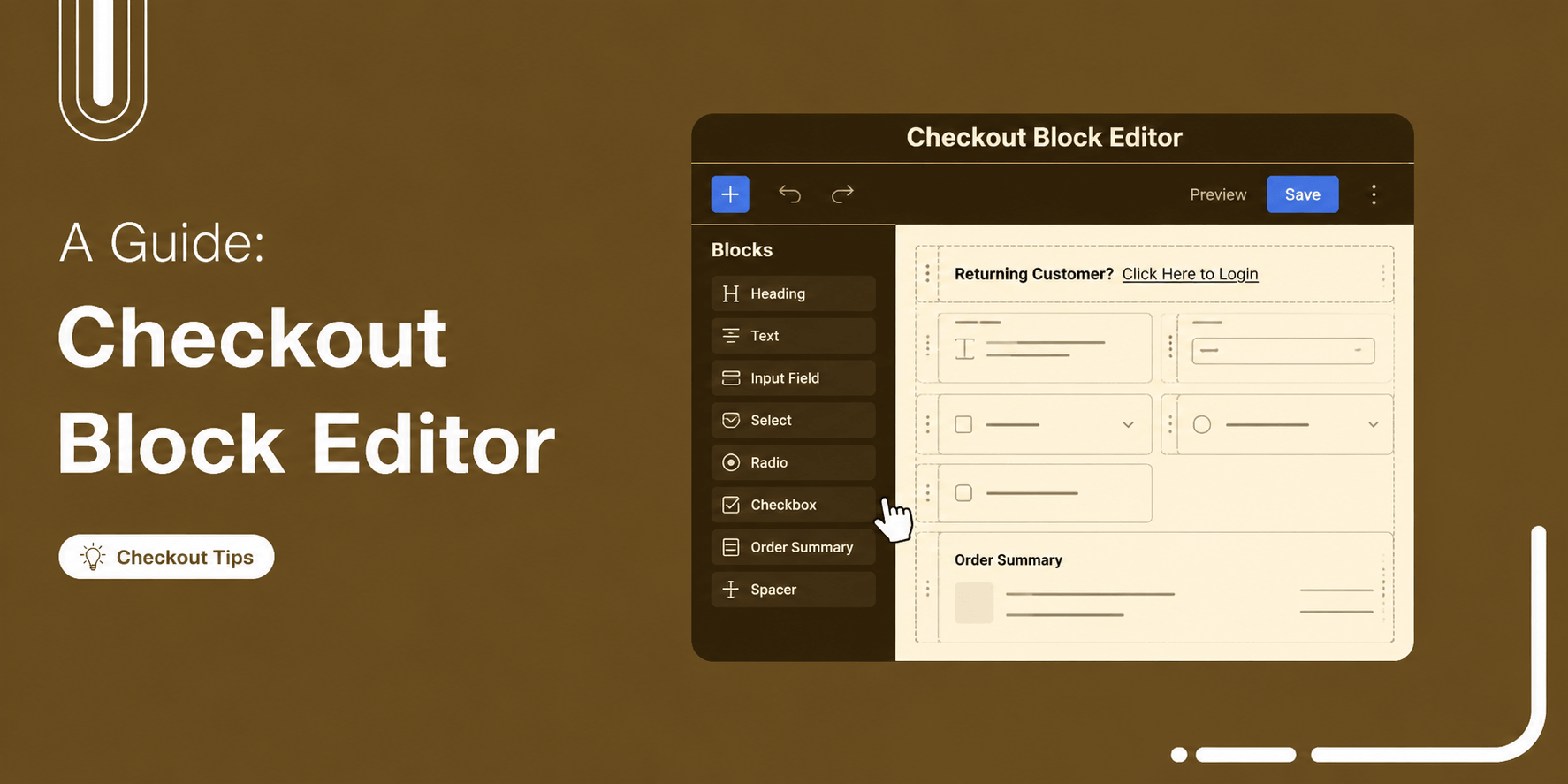
WooCommerce Checkout Block Editor: A Complete Guide
The WooCommerce checkout block editor lets you build and customize your checkout page using Gutenberg, WordPress's native block editor. It comes built into WooCommerce by default. But it’s more of a structured checkout editor than a full-blown checkout builder. You can rearrange sections, show or hide certain fields, edit text, and adjust built-in settings, but you don’t get unlimited control over every checkout field and element out of the box. That’s where the limitations start to show up. And if you’re using it for the first time, you might expect more customization than WooCommerce actually gives you. In this guide, we'll cover what the Block Editor
Aug 31, 2026
Editorial Team
How to Enhance WooCommerce Customer Login Experience on Checkout
Discover how to set up an enhanced customer login with smart login features to improve the checkout experience in WooCommerce. Want to create a seamless login experience on your WooCommerce checkout page? A smooth checkout process is crucial for boosting conversions, particularly among returning customers. The most effective way to achieve this is by setting up a streamlined login system. It should prompt returning users with a modal login form, allowing them to sign in without leaving the checkout page. If a customer forgets their password, they should be able to reset it easily and be automatically redirected back to checkout. In this guide, you’ll learn
Aug 31, 2026
Editorial Team
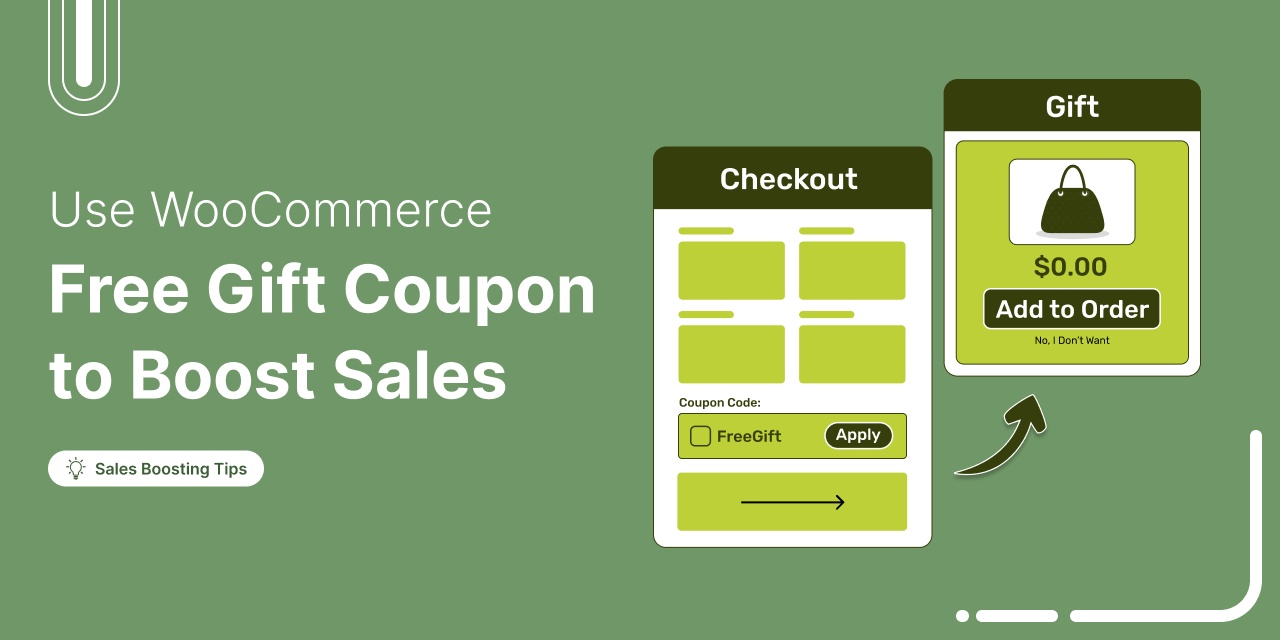
How to Use a WooCommerce Free Gift Coupon To Boost Sales
Struggling to boost your WooCommerce store’s sales and get customers to spend more? You’re not alone. Many store owners face the same challenge. According to research by Harris Interactive, 90% of shoppers said a free gift with a purchase is likely to make them loyal to the brand. While discounts can encourage purchases, they do not always build lasting loyalty. Free gift coupons offer a smarter approach. By giving customers a gift when they reach a spending threshold, you not only drive higher orders but also make shoppers feel appreciated, boosting both sales and long-term loyalty. In this blog, we will explore how WooCommerce free gift
Aug 31, 2026
Editorial Team
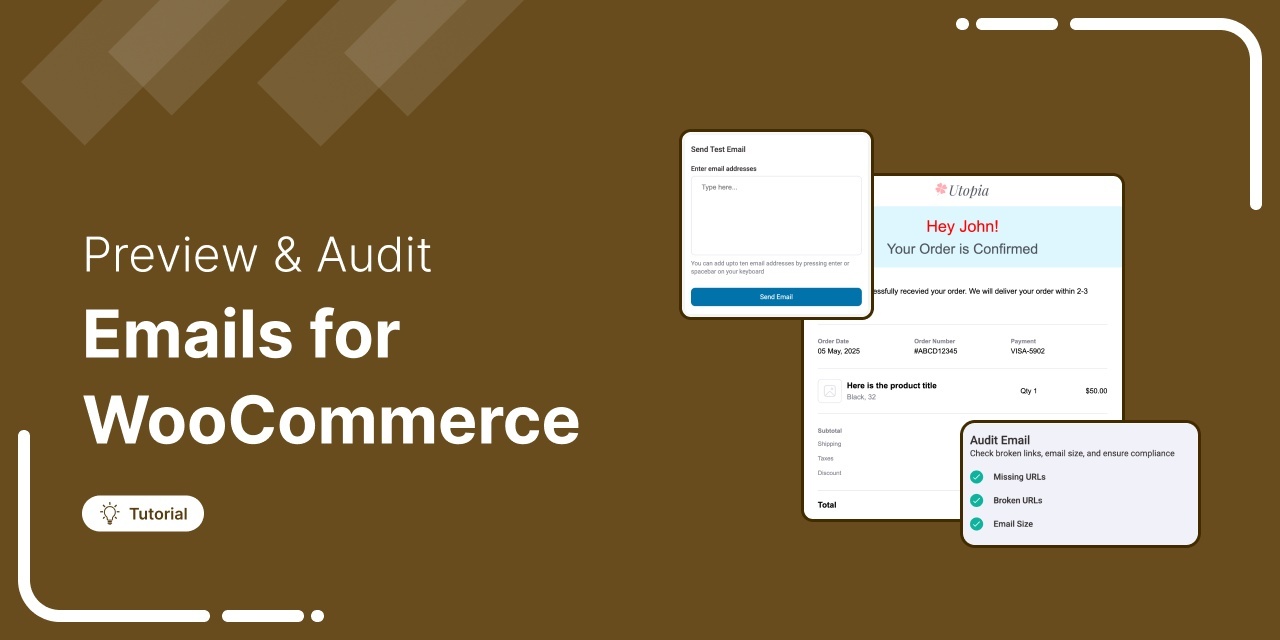
How to Test WooCommerce Emails: Step-by-Step Guide
Knowing how to test WooCommerce emails properly becomes important the moment a customer emails you asking, “Where’s my receipt?” You check the order and everything looks fine. The payment went through, the order is marked as processing, and there are no obvious errors. But the email never reached the customer. You only find out because they took the time to contact you. And if that email has been failing for days, the problem can quickly affect dozens or even hundreds of orders. Your customers may end up contacting your support, wondering whether their payment actually went through, or even opening a dispute. However, the good news
Aug 31, 2026
Editorial Team
How to Enable WooCommerce Google Pay and Accept Online One-Tap Payments (2026)
WooCommerce Google Pay can turn a 90-second checkout into a two-second tap. Think about paying for coffee with your phone. You pull out your phone, tap to pay, and you’re done in a couple of seconds. Now try buying that same bag of coffee from an online store. You enter your email, name, address, city, state, and ZIP code. Then you pull out your card and type in the number. It’s the same customer buying the same product. But one payment takes seconds, while the other can take a minute or more. That’s the problem Google Pay solves. With Google Pay, shoppers can tap a button,
Aug 27, 2026
Editorial Team
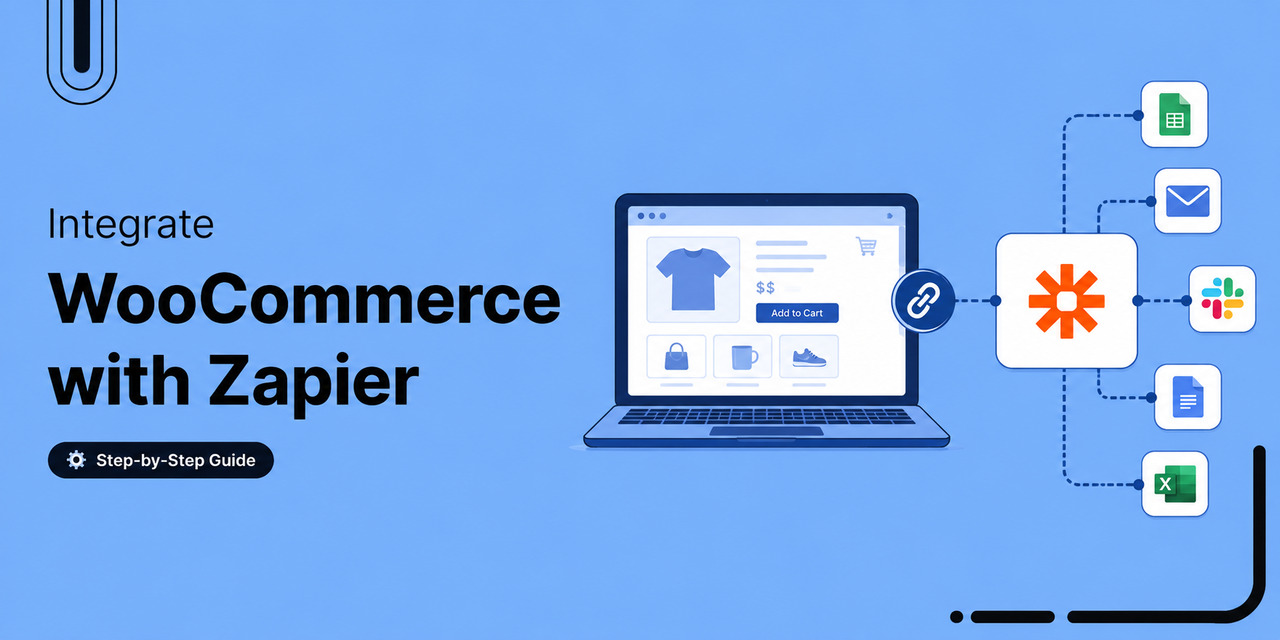
WooCommerce Zapier: How to Connect, Automate and Scale Your Store
WooCommerce Zapier is the difference between a $180 order sitting quietly in your dashboard at 11:40 p.m. and that same order showing up in your spreadsheet, CRM, and accounting software before you even wake up. Without an integration, someone on your team has to open WordPress the next morning, copy the order number, billing name, email, and total into a spreadsheet, paste the email into Mailchimp, and then enter the line items into QuickBooks. That takes about four minutes, give or take. Now do that 500 times a month. You’re looking at roughly 33 hours of repetitive copy-paste work. And every time someone types or pastes
Aug 27, 2026
Editorial Team
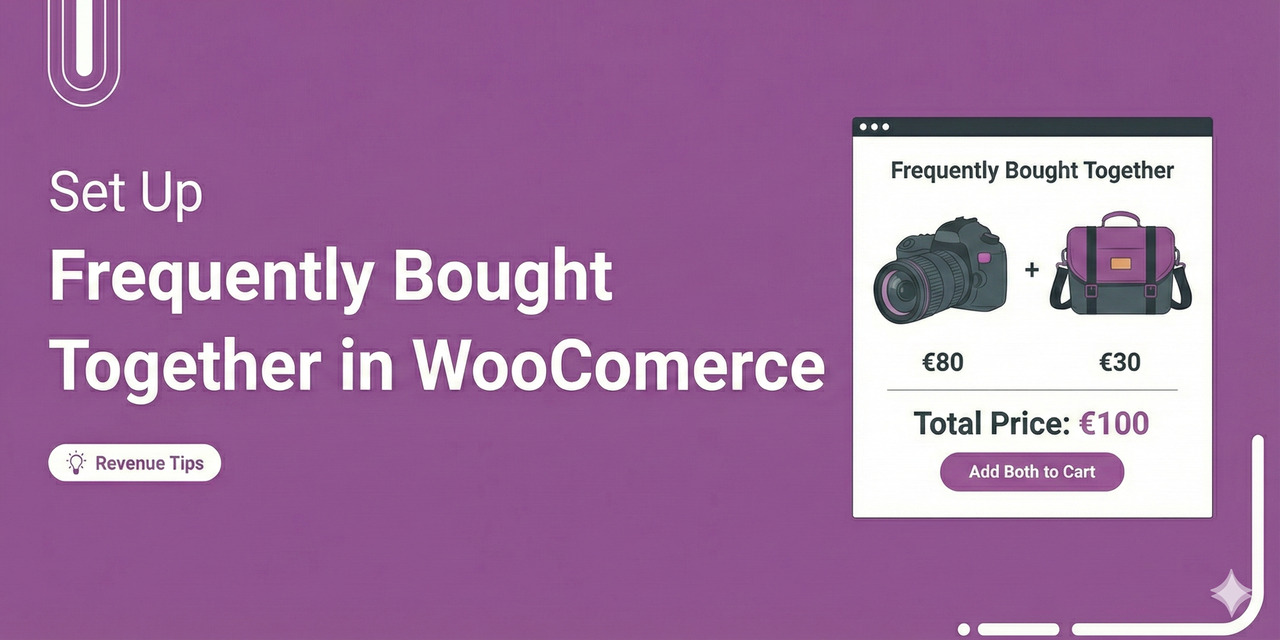
WooCommerce Frequently Bought Together: 4 Placements That Increase AOV
WooCommerce frequently bought together offers are one of the easiest ways to increase revenue on a product page. Think about the counter at a kitchen appliance store. Let's say someone buys an espresso machine, and the salesperson places a bag of beans, a descaling kit, and a milk frothing pitcher next to it. They’re not really selling the customer more stuff. They’re helping them get everything they need in one trip. That small recommendation can make a big difference. The espresso machine alone might be a $349 purchase. Add the three products the customer is likely to need in their first week, and suddenly you have
Aug 27, 2026
Editorial Team
How to Send WooCommerce SMS Notifications (Step-by-Step)
If you're solely focusing on email marketing and ignoring SMS notifications, you're leaving money on the table. A customer places an order, the confirmation email lands in an inbox next to fifty others, and three hours later they're messaging your support line asking where their order is. It doesn't stop there. A cart gets abandoned, the recovery email goes out, and it sits unread until the discount window closes. A local delivery shows up while nobody's home. The "your order is on its way" notice never got seen in time. None of that is a plugin problem. It's a channel problem. Email waits for someone to
Aug 26, 2026
Editorial Team
Ready to Transform Your Store?

Join 40,300+ successful store owners who trust FunnelKit to power their businesses.
Conversion Optimized Checkout Pages
Increase Revenue with Smart Upsells
Capture Emails & Recover Abandoned Carts
Automate Winbacks & Repeat Sales


1005+ 5 star reviews on WordPress.org