

Join Over 40,300+ Professionals
Who build smart funnels and automations with FunneKit

Frictionless Checkouts
Email & SMS Marketing
Attractive Order Bumps
Rich Contact Profile
One Click Upsells
Workflow and Integrations
In-depth Analytics
Segmented Broadcast
A/B Testing
Revenue Tracking
Robust Rule Engine
Sliding Cart
Get FunnelKit Now

FunnelKit Blog

Recent Blogs
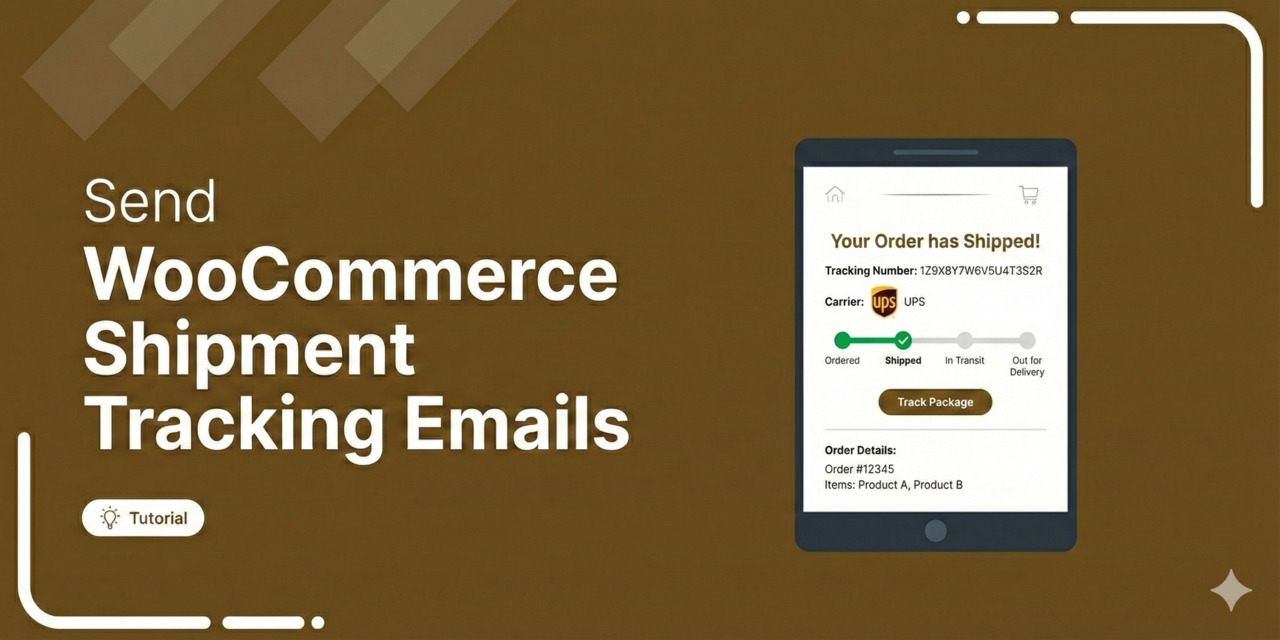
How to Send WooCommerce Shipment Tracking Emails That Build Trust (2026 Guide)
WooCommerce shipment tracking emails do not go out on their own, which catches most store owners by surprise. You print the label at nine in the morning and add the tracking number to the order at 9:02. By 2:00 that afternoon, the customer is emailing to ask whether their order has shipped yet. Nothing has actually broken here. WooCommerce saves the tracking number exactly where you put it, but it only passes that information to the customer when the order status changes and an email fires. If no status change happens, the tracking number sits in your dashboard, and the customer hears nothing at all. Below,
Aug 26, 2026
Editorial Team
Join Over 40,300+
Subscribers to get free tips, tricks, and resources to grow your mailing list
Recent Blogs
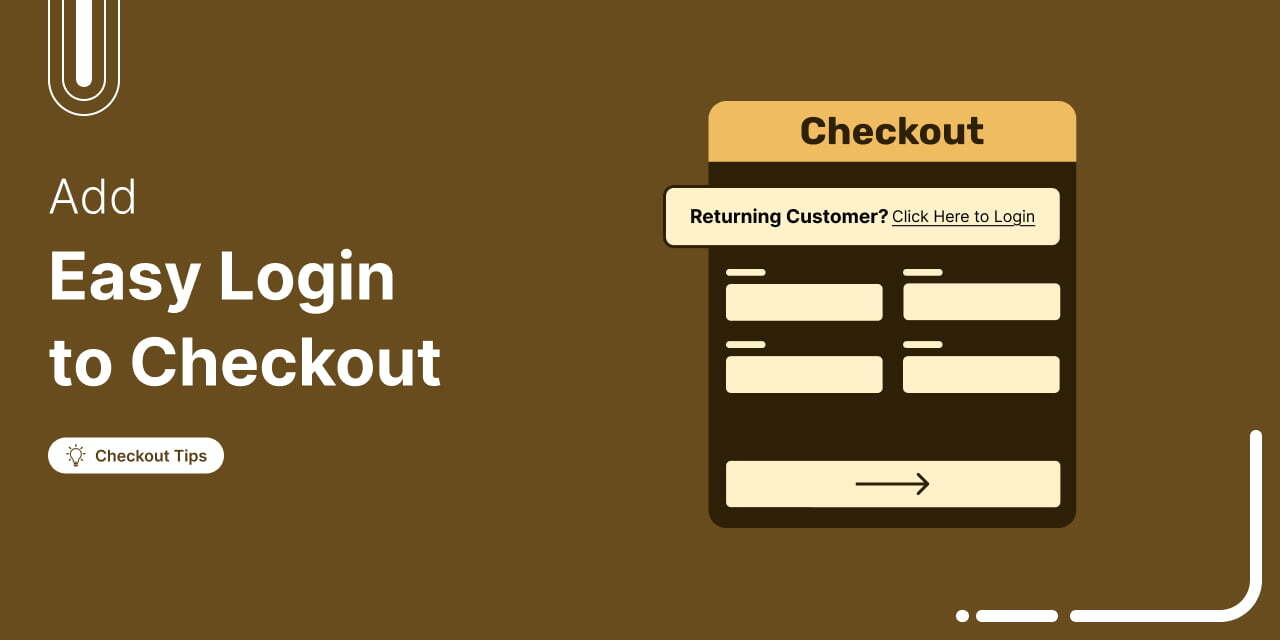
How to Add Easy Login to WooCommerce Checkout for a Smooth Customer Experience
Ever wondered why so many customers abandon their carts without completing the purchase? Studies show that 18% of online shoppers leave orders midway due to a complicated checkout process. [Source: Baymard Institute] As WooCommerce experts with years of experience helping online stores optimize checkout flows, we’ve seen firsthand how a small but powerful change can dramatically reduce cart abandonment and boost conversions. The solution? Adding an easy login popup or an inline login form to your WooCommerce checkout. In this step-by-step guide, we’ll show you: Comparison of Default vs Easy Login in WooCommerce Step-by-step process to add an easy login to the WooCommerce checkout page 7
Aug 25, 2026
Editorial Team

WooCommerce Thank You Page: 3 Ways to Customize It
The WooCommerce thank you page is like a cashier who hands over a receipt, then looks past you at the next person in line. It confirms the transaction and ends the conversation. However, a good counter works differently. The person at the register tells you when the order will arrive, mentions the item that pairs with it, and gives you a reason to come back next month. Your WooCommerce store should do the same. The default order confirmation screen covers the receipt part. It confirms the purchase and shows the order details, but it doesn't know what your customer needs after buying. Most store owners hit
Aug 25, 2026
Editorial Team
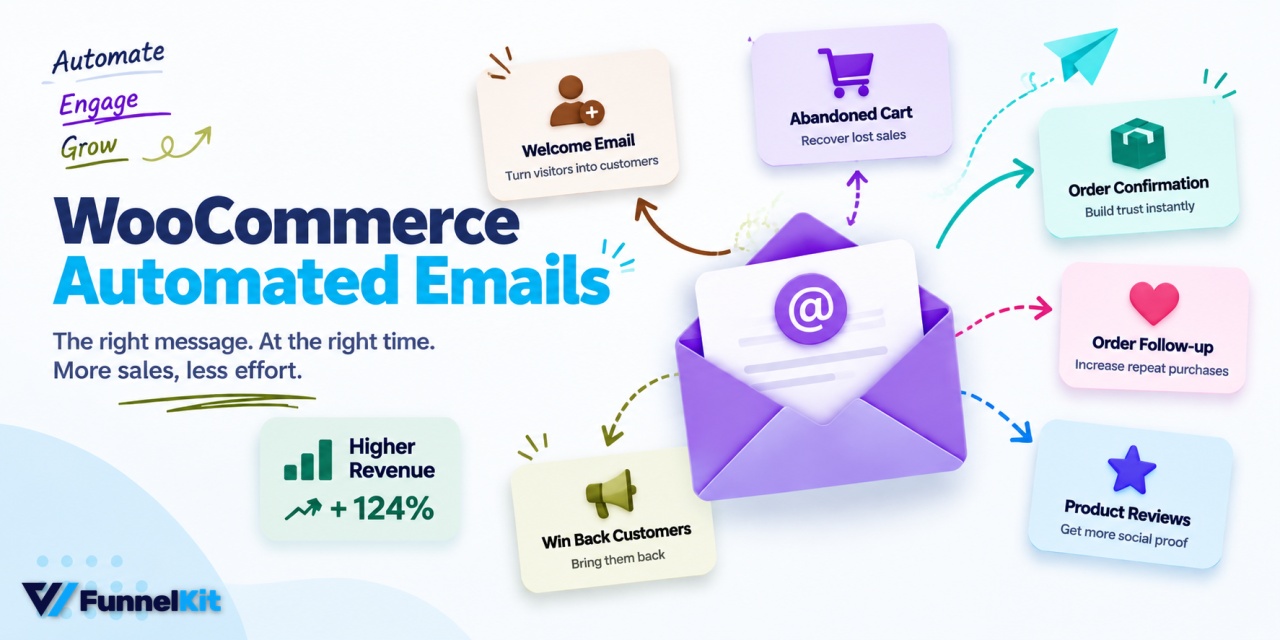
WooCommerce Automated Emails: How to Set Up the Flows That Make Money
WooCommerce automated emails handle the basics with order confirmations, shipping updates, password resets, and a few others. The platform includes 11 of them, and they're all transactional. Something happens in the store, and WooCommerce sends an email. But what happens when someone gets all the way to payment, gets distracted by a phone call, and never comes back? Nothing. Say you run a coffee store. Someone adds a $42 bag of single-origin beans and a $16 filter set to their cart. They're at $58, they've already shown buying intent, and then they disappear. WooCommerce doesn't have a built-in email waiting to bring them back. That's the
Aug 25, 2026
Editorial Team
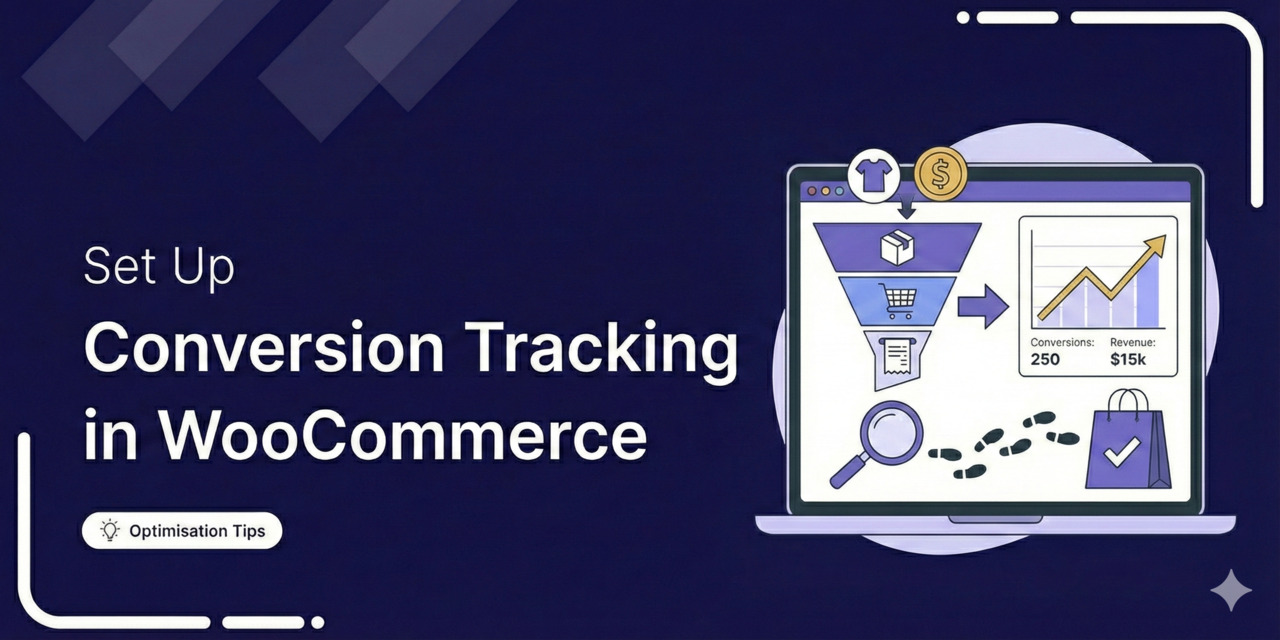
WooCommerce Conversion Tracking: 6 Methods Tested
WooCommerce conversion tracking sends purchase and checkout events, carrying order value, currency and a transaction ID, from your store to GA4 and your ad platforms. There are six commonly used methods, i.e., the built-in Google integration, GA4 events, Google Ads conversions, Meta's Conversions API, Google Tag Manager, and all-in-one pixel plugins. Most guides on this subject pick one tool and walk you through its settings. That's the wrong shape for the decision you're actually making. Nobody arrives here wondering how to click through a plugin. They arrive because their store says 40 orders, Google Ads says 27, Meta says 61, and this week's budget gets allocated
Aug 24, 2026
Editorial Team
WooCommerce First Order Discount: How to Set It Up for New Customers Only
WooCommerce cannot restrict a coupon to first-time buyers on its own. To run a real first purchase discount, something has to check the shopper’s order history before the discount applies. That means a rule-based discount plugin, a snippet in your theme, or a one-time coupon generated for each new subscriber. WooCommerce first order discounts are supposed to reach people who have never bought from you. Launch WELCOME10, pull the coupon report two weeks later, and you will usually find your regulars in it. The discount will work, but it just discounts the wrong people. We see this constantly, and it happens because WooCommerce has no first-order
Aug 21, 2026
Editorial Team
How to Send Custom WooCommerce New Order Emails
So, your WooCommerce store just made a sale… but did you receive the order email? Missed or delayed new order notifications are a common problem in WooCommerce, leaving store owners unsure about order updates. The good news? Fixing it is easier than you think. In this article, we'll walk you through setting up automated WooCommerce new order email notifications using default settings. We’ll also cover how to customize your email design for a more professional touch without any custom CSS coding. Want to grow your WooCommerce business? Click on the link below to explore an exclusive offer! Why Are Sending New Order Email Notifications in WooCommerce
Aug 20, 2026
Editorial Team
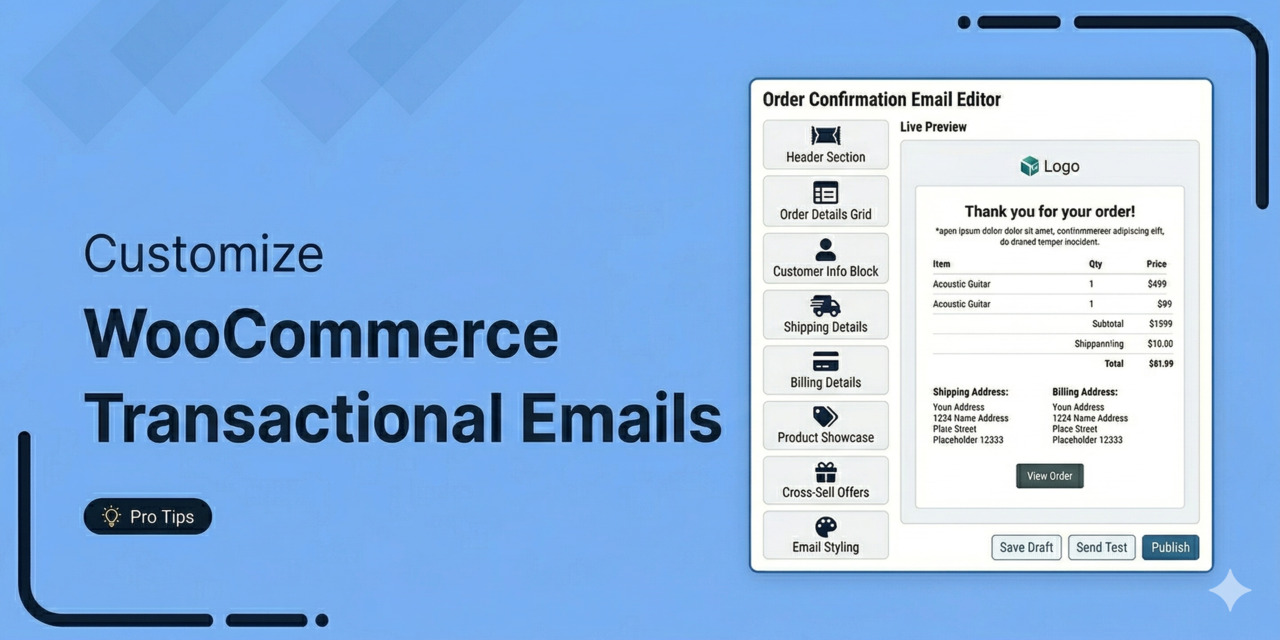
WooCommerce Transactional Emails: 3 Ways to Customize Them
WooCommerce transactional emails are the most-read messages your store will ever send. Most stores leave them on the default template and never look again. Buy a coffee at almost any chain and you get a receipt. Most people glance at it and bin it. Some chains even print a coupon on the back. 20% off your next visit, valid for a week, and guess what: a slice of those customers come back within the week who otherwise would not have. The receipt costs the same to print either way. The only difference is that one was designed and the other was left as the default. Your
Aug 20, 2026
Editorial Team
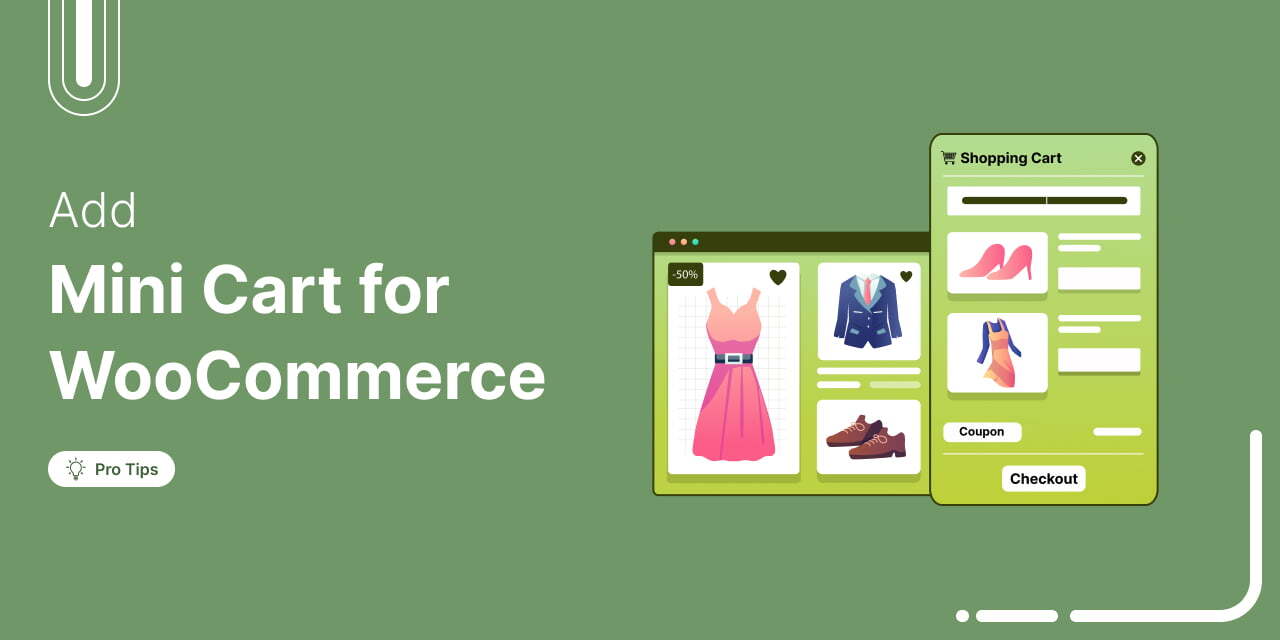
How to Add a WooCommerce Mini Cart to Your Store (Step-by-Step)
A WooCommerce mini cart is a compact cart summary that shows product details, quantities, and totals without sending shoppers to a separate cart page. You can set it up as a slide-out drawer, a dropdown panel, or a section on the checkout page. WooCommerce does ship a native Mini Cart block, and with a compatible theme it shows up in the header automatically. But out of the box, it's limited to basic display options: icon style, item count, total price. Nothing that actually pushes a sale, which is where cart abandonment creeps in. With a few smart optimizations, you can turn it into an efficient sales-driving
Aug 19, 2026
Editorial Team
How to Enable Ajax Add to Cart in WooCommerce (2026)
WooCommerce Ajax add to cart removes the page reload from the one click that matters most. Without it, buying from your store feels like a shop where the cashier empties your basket onto the counter, re-scans everything, then does it all again when you hand over the next item. We're pretty sure nobody will shop there ever again. Google and Deloitte found that a 0.1 second improvement in mobile site speed lifted retail conversion rates by 8.4% and average order value by 9.2%. A full page reload is not a tenth of a second. It is one to three seconds, at the exact moment a shopper
Aug 19, 2026
Editorial Team
Ready to Transform Your Store?

Join 40,300+ successful store owners who trust FunnelKit to power their businesses.
Conversion Optimized Checkout Pages
Increase Revenue with Smart Upsells
Capture Emails & Recover Abandoned Carts
Automate Winbacks & Repeat Sales


1005+ 5 star reviews on WordPress.org