Maximize Your Profit with FunnelKit – Highest Rated with 1,012+ 5-Star ReviewsBFCM deal live

Maximize your profit with FunnelKit · 1,012+ five-star reviews

WordPress Funnel Builder

Recent Blogs

Illustration of a man presenting an ads dashboard with charts and a Snapchat icon, for the Snapchat Pixel tutorial

How to Add WooCommerce Snapchat Pixel for Enhanced Conversion and Ads Tracking

Are you looking to add a WooCommerce Snapchat pixel to track conversions in your store? Snapchat is one of the fastest-growing social media platforms, and its dynamic ads let you bring users to your websites and drive massive conversions. However, it’s equally important to keep a tab on ad spending and analyze the ROI of your campaigns. For that, it’s important for you to set up Snap pixels. By installing the Snapchat pixel in your store, you’ll be able to track real-time signups, cart abandonments, new purchases, user interaction, and so much more. With a variety of plugins claiming to do the job, there isn’t a
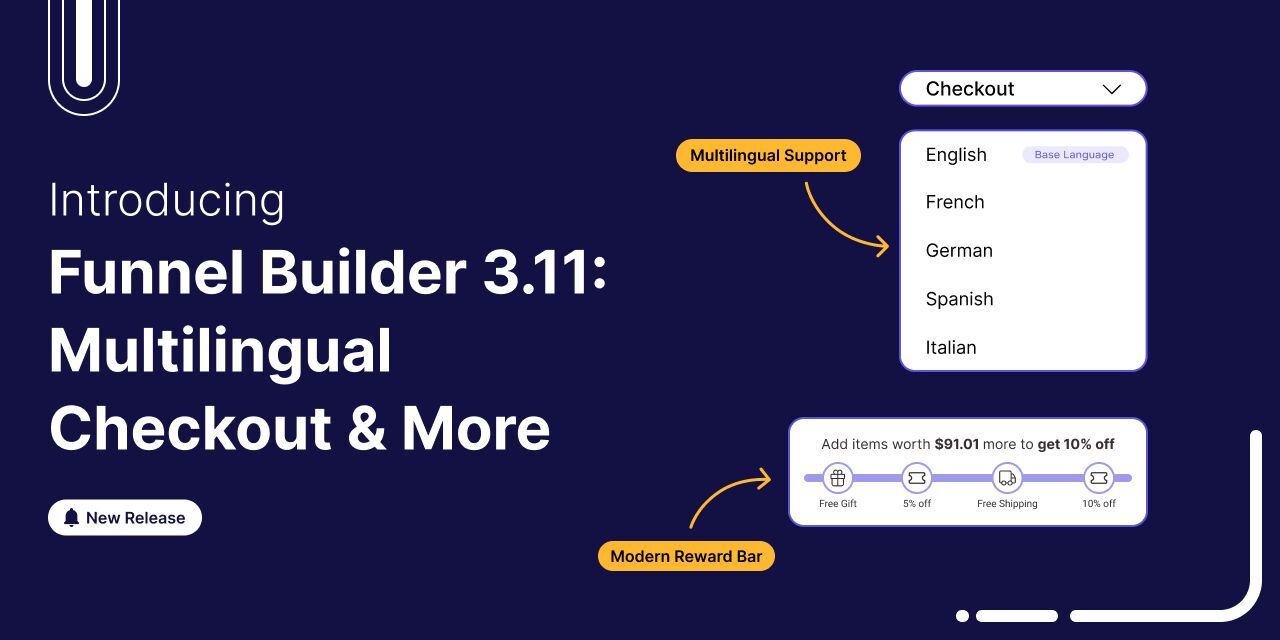
Introducing FunnelKit Funnel Builder 3.11: Multilingual Checkout, Special Cart Addons, Advanced Upsell Analytics, & More

Introducing FunnelKit Funnel Builder 3.11: Multilingual Checkout, Special Cart Addons, Advanced Upsell Analytics & More

FunnelKit Funnel Builder 3.11 is here! This new version is packed with powerful features to boost conversions and create a smoother, more personalized shopping experience for your customers. Enjoy language-based template imports, WPML & Polylang support, a new special addon, advanced cart analytics, improved conversion tracking, and much more. Whether you're targeting a global audience or fine-tuning every step of your funnel, this release helps you do it faster and smarter. Let’s take a closer look at what’s new. Get FunnelKit Now 🔥 Try Risk-free with 14 Days Money Back Guarantee Short on time? You can watch this video 1. Import Funnel Templates in Your Store’s
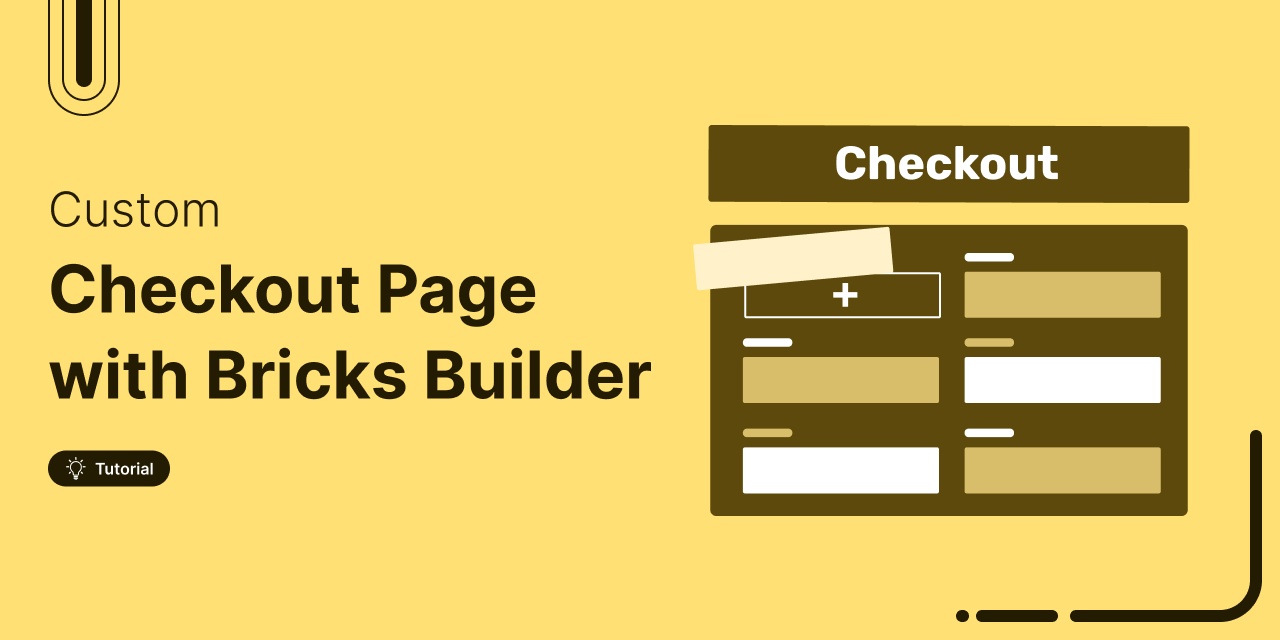
Order form grid with a new field added by a plus button, for the custom WooCommerce checkout page with Bricks Builder guide

How to Create a Custom WooCommerce Checkout Page with Bricks Builder

If your WooCommerce checkout looks stuck in 2010, you are losing out on sales. Shoppers today expect fast, clean, and branded checkout experiences, and the default WooCommerce page just doesn’t deliver. That’s where Bricks Builder comes in. Known for its powerful visual full-site editing, Bricks Builder has become popular among WordPress users for its unrivaled visual full-site editing ability.  Like any other website page, you can create custom WooCommerce pages with single-page or multi-step checkouts without knowing coding.  In this blog, we will provide a step-by-step guide for creating a custom WooCommerce checkout page with Bricks Builder.  Get FunnelKit Now 🔥 Try Risk-free with 14 Days
WooCommerce Upsell Template

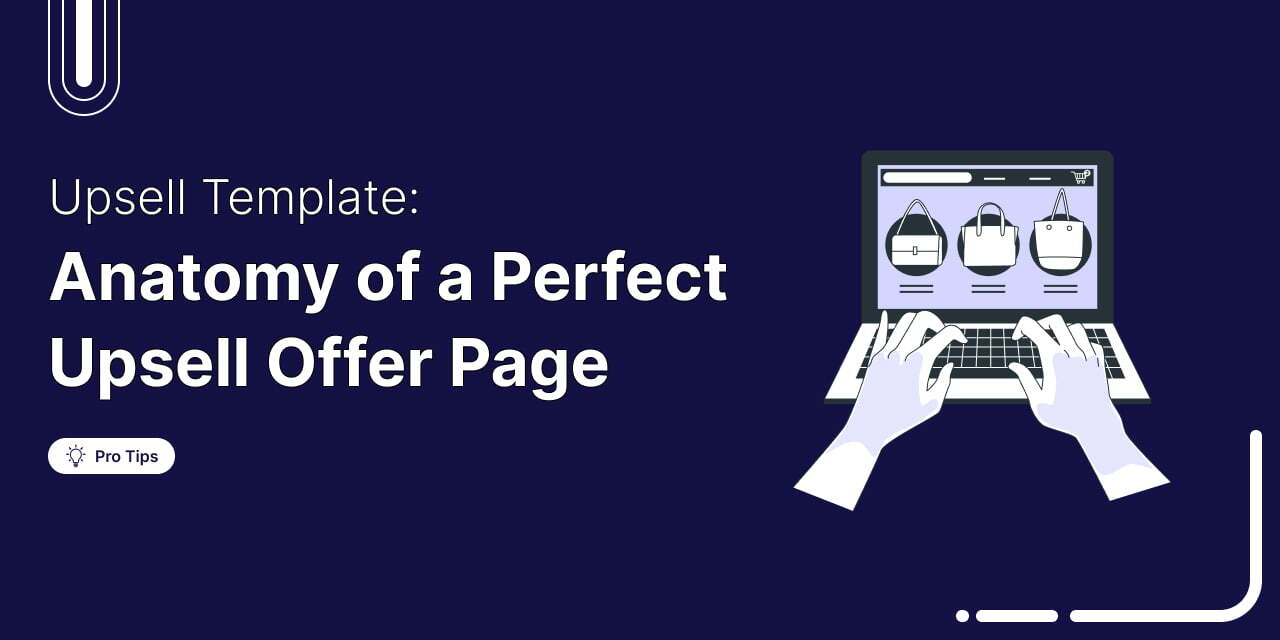
WooCommerce Upsell Template: The Anatomy of a Perfect Upsell Offer Page

A well-crafted upsell template can take your upselling game to the next level. Upselling is the practice of getting your customers to buy more products and increasing your store's order value.  You must leverage upselling because acquiring new customers costs four to five times more than retaining current ones.[Source: Forbes] A well-designed upsell page template can help you increase the average order value and ensure a good shopping experience for your users.  In this blog, we'll break down the key elements that make upsell pages irresistible to customers. We'll also share how you can offer upsells, along with real-life examples used by successful marketers that you
How to Create a Custom Divi WooCommerce Checkout Page

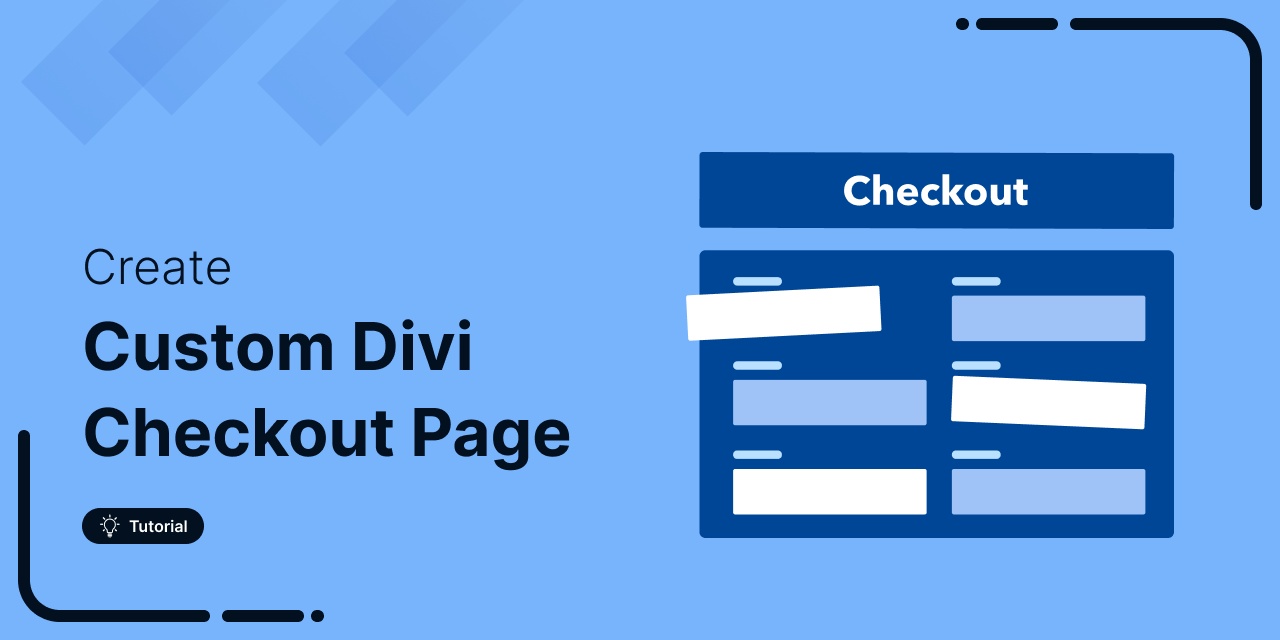
How to Create a Custom Divi WooCommerce Checkout Page

Are you looking to create a custom Divi WooCommerce checkout page for your online store? The default WooCommerce checkout page looks plain and isn’t optimized enough to give users a smooth shopping experience. Though it provides essential features for customers to complete their purchases, it doesn’t offer the best experience. You can change that by replacing the default checkout page with the Divi WooCommerce checkout.  Divi templates will give your checkout pages a clutter-free, chic look that allows your users to enjoy a frictionless shopping experience on your website.  The best part is that you can create your custom WooCommerce checkout template with Divi just by
Illustration of a woman dropping contact icons into a large funnel, for the best free sales builder roundup

Best Free Sales Funnel Builder for WordPress: Level Up Your Marketing Today!

Most businesses think building a sales funnel means spending a lot on expensive sales funnel builder plugins. But what if you could create one for free? No hidden fees and no trial limits; just a powerful funnel builder at zero cost. Whether you want to launch a product, gather leads, or boost sales, a free funnel builder can make a big difference.  In this post, we’ll share a list of free sales funnel plugins for WordPress and how to set up an effective funnel without spending a penny. Get FunnelKit Now 🔥 Try Risk-free with 14 Days Money Back Guarantee Why Do You Need a Sales
Top Upselling Techniques to Generate More Revenue

Top 10 Upselling Techniques to Generate More Revenue in 2025

Are you looking for upselling techniques that help increase your store's revenue? According to Forentrepreneur, businesses that upsell drive 70-95% of their revenue from upsells and renewals. And when Amazon implemented upselling, revenues went up by a massive 35%. That’s the power of upselling. It works like magic in increasing revenue. However, just offering any upsell without a proper strategy or giving it any thought will not bring in the results. You need to use the right techniques effectively when upselling to achieve your desired revenue.  But how should you offer to upsell on your eCommerce store? This is exactly what you will learn in this
How to Skip WooCommerce Cart Page and Redirect to Checkout (Step-by-Step Guide)

How to Skip WooCommerce Cart Page and Redirect to Checkout (Step-by-Step Guide)

Want to implement WooCommerce skip cart functionality for a seamless user experience? As per the study conducted by Baymard Institute, the average cart abandonment rate across the eCommerce industry is a whopping 70.19%. This means that 7 out of 10 shoppers abandon the checkout process, leaving items in their carts without purchasing anything. One of the reasons for this high abandonment is the complicated checkout process. And the default cart page in WooCommerce contributes to a clunky and time-consuming step that adds friction to the whole buying process. By bypassing the traditional WooCommerce cart page, you can eliminate unnecessary steps and send your shoppers directly to
FunnelKit Funnel Builder 3.6

Introducing FunnelKit Builder 3.6 : New Bricks Builder Elements, Improved Analytics, and More

Attention FunnelKit enthusiasts! We’re thrilled to announce the latest release of the FunnelKit Funnel Builder version 3.6. The new version update brings you the ability to build high-performing funnels with advanced integrations and deeper customization options. Get access to powerful new features that allow for seamless integration with Bricks page builder, enhanced funnel analytics, ability to control CSS and JavaScript at the page level, and more. In this post, we’ve summarized a list of new features included in this version so that you can take advantage of them. Let’s start right away. Get FunnelKit Now 🔥 Try Risk-free with 14 Days Money Back Guarantee Short on

Make More From Every Sale.

FunnelKit works at the three moments a store earns money: before checkout, at checkout and after the order.

Before checkout: cart upsells and free-shipping goals in a sliding cart
At checkout: a faster checkout with order bumps and one-click upsells
After checkout: abandoned-cart recovery and follow-ups that bring buyers back
Start Selling More Today →
★★★★★ 4.9/5 from 1,012+ reviews on WordPress.org