Maximize Your Profit with FunnelKit – Highest Rated with 1,012+ 5-Star ReviewsBFCM deal live

Maximize your profit with FunnelKit · 1,012+ five-star reviews

FunnelKit Blog

New launchSpotlight
funnelkit bundles

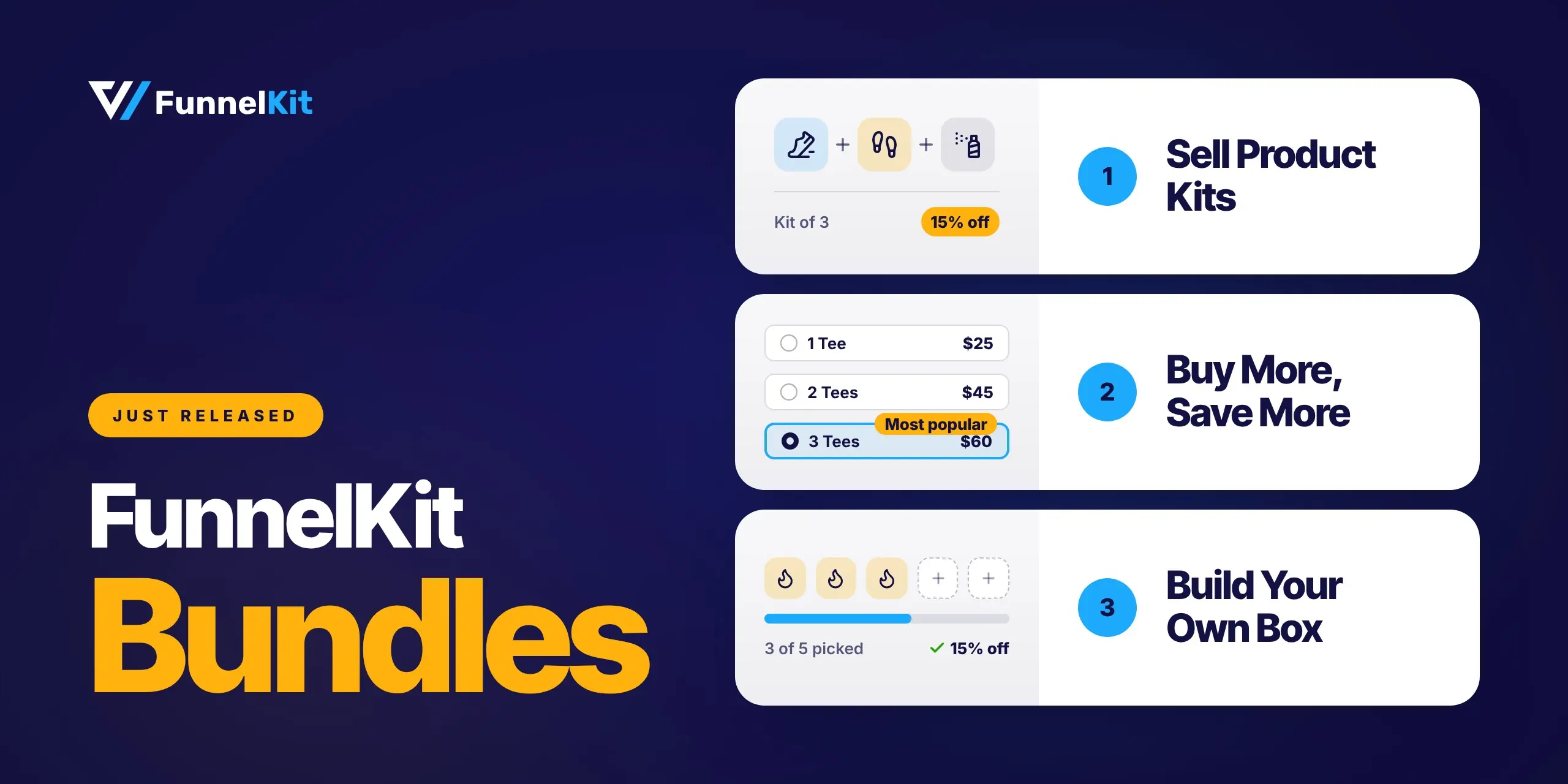
FunnelKit Bundles Is Here: Four Bundle Types That Grow Every Order

FunnelKit Bundles is here! You can now create and sell product bundles directly from Funnel Builder.  Choose from four bundle types, two of which are completely free. Whether you want to sell product kits, offer discounts on bulk purchases, or let customers put together their own boxes, you can do it all from the same dashboard you use for checkout pages, order bumps, and one-click upsells. You don't need to install another plugin or manage a separate set of discount rules. Let's say a shopper adds a $25 T-shirt to their cart. That’s a $25 order. Now imagine showing them an offer to get three T-shirts
Read the announcement →

Recent Blogs

WooCommerce Checkout Hooks: Elevate Your Store's Checkout Experience

WooCommerce Checkout Hooks: Visual Guide for Classic & Block Checkout

WooCommerce checkout hooks used to be the one reliable way to customize the most important page in your store. Then WooCommerce made the block checkout the default, and half the hook snippets on the internet quietly stopped firing. Two different checkouts, one shared name, and a lot of copied code that only works on one of them. Stores built before WooCommerce 8.3 usually run the classic shortcode checkout. Newer stores run the block checkout, where the classic layout hooks do nothing at all. In this guide, we map every hook on the classic checkout page visually, share tested copy-and-paste snippets, and show you which hooks survive
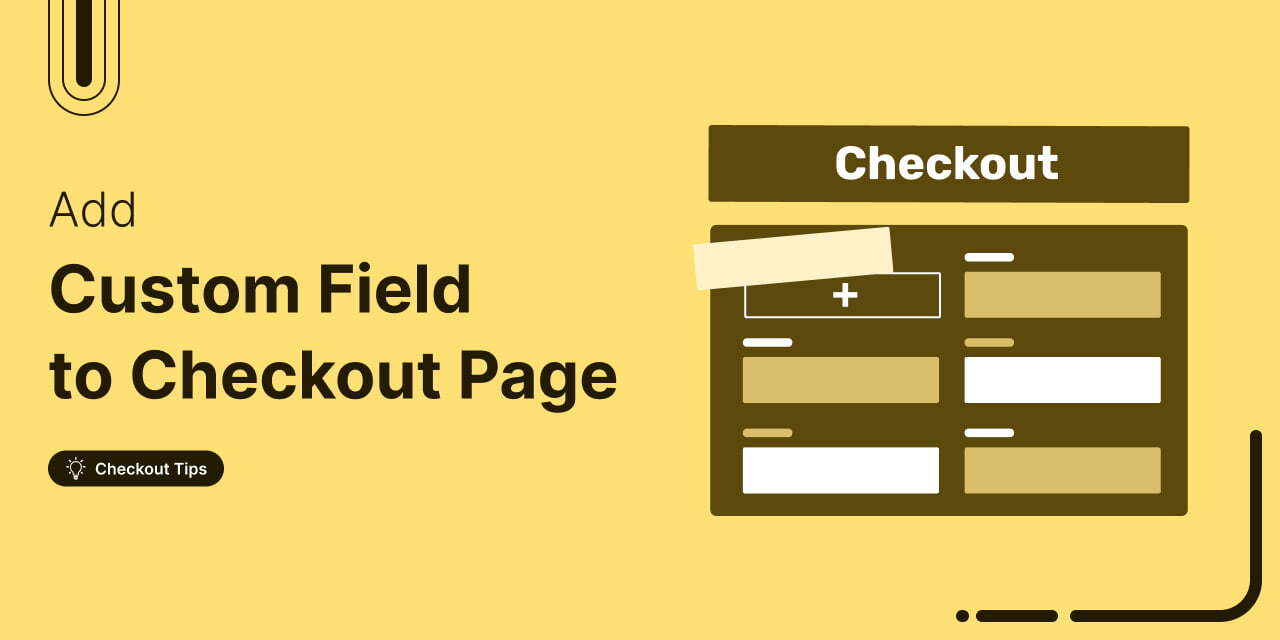
Order form grid with a new field being added by a plus button, for the guide to adding a WooCommerce checkout field

How to Add a Field to WooCommerce Checkout (Blocks & Classic)

Adding a field to WooCommerce checkout is the difference between a delivered parcel and a courier stranded at a locked gate with no gate code. The failed delivery rides back to the depot, and the store pays for the second attempt plus the support ticket that follows. All of it traces back to one question the checkout never asked. One extra input at the right moment captures the gate code, the VAT number, or the gift message your fulfillment actually depends on, while the customer is still on the page and still motivated to answer. The catch is that WooCommerce ships without a field editor, and
How to Add CAPTCHA to Your WooCommerce Checkout Page

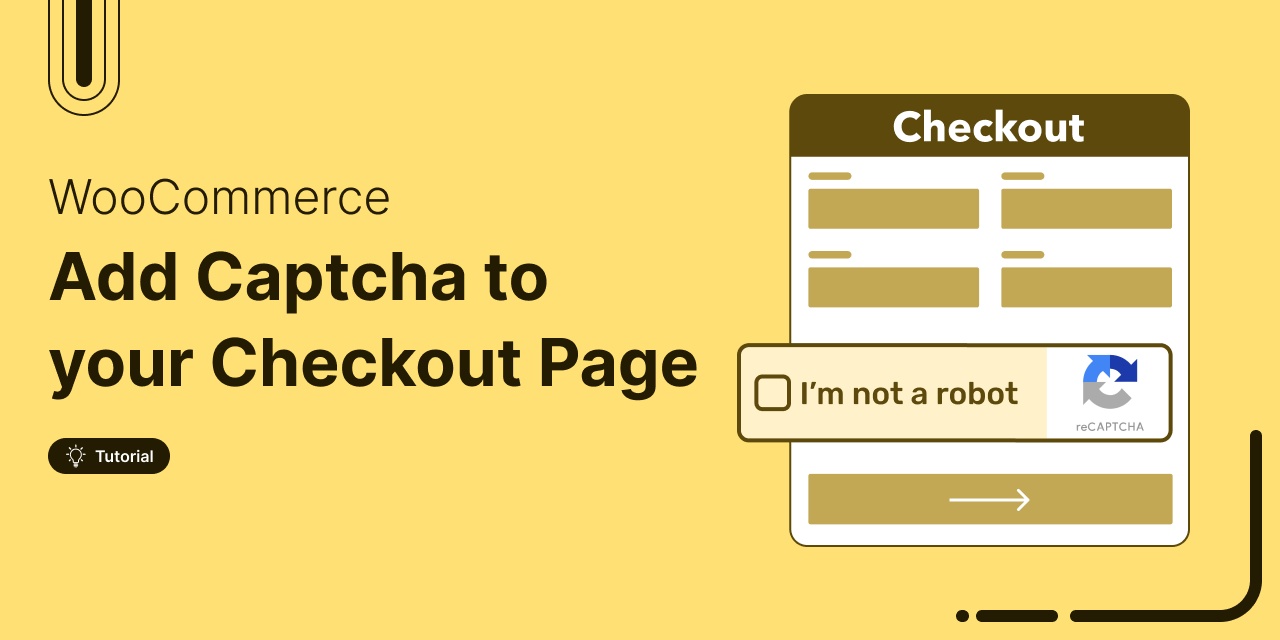
How to Add WooCommerce CAPTCHA to Checkout for Enhanced Security in 2026

Adding CAPTCHA to your WooCommerce checkout is a simple yet powerful way to enhance your store’s security. It helps prevent spam, fraudulent orders, and unwanted bot activity. From experience, I’ve seen that without CAPTCHA, many WooCommerce stores become vulnerable to bots that create fake accounts, place fraudulent orders, and ultimately damage your store’s reputation and revenue. Implementing CAPTCHA can save you both money and frustration by preventing these issues before they escalate. In this guide, I’ll walk you through how to add CAPTCHA to your WooCommerce checkout and share some reliable plugins you can use to strengthen your store’s security. Short on time? Watch the video
how to offer woocommerce discount

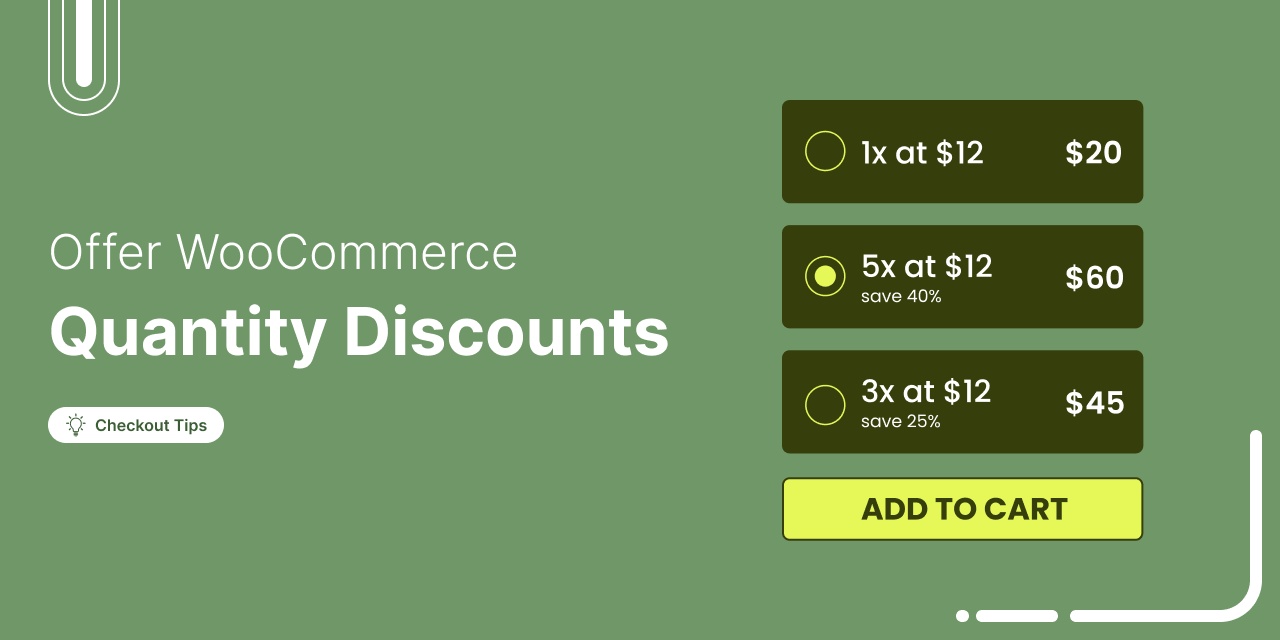
How to Offer Bulk WooCommerce Quantity Discounts?

Are you taking advantage of WooCommerce quantity discounts in your store? WooCommerce quantity discount is the concept of setting innovative pricing strategies by offering discounts on bulk items.  Offering quantity discounts can help you sell more items and quickly deplete excess stock if you have any.  By providing reduced prices for purchasing larger quantities of a product, you can encourage customers to place bulk orders and boost your average order value.  In this blog, we’ll share some of the best WooCommerce quantity discount plugins and show how you can create WooCommerce quantity discounts that drive more sales in your store. Here’s a quick list of features
WooCommerce Subscriptions Upsell: Boost Your Profits with Recurring Revenues

WooCommerce Subscriptions Upsell: Boost Your Profits with Recurring Revenues

WooCommerce subscription upsell can help boost your revenue through subscription-based sales. Moreover, subscription-based products allow you to add predictability to your revenue. You can sell physical and digital products and services to your buyers at a recurring fee. There's no need to chase more and more traffic constantly; instead, you can maximize the value of each customer you acquire. Implementing a WooCommerce subscription as an upsell in your sales strategy ensures increased order value and customer lifetime value through recurring payments. In this post, we’ll share with you the best strategy to sell WooCommerce subscription-based products using one-click upsells. And without even forcing your customers. Let’s
Phone cart screen with three items and a Proceed to pay button by shopping bags, for the WooCommerce direct checkout guide

WooCommerce Direct Checkout: 4 Easy Ways to Set It Up (2026)

Are shoppers adding products to their cart and leaving before they buy? According to Baymard Institute research on checkout usability, 18% of shoppers who abandon their cart do so because the checkout process feels too long or complicated. A cart page that adds an extra click before checkout is often part of that friction. WooCommerce direct checkout removes that step. Instead of sending customers from product page to cart page to checkout, it takes them straight from "add to cart" to checkout, cutting one step out of the path to purchase. This guide covers four ways to set up direct checkout in WooCommerce, from a manual
Proven Strategies to Increase WooCommerce Sales

13 Proven Strategies to Increase WooCommerce Sales in 2026 [Actionable Tips]

You’ve built your WooCommerce store, polished your product pages, and invested in marketing, but sales aren’t coming. Visitors browse, some add items to their cart, and most vanish before completing a purchase. Frustrating, right? You’re not alone. In 2025, the global cart abandonment rate hit 75.38% (Baymard Institute). That means for every 100 visitors showing buying intent, about 70 leave without purchasing. The good news is that recovering just 10–20% of abandoned carts, optimizing checkout flows, improving mobile UX, and using strategies like cross-sells, discounts, reviews, SEO, paid ads, and live chat can drastically boost conversions. In this guide, you will discover 13 actionable strategies to
Best Stripe Payment Plugins for WordPress

6 Best Stripe Payment Plugins for WordPress In 2026 [Mostly Free]

Stripe is one of the most trusted payment gateways worldwide, powering over 3.5 million websites globally.  With 90% of U.S. adults having made a purchase from businesses that use Stripe (Source: Stripe), it’s clear why this payment system is a favorite among eCommerce owners. This secure and efficient payment processor not only minimizes transaction time for customers but also enhances the user experience, making it a perfect fit for WooCommerce store owners selling both physical and digital products online. However, with a multitude of plugins available, selecting the right Stripe integration for your store can be overwhelming. That’s why we’ve researched, tested, and carefully selected 6
Build a WooCommerce Order Form

How to Create a WooCommerce Order Form (Free and Paid Methods)

A WooCommerce order form lets customers select multiple products, set quantities, and choose variations from a single page instead of visiting individual product pages. There are two ways to add an order form to WooCommerce. The first is a quick-order layout with products arranged in rows, each with a quantity field, added to the standard cart. The second goes further, where customers select products and complete payment on the same page without any cart detours. In this guide, we'll cover both methods, including a free setup, variable product handling, and a plugin comparison for wholesale, restaurant, and B2B stores. What Is a WooCommerce Order Form (And

Subscribe For Latest Updates

Get free tips, tricks, and resources to grow your mailing list.

Make More From Every Sale.

FunnelKit works at the three moments a store earns money: before checkout, at checkout and after the order.

Before checkout: cart upsells and free-shipping goals in a sliding cart
At checkout: a faster checkout with order bumps and one-click upsells
After checkout: abandoned-cart recovery and follow-ups that bring buyers back
Start Selling More Today →
★★★★★ 4.9/5 from 1,012+ reviews on WordPress.org