FunnelKit Blog
New launchSpotlight
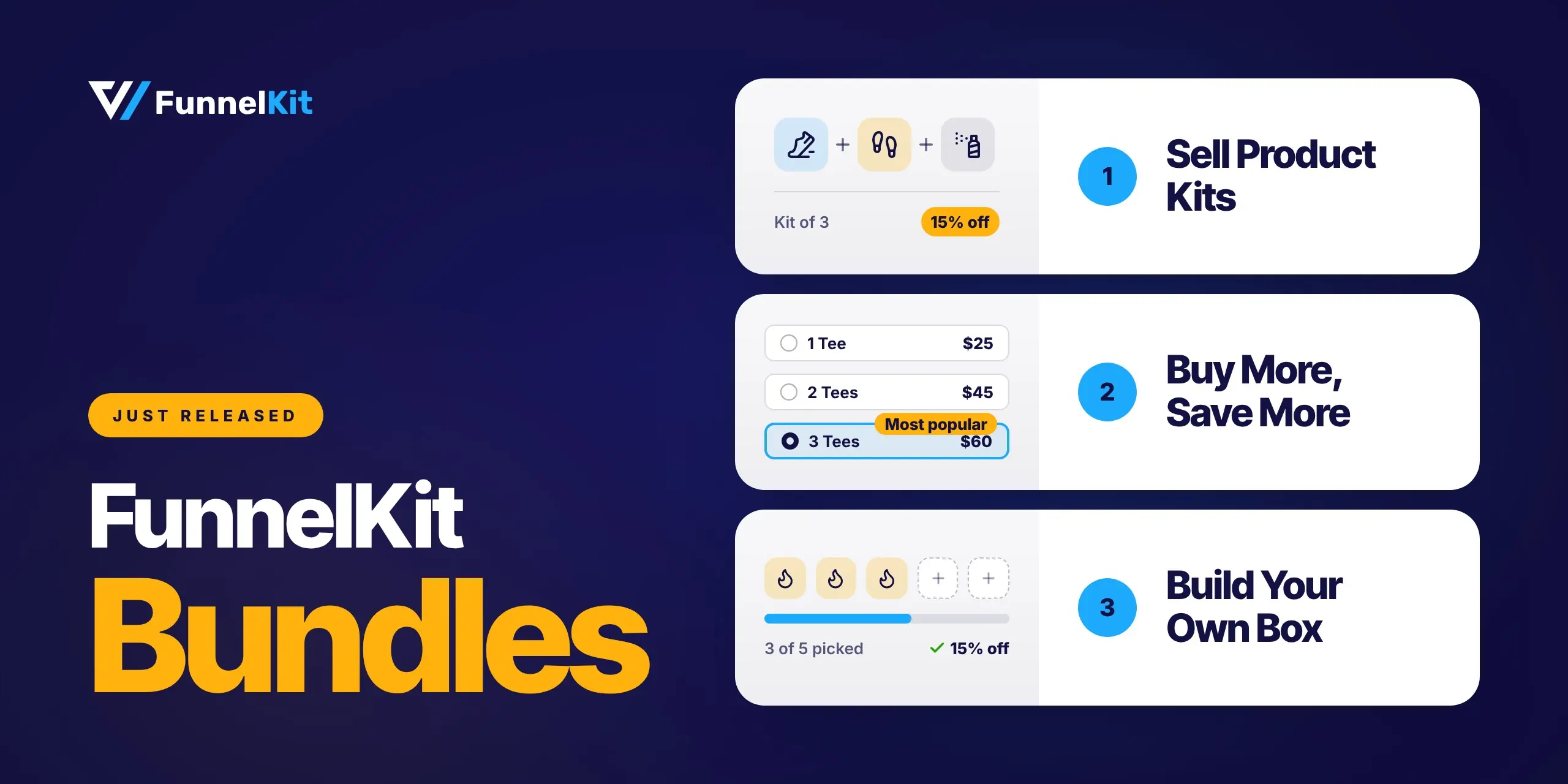
FunnelKit Bundles is here! You can now create and sell product bundles directly from Funnel Builder. Choose from four bundle types, two of which are completely free. Whether you want to sell product kits, offer discounts on bulk purchases, or let customers put together their own boxes, you can do it all from the same dashboard you use for checkout pages, order bumps, and one-click upsells. You don't need to install another plugin or manage a separate set of discount rules. Let's say a shopper adds a $25 T-shirt to their cart. That’s a $25 order. Now imagine showing them an offer to get three T-shirts
- Damanjeet Singh
Recent Blogs
Do you want to create unique, personalized WooCommerce dynamic coupons that drive sales? If you’re still sending generic coupon codes like "NEWYEAR2026" to your entire email list, you’re likely losing revenue and weakening your brand in the process. After nearly a decade of working with WooCommerce stores, we’ve seen a consistent pattern. Static coupon codes spread quickly to coupon scraping websites, rewarding customers who would have paid full price and cutting margins without driving meaningful loyalty. The issue isn’t discounting. It’s relying on untargeted, reusable coupons. Based on the analysis of over 1.5 million coupon redemptions across 40,000+ WooCommerce stores, personalized, time-limited offers consistently outperform generic
- Editorial Team
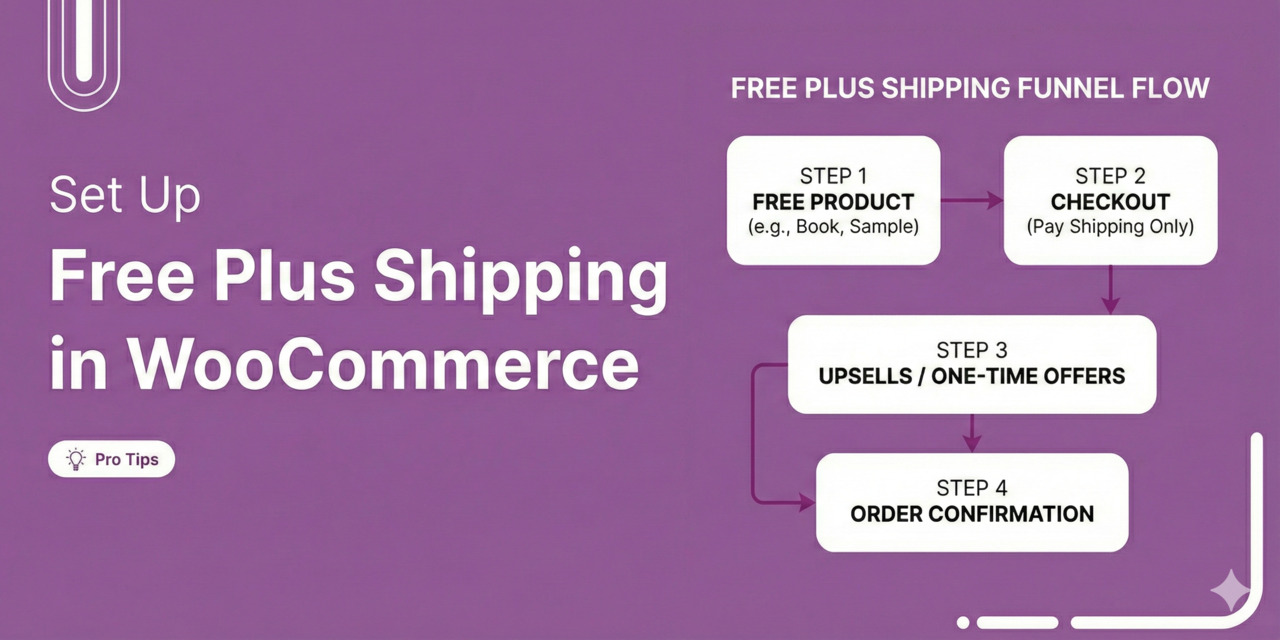
The Free Plus Shipping model is a popular and profitable funnel type in which you offer the front-end product for free and only collect shipping costs. Although this funnel leads to an influx of new customers and a boost in revenue, most eCommerce businesses are not using it because of the expensive tools you need to build one. In this post, we'll show you some examples of free plus shipping offers so that you can reverse engineer your funnel. We'll also see how to build it on your WooCommerce store at a minimal cost and earn maximum profits. The best part? It only requires a one-time
- Editorial Team
Ever feel like shipping is the hardest part of running your WooCommerce store? You're not alone! Managing rates manually or dealing with glitchy plugins can be a real headache. The right shipping plugin makes all the difference. It should simplify your process, not confuse your customers. Luckily, there are easy solutions to save you time and money. In this post, we’ll cover the best WooCommerce shipping plugins for different needs, from automatic rates to label printing and tracking. Best WooCommerce Shipping Plugins: Quick Comparison Summary PluginUnique Selling Point (USP)PriceTable Rate ShippingHighly customizable shipping options with rule-based rates$119/yearWooCommerce Advanced ShippingConditional shipping rates based on weight, volume, and
- Editorial Team
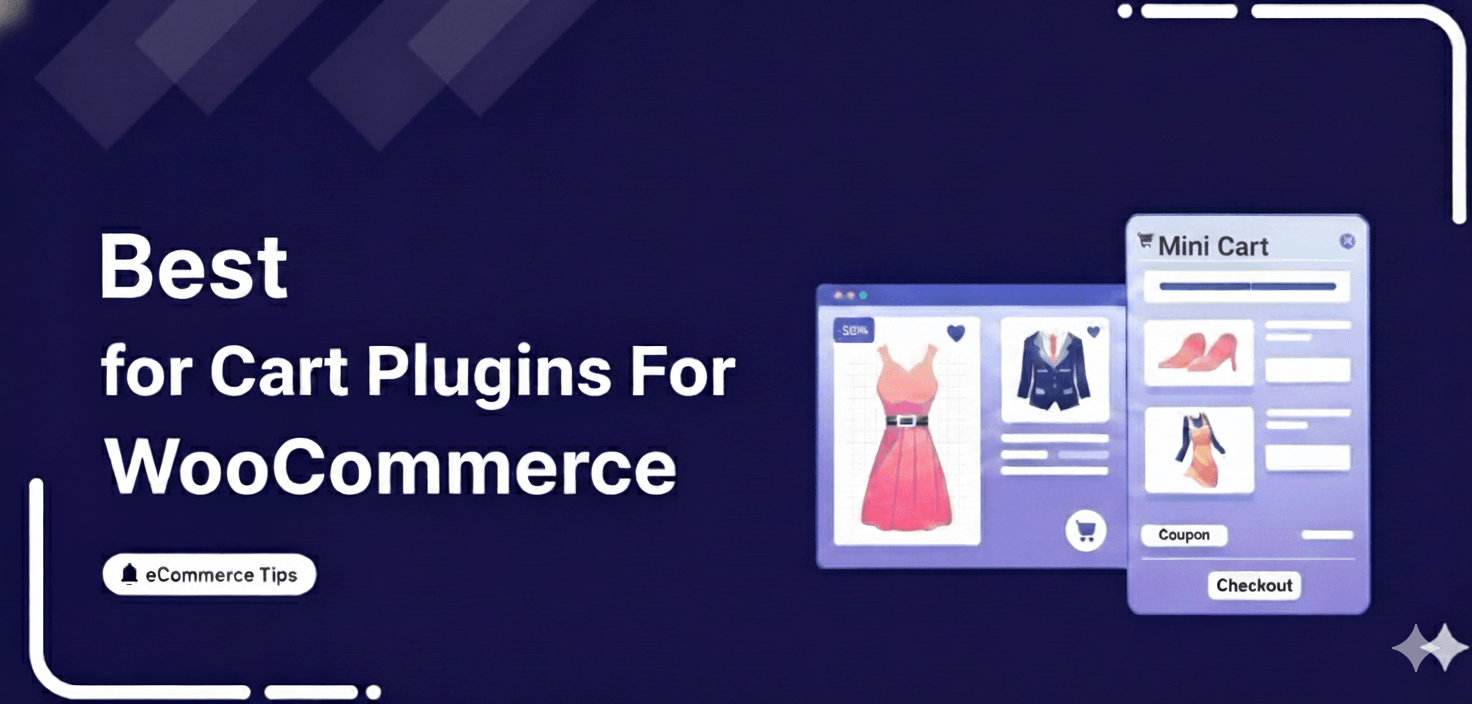
Struggling to find the perfect WooCommerce mini cart plugin to enhance your store’s shopping experience? By default, WooCommerce redirects customers to a separate cart page to view or modify their cart, adding an unnecessary step to their shopping journey. This extra click can cause frustration and even lead to abandoned cart drop-offs. A seamless mini cart solves this problem by letting customers view and manage their items without leaving the current page. Many stores use a cart drawer (also called an off-canvas cart, cart sidebar, or cart popup) so customers can manage their cart without breaking the flow, improving their shopping journey With so many options
- Editorial Team
Nearly 70% of shoppers abandon their cart before completing a purchase, and about 17% leave just because checkout feels too long or complicated [Source: Baymard Institute]. When checkout feels messy, people drop off. When it feels clean and simple, they complete the purchase. WooCommerce’s default checkout is a decent starting point, but it’s pretty limited if you want to fine-tune things. That’s where a WooCommerce checkout manager plugin comes in handy. It gives you more control over the experience, such as adding, removing, or reorganizing fields, or adjusting payment options so the flow matches how your customers actually buy. In this guide, I’ll go through 7
- Editorial Team
Mobile traffic now drives most WooCommerce store visits. In fact, 62.54% of global website traffic comes from mobile devices, highlighting just how dominant mobile shopping has become [Source: Statista’s Reach and Traffic Report, 2025]. Even with this shift, mobile checkout still converts far worse than desktop for most WooCommerce stores. The problem is not a lack of buying intent. It is friction in the checkout experience. After reviewing hundreds of WooCommerce checkout setups, one pattern appears again and again. Small mobile UX issues add up quickly, increase cognitive load, and push shoppers to abandon their purchases. This guide covers seven essential mobile checkout optimization checkpoints. These
- Editorial Team
Are you looking to set up WooCommerce ConvertKit integration for seamless data syncing and automating marketing workflows? As a WooCommerce store owner, you already know your single biggest asset: your email list. But simply pushing an email address from your checkout page to your marketing platform isn’t enough anymore. You need to know what they bought, how much they spent, and when they are likely to buy again. Most store owners settle for lite integrations that leave this vital data behind. They treat Kit (formerly ConvertKit) just as a newsletter tool, rather than the powerful revenue engine it is. Today, we're going to show you how
- Editorial Team
The average affiliate marketing conversion rate sits at just 1.20% across all industries, according to FirstPageSage’s 2024-2025 analysis of thousands of campaigns. That means that for every 100 visitors who click your affiliate link, only 1 or 2 will actually complete a purchase. Having helped 39,000+ WordPress and WooCommerce businesses optimize their conversion paths, we have found that cold traffic sent directly to sales pages converts poorly. Visitors need to be warmed up before they’re ready to buy. This is precisely where a bridge funnel transforms affiliate marketing results. Rather than hoping cold prospects will convert on a page you don’t control, a bridge funnel inserts
- Editorial Team
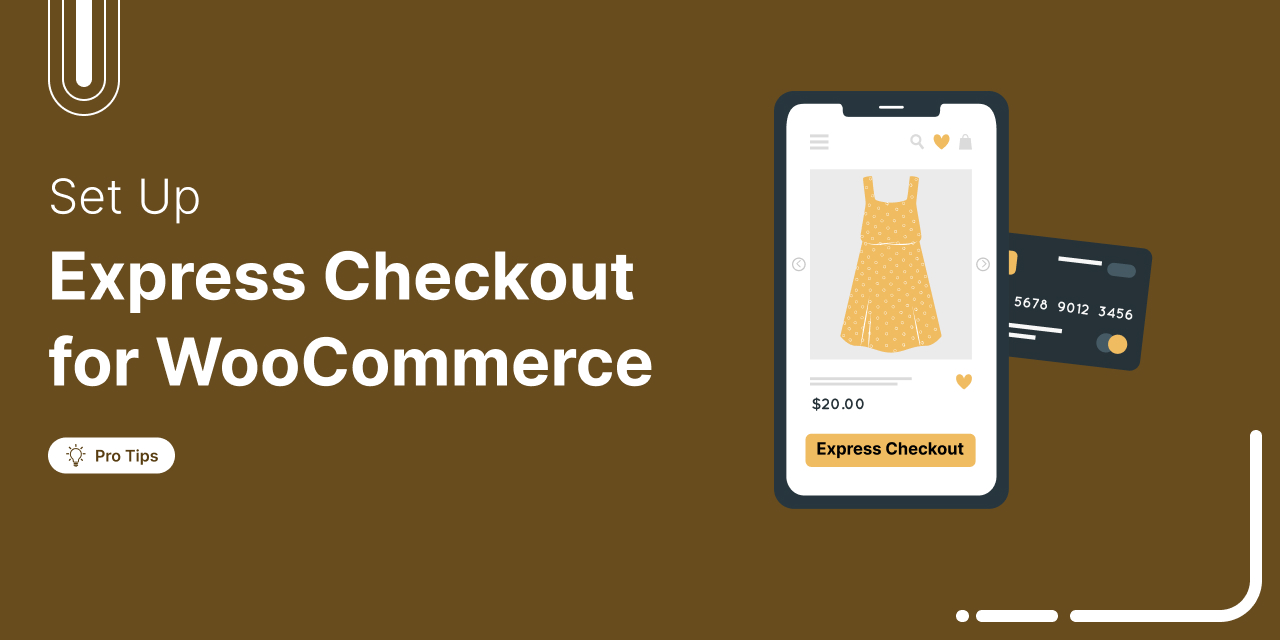
Your customer finds the perfect product. Adds it to the cart. Reaches checkout and sees a wall of form fields. Name. Email. Address. City. State. Zip. Card number. Expiry. CVV. Not every shopper will abandon at this point, but many will. Baymard Institute found that 18% of cart abandonments happen specifically because the checkout feels too long or complicated. That's not a guarantee you'll lose those customers, but why take the risk when there's a simple fix? WooCommerce Express checkout removes the friction entirely. One tap. Face ID or fingerprint. Done. This guide covers how to add Express Checkout to every touchpoint in your WooCommerce store:
- Editorial Team
Subscribe For Latest Updates
Get free tips, tricks, and resources to grow your mailing list.
Make More From Every Sale
FunnelKit works at the three moments a store earns money: before checkout, at checkout and after the order.
★★★★★
4.9/5 from 1,016+ reviews on WordPress.org
One order.
Three chances to earn more.
$100$120$140$150
Cart value+$20 before checkout+$20 at checkout+$10 after checkout+$50 · 50% more
$100+$20+$20+$10=$150
$100
$100
$100
+$20
$120
$100
+$20
+$20
$140
$100
+$20
+$20
+$10
$150
Cart ValueStarting Point
Bundles & Cart UpsellsBefore Checkout
Order Bumps & UpsellsAt Checkout
Recovery & Follow UpsAfter Checkout
Same traffic, same shopper, more revenue.