WordPress Funnel Builder
Recent Blogs
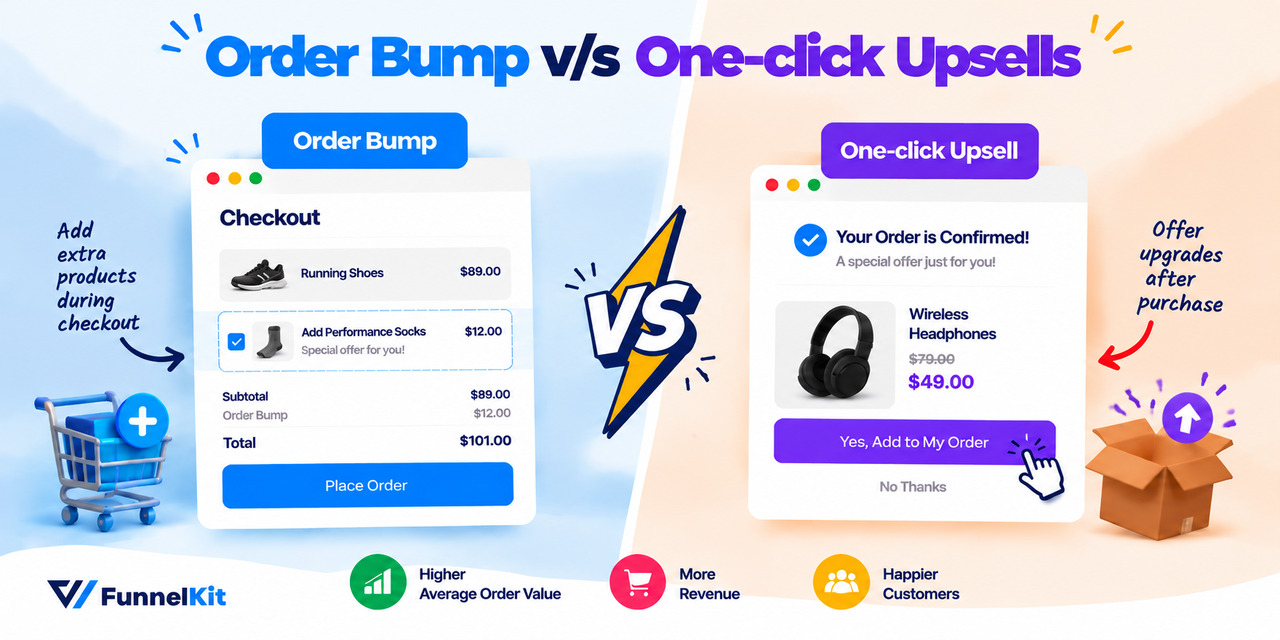
Order Bump v/s One Click Upsell: Which one to choose? We got this question from a handful of our customers: "What's the difference between a one-click upsell and an order bump? Why use one or the other or both?" Certainly, that's a great question, and it can get a bit confusing. Should you set up order bumps or one-click upsells in your store? In this post, we'll explain the difference between the two and share a framework to help you decide. We bet that once you follow our approach, it'll be a cakewalk for you to decide. Let's start with order bump v/s one-click upsell, and
- Editorial Team
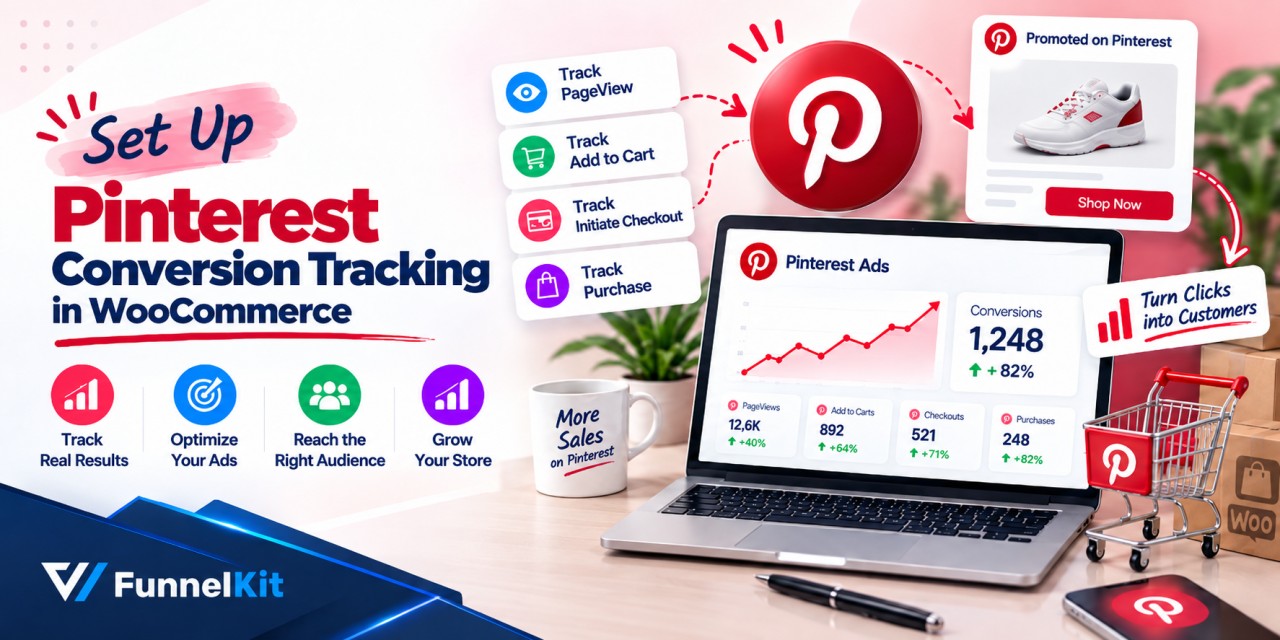
Pinterest conversion tracking in WooCommerce tells you which pins actually turned into orders. But across many stores, it only catches about two-thirds of them. Think about two people trying to count the same crowd walking through a door. One is standing inside with a clicker. The other is watching from across the street through a window, but every few minutes, a delivery van blocks the view. Both are counting honestly. Only one has a clear view. That's basically what happens with the Pinterest tag. It tracks conversions from the shopper's browser, so things like ad blockers, payment redirects, and caching can get in the way. Your
- Editorial Team
The right WooCommerce landing page plugin can help you build pages that convert better. According to Call Digital Fire’s 2026 analysis, optimized landing pages can achieve conversion rates of 6–11%, compared with 2–3% for less effective pages. Even a small increase in conversion rate can mean significantly more customers from the same amount of traffic. Same budget. Same traffic. A completely different outcome can come down to how well your landing page turns clicks into customers. Plenty of tools claim to solve this, and picking the wrong one costs you. Maybe the design ends up clunky, maybe conversions just never show up, but either way the
- Dipa Shaha
WooCommerce one-page checkout sounds like one thing, but it can mean four different things. One tool puts products and payment on the same page. Another skips the cart. Another lets returning customers pay with a saved card. They target the same search, but they solve different problems. That’s why most guides end up being plugin tutorials. We’re taking a different approach: start with what you actually need, then choose the tool that fits. But mind you, picking the wrong one can mean weeks of setup before you realize you need to rebuild the checkout. If you’re wondering why bother with single-page checkouts, it’s because the default
- Editorial Team
Discover how to set up an enhanced customer login with smart login features to improve the checkout experience in WooCommerce. Want to create a seamless login experience on your WooCommerce checkout page? A smooth checkout process is crucial for boosting conversions, particularly among returning customers. The most effective way to achieve this is by setting up a streamlined login system. It should prompt returning users with a modal login form, allowing them to sign in without leaving the checkout page. If a customer forgets their password, they should be able to reset it easily and be automatically redirected back to checkout. In this guide, you’ll learn
- Editorial Team
The WooCommerce thank you page is like a cashier who hands over a receipt, then looks past you at the next person in line. It confirms the transaction and ends the conversation. However, a good counter works differently. The person at the register tells you when the order will arrive, mentions the item that pairs with it, and gives you a reason to come back next month. Your WooCommerce store should do the same. The default order confirmation screen covers the receipt part. It confirms the purchase and shows the order details, but it doesn't know what your customer needs after buying. Most store owners hit
- Editorial Team
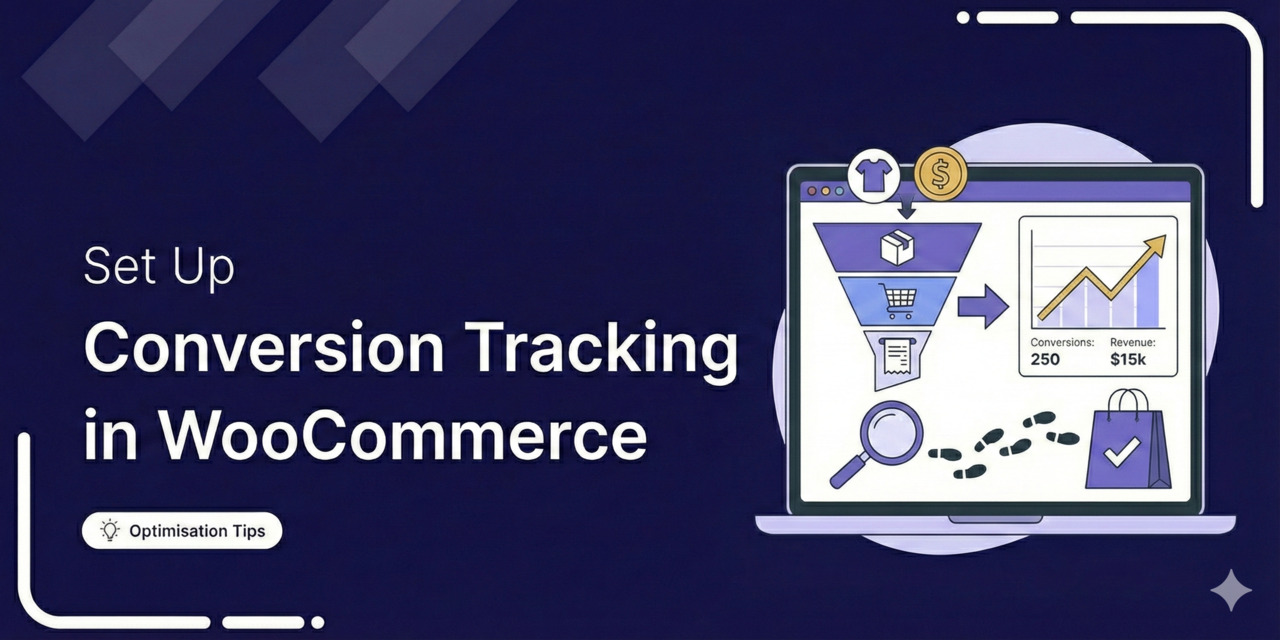
WooCommerce conversion tracking sends purchase and checkout events, carrying order value, currency and a transaction ID, from your store to GA4 and your ad platforms. There are six commonly used methods, i.e., the built-in Google integration, GA4 events, Google Ads conversions, Meta's Conversions API, Google Tag Manager, and all-in-one pixel plugins. Most guides on this subject pick one tool and walk you through its settings. That's the wrong shape for the decision you're actually making. Nobody arrives here wondering how to click through a plugin. They arrive because their store says 40 orders, Google Ads says 27, Meta says 61, and this week's budget gets allocated
- Editorial Team
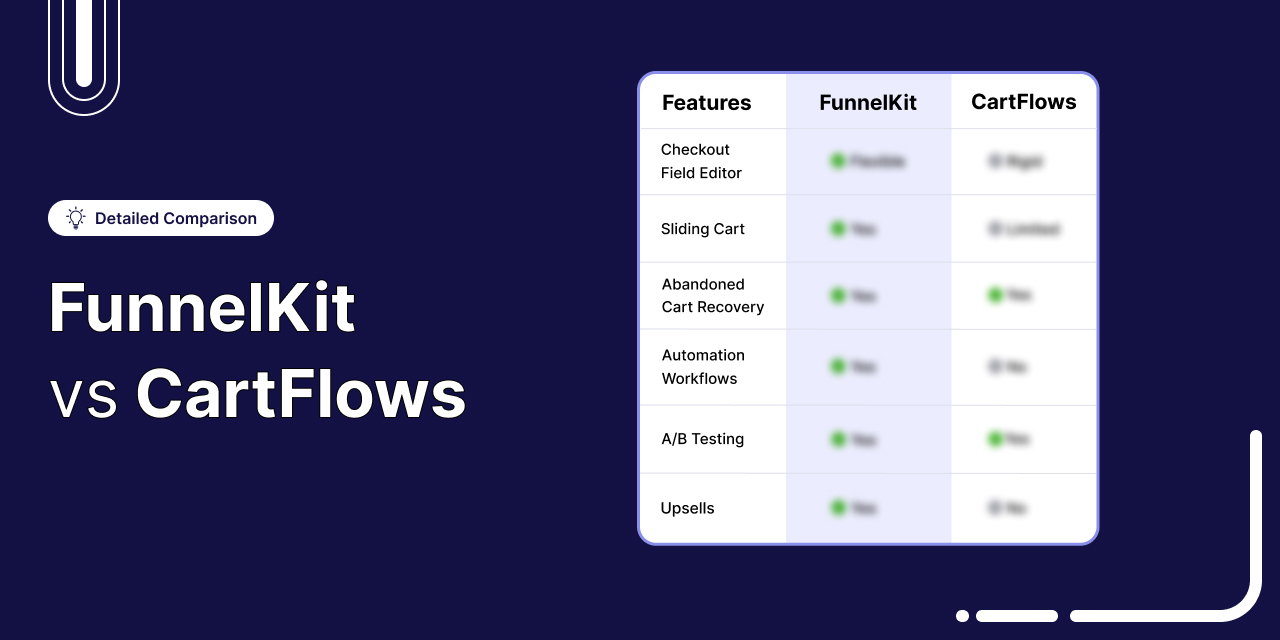
FunnelKit vs CartFlows often comes down to a feature-by-feature comparison. But there’s a more important question: Does your funnel end at the thank-you page? Both plugins are built to improve the standard WooCommerce buying experience. The default WooCommerce checkout has around 23 fields. A well-optimized checkout can reduce that to 12-14 fields while adding features like order bumps, post-purchase upsells, and A/B testing. And there’s a good reason to optimize it. Baymard Institute found that 18% of shoppers abandon checkout because the process is too long or complicated. So the question isn’t whether you should improve your checkout. It’s which tool makes the most sense for
- Editorial Team
A WooCommerce global checkout handles every order you take, which makes it the busiest page in your store and, in most stores, the only one nobody has touched. Supermarkets worked this out years ago. There’s no separate lane for bread, wine, and detergent, just one process that everything in the basket moves through. The difference is that a supermarket knows its single lane is also a single point of failure. Most stores don’t. When that one page loads slowly, carries no branding, and asks for a company name on a $19 candle, you aren’t losing one product’s sales. You are losing the store’s. There’s a wrinkle
- Editorial Team
Make More From Every Sale.
FunnelKit works at the three moments a store earns money: before checkout, at checkout and after the order.
★★★★★
4.9/5 from 1,012+ reviews on WordPress.org
One order.
Three chances to earn more.
$100$120$140$150
Cart value+$20 before checkout+$20 at checkout+$10 after checkout+$50 · 50% more
$100+$20+$20+$10=$150
$100
$100
$100
+$20
$120
$100
+$20
+$20
$140
$100
+$20
+$20
+$10
$150
Cart ValueStarting Point
Bundles & Cart UpsellsBefore Checkout
Order Bumps & UpsellsAt Checkout
Recovery & Follow‑UpsAfter Checkout
Same traffic, same shopper, more revenue.