Maximize Your Profit with FunnelKit – Highest Rated with 1,012+ 5-Star ReviewsBFCM deal live

Maximize your profit with FunnelKit · 1,012+ five-star reviews

WordPress Funnel Builder

Recent Blogs
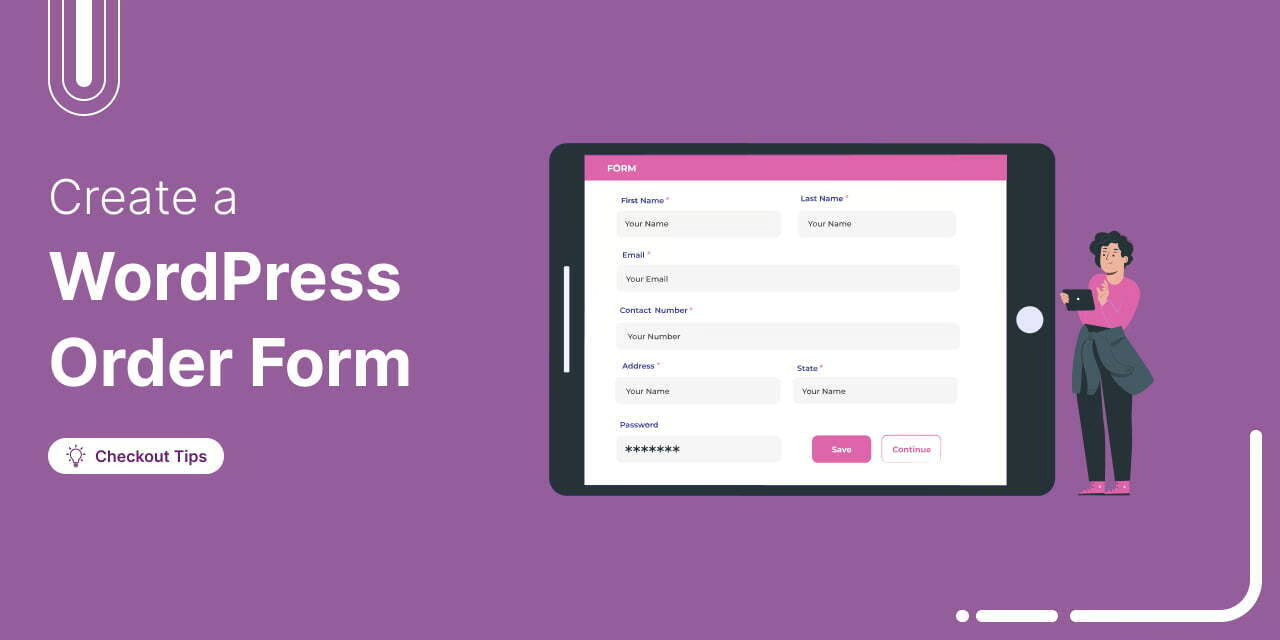
Order form layout with a no-code badge, for the guide to customizing the WooCommerce checkout page

How to Customize the WooCommerce Checkout Page (Block & Classic)

Customize the WooCommerce checkout page the wrong way and you’ll spend an hour editing a page that never changes on the front end. Open Pages → Checkout. If you see one Checkout block, you’re on WooCommerce’s block checkout. If you see [woocommerce_checkout] sitting inside a shortcode block, you’re on the classic checkout. That single difference decides which of the four methods below will do anything at all. In this post, we’ll walk you through the checkout customization process and how to optimize the page to reduce cart abandonment and increase completed orders. We will also cover what to do when a change breaks your payment options,
How to Create a WordPress Order Form?

How to Create a WordPress Order Form (No-Code Setup)

Most people assume setting up WordPress order forms means setting up a WooCommerce store. But it doesn't. These order forms have one job, i.e., to give their customers a page where they select the items they want and pay. A full online store hands you inventory rules, tax engines, shipping zones, and an accounts system you will never open. The fastest build is three steps. You install a form plugin, connect Stripe, and drop the shortcode on a page. All this takes is 10 minutes, with no cart and no monthly fee. In this guide, we cover the setup that requires no store at all, a
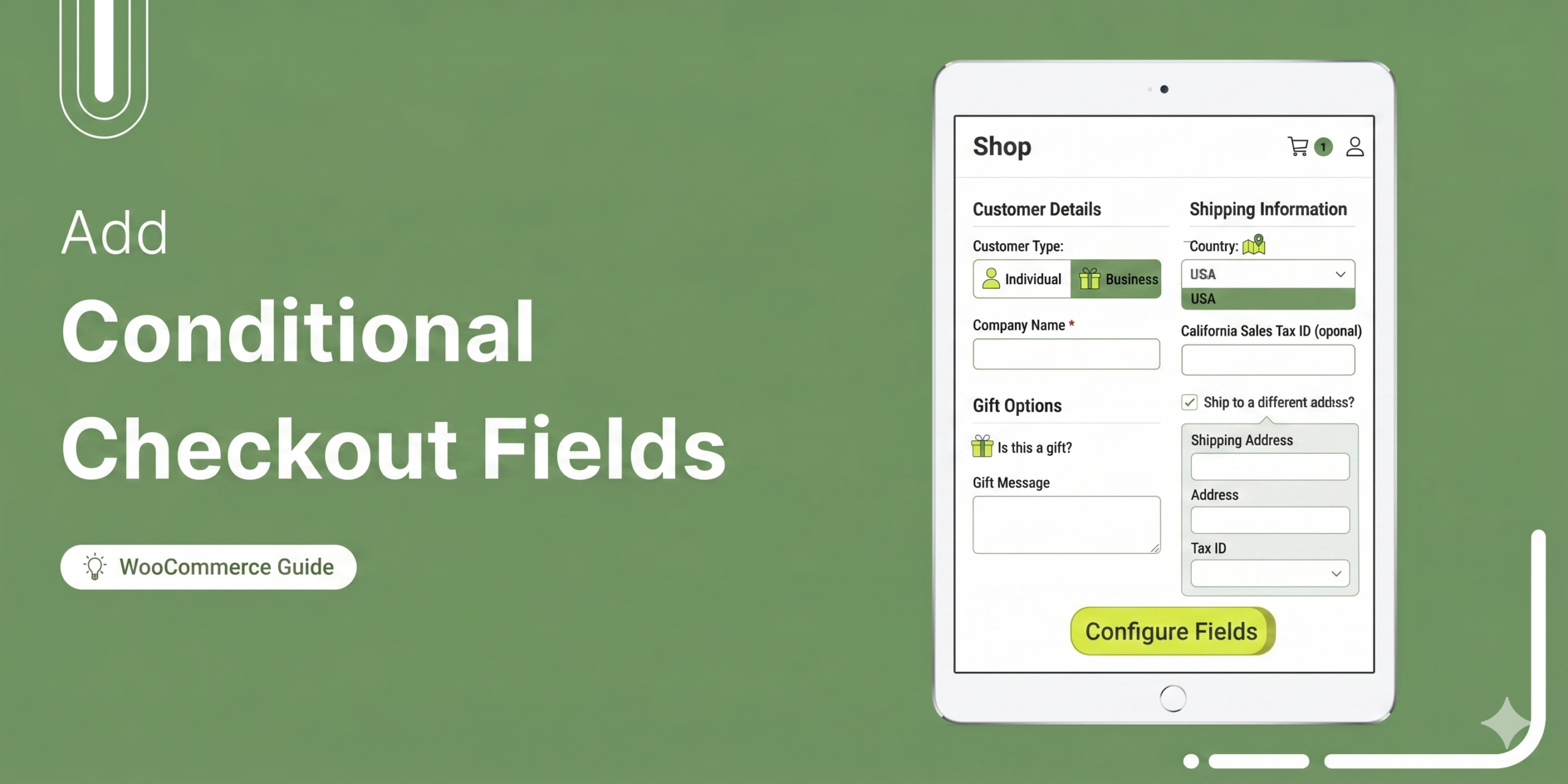
Tablet form with customer type, gift message and tax ID fields, for the guide to conditional WooCommerce checkout fields

How to Add Conditional Checkout Fields in WooCommerce (Step-by-Step)

WooCommerce conditional checkout fields work like a good server: nobody hands the dessert menu to a table that just asked for the check. Fields appear or stay hidden based on rules you set, so a gift message box shows up only when a customer picks gift wrapping, and a VAT number field only for business buyers in the EU. Out of the box, WooCommerce cannot do this. Every customer sees the same static form, whether they are buying a digital download or a pallet of furniture. Baymard Institute puts a number on what that costs: 18 percent of shoppers have abandoned a checkout because it felt
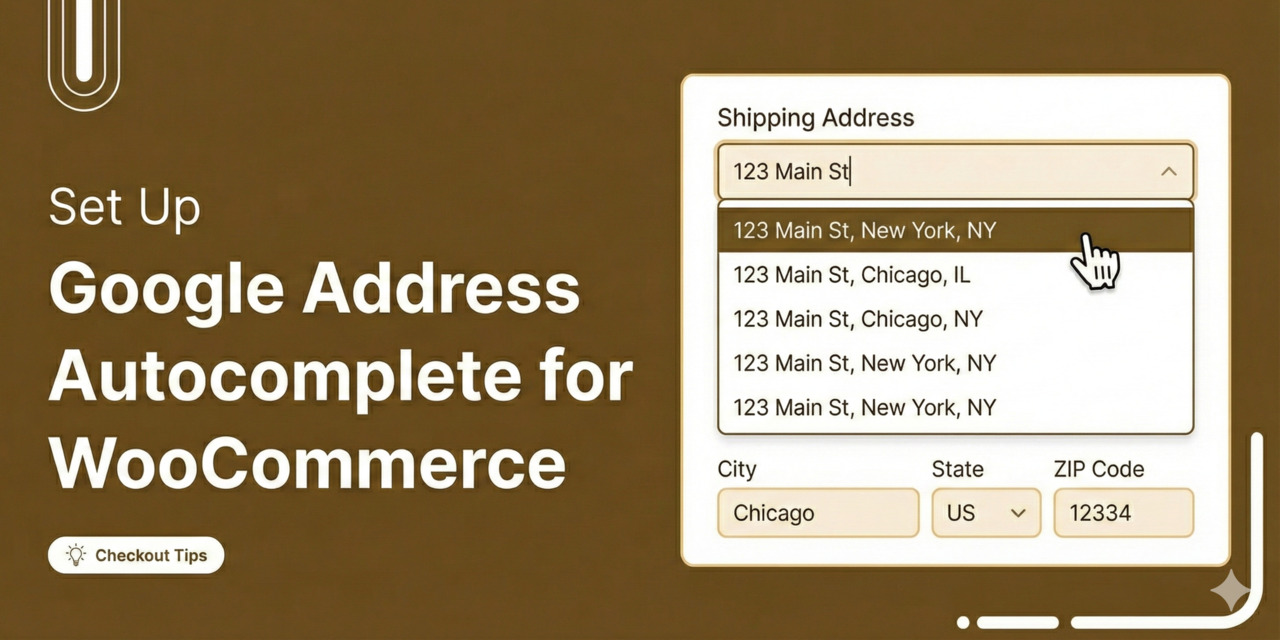
Shipping Address field suggesting 123 Main St matches in New York and Chicago, for the Google address autocomplete guide

How to Set Up Google Address Autocomplete in WooCommerce

Tired of losing sales because of a clunky checkout process? More than 70% of online shoppers abandon their carts, and one big reason is the hassle of typing in long, detailed addresses. [Source: Baymard Institute] To make matters worse, address mistakes lead to 41% of delivery delays and 39% of failed shipments, creating headaches for both you and your customers. In our analysis of various checkout sessions, we found that manual address entry is a leading cause of cart abandonment on mobile devices (and even on desktops). The solution? Google Address Autocomplete for WooCommerce. This feature allows customers to fill in their addresses instantly, streamlining the
WooCommerce Checkout Add-Ons: How to Add them to Optimize Your Store and Increase Sales

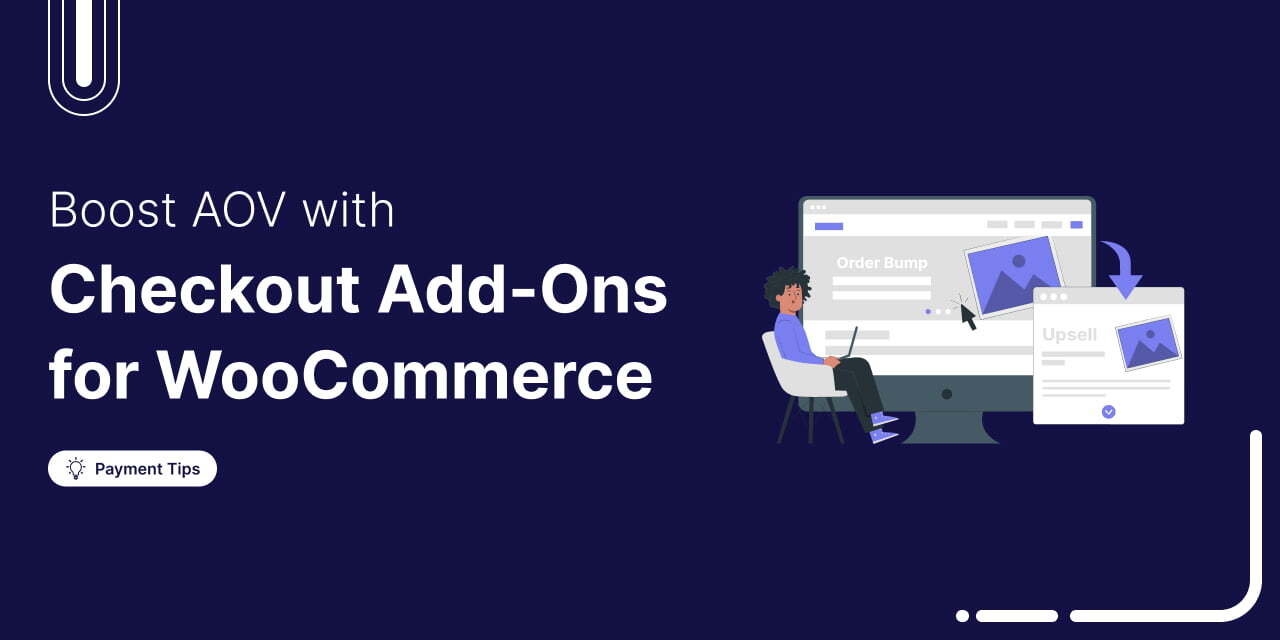
WooCommerce Checkout Add-Ons: Add Paid Options to Boost Order Value

WooCommerce checkout add-ons are the two questions a good florist asks before you pay. Do you want it wrapped, and do you want a card with a message on it? Your checkout page can ask both. Neither question costs the customer more than a few seconds. Both add to a bill they were already about to settle. Put gift wrapping on your checkout at $5, have one order in eight take it, and a store doing 400 orders a month has earned an extra $250 without buying a single new visitor. WooCommerce never asks either question. The default checkout collects an address, a shipping method, and
WooCommerce Checkout Hooks: Elevate Your Store's Checkout Experience

WooCommerce Checkout Hooks: Visual Guide for Classic & Block Checkout

WooCommerce checkout hooks used to be the one reliable way to customize the most important page in your store. Then WooCommerce made the block checkout the default, and half the hook snippets on the internet quietly stopped firing. Two different checkouts, one shared name, and a lot of copied code that only works on one of them. Stores built before WooCommerce 8.3 usually run the classic shortcode checkout. Newer stores run the block checkout, where the classic layout hooks do nothing at all. In this guide, we map every hook on the classic checkout page visually, share tested copy-and-paste snippets, and show you which hooks survive
WooCommerce Subscriptions Upsell: Boost Your Profits with Recurring Revenues

WooCommerce Subscriptions Upsell: Boost Your Profits with Recurring Revenues

WooCommerce subscription upsell can help boost your revenue through subscription-based sales. Moreover, subscription-based products allow you to add predictability to your revenue. You can sell physical and digital products and services to your buyers at a recurring fee. There's no need to chase more and more traffic constantly; instead, you can maximize the value of each customer you acquire. Implementing a WooCommerce subscription as an upsell in your sales strategy ensures increased order value and customer lifetime value through recurring payments. In this post, we’ll share with you the best strategy to sell WooCommerce subscription-based products using one-click upsells. And without even forcing your customers. Let’s
Build a WooCommerce Order Form

How to Create a WooCommerce Order Form (Free and Paid Methods)

A WooCommerce order form lets customers select multiple products, set quantities, and choose variations from a single page instead of visiting individual product pages. There are two ways to add an order form to WooCommerce. The first is a quick-order layout with products arranged in rows, each with a quantity field, added to the standard cart. The second goes further, where customers select products and complete payment on the same page without any cart detours. In this guide, we'll cover both methods, including a free setup, variable product handling, and a plugin comparison for wholesale, restaurant, and B2B stores. What Is a WooCommerce Order Form (And
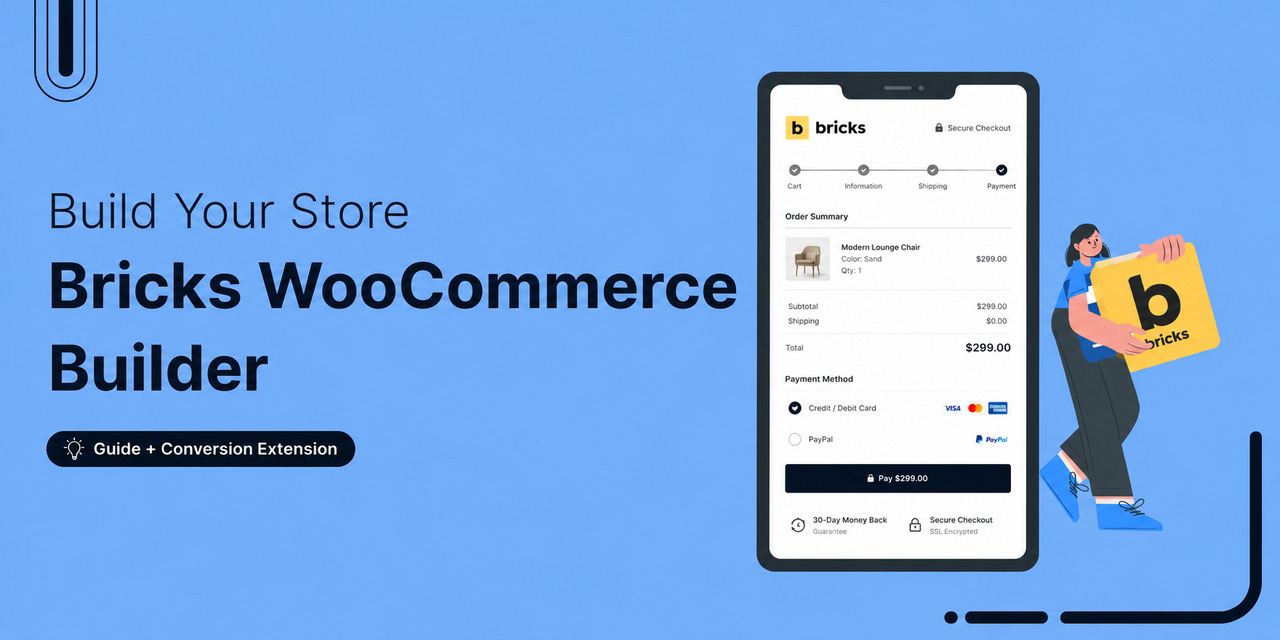
Phone with a Bricks checkout for a $299.00 lounge chair, by a woman holding the Bricks logo, for the Bricks builder guide

Bricks WooCommerce Builder: How to Build Your Entire Store (Step-by-Step)

The Bricks WooCommerce builder is built directly into the Bricks theme. Activate the free WooCommerce plugin, and Bricks unlocks more than 30 store-specific elements plus visual templates for every part of your shop. You can design your product pages, archives, cart, checkout, and account area without a single add-on. The catch is that most guides only show you half the picture. The native builder handles store design very well. But it does not support conversion features such as sales funnels, multi-step checkouts, order bumps, or one-click upsells. In this guide, we will show you how to set up WooCommerce with Bricks and build every core store

Make More From Every Sale.

FunnelKit works at the three moments a store earns money: before checkout, at checkout and after the order.

Before checkout: cart upsells and free-shipping goals in a sliding cart
At checkout: a faster checkout with order bumps and one-click upsells
After checkout: abandoned-cart recovery and follow-ups that bring buyers back
Start Selling More Today →
★★★★★ 4.9/5 from 1,012+ reviews on WordPress.org