WordPress Funnel Builder
Recent Blogs
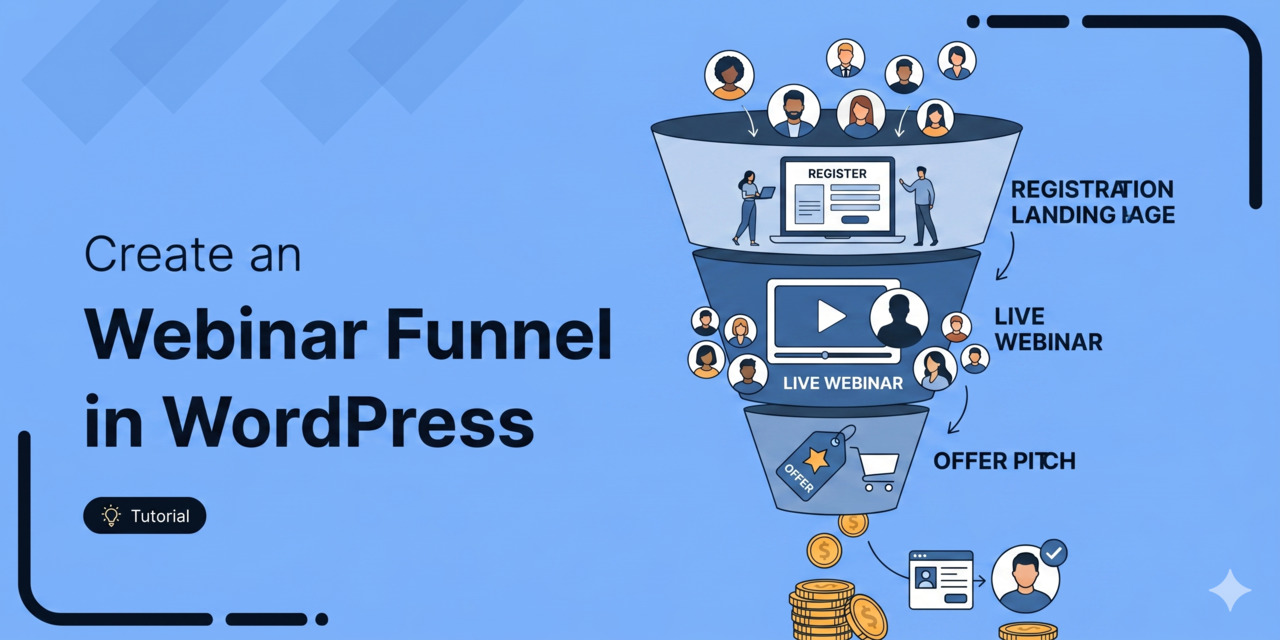
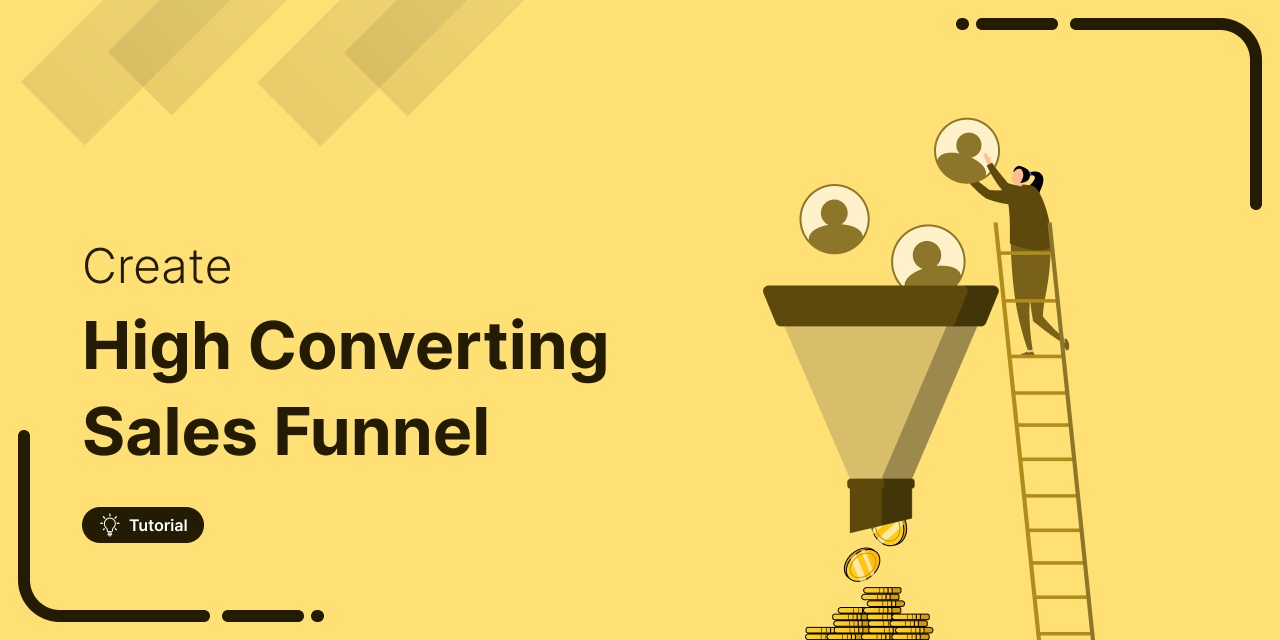
Quick summary: Do you want to create a webinar funnel to increase conversions and boost your sales? The article is a step-by-step no-code guide to building a webinar funnel, covering four core stages: traffic, registration page, confirmation page, and the live webinar. It walks through setting up each funnel page, writing follow-up email sequences segmented by attendee behavior, and best practices for maximizing conversions. Webinars are quite powerful when it comes to generating leads, building brand awareness and making sales. According to On24 Webinar Benchmark Reports, 73% of marketers believe webinars help generate qualified leads. This, in turn, gives them an opportunity to turn them into
- Editorial Team
If you're selling products, courses, services or memberships on WordPress and still relying on a single product page to all the heavy lifting, you're leaving money on the table. Dropping visitors directly onto a shop page can leave them overwhelmed or unsure of what to do next. That’s where a WordPress sales funnel comes in. It guides visitors step by step based on their needs and behavior. A well-designed funnel does more than attract visitors. It leads them toward a purchase by delivering the right message at the right time. It can lift average order value by 30-50%, recover abandoned carts and turn one-time buyers into
- Editorial Team
If you sell products online, you need to build an Elementor sales funnel to maximize sales. A sales funnel guide helps you convert visitors into buyers through a well-charted course/well-defined path. You can create a sales funnel using the most popular page builder, Elementor. It's easy to create different pages for your funnel using the drag-and-drop-based builder. In this article, we’ll dig deeper and see exactly how you can design your Elementor sales funnels. We will help you build a sales funnel with Elementor that's designed to convert. In this video tutorial, explore how you can create a WooCommerce sales funnel in WordPress: Why Should You
- Editorial Team
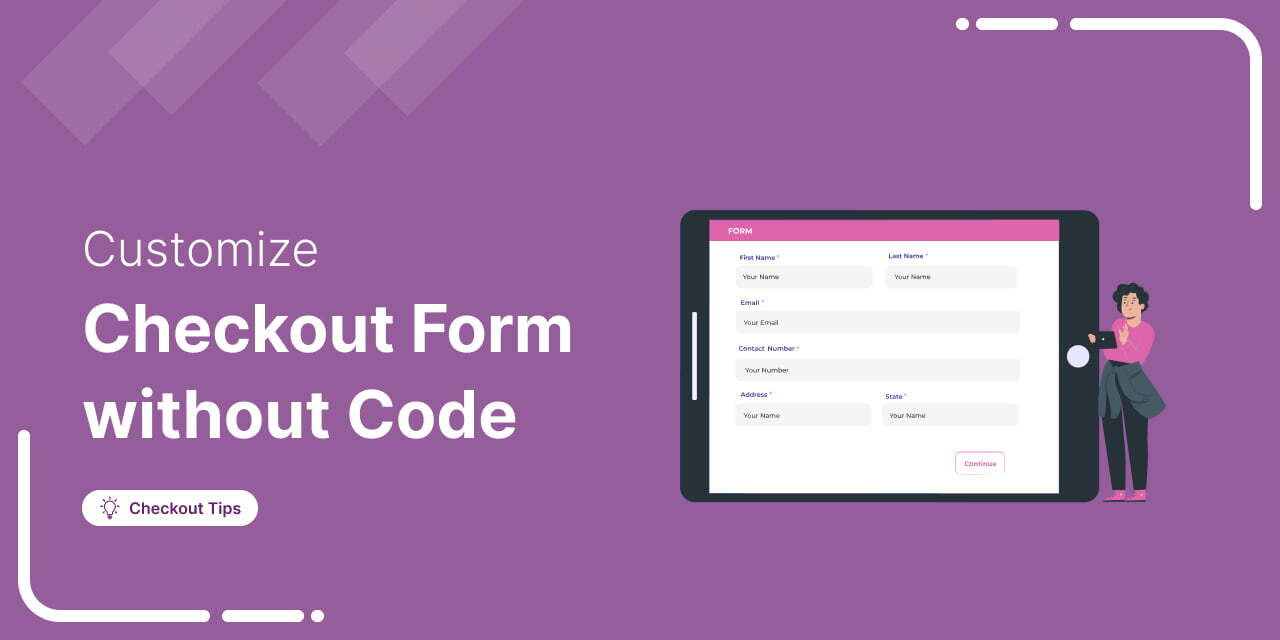
Have you ever wondered why some online stores convert like crazy while others struggle to close a sale? A simple reason is checkout optimization. If your WooCommerce checkout page still looks like every other default setup, you will lose potential buyers. Shoppers expect a fast, intuitive checkout tailored to their needs. Yet WooCommerce’s default fields often slow things down, ask for irrelevant details, or miss crucial details that could improve fulfillment and the customer experience. The solution? A WooCommerce checkout field editor lets you take full control, adding, editing, or removing fields that make sense for your business. In this post, we’ll show you how you
- Editorial Team
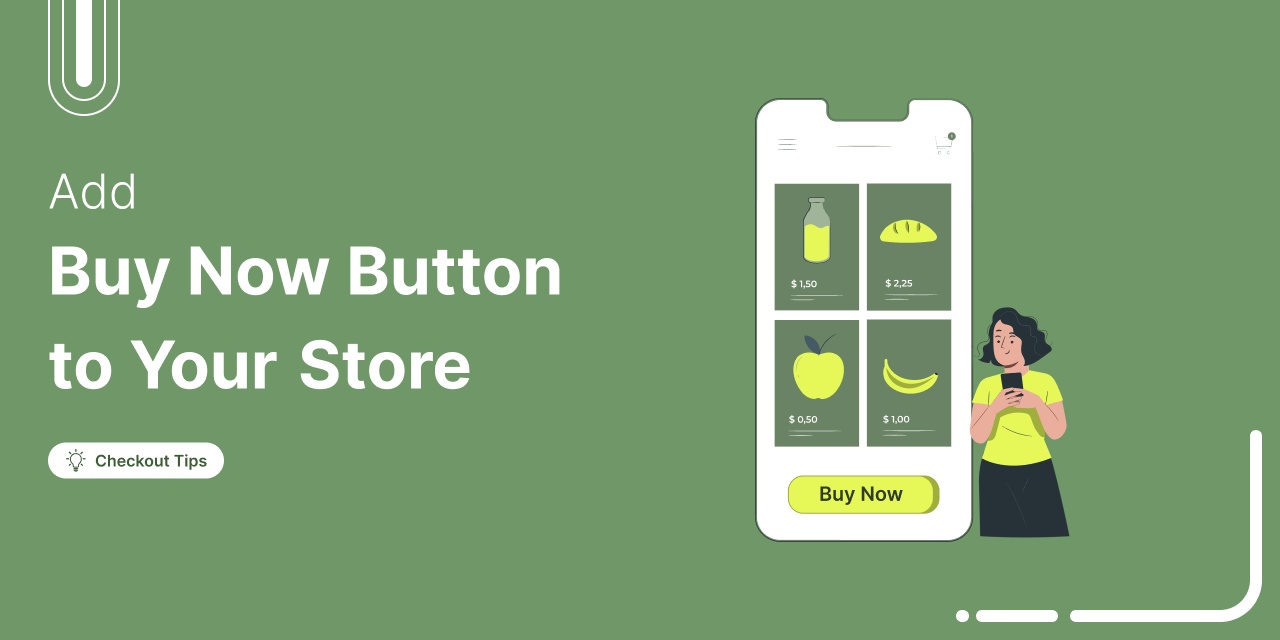
A WooCommerce buy now button lets customers skip the cart page and go straight to checkout with a single click. The default WooCommerce checkout process adds friction by redirecting users to a redundant cart page. But a buy now button simplifies the shopping journey from three steps (product page, cart, checkout) to just two or one, which means faster transactions and fewer chances for buyers to change their minds. In this post, you'll learn what a buy now button is, how to add it in 5 easy ways, and tips to optimize it for more sales. Whether you're selling a physical product, a subscription, or a
- Editorial Team
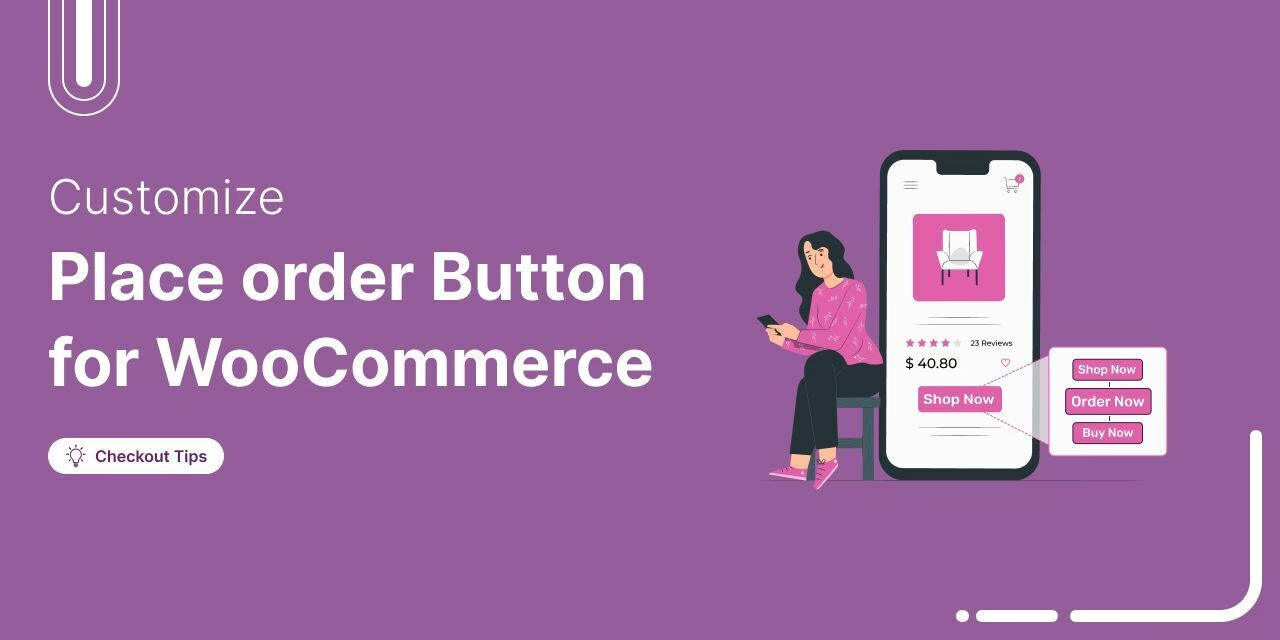
The WooCommerce place order button on your checkout page is literally where the money changes hands. However, most store owners leave it completely untouched. You aren't stuck with the default setup. Changing the button text to something actually persuasive (like "Complete My Purchase"), matching your brand colors, or moving its position can make a real difference in your checkout flow. In this guide, we will show you the quickest way to customize the place order button in WooCommerce using a plugin, no coding required. We will also walk you through a code-based method using PHP and CSS for developers, and share best practices for optimizing your
- Editorial Team
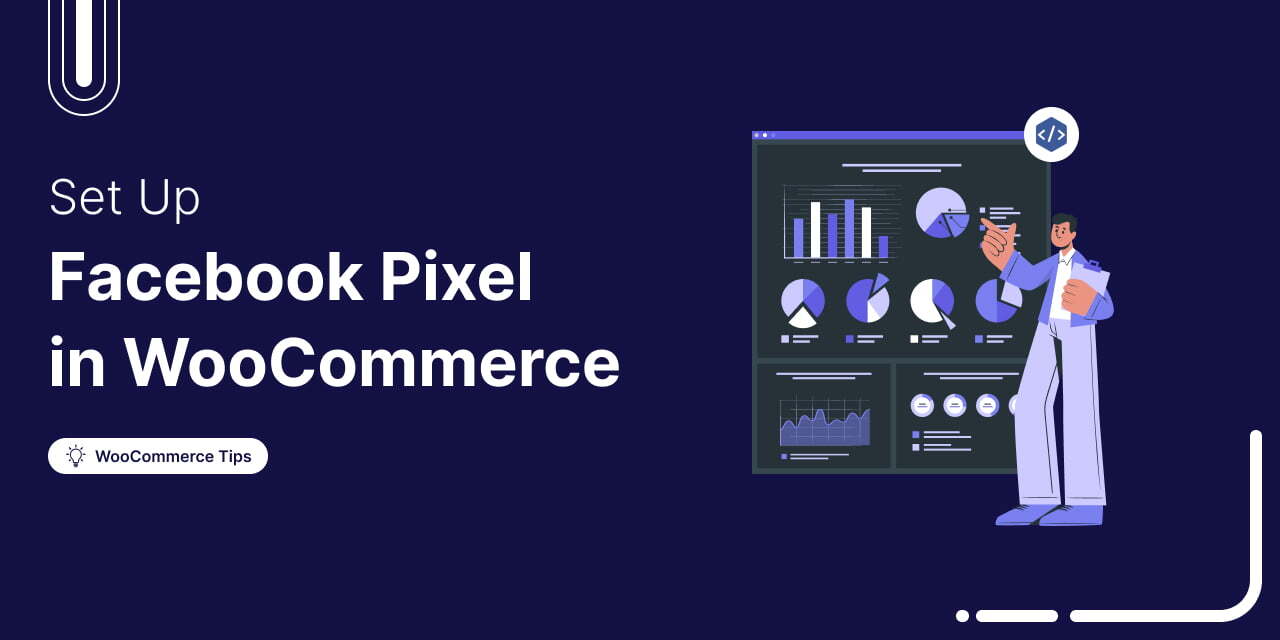
Running a WooCommerce store without the Facebook Pixel is like pouring money into ads while blindfolded. You're spending, but you have no idea what's actually working. Every abandoned cart, every product page visit, every completed purchase holds valuable data. Without the pixel installed, that data is gone forever. Facebook Pixel bridges the gap between your WooCommerce store and your ad campaigns. You can finally see the exact journey from an Instagram click to a completed checkout, letting you target the specific people who abandoned their carts yesterday instead of blasting cold traffic. The result? Way cheaper acquisition costs and campaigns that actually generate revenue. Retargeting alone
- Editorial Team
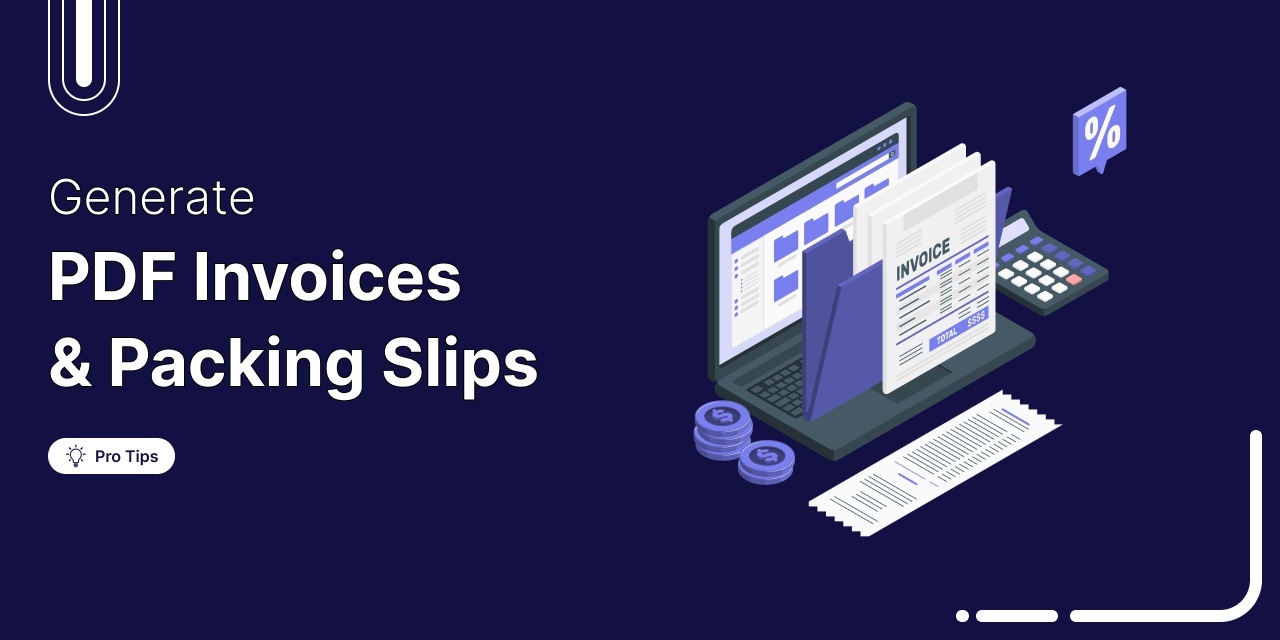
Every WooCommerce store needs a reliable way to generate PDF invoices and packing slips. Hand-typing order details into a Word template results in misspelled addresses, missing tax IDs, and a warehouse team guessing what goes in which box. Setting up a proper WooCommerce PDF invoices and packing slips system instantly fixes that bottleneck. The right plugin grabs the order data the second a customer pays and fires off a branded PDF receipt, while simultaneously dropping a clean packing list to your fulfillment team. Zero manual entry. In this guide, we’ll show you how to choose and configure the best WooCommerce PDF invoice plugin, customize your packing
- Editorial Team
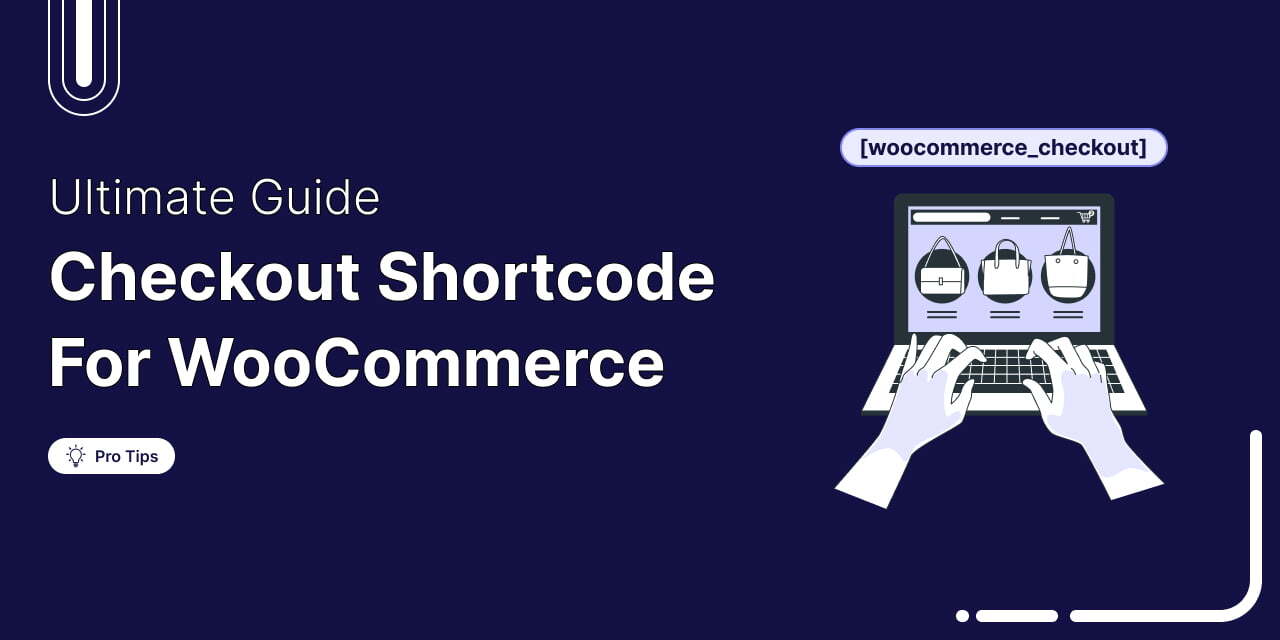
Your checkout page might be silently killing your sales. No error messages, no warnings; just shoppers disappearing before they click the place order button. One of the sneakiest causes? The WooCommerce checkout shortcode isn’t placed or configured correctly. Maybe your page was set up a while ago, and suddenly, there is a conflict or a plugin that messed things up. Either way, a broken checkout can silently crush your conversions. WooCommerce offers many shortcodes to display products, carts, customer accounts, etc. But the most critical of them all is the [woocommerce_checkout] shortcode. This single line of code powers the entire checkout process. Even the slightest miscommunication
- Editorial Team
Make More From Every Sale.
FunnelKit works at the three moments a store earns money: before checkout, at checkout and after the order.
★★★★★
4.9/5 from 1,012+ reviews on WordPress.org
One order.
Three chances to earn more.
$100$120$140$150
Cart value+$20 before checkout+$20 at checkout+$10 after checkout+$50 · 50% more
$100+$20+$20+$10=$150
$100
$100
$100
+$20
$120
$100
+$20
+$20
$140
$100
+$20
+$20
+$10
$150
Cart ValueStarting Point
Bundles & Cart UpsellsBefore Checkout
Order Bumps & UpsellsAt Checkout
Recovery & Follow‑UpsAfter Checkout
Same traffic, same shopper, more revenue.