

Join Over 39,415+ Professionals
Who build smart funnels and automations with FunneKit

Frictionless Checkouts
Email & SMS Marketing
Attractive Order Bumps
Rich Contact Profile
One Click Upsells
Workflow and Integrations
In-depth Analytics
Segmented Broadcast
A/B Testing
Revenue Tracking
Robust Rule Engine
Sliding Cart
Get FunnelKit Now

FunnelKit Blog

Recent Blogs
How to Cross-Sell Products in WooCommerce to Boost Sales and AOV (2026 Guide)
Increasing your average order value (AOV) is one of the fastest ways to grow your WooCommerce store’s revenue without spending more on ads or chasing new traffic. That’s exactly where WooCommerce cross-sells shine. Cross-selling helps you show customers relevant, complementary products while they’re already in a buying mindset. When done right, it feels helpful, not pushy and it just works. In fact, 35% of Amazon’s revenue comes from product recommendations, yet many WooCommerce stores still treat cross-sells as an afterthought. At its core, cross-selling means suggesting products that enhance the item a customer is already purchasing. Think of it as the online version of “Would you
Jan 13, 2026
Editorial Team
Join Over 39,415+
Subscribers to get free tips, tricks, and resources to grow your mailing list
Recent Blogs
10 Best WooCommerce Shipping Plugins of 2026 (Free & Premium)
Ever feel like shipping is the hardest part of running your WooCommerce store? You're not alone! Managing rates manually or dealing with glitchy plugins can be a real headache. The right shipping plugin makes all the difference. It should simplify your process, not confuse your customers. Luckily, there are easy solutions to save you time and money. In this post, we’ll cover the best WooCommerce shipping plugins for different needs, from automatic rates to label printing and tracking. Best WooCommerce Shipping Plugins: Quick Comparison Summary PluginUnique Selling Point (USP)PriceTable Rate ShippingHighly customizable shipping options with rule-based rates$119/yearWooCommerce Advanced ShippingConditional shipping rates based on weight, volume, and
Jan 12, 2026
Editorial Team
10 Best WooCommerce Coupon Plugins in 2026 (Most Are Free)
Many eCommerce stores struggle to stay profitable when offering discount coupons. And honestly, it’s because they’re not being strategic about it. From what I’ve seen over the years, handing out coupons to everyone is the fastest way to lose money and erode profitability. But with the right approach, coupons can actually help you sell more, keep customers coming back, and grow your profits. For instance, offering BOGO deals for low-moving items to clear inventory, using tiered discounts to increase average order value, and auto-applying coupons at checkout reduce friction and improve conversions. To help you implement these smart discount coupon campaigns, here’s my handpicked list of
Jan 12, 2026
Editorial Team
7 Best WooCommerce Mini Cart Plugins to Try in 2026
Struggling to find the perfect WooCommerce mini cart plugin to enhance your store’s shopping experience? By default, WooCommerce redirects customers to a separate cart page to view or modify their cart, adding an unnecessary step to their shopping journey. This extra click can cause frustration and even lead to abandoned cart drop-offs. A seamless mini cart solves this problem by letting customers view and manage their items without leaving the current page. Many stores use a cart drawer (also called an off-canvas cart, cart sidebar, or cart popup) so customers can manage their cart without breaking the flow, improving their shopping journey With so many options
Jan 12, 2026
Editorial Team
![How to Create a Custom WooCommerce Thank You Page That Boosts Repeat Purchases [2026]](https://funnelkit.com/wp-content/uploads/2025/02/How-to-Create-a-Custom-WooCommerce-Thank-You-Page-that-Boosts-Repeat-Purchases-.jpg)
How to Create a Custom WooCommerce Thank You Page That Boosts Repeat Purchases [2026]
The default WooCommerce thank you page does the bare minimum. It confirms an orderand that’s it. But this post-purchase page has the potential to do much more for your WooCommerce store. For any online store, the post-checkout experience is just as important as checkout itself. What customers see after purchase directly impacts trust, brand perception, and repeat sales. A custom WooCommerce thank you page is more than a “thank you for your order” message. It’s a chance to reinforce your brand, recommend products, and turn first-time buyers into loyal customers. Many store owners overlook this page and miss easy wins like upsells, customer engagement, and retention.
Jan 9, 2026
Editorial Team
![How to Enable WooCommerce Guest Checkout to Reduce Friction and Boost Sales [2026]](https://funnelkit.com/wp-content/uploads/2025/04/How-to-Enable-WooCommerce-Guest-Checkout-in-Your-Store-FunnelKit.jpg)
How to Enable WooCommerce Guest Checkout to Reduce Friction and Boost Sales [2026]
Want more sales from your woocommerce store? Start by removing checkout barriers. In fact, research from the Baymard Institute shows that 19% of shoppers abandon their carts because they’re forced to register. That’s nearly one in five potential customers slipping away, all avoidable with a single woocommerce setting. One of the fastest, easiest ways to boost conversions is by enabling guest checkout. Guest checkout allows first-time shoppers to buy instantly without creating an account, a simple tweak that can make a big difference. Today’s online shoppers expect a fast, seamless checkout experience, and guest checkout delivers exactly that. In this guide, you’ll learn: What WooCommerce guest
Jan 9, 2026
Editorial Team
7 Best WooCommerce Checkout Manager Plugins of 2026 (Expert Picks)
The checkout process can make or break your sales. Having worked with many WooCommerce stores, I’ve seen firsthand how an optimized checkout boosts conversions, while a complicated one drives customers away. By default, WooCommerce offers limited checkout customization. That’s where a checkout manager steps in. They let you add or edit fields, adjust layouts, manage payment methods, and create a smooth, personalized checkout experience. In this guide, I’ll share the top WooCommerce checkout manager plugins based on my experience and industry best practices. Best 7 WooCommerce Checkout Manager Plugins at a Glance (2026) Here’s a quick look at the top WooCommerce checkout manager plugins, ranked by
Jan 9, 2026
Editorial Team
How to Add WooCommerce CAPTCHA to Checkout for Enhanced Security in 2026
Adding CAPTCHA to your WooCommerce checkout is a simple yet powerful way to enhance your store’s security. It helps prevent spam, fraudulent orders, and unwanted bot activity. From experience, I’ve seen that without CAPTCHA, many WooCommerce stores become vulnerable to bots that create fake accounts, place fraudulent orders, and ultimately damage your store’s reputation and revenue. Implementing CAPTCHA can save you both money and frustration by preventing these issues before they escalate. In this guide, I’ll walk you through how to add CAPTCHA to your WooCommerce checkout and share some reliable plugins you can use to strengthen your store’s security. Short on time? Watch the video
Jan 8, 2026
Editorial Team
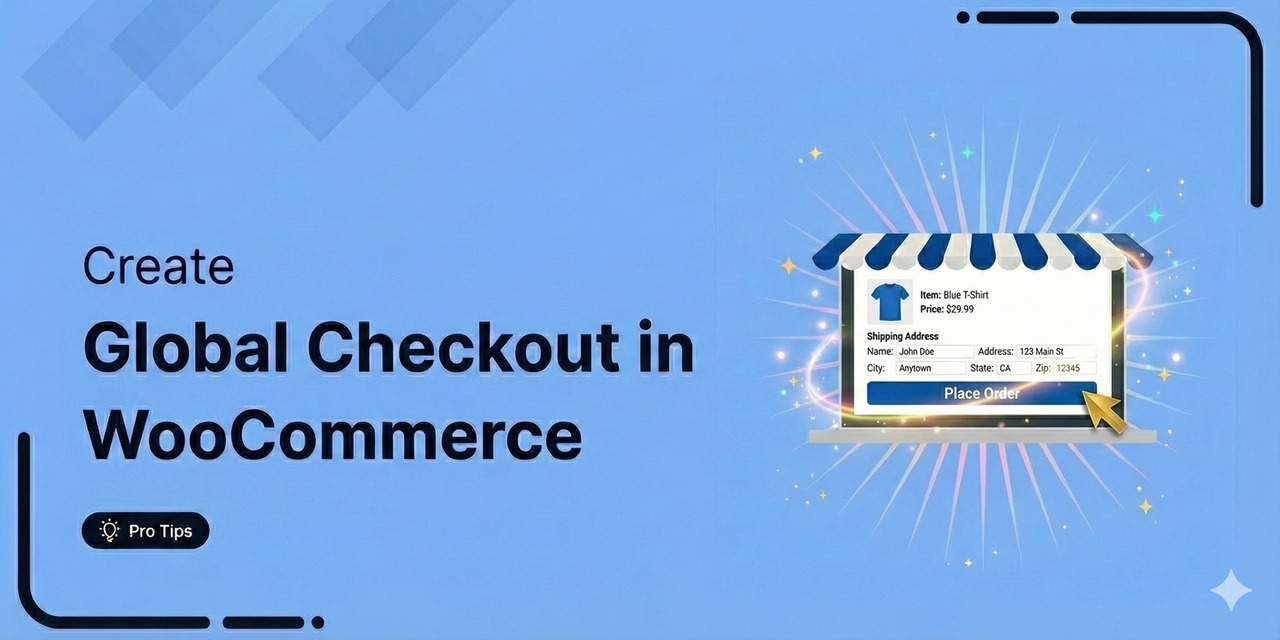
How to Create a Global Checkout in WooCommerce (Step-by-Step Guide)
A global checkout is the final stage in the buying journey, where customers review their orders, enter payment details, and complete their purchases. However, WooCommerce’s default checkout isn’t designed for conversions. It lacks key features such as product images, testimonials, and trust badges, which build trust and improve the shopping experience. A custom global checkout page offers a streamlined, mobile-friendly experience. It allows customers to adjust orders easily and boosts conversions with powerful features. In my 8 years of experience auditing thousands of WooCommerce stores, I've learned that a "one-size-fits-all" checkout is a conversion killer. In this guide, I'll show you exactly how to engineer a
Jan 8, 2026
Editorial Team
How to Create a WooCommerce Order Form (Easy, Step-by-Step Guide)
WooCommerce’s default checkout process involves multiple steps to complete a purchase. Customers have to add products to their carts on individual pages, then go to the cart, and then complete checkout, which feels slow and frustrating. A WooCommerce order form simplifies this by allowing customers to select products and check out instantly from a single page. This streamlined checkout experience boosts conversions and enhances user satisfaction. In this post, you’ll learn about a WooCommerce order form, the best plugins to create one, and a step-by-step guide to setting up a high-converting one-page order form. Let’s get started! Quick Overview: Want to turn casual visitors into happy
Jan 6, 2026
Editorial Team
Ready to Transform Your Store?

Join 39,415+ successful store owners who trust FunnelKit to power their businesses.
Conversion Optimized Checkout Pages
Increase Revenue with Smart Upsells
Capture Emails & Recover Abandoned Carts
Automate Winbacks & Repeat Sales


973+ 5 star reviews on WordPress.org