

Join Over 39,415+ Professionals
Who build smart funnels and automations with FunneKit

Frictionless Checkouts
Email & SMS Marketing
Attractive Order Bumps
Rich Contact Profile
One Click Upsells
Workflow and Integrations
In-depth Analytics
Segmented Broadcast
A/B Testing
Revenue Tracking
Robust Rule Engine
Sliding Cart
Get FunnelKit Now

FunnelKit Blog

Recent Blogs
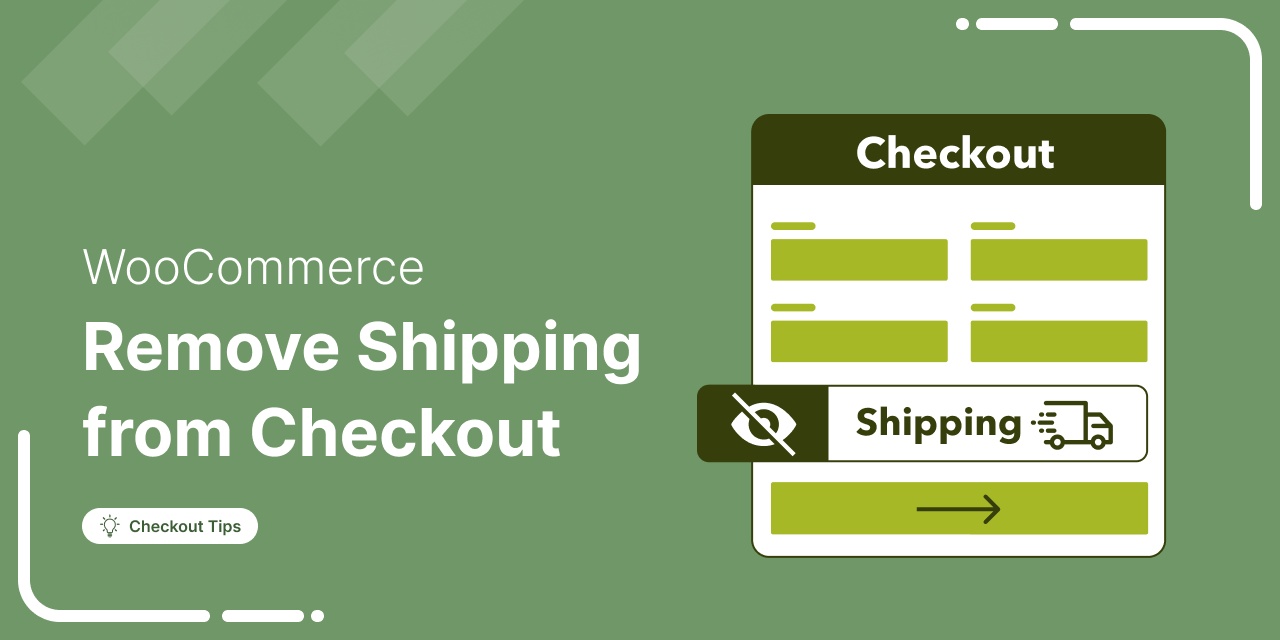
How to Remove Shipping from WooCommerce Checkout
Removing shipping from WooCommerce checkout eliminates unnecessary fields and extra steps for stores that do not ship physical products. Whether you sell digital downloads, offer local pickup only, or have a custom fulfillment workflow, hiding shipping options streamlines checkout and removes friction from the purchase process. The default WooCommerce checkout page displays shipping address fields and shipping method selection for all products. Even if you have disabled shipping zones or offer only virtual products in your store, these fields can still appear and confuse customers. In this guide, we'll show you two methods to remove shipping from your checkout: one method is code-free and the other
Feb 2, 2026
Editorial Team
Join Over 39,415+
Subscribers to get free tips, tricks, and resources to grow your mailing list
Recent Blogs
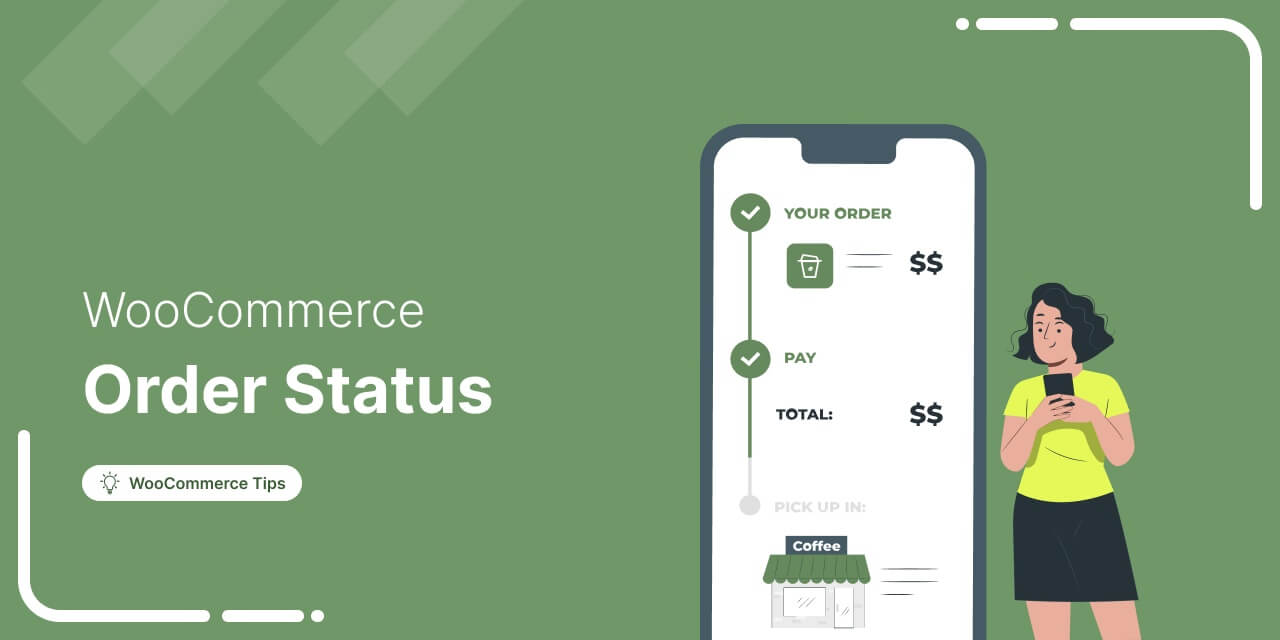
WooCommerce Order Status: The Complete 2026 Guide to Managing Orders Like a Pro
Imagine a customer makes a purchase, but instead of the order smoothly processing through your system, it gets stuck in “Pending Payment” or “On Hold” indefinitely. You’re checking your settings and refreshing your dashboard constantly, but nothing changes. Meanwhile, your customer is waiting and getting impatient. WooCommerce order status provides crucial information about the progress of an order from the time it gets placed to when it’s delivered. When configured correctly, they automate workflows, trigger customer notifications, and provide instant visibility into your business operations. But when statuses don’t update correctly, it creates confusion, delays shipments, and even results in lost revenue. Payment processing status issues,
Jan 27, 2026
Editorial Team
How to Send WooCommerce Failed Order Emails to Customers?
Customers reach the checkout and hit that all-important place order button, yet the order fails. It’s frustrating, right? Failed orders can hurt both revenue and customer experience, but you can turn things around. A well-crafted WooCommerce failed order email can restore trust and encourage users to reorder—boosting both sales and satisfaction. In this post, we’ll explain what a failed order is, why it happens, and how to send a custom failed order email to customers right from the WordPress dashboard without any coding knowledge. What is a Failed Order in WooCommerce, and How to Know Why It Failed? What is a failed order? In WooCommerce, a
Jan 26, 2026
Editorial Team
![How to Create a Successful Customer Winback Campaign in WooCommerce [2026]](https://funnelkit.com/wp-content/uploads/2025/01/How-to-Create-a-Successful-Customer-Winback-Campaign-in-WooCommerce.jpg)
How to Create a Successful Customer Winback Campaign in WooCommerce [2026]
Want to bring back customers who’ve gone cold? Repeat customers generate 5-7× more revenue per visit than first-time shoppers. Yet most stores lose them simply because there’s no clear plan to re-engage once they stop buying. That’s where a winback campaign comes in. A well-timed, well-crafted winback campaign helps you reconnect with inactive customers, rebuild interest, and turn them back into paying buyers. In this post, we’ll break down the exact steps to create a high-converting winback campaign along with proven strategies and real examples you can use right away. By the end, you’ll know how to re-ignite customer interest and turn lapsed buyers into loyal,
Jan 22, 2026
Editorial Team
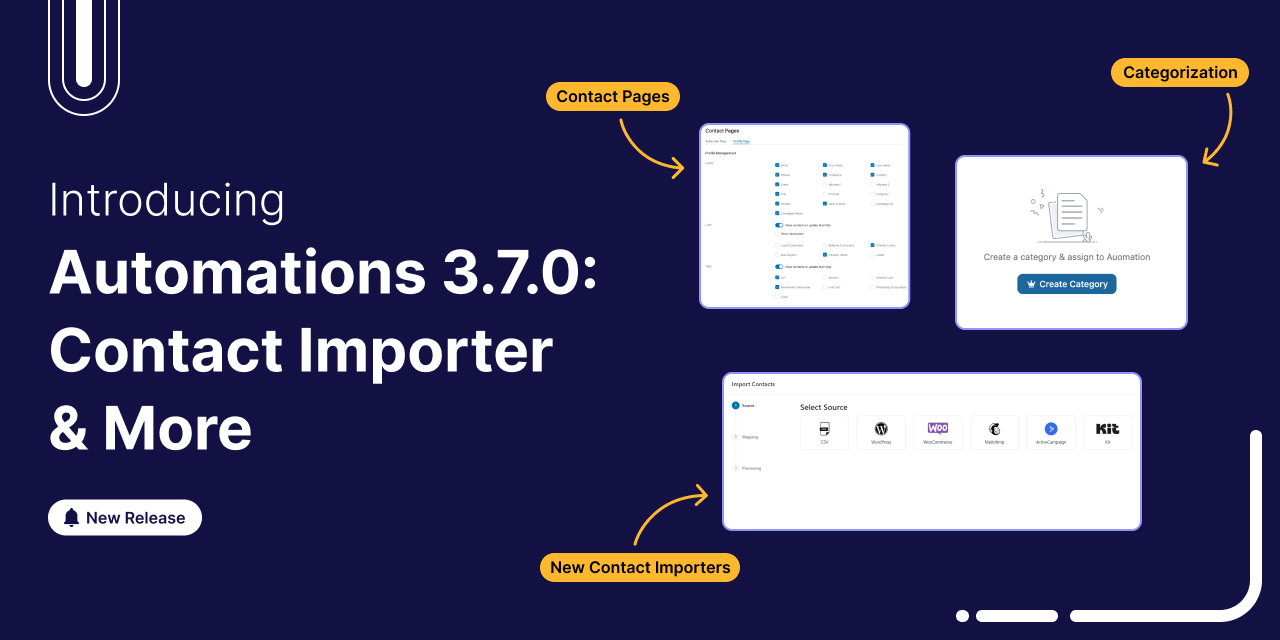
Introducing FunnelKit Automations 3.7.0: Enhanced Contact Importer, Conditional Emails, Categories & More
FunnelKit Automations 3.7.0 is here! 🎉 And it brings meaningful improvements that make building and managing your marketing automation easier than ever. This release is all about giving you more control, cutting down setup time, and helping you stay organized as your workflows grow. Here’s a quick look at what’s new in version 3.7.0: Redesigned contact pages with built-in brand styling Faster, more streamlined imports from popular platforms Advanced categorization tools to keep your automations tidy and easy to manage Conditional content in WooCommerce transactional emails for smarter personalization Together, these updates simplify everyday tasks and create a smoother automation experience, whether you’re setting up new
Jan 22, 2026
Editorial Team

11 Best WooCommerce Affiliate Plugins for Your Online Marketing Strategy (2026)
Are you looking for the best WooCommerce affiliate plugin to enhance your marketing strategy and earn affiliate commissions? Over the past four months, our team installed, configured, and tested 19 different WooCommerce affiliate plugins on separate websites. We created test affiliate programs, recruited volunteer marketers to evaluate dashboards, tracked commission calculations for accuracy, and measured the real-world performance impact on WooCommerce stores. The result? This comprehensive comparison of the 11 plugins that passed our quality threshold, backed by hands-on testing, performance benchmarks, and honest analysis of what works (and what doesn't) in affiliate marketing for WooCommerce. Affiliate marketing is a successful business model projected to grow
Jan 22, 2026
Editorial Team
How to Customize WooCommerce Order Summary in Your Store (Step-by-Step Guide)
Ever clicked the checkout button and suddenly felt unsure? Did I add the right items? Am I being overcharged? The same uncertainty is costing you sales. Shoppers expect full transparency at checkout. If they cannot see a detailed breakdown of their order products, pricing, discounts, and shipping, they hesitate. And hesitation leads to lost revenue. A well-structured WooCommerce order summary can boost trust and increase conversions effortlessly. By customizing the order summary section, you can enhance the user experience, provide additional information, and even match the design with your brand. In this guide, we’ll share why it’s important to customize the WooCommerce order summary and how
Jan 20, 2026
Editorial Team
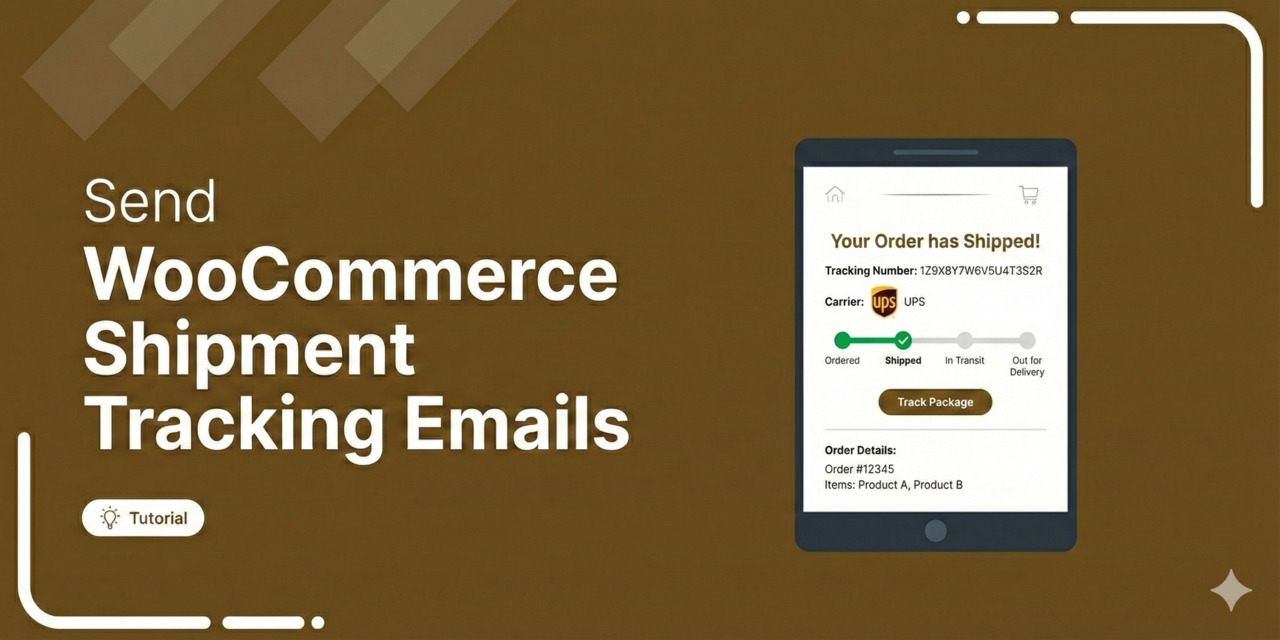
How to Send WooCommerce Shipment Tracking Emails That Build Trust (2026 Guide)
Do you want to set up WooCommerce shipment tracking emails to send order updates to your customers? Sending order shipping emails helps establish transparency and keep your customers informed about the status of their orders. These emails include shipment tracking codes so customers can always know when they will receive their orders. Most store owners don’t send shipping tracking emails, which creates anxiety and a bad customer experience. This is certainly a missed opportunity, and you can capitalize on it! After implementing shipment-tracking emails across 40+ stores, I've learned that merchants who send structured tracking communications see an average 67% reduction in "Where Is My Order?"
Jan 20, 2026
Editorial Team
WooCommerce Checkout Hooks: A Complete Visual Guide to Elevating Your Store's Checkout Experience
Do you want to learn about WooCommerce checkout hooks that allow seamless customization on your store’s checkout page? WooCommerce is known for its flexibility in customization and one powerful tool that facilitates WooCommerce checkout page optimization is the clever use of hooks. After implementing hundreds of checkout customizations, from adding custom validation fields to integrating shipping calculators, I’ve learned that mastering WooCommerce checkout hooks is essential for any serious WordPress developer. By using checkout hooks, you can add, modify, or remove any elements, content, or functionality on your checkout page. But the challenge is that not everyone wants to dive into custom coding. If that’s you,
Jan 20, 2026
Editorial Team
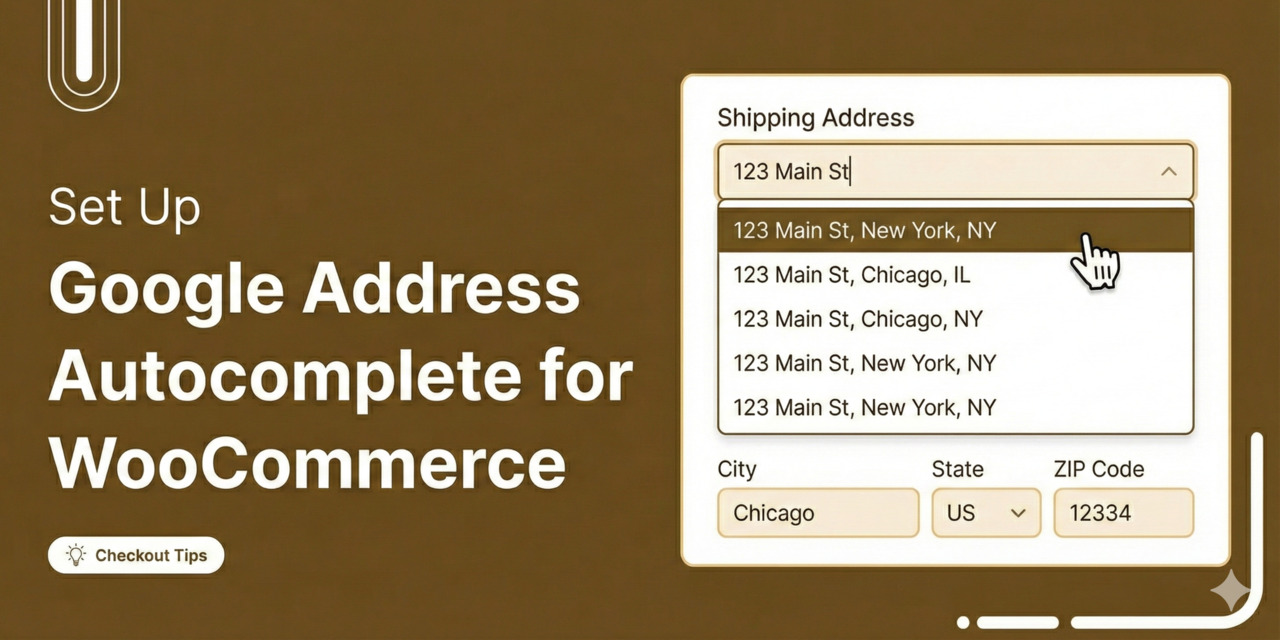
How to Set Up Google Address Autocomplete in WooCommerce
Tired of losing sales because of a clunky checkout process? More than 70% of online shoppers abandon their carts, and one big reason is the hassle of typing in long, detailed addresses. [Source: Baymard Institute] To make matters worse, address mistakes lead to 41% of delivery delays and 39% of failed shipments, creating headaches for both you and your customers. In our analysis of various checkout sessions, we found that manual address entry is a leading cause of cart abandonment on mobile devices (and even on desktops). The solution? Google Address Autocomplete for WooCommerce. This feature allows customers to fill in their addresses instantly, streamlining the
Jan 19, 2026
Editorial Team
Ready to Transform Your Store?

Join 39,415+ successful store owners who trust FunnelKit to power their businesses.
Conversion Optimized Checkout Pages
Increase Revenue with Smart Upsells
Capture Emails & Recover Abandoned Carts
Automate Winbacks & Repeat Sales


973+ 5 star reviews on WordPress.org