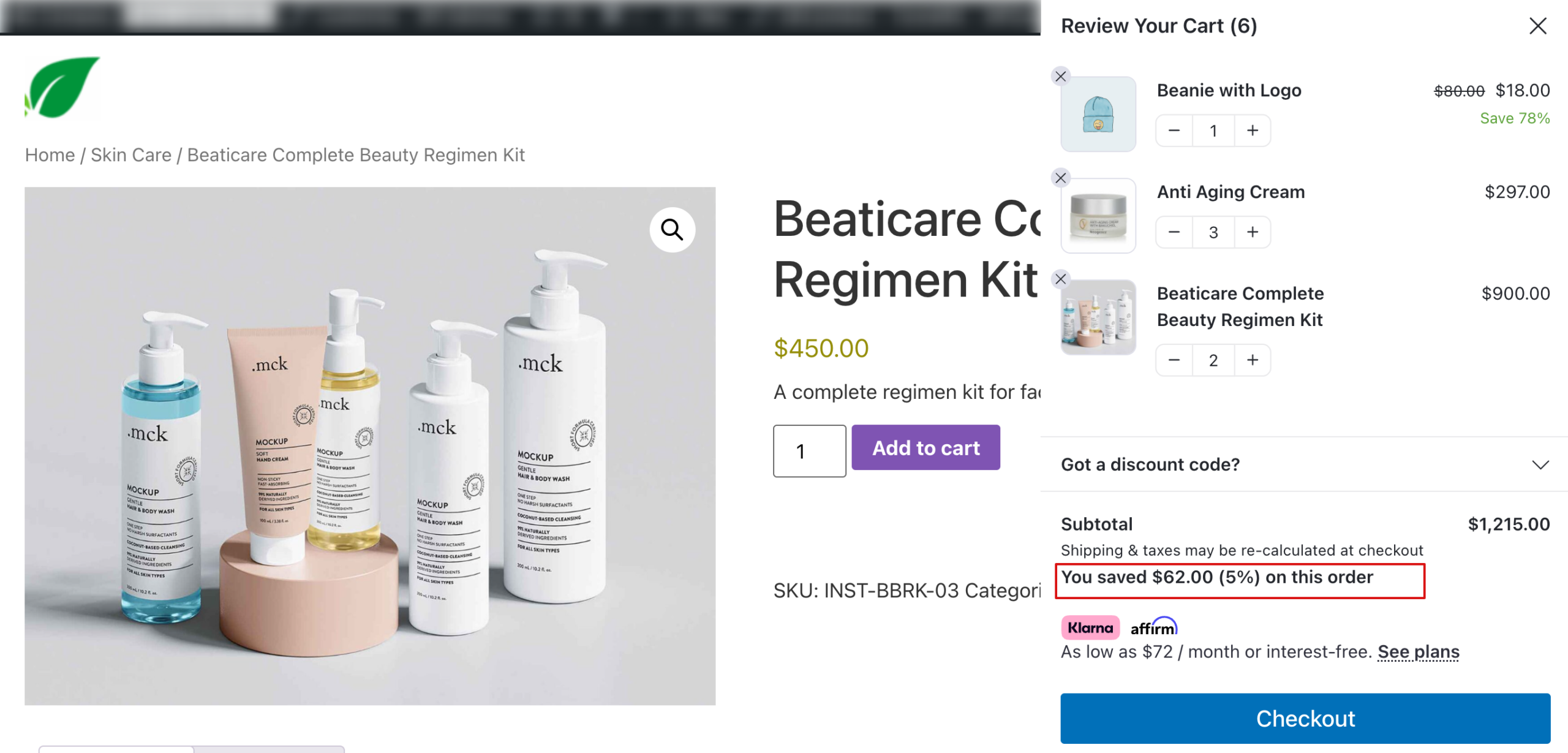
In this document, we will share how to display the total savings value of the order in FunnelKit Cart.
FunnelKit Cart, by default, shows the savings percentage or amount for each applicable item in the cart.
To show the total saving value and percentage, follow the steps below:
Steps To Display Total Saving Value In FunnelKit Cart
Step 1: Add a custom code snippet to your site:
To add this code, you can use a plugin like Code Snippets or add it to your child theme’s functions.php file:

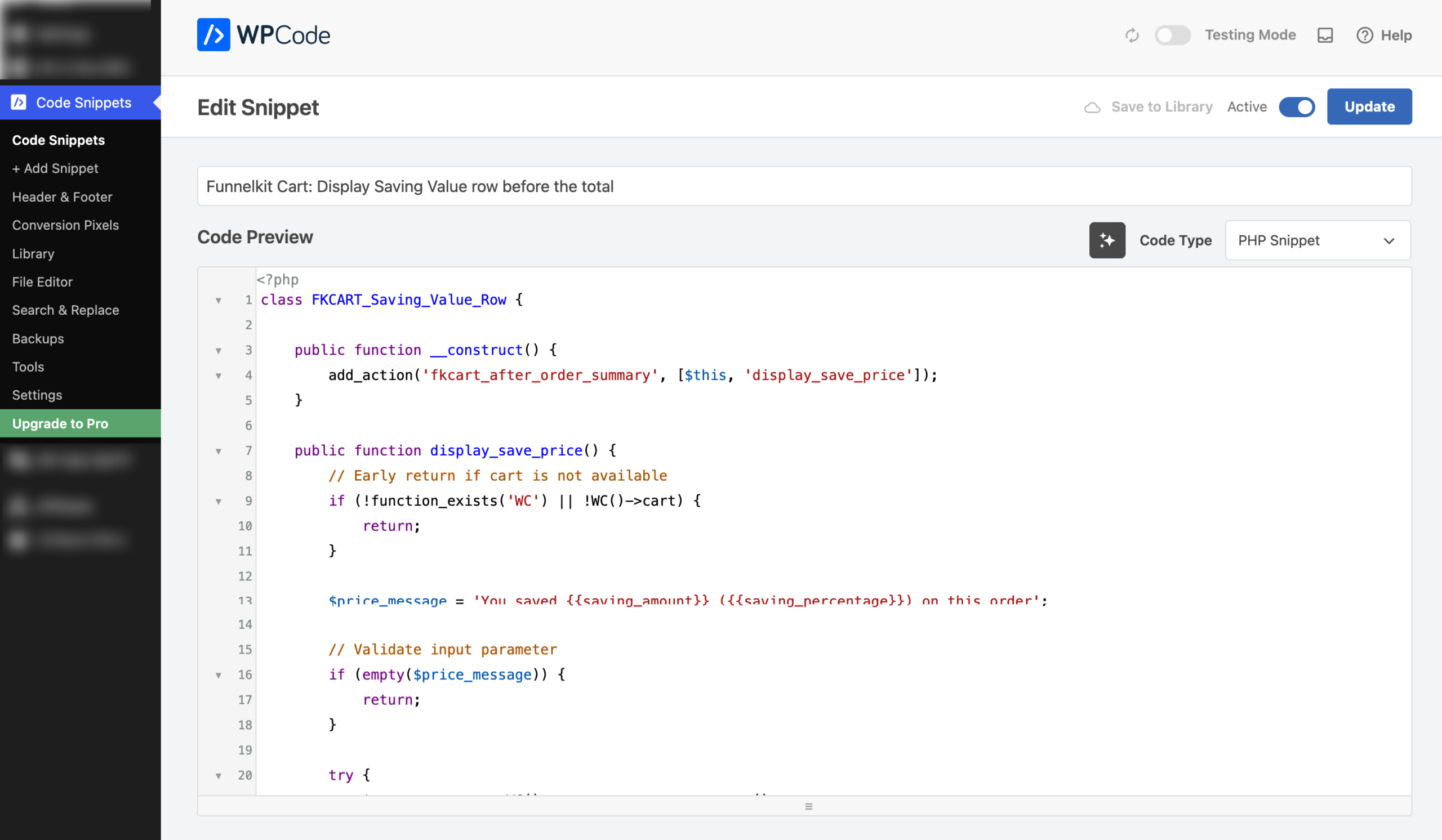
class FKCART_Saving_Value_Row {

    public function __construct() {
        add_action('fkcart_after_order_summary', [$this, 'display_save_price']);
    }

    public function display_save_price() {
        // Early return if cart is not available
        if (!function_exists('WC') || !WC()->cart) {
            return;
        }

        $price_message = 'You saved {{saving_amount}} ({{saving_percentage}}) on this order';

        // Validate input parameter
        if (empty($price_message)) {
            return;
        }

        try {
            $cart_contents = WC()->cart->get_cart_contents();
            if (empty($cart_contents)) {
                return;
            }

            $regular_price = 0;

            foreach ($cart_contents as $content) {
                // Validate cart item data
                if (!isset($content['data']) || !isset($content['quantity'])) {
                    continue;
                }

                $product = $content['data'];
                if (!($product instanceof WC_Product)) {
                    continue;
                }

                $quantity = absint($content['quantity']);
                $product_id = $product->get_id();

                // Get fresh instance of the product
                $product = wc_get_product($product_id);
                if (!$product) {
                    continue;
                }

                $item_regular_price = $product->get_regular_price();
                if ('' === $item_regular_price || !is_numeric($item_regular_price)) {
                    continue;
                }

                $regular_price += wc_get_price_including_tax($product, [
                    'qty' => $quantity,
                    'price' => $item_regular_price
                ]);
            }

            // Prevent division by zero
            if ($regular_price <= 0) {
                return;
            }

            // Get cart total BEFORE coupon discounts (product discounts only)
            $total = WC()->cart->get_cart_contents_total() + WC()->cart->get_cart_contents_tax();

            // Add back coupon discounts to calculate only product-level savings
            $total += WC()->cart->get_discount_total() + WC()->cart->get_discount_tax();

            $regular_price = round($regular_price, 2);
            $total = round($total, 2);

            // Only proceed if there's actually a saving
            if ($regular_price <= $total) {
                return;
            }

            $saving_price = $regular_price - $total;
            $saving_percentage = ($saving_price * 100) / $regular_price;

            // Format the saving price
            $formatted_saving_price = str_replace('-', '', wc_price($saving_price));

            // Replace placeholders in message
            $total_message = str_replace('{{saving_amount}}', $formatted_saving_price, $price_message);

            if ($saving_percentage > 0) {
                $total_message = str_replace('{{saving_percentage}}', number_format($saving_percentage, 0) . '%', $total_message);
            }

            if (empty($total_message)) {
                return;
            }

            // Output the message
            ?>
            <div class="fkcart-summary-line-item fkcart-total-wrap">
                <div class="fkcart-summary-amount"><strong><?php echo wp_kses_post($total_message) ?></strong></div>
            </div>
            <?php
        } catch (\Throwable $e) {
            return;
        }
    }
}

new FKCART_Saving_Value_Row();
Step 2: Test the total savings value.
This will display the total savings value above the checkout button.