


Once, you enable Cart Menu, you will find the General settings.
Here are some general settings you can configure related to the appearance of your cart icon.
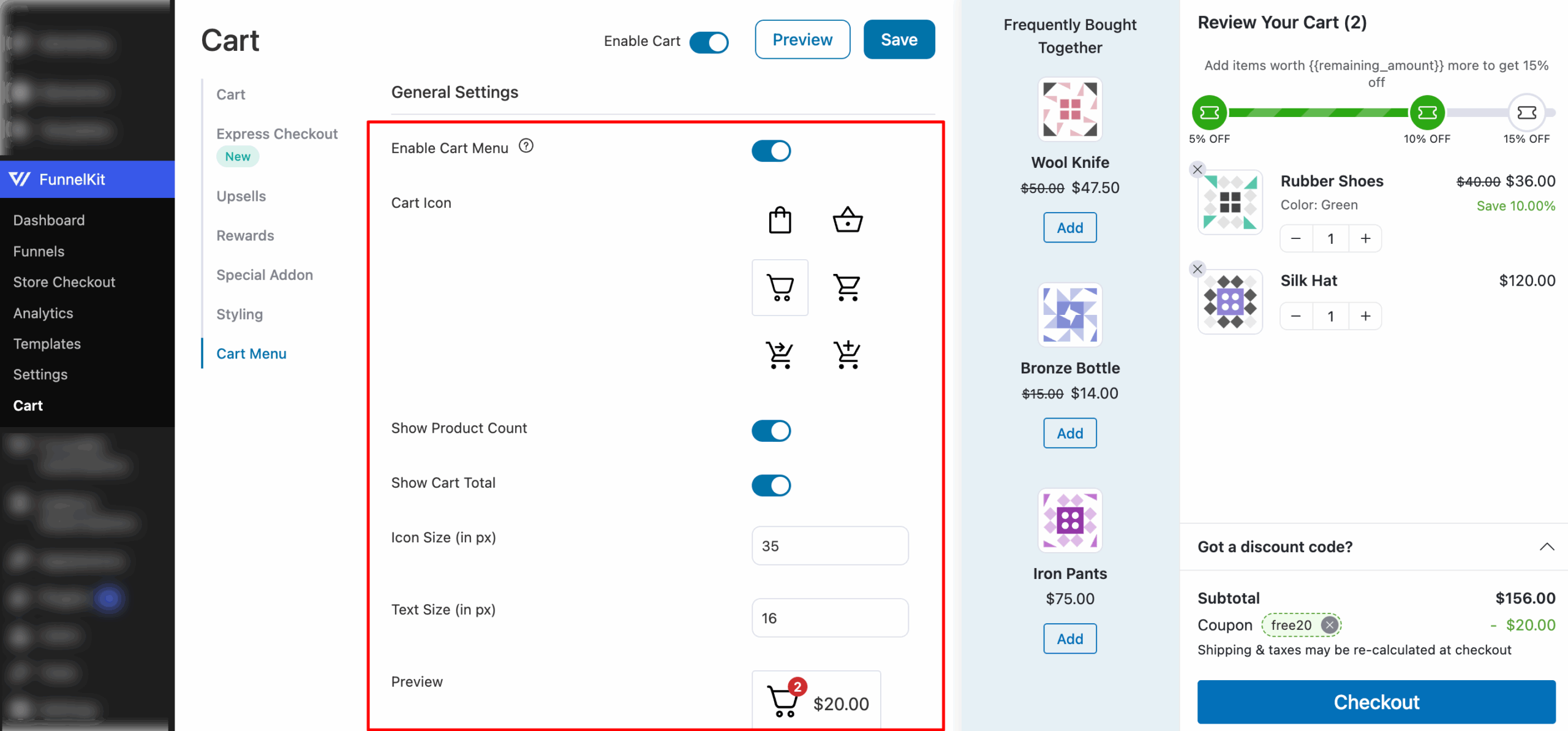
- Enable Cart Menu - Enable this option to embed a mini cart inside the WordPress menu or via shortcode.
- Cart Icon - Select the cart icon you want to display on your pages or menu.
- Show Product Count - Enable or disable the display of the product count bubble on your cart icon.
- Show Cart Total - Enable or disable the display of the total price next to your cart.
- Icon Size (in px) - Specify the size of the icon in pixels.
- Text Size (in px) - Specify the size of the text in pixels.
You'll be able to see the real-time preview when you're making the changes to your cart.


