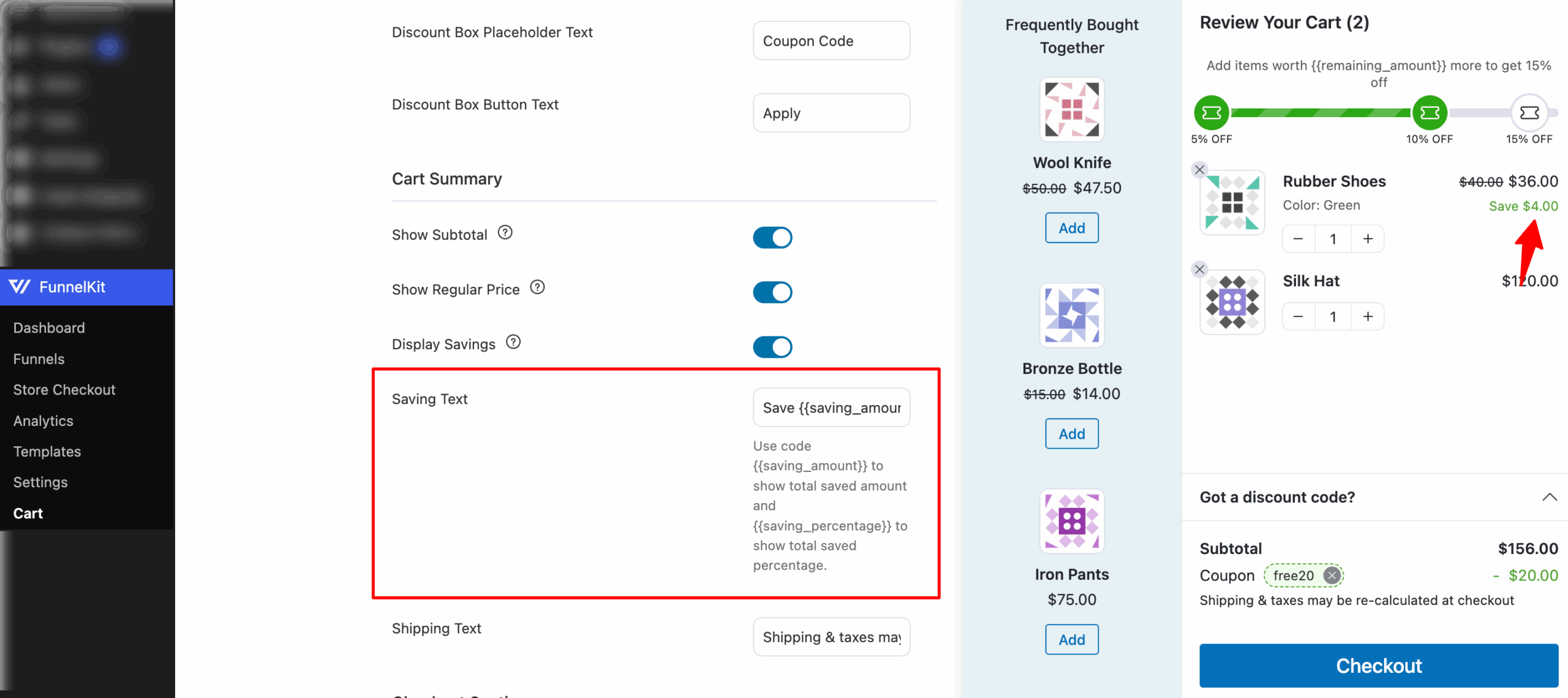
In the Cart Summary, along with the sale price, you can also show the regular price and display the savings.
- Show Regular Price: Enable this option to show the regular price. The regular price will appear with a strike-through when the product is discounted.
- Display Savings: Shows the savings percentage or amount for each applicable item in the cart.
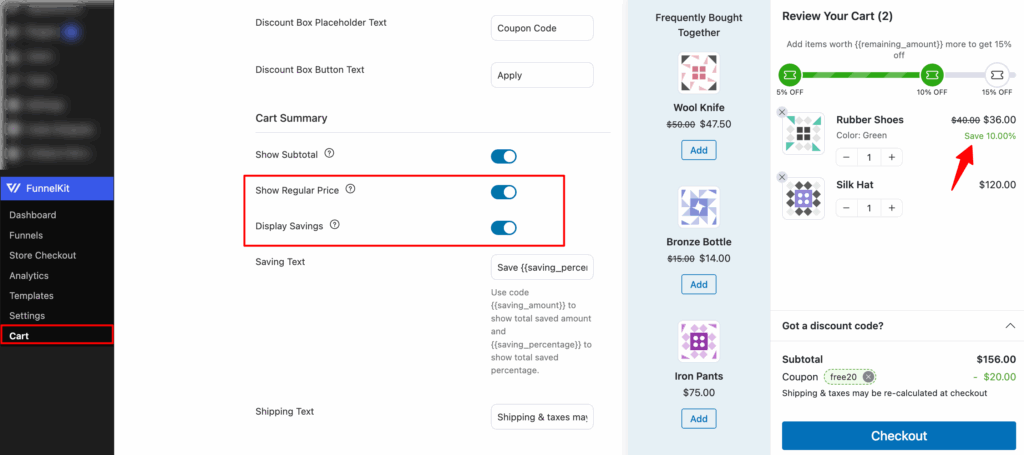
- Saving text: Set the text for saving. You can choose either the saving amount or the percentage. Use code {{saving_amount}} to show the total saved amount and {{saving_percentage}} to show the total saved percentage.