



Are you searching for the best WooCommerce plugins to enhance the overall customer experience and boost conversions in your store?
Honestly, there are a ton of free and paid WordPress plugins that could help you boost sales in your WooCommerce store.
But which ones actually work?
So, we did all the legwork for you and have featured the 17 best WooCommerce plugins to enhance your store's value.
Want to grow your WooCommerce business? Click on the link below to explore an exclusive offer!
| Plugin | Category | Best For | Free Version | Starting Price |
|---|---|---|---|---|
| FunnelKit Funnel Builder | Sales Funnel & Checkout Optimizer | High-converting checkouts, order bumps, and upsells | ✅ Yes | Starts at $99.50/yr |
| Stripe Payment Gateway | Payment Gateway | Offering multiple payment methods | ✅ Yes | Free (processing fees apply) |
| OptinMonster | Popups & Exit-Intent | Popups and on-site lead capture | ❌ No | Starts at $108/yr (billed annually) |
| FunnelKit Automations | Email Automation & CRM | WooCommerce CRM, email automation, and abandoned cart recovery | ✅ Yes | Starts at $99.50/yr |
| Omnisend | Email & Automation | Omnichannel email, SMS, and push marketing | ✅ Yes | Starts at $192/yr |
| WP Mail SMTP | Email Deliverability | Reliable transactional email delivery | ✅ Yes | Starts at $49/yr |
| Elementor | Page Building | Visual drag-and-drop website and landing page design | ✅ Yes | Starts at $59/yr |
| SeedProd | Page Building | Fast landing pages and simple website building with AI | ✅ Yes | Starts at $39.50/yr |
| Advanced Coupons | Coupon Management | BOGO deals, loyalty rewards, and advanced coupons | ✅ Yes | Starts at $119/yr |
| Finale Countdown Timers | Countdown & Urgency | Scarcity and time-based urgency campaigns | ✅ Yes | Starts at $29/yr |
| TrustPulse | Social Proof & Trust | Social proof notifications and conversion boosting | ✅ Yes | Starts at $108/yr |
| All in One SEO | Search Engine Optimization | WooCommerce SEO optimization and rankings | ✅ Yes | Starts at $49.50/yr |
| Sublium Subscriptions | Recurring Subscriptions | WooCommerce subscriptions and recurring revenue | ✅ Yes | Starts at $99.50/yr |
| WPForms | WordPress Form Building | Drag-and-drop forms and lead capture | ✅ Yes | Starts at $49.50/yr |
| AffiliateWP | Affiliate Management | Self-hosted affiliate marketing system | ❌ No | Starts at $149.60/yr |
| Aelia Currency Switcher | Currency Switcher | Multi-currency pricing and conversion | ❌ No | Starts at €79/yr |
| SaveTo Wishlist | Wishlist & Recovery | Wishlist and purchase recovery optimization | ✅ Yes | Starts at $49.50/yr |
Table of Contents
- 1 How We Tested These WooCommerce Plugins
- 2 17 Best WooCommerce Plugins to Boost Sales in 2026
- 2.1 1. FunnelKit Funnel Builder
- 2.2 2. WooCommerce Stripe Payment Gateway
- 2.3 3. OptinMonster
- 2.4 4. FunnelKit Automations
- 2.5 5. Omnisend
- 2.6 6. WP Mail SMTP
- 2.7 7. Elementor
- 2.8 8. SeedProd
- 2.9 9. Advanced Coupons
- 2.10 10. Finale Countdown Timers
- 2.11 11. TrustPulse
- 2.12 12. All in One SEO
- 2.13 13. Sublium Subscriptions
- 2.14 14. WPForms
- 2.15 15. AffiliateWP
- 2.16 16. Aelia Currency Switcher
- 2.17 17. SaveTo Wishlist
- 3 Frequently Asked Questions About WooCommerce Plugins
- 4 What WooCommerce plugins do I actually need?
- 5 Are free WooCommerce plugins good enough?
- 6 How many plugins is too many?
- 7 What is the best WooCommerce plugin for increasing sales?
- 8 Which plugin is best for WooCommerce subscriptions?
- 9 Choosing The Right WooCommerce Plugins for Your Store
How We Tested These WooCommerce Plugins
We did not pull this list from other roundups. Here is how we evaluated each plugin:
- Hands-on installs. We installed each plugin on a test WooCommerce store running the current WooCommerce and WordPress versions on a standard storefront theme.
- Real setup. We configured the core feature each plugin is known for, a checkout flow, an automation, a coupon rule, a pop-up, and noted how long it took and where it got fiddly.
- Compatibility. We checked for conflicts with WooCommerce core, common page builders, and each other, since plugin bloat is the most common cause of slow stores.
- Value. We weighed what the free version actually does against what sits behind premium, so the recommendation matches your budget and stage.
- Current facts. We verified features and pricing against each plugin's official source and recent WordPress.org activity rather than relying on old descriptions.
17 Best WooCommerce Plugins to Boost Sales in 2026
1. FunnelKit Funnel Builder
| Best For | High-converting checkouts, order bumps, and upsells |
| Category | Sales Funnel & Checkout Optimizer |
| Free Version | Yes, on WordPress.org |
| Starting Price | From $99.50/yr |
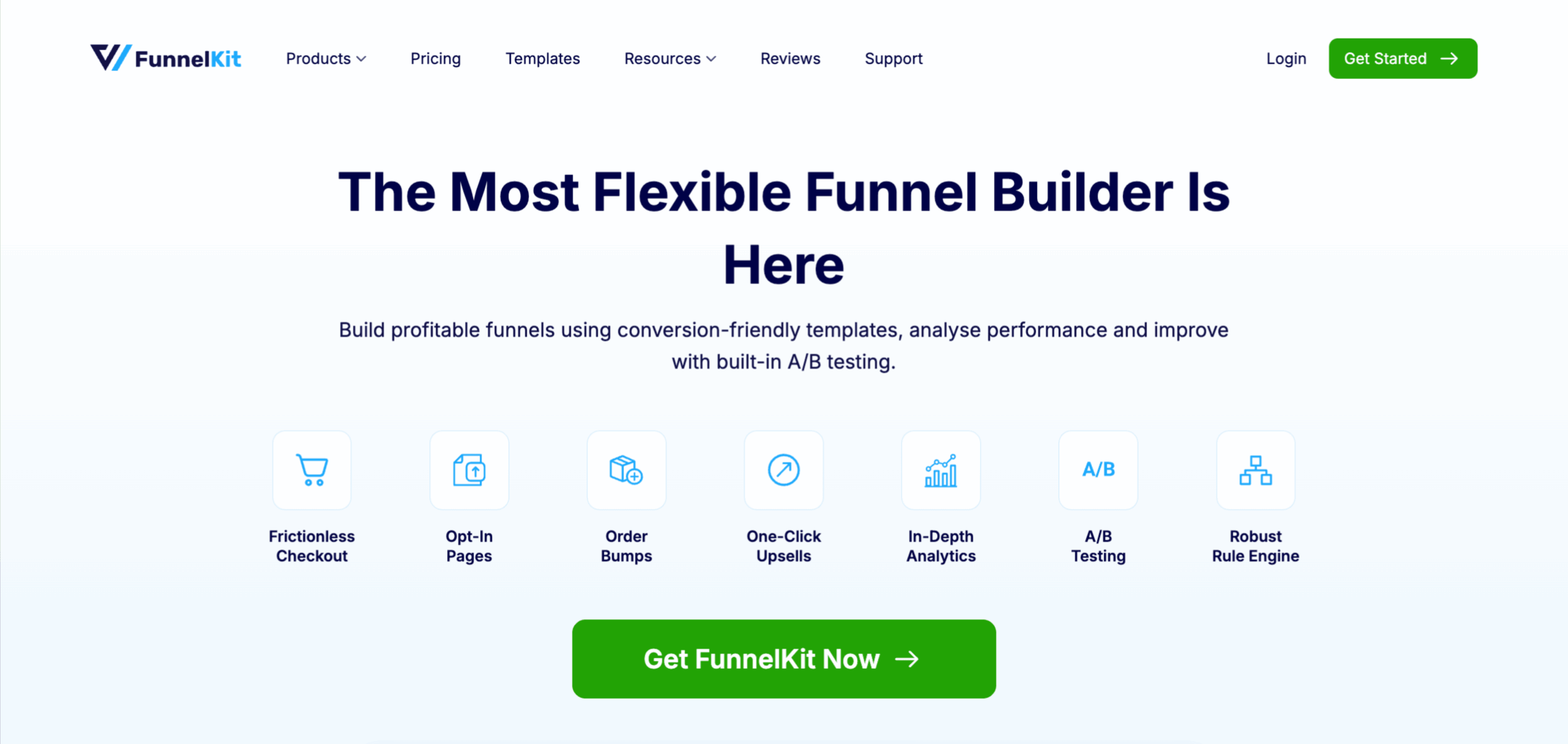
FunnelKit's Funnel Builder replaces the slow default WooCommerce checkout with a branded, conversion-focused one, then layers order bumps, one-click upsells, and thank-you pages on top. It plugs into Elementor, Oxygen, Bricks, Divi, and Gutenberg, so you design pages the way you already work.
Key features:
- Branded one/multi-step checkout with field editor and smart payment buttons
- Reorganize, add custom fields, conditional fields, etc.
- Order bumps and one-click post-purchase upsells to boot, AOV
- 50+ funnel and lead-gen templates
- Gutenberg blocks via the free Slingblocks add-on
- Built-in analytics and A/B testing for all steps of the checkout funnel.
Pros
- Custom-branded checkout that actually replaces the clunky WooCommerce default
- Unlimited sales and optin funnels
- Conditional order bumps and one-click upsells for better results.
- Works across every major page builder and Gutenberg
- A free version on WordPress.org that is good enough to test properly
- 14-day money-back guarantee available
Cons
- Need a page builder to design the checkout and other pages
- Requires the paid version to access all the features
What we found
The checkout and upsell flow is the part that earns the number one spot. We had an order bump and a one-click upsell live in minutes, and the dynamic offer paths are genuinely useful once you start stacking offers. There is more to configure than a basic checkout plugin, so sketch your funnel before you build it.
2. WooCommerce Stripe Payment Gateway
| Best For | Stripe payments that support real one-click upsells |
| Category | Payment Gateway |
| Free Version | Yes |
| Starting Price | Free (Stripe processing fees apply) |
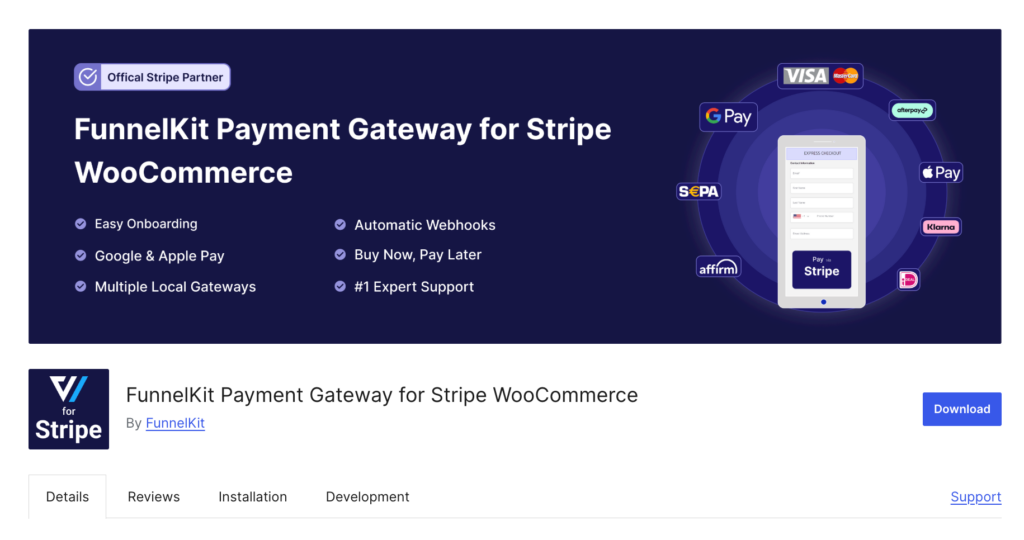
If your checkout runs on Stripe and you want post-purchase upsells to actually charge in one click, the default setup will fight you. WooCommerce Stripe by FunnelKit is a free gateway built to fix that. It handles cards, Apple Pay, and Google Pay, and it remembers the payment method so a one-click upsell goes through without asking for card details again.
Key features:
- Apple Pay, Google Pay, and card payments
- True one-click upsells with saved payment methods
- Local payment gateways
- Supports buy now pay later gateways
- Express checkout buttons on cart and product pages
Pros
- Free plugin with no license fee, Apple Pay, and Google Pay express checkout
- SCA and 3D Secure are ready
Cons
- Stripe's standard transaction fees still apply
What we found
This is the piece most people miss when their Stripe upsells silently fail. Because it stores the payment method, the post-purchase offer charges instantly instead of dumping the customer back into a card form, which is where upsell revenue normally leaks. It is Stripe only, so you still want PayPal beside it for the shoppers who prefer that.
3. OptinMonster
| Best For | Popups and on-site lead capture |
| Category | Popups & Exit-Intent |
| Free Version | No |
| Starting Price | From $108/yr (billed annually) |
Want to turn the traffic you already have into subscribers? OptinMonster is the popup and opt-in builder most stores reach for. It runs floating bars, spin-to-win wheels, slide-ins, content lockers, and the one everyone wants, exit-intent popups that fire as a visitor moves to leave.

Key features:
- Exit-intent, slide-in, and spin-to-win popups
- No-code drag-and-drop builder
- Behavior, page, and intent targeting
- Large template library
Pros
- One tool covers nearly every campaign type you would want
- Targeting and exit-intent rules are genuinely strong
- The builder is quick for people who are not designers
- Templates get a first campaign live the same day
Cons
- One more subscription to track outside WordPress
- No permanent free tier, this is paid software
- Too many popups, badly tuned, will annoy shoppers
What we found
Exit-intent and targeting rules are great reasons to invest in it. Showing a cart-abandonment offer only to people about to bounce, rather than blasting everyone, is where conversions come from. It is a subscription that sits on top of your store, so point it at the pages where it pays for itself.
4. FunnelKit Automations
| Best For | WooCommerce CRM, email automation, and abandoned cart recovery |
| Category | Email Automation & CRM |
| Free Version | Yes (Lite) |
| Starting Price | From $99.50/yr |
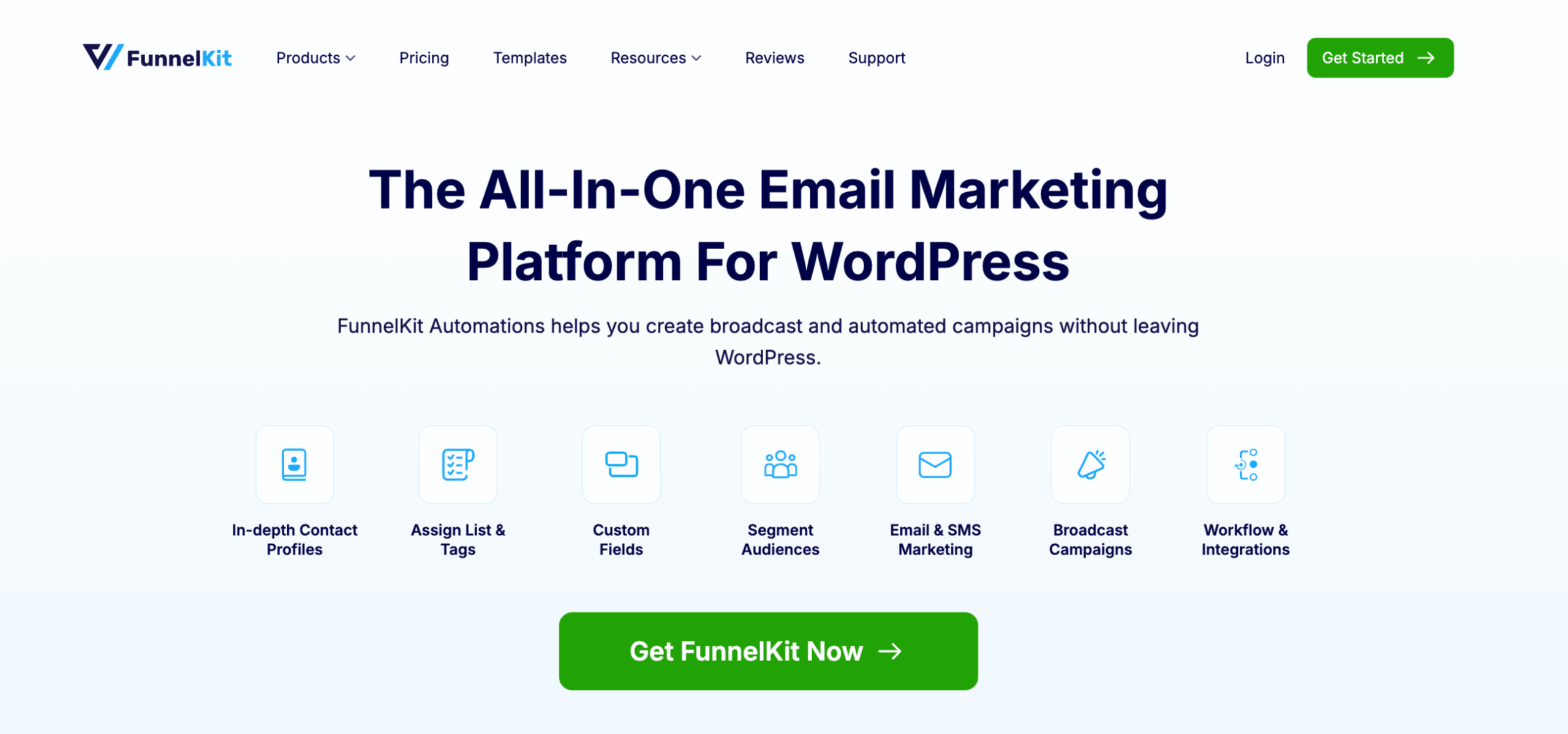
FunnelKit Automations is a complete marketing automation platform built into WordPress. You build sequences, send email and SMS, segment contacts, and track carts without exporting anything to a separate tool. It also comes with an advanced abandoned cart recovery feature.
Key features:
- Full contact profiles tied to order and revenue data
- One-click cart recovery and win-back flows
- Email and SMS broadcasts with A/B testing
- Prebuilt automations recipes to create in short time
- Offers broadcast email and SMS
- Replace the default WooCommerce emails wth custom ones
Pros
- Customer profiles link straight to order and revenue data
- Email and SMS run from inside WordPress, not a separate dashboard
- A visual email builder with prebuilt email templates
- A complete abandonment cart recovery system with a dynamic coupon
Cons
- SMS depends on connecting to a third party, such as Twilio and BulkGate
- The advanced pieces are on paid plans
- Requires a SMTP plugin
What we found
This is a complete solution for your email, SMS marketing, and contact management. You get a 360-degree contact profile. Plus, it offers integration with popular WordPress plugins so you can leverage any functionality you need.
5. Omnisend
| Best For | Omnichannel email, SMS, and push marketing |
| Category | Email & Automation |
| Free Version | Yes |
| Starting Price | From $192/yr (Standard, $16/mo) |
Omnisend is an omnichannel platform built for ecommerce. It pushes you past plain email by folding SMS and web push into the same workflow, which suits owners who want to scale marketing without bolting on three more tools.

Key features:
- Email, SMS, and push in one workflow
- Drag-and-drop builder with live store data
- Behavior-based segmentation
- Pre-built ecommerce automation recipes
Pros
- Email, SMS, and push in a single workflow
- Blocks pull live product and discount data from WooCommerce
- A genuinely usable free tier for new stores
- Ready-made ecommerce automation recipes
Cons
- Pricing scales with contact and send volume
- Some advanced sends and channels need higher tiers
- It is a separate platform to manage outside WordPress
What we found
The store-data blocks make product-driven campaigns quick to assemble, and running push and SMS in the same flow as email is the real draw. Costs climb as your list grows, so keep an eye on your tier as you scale.
6. WP Mail SMTP
| Best For | Reliable transactional email delivery |
| Category | Email Deliverability |
| Free Version | Yes |
| Starting Price | Pro from $49/yr |
Order confirmations landing in spam is a quiet revenue leak, and WP Mail SMTP is the fix. It reroutes the wp_mail() function through a proper sending provider instead of the default WordPress mail, which is the reason your receipts start arriving again.
Key features:
- Connects Amazon SES, Brevo, Gmail, Outlook, and more
- Toggle which WordPress emails send
- Deliverability and open tracking (Pro)
Pros
- Fixes missing or spam-filtered transactional email
- Works with every major sending provider
- On-off control over which notifications go out
- Reliable, widely used, well-maintained
Cons
- Still needs a third-party sending provider configured
- A few providers require DNS records to verify your domain
- Email logging and reporting are paid-tier features
What we found
This is the unglamorous plumbing every store needs and most ignore until customers stop getting receipts. Connecting a provider is a few steps, and a couple of providers want DNS verification, but once it is done, you don’t have to worry about it anymore.
7. Elementor
| Best For | Visual drag-and-drop website and landing page design |
| Category | Page Building |
| Free Version | Yes |
| Starting Price | Pro from $59/yr |
Elementor is the page builder most people land on when they want full visual control, and it has earned that reputation. The editor lets you build professional pages without code, and the template library gets something live quickly.

Key features:
- 40+ free drag-and-drop widgets
- Full template and website kit library
- Theme and WooCommerce builders (Pro)
- Responsive design controls
Pros
- Deep, visual control over how pages look
- A large free widget set and template library
- A huge ecosystem of add-ons and themes
- Responsive controls built in
Cons
- Can add markup that slows load if you overuse widgets
- WooCommerce product widgets require Pro
- Heavier than block-based builders for simple pages
What we found
Few tools match Elementor for design freedom. The trade-off is weight, so keep the widget count disciplined to protect your Core Web Vitals, and remember the WooCommerce-specific product widgets are a Pro feature.
8. SeedProd
| Best For | Fast landing pages and simple website building with AI |
| Category | Page Building |
| Free Version | Yes |
| Starting Price | From $39.50/yr |
SeedProd is the fast lane. It is a beginner-friendly drag-and-drop builder with full WooCommerce support that spins up landing, opt-in, coming soon, and thank-you pages without code. The newer SeedProd AI can even generate a full site from a few business details in under a minute.

Key features:
- Pre-built themes and landing-page templates
- WooCommerce shop and product-page blocks
- SeedProd AI site generation
- Light, conversion-focused output
Pros
- Very beginner-friendly with quick results
- Strong landing-page and theme templates
- AI site generation cuts the first build way down
- Light, conversion-focused output
Cons
- Full WooCommerce blocks sit on a higher tier
- Built for pages, not funnel or offer logic
- AI output still needs a human edit for brand fit
What we found
For a beginner who needs clean pages live today, nothing here is quicker. The AI site generation is a real time-saver on a first build. It builds pages rather than funnel logic, so pair it with a funnel tool when you need offers and sequences.
9. Advanced Coupons
| Best For | BOGO deals, loyalty rewards, and advanced coupons |
| Category | Coupon Management |
| Free Version | Yes |
| Starting Price | Premium from ~$119/yr |
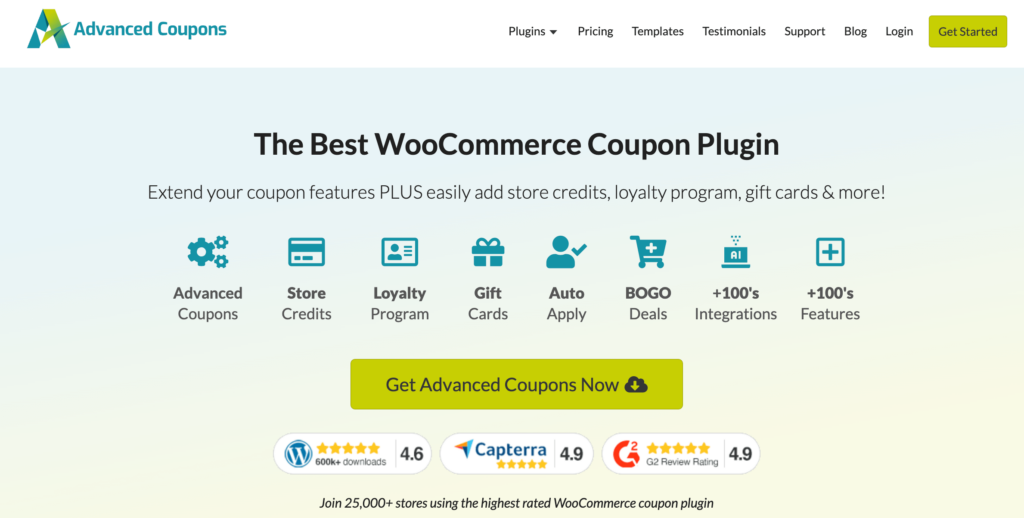
Native WooCommerce coupons run out of road fast. Advanced Coupons picks up where they stop, adding the deal types that actually move revenue.
Key features:
- Buy-one-get-one deals
- Auto-applied discount codes
- Loyalty programs and gift cards
- Shipping discounts and cart conditions
Pros
- BOGO and complex cart-condition deals
- Auto-apply and scheduled coupons
- Loyalty and gift-card support
- A useful free version to trial
Cons
- The most powerful features are premium
- Advanced rule setups take time to configure
- Overlapping rules need careful testing
What we found
The BOGO and cart-condition rules unlock promotions the native system simply cannot run. The free version covers the basics well, and the headline features like loyalty live on premium. Layered coupon rules need testing before a big sale, so build them on staging first.
10. Finale Countdown Timers
| Best For | Scarcity and time-based urgency campaigns |
| Category | Countdown & Urgency |
| Free Version | Yes (Finale Lite) |
| Starting Price | From $29/yr |
Finale Countdown Timers does one job and does it properly: real urgency. Not the fake evergreen timer that resets every visit, but scheduled countdowns tied to actual sales.

Key features:
- Scheduled and recurring countdowns
- Sticky header and footer bars
- Coupons inside the bars
- 15+ targeting rules
Pros
- Real scheduled and recurring countdowns
- Sticky header and footer bars with coupons
- Rule-based targeting by category and country
- Purpose-built for sales urgency
Cons
- Narrow scope, urgency campaigns only
- The full rule set is on premium
- Overusing urgency can dull its effect over time
What we found
If your calendar runs on flash sales, Finale earns its keep. The countdowns are genuine, the sticky bars convert, and the rule targeting is more flexible than most urgency plugins. Narrow by design, which is fine if urgency is what you came for.
11. TrustPulse
| Best For | Social proof notifications and conversion boosting |
| Category | Social Proof & Trust |
| Free Version | Trial |
| Starting Price | From $108/yr (billed annually) |
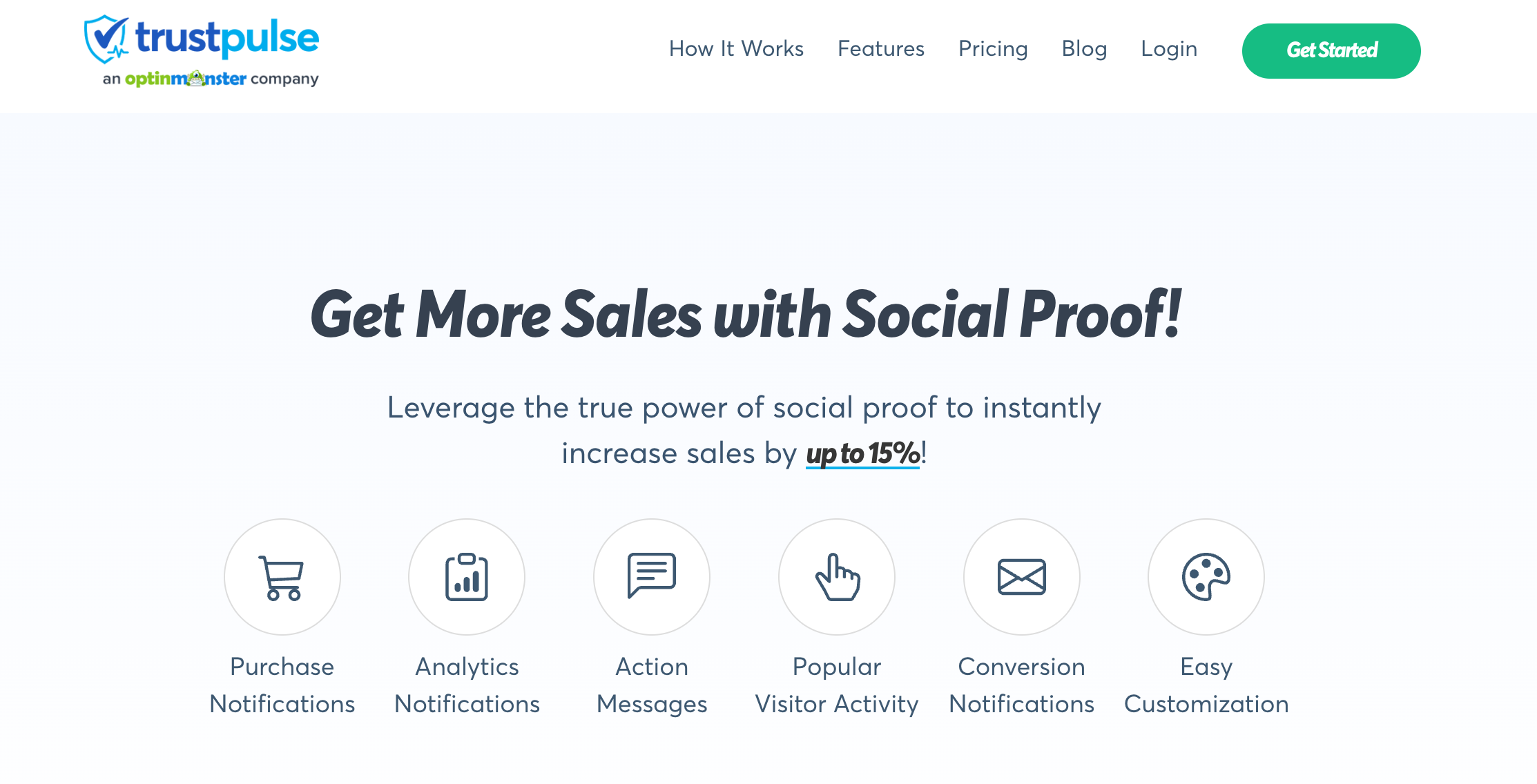
TrustPulse turns other people's purchases into a nudge. It shows real-time activity, recent sales, sign-ups, and demo registrations to push a hesitant visitor over the line.
Key features:
- Real-time purchase and signup alerts
- Page and product-level targeting
- Built-in conversion analytics
- Live in minutes, no code
Pros
- Fast, no-code setup
- Page and product-level targeting
- Real activity notifications that build trust
- Built-in analytics
Cons
- Hosted software with notification caps on lower tiers
- The effect depends on genuine store activity
- Another subscription to manage
What we found
This is one of the easiest conversion wins on the list to install, and the targeting keeps notifications relevant per page rather than spamming the same alert everywhere. It is hosted, so weigh the subscription against the lift it gives you.
12. All in One SEO
| Best For | WooCommerce SEO optimization and rankings |
| Category | Search Engine Optimization |
| Free Version | Yes |
| Starting Price | From $49.50/yr |
All in One SEO handles the technical SEO that most store owners skip. Used by more than 3 million sites, it optimizes product pages, categories, and posts, and can generate SEO titles and descriptions for products automatically.

Key features:
- Dynamic product titles and descriptions
- One-click XML sitemaps
- Local SEO and image SEO
- Product schema for rich results
Pros
- Product-specific SEO and schema
- One-click XML sitemaps
- Internal link assistant and image SEO
- A capable free version
Cons
- Overlaps with other SEO plugins
- Schema benefits depend on getting the setup right
What we found
Product schema and sitemaps are the unglamorous wins here, and AIOSEO does them without you touching code. One rule worth following: pick a single SEO plugin and commit, because running two creates conflicts that quietly hurt rankings.
13. Sublium Subscriptions
| Best For | WooCommerce subscriptions and recurring revenue |
| Category | Recurring Subscriptions |
| Free Version | Yes |
| Starting Price | From $99.50/yr |
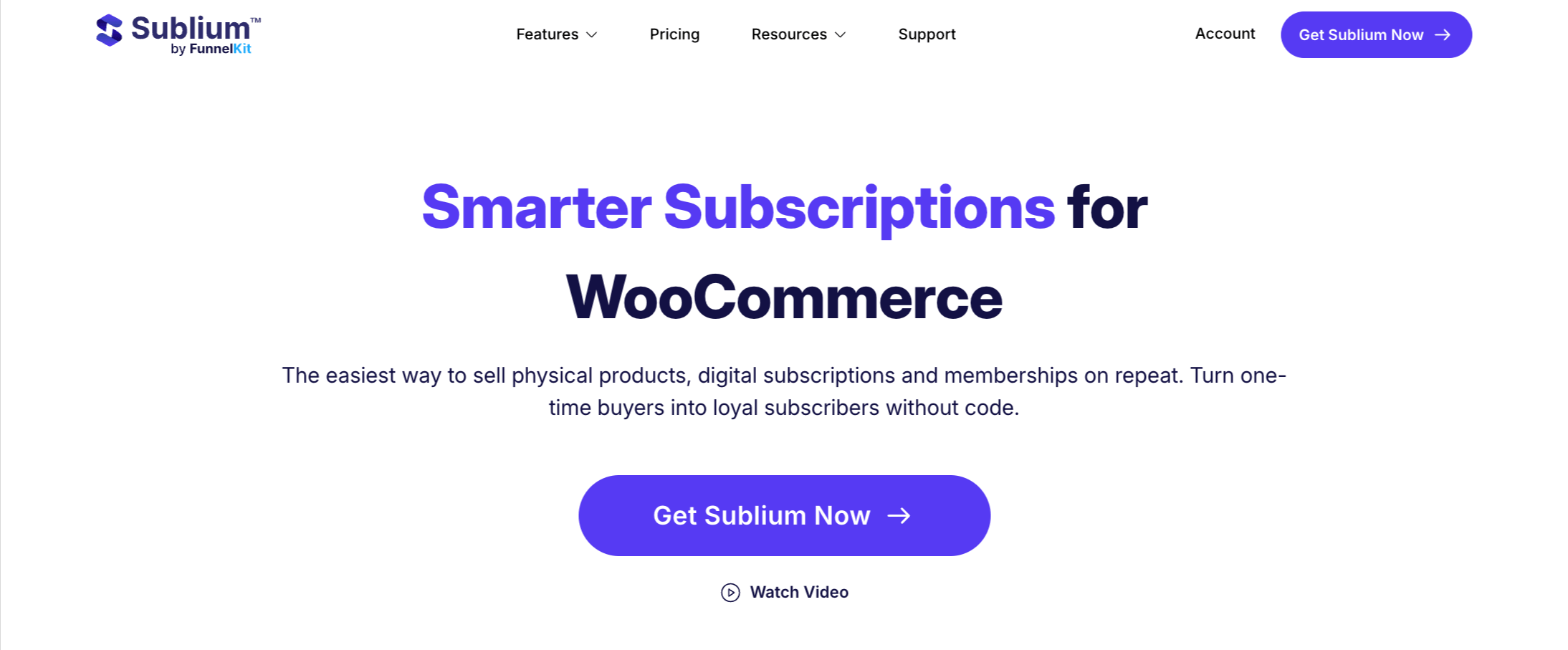
Sublium Subscriptions is a complete subscription solution for WooCommerce. It sells physical and digital products in simple and variable forms, with three plan types: Subscribe and Save, recurring, and installments.
Key features:
- Sells using Subscribe and Save, recurring, and installment methods
- Failed-payment recovery and dunning
- Built-in renewal and reminder emails
- A visual email builder with prebuilt email templates
- MRR, ARR, and churn analytics
- Supports multiple payment gateways like Stripe, Square, PayPal, Mollie, etc.
Pros
- Three subscription models, including installments
- Recurring-revenue analytics baked in
- Failed-payment recovery and dunning included
- Works with the major gateways and currency switchers
Cons
- A newer plugin with a shorter public track record
- The integration ecosystem is still expanding
- Best suited to stores committed to a subscription model
What we found
The built-in MRR, ARR, and churn analytics are the differentiator, since most subscription tools make you export data to see any of that. Plus, it is very thoroughly designed to retain customers with proper cancellation flow and upgrade offers.
14. WPForms
| Best For | Drag-and-drop forms and lead capture |
| Category | WordPress Form Building |
| Free Version | Yes (Lite) |
| Starting Price | From $49.50/yr |
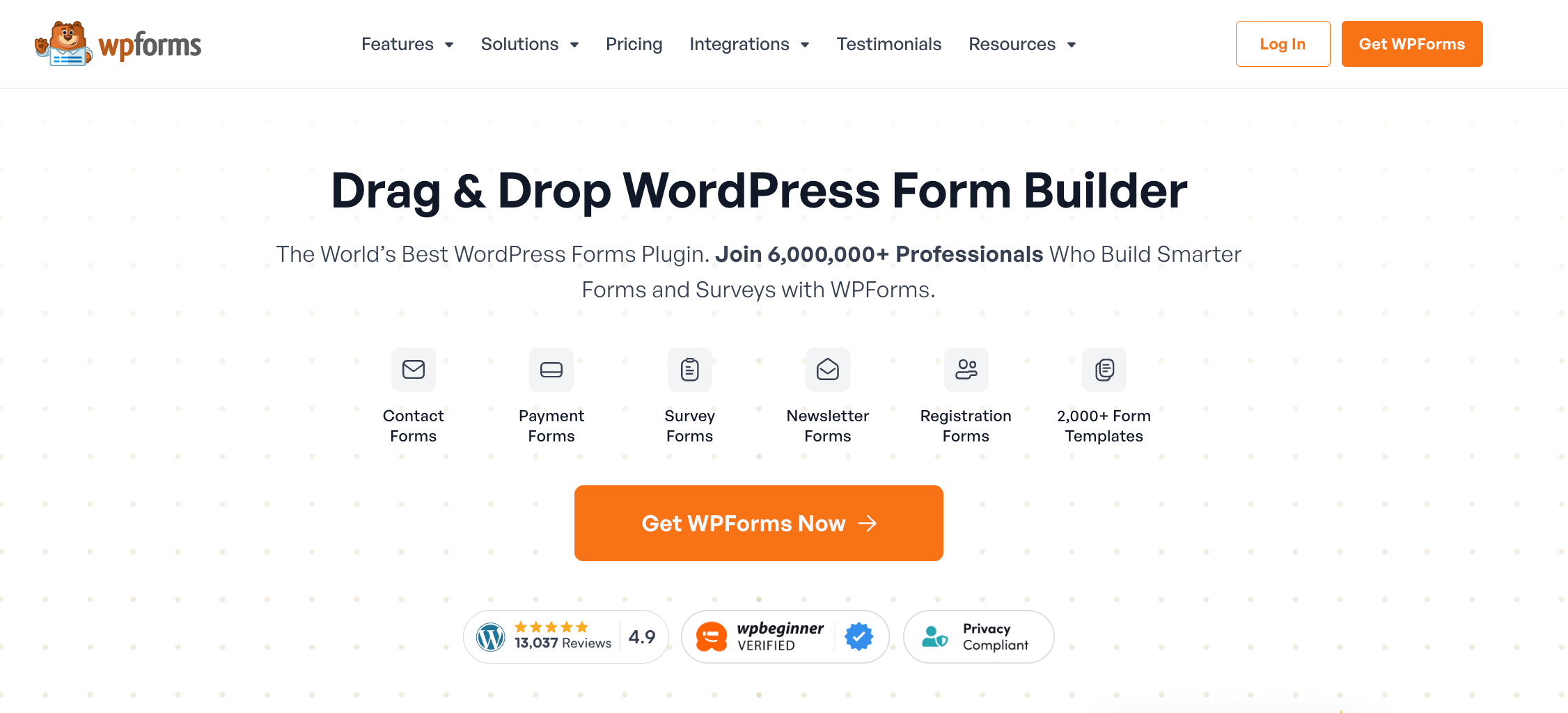
WPForms is the quickest way to a clean contact or lead form. Drag, drop, done. It builds contact, payment, newsletter, and registration forms, then feeds your list into targeted campaigns through a CRM.
Key features:
- 500+ ready-made form templates
- No-code drag-and-drop builder
- List growth and segmentation
- Conditional logic and payments (Pro)
Pros
- Very fast form building from templates
- A free Lite version that covers the basics
- Conditional logic and conversational forms on Pro
- Plays nicely with email and CRM tools
Cons
- Payments and advanced logic require Pro
- Not a replacement for the WooCommerce checkout
- Large forms need tuning to stay fast
What we found
The templates remove most of the work, which is why it stays the default form plugin for so many stores. Payment forms and conditional logic are Pro features, and they complement your WooCommerce checkout rather than replacing it.
15. AffiliateWP
| Best For | Self-hosted affiliate marketing system |
| Category | Affiliate Management |
| Free Version | No |
| Starting Price | From $149.60/yr |
AffiliateWP runs your affiliate program on your own site, with no per-sale cut going to a network. It is straightforward to set up and manage, which is the whole appeal.
Key features:
- Referral link tracking and performance reporting
- Coupon-based affiliate tracking (via integrations)
- Custom affiliate registration forms
- Flexible commission structures (fixed or percentage-based)
- Affiliate dashboard for tracking earnings and clicks
- Integrations for payouts (PayPal, Stripe, WooCommerce tools, etc.)
Pros
- Self-hosted, so you keep full data ownership
- Flexible commission structures, including recurring
- Detailed affiliate reporting
- No per-sale network fees
Cons
- You handle affiliate payouts and recruitment
- Some integrations need add-ons
What we found
Because it is self-hosted, you own all the data and pay no network fee per sale, which suits established stores. The flip side is that recruitment and payouts are on you, so it rewards stores ready to actually run a program.
16. Aelia Currency Switcher
| Best For | Multi-currency pricing and currency conversion |
| Category | Currency Switcher |
| Free Version | No |
| Starting Price | From €79/yr |
Selling across borders? The Aelia Currency Switcher lets customers see prices and pay in their own currency, which removes a real point of friction at checkout. You pick the currencies, and rates update automatically or by hand.
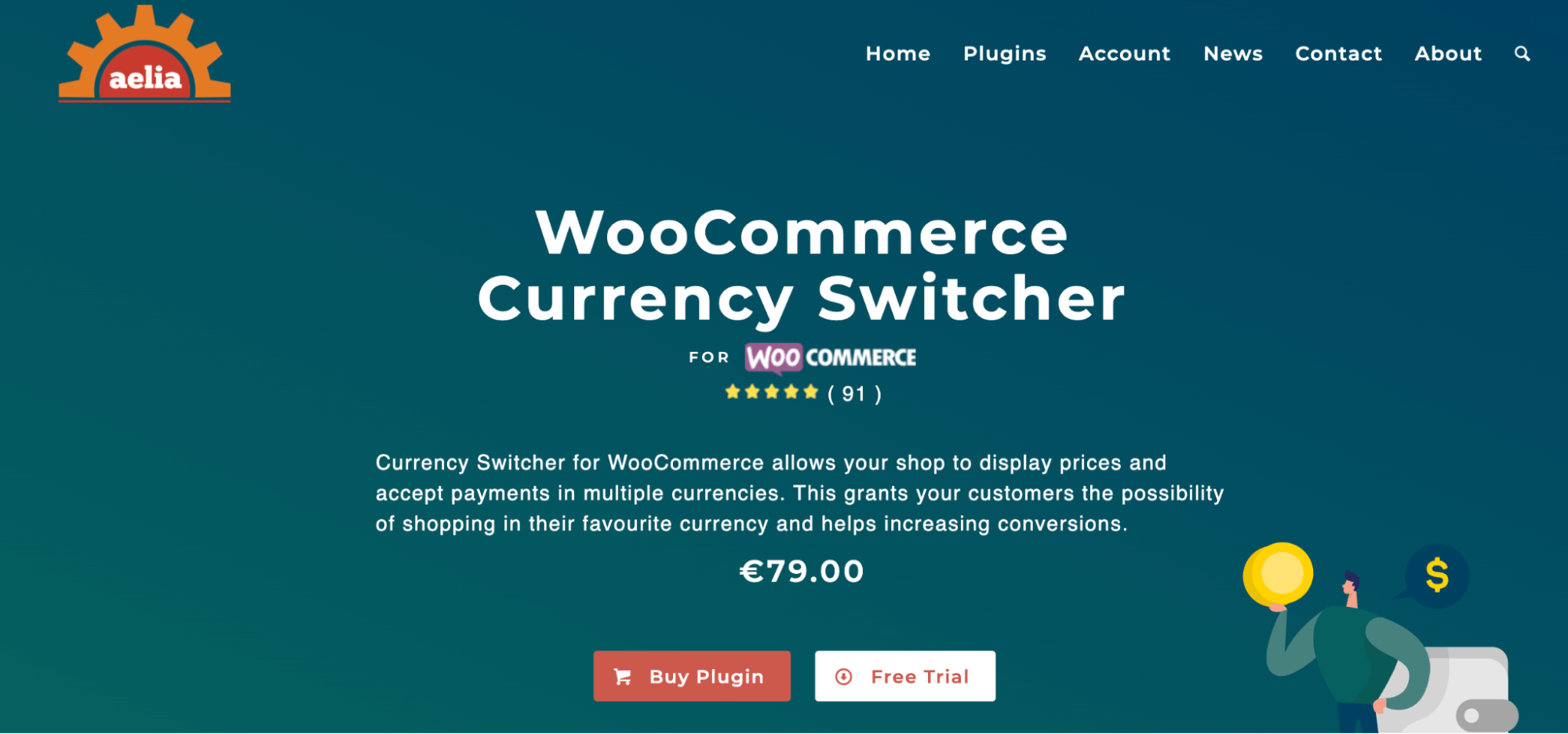
Key features:
- Multi-currency pricing and checkout
- Configurable currency list
- Automatic or manual exchange rates
- Works with major payment gateways
Pros
- Real multi-currency pricing and checkout
- Automatic exchange-rate updates
- A configurable currency list
- Reliable for international stores
Cons
- No free version
- Requires exchange-rate provider setup
- Adds complexity that only pays off with real international sales
What we found
For international stores, showing native currency is a small change with a real effect on conversion. Setup means choosing a rate provider, and it is premium only, so it earns its place once you have genuine overseas sales.
17. SaveTo Wishlist
| Best For | Wishlist and purchase recovery optimization |
| Category | Wishlist & Recovery |
| Free Version | Yes |
| Starting Price | From $49.50/yr |
Not every visitor who likes a product is ready to buy it today. SaveTo Wishlist lets them save it for later and keeps your store in their head, so they come back instead of forgetting once they close the tab.
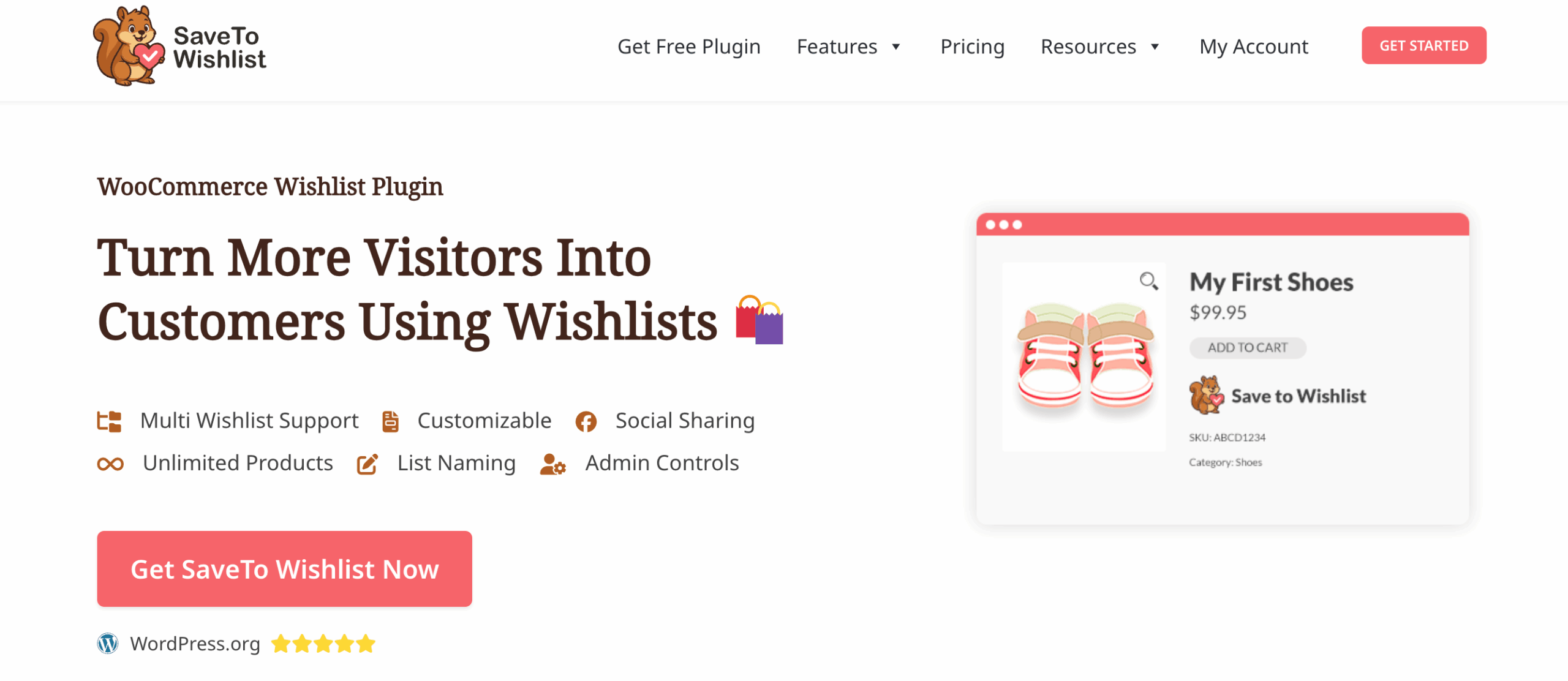
Key features:
- Multiple wishlists per customer
- Guest saving with account merging
- Variable product support
- Lightweight and fast
Pros
- Guest saving with account merging
- Supports variable products and direct add-to-cart
- Light, with little performance cost
Cons
- A single-purpose tool by design
- Advanced sharing and analytics may need premium
- Impact depends on catalog size and traffic
What we found
A wishlist is a quiet way to recover sales you would otherwise lose, and guest saving with account merging is the detail most free wishlist plugins miss. Single-purpose, and it stays out of the way. That is the appeal.
Frequently Asked Questions About WooCommerce Plugins
Got more questions? Have a look at these frequently asked ones:
What WooCommerce plugins do I actually need?
At a minimum, most stores want a checkout or funnel optimizer, an email and automation tool, an SEO plugin, and a reliable transactional email. Tools like AffiliateWP, TrustPulse, etc., come later.
Are free WooCommerce plugins good enough?
Yes, to begin with. FunnelKit, WP Mail SMTP, AIOSEO, and WPForms all have capable free versions. You upgrade when you need the advanced stuff, one-click upsells, conditional logic, detailed reporting, and not before.
How many plugins is too many?
There is no magic number. The real ceiling is performance and conflicts. If your store slows down or features start clashing, you have too many or the wrong ones. Audit and consolidate.
What is the best WooCommerce plugin for increasing sales?
For checkout conversion, order bumps, and upsells, our pick is FunnelKit Funnel Builder. For repeat sales through email and SMS, FunnelKit Automations or Omnisend lead.
Which plugin is best for WooCommerce subscriptions?
Sublium Subscriptions covers modern recurring billing with Subscribe and Save, recurring, and installment plans, plus built-in MRR and churn analytics. We build it, so we have listed its current limitations above too.
Choosing The Right WooCommerce Plugins for Your Store
You do not need all 17. Bloat slows your store and breeds conflicts, so pick by what the store needs right now.
Just getting started? FunnelKit Funnel Builder for checkout, WP Mail SMTP so your email actually lands, and AIOSEO for search. That is a real foundation and most of it is free to begin with.
If conversions and average order value are the goal, build around FunnelKit Funnel Builder and add Advanced Coupons, Finale, and TrustPulse for promotions and trust.
Scaling your marketing instead? FunnelKit Automations or Omnisend, paired with OptinMonster for list growth.
For design, Elementor gives you full control while SeedProd gets pages live faster.
Recurring revenue points to Sublium, with Aelia alongside it once you sell internationally.
And to claw back sales you are losing, SaveTo Wishlist plus a cart-recovery flow in FunnelKit Automations does the job.
The rule underneath all of this is simple. Fewer, well-chosen tools keep your store fast and stable, so favor a plugin that covers several jobs over three that overlap.
Editorial Team
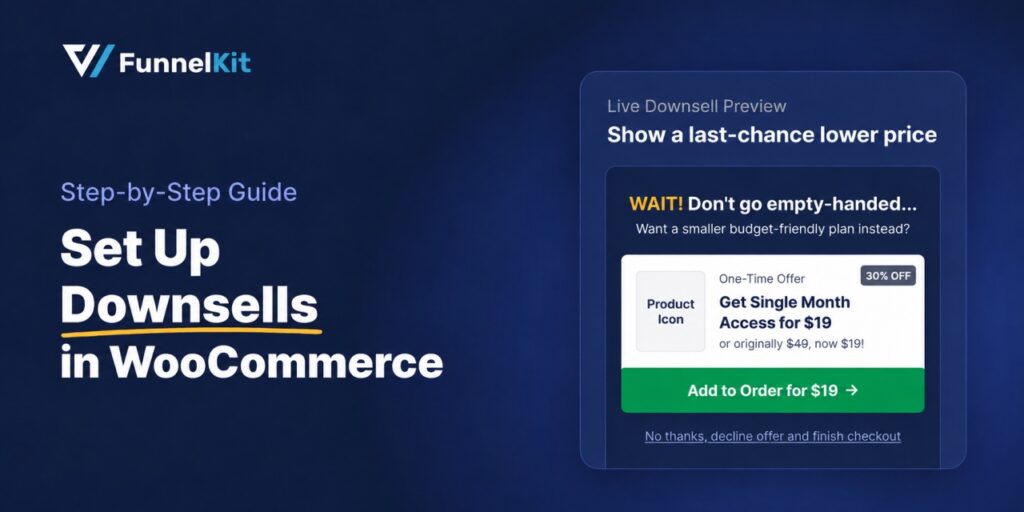
October 9, 2026A downsell gives customers a cheaper option after they turn down your main offer. If you show it too soon, you might convince them to skip the original offer and...
Editorial Team
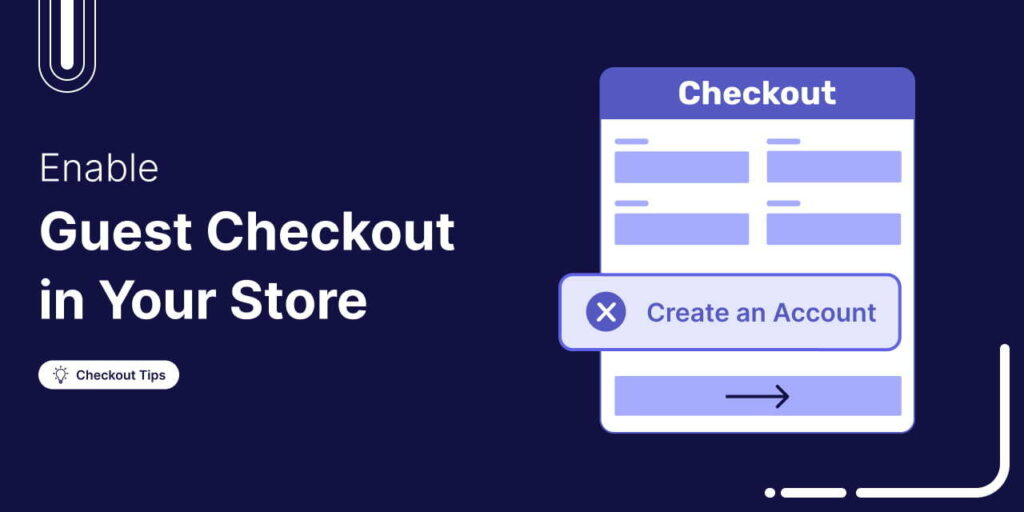
October 8, 2026WooCommerce guest checkout lets shoppers buy from your store without creating an account. They enter an email, their billing details, and payment, and the order goes through. It's a built-in...
Editorial Team
October 7, 2026WooCommerce upsells are products you recommend in place of the one a shopper is viewing, usually a better or higher-priced version of it. WooCommerce has a built-in upsell field for...






