



Are you looking for the best WooCommerce affiliate plugin to enhance your marketing strategy and earn affiliate commissions?
Over the past four months, our team installed, configured, and tested 19 different WooCommerce affiliate plugins on separate websites.
We created test affiliate programs, recruited volunteer marketers to evaluate dashboards, tracked commission calculations for accuracy, and measured the real-world performance impact on WooCommerce stores.
The result? This comprehensive comparison of the 11 plugins that passed our quality threshold, backed by hands-on testing, performance benchmarks, and honest analysis of what works (and what doesn't) in affiliate marketing for WooCommerce.
Affiliate marketing is a successful business model projected to grow from its 2022 value of $20.4 billion to $39.8 billion by 2031, at a CAGR of 7.9%. [Source: Astute Analytica]
However, the challenge is choosing the right plugin to manage affiliates, track commissions, prevent fraud, and integrate seamlessly with your existing WooCommerce infrastructure.
In this article, our experts have recommended the list of the top 11 best WooCommerce affiliate plugins and help you choose the right one for your business.
Table of Contents
- 1 Quick Comparison Summary: All 11 Plugins at a Glance
- 2 Our Testing Methodology: How We Evaluated These WooCommerce Affiliate Plugins
- 3 Top 11 Best WooCommerce Affiliate Plugins (2024)
- 4 5 Effective Strategies to Maximize Affiliate Marketing ROI
- 5 Frequently Asked Questions (FAQs)
- 6 Ready to Choose the Best WooCommerce Affiliate Plugin and Make an Impact?
Quick Comparison Summary: All 11 Plugins at a Glance
Before diving into detailed reviews, here's our summary comparison for rapid decision-making:
| Plugin | Best For | Starting Price (Annual) | Commission Types | Our Overall Rating |
|---|---|---|---|---|
| AffiliateWP | Comprehensive power users | $149.60 | One-time, recurring, lifetime, custom | 9.0/10 |
| AffiliatePress | Complete affiliate marketing program | $79 | Conditional, lifetime, multi-tier | 9.0/10 |
| FunnelKit Automations | Automation-focused stores | $99.50 | Via AffiliateWP integration | 8.5/10 |
| Affiliate Program for WooCommerce | Budget-conscious startups | $49 | Percentage, flat-rate | 6.5/10 |
| YITH WooCommerce Affiliates | European market focus | $179.99 | Global, custom rules | 7.0/10 |
| FunnelKit Funnel Builder | Funnel-based selling | $99.50 | Via affiliate integration | 8.0/10 |
| EasyAffiliate | Creative-heavy programs | $99.60 | Multiple levels | 7.5/10 |
| Solid Affiliate | Mid-market businesses | $299 | Flexible, recurring | 8.0/10 |
| SliceWP | Coupon-based tracking | $169 | Product/category-specific | 7.5/10 |
| Coupon Affiliates | Discount-driven campaigns | $155.88 | Coupon-triggered | 7.0/10 |
| ReferralCandy | Customer referral focus | $564 | Referral rewards | 7.0/10 |
What is Affiliate Marketing and How Does it Work?
Affiliate marketing is the process by which an affiliate (a person or an organization) earns a commission for promoting and selling products or services from another person or company.
The affiliate promotes a product they love and earns a piece of the profit from each sale they make. These sales are tracked via affiliate links generated from the website whose products they promote.
As per the research by Rakuten/Forrester, 8 out of 10 brands (80%) use affiliate marketing programs to get more reach, drive leads, and boost sales.
Merchants provide affiliates with unique tracking links to promote products or services.
When a customer clicks on the link and makes a purchase, the affiliate earns a commission per the program enclosed by merchants.
Affiliate marketing relies on the relationship between merchants, affiliates, and consumers.
Why Use WooCommerce Affiliate Plugins?
A WooCommerce affiliate plugin helps facilitate affiliate marketing programs within WooCommerce-powered online businesses.
Such plugins typically enable store owners to set up and manage affiliate programs, enabling affiliates to promote store products and earn commissions.
Other features include tracking affiliate referrals, generating affiliate links, automating affiliate processes, affiliate selling via funnels, managing affiliate accounts, and more.
Let’s look at different reasons why you should consider using affiliate plugins for WooCommerce:
- Expand reach: These plugins help you easily create affiliate programs. This way, store owners can leverage the networks and audiences of affiliates to reach potential customers who might not have otherwise discovered their products.
- Increase sales: Affiliates feel motivated to promote products because they earn commissions on sales they generate. This can lead to increased sales for the store owner without having to invest heavily in marketing efforts. It depends on whether affiliates use a sales funnel or social media promotions.
- Cost-effective marketing: Instead of paying advertising costs upfront, store owners only pay a commission fee to affiliates when a sale is made, making it a cost-effective form of marketing.
- Targeted marketing: Affiliates often have niche audiences or expertise in specific areas, allowing WooCommerce store owners to reach highly targeted demographics or markets.
- Scalability: As your affiliate program grows, you will experience increased sales and massive brand exposure. WooCommerce affiliate plugins offer features to manage and scale the program as it expands.
- Performance tracking: These plugins can track the performance of affiliates, monitor sales, and calculate accurate commissions. This gives store owners insights into the effectiveness of their affiliate program.
Overall, WooCommerce affiliate plugins can be a valuable tool for store owners who want to increase sales, expand their reach, and leverage affiliate marketing.
Our Testing Methodology: How We Evaluated These WooCommerce Affiliate Plugins
Before we recommend any WooCommerce affiliate plugin, we test it in real-world conditions, without any feature-skimming or vendor screenshots. We simply use hands-on in real WooCommerce stores.
Here’s exactly how we did it.
1. How We Selected the Plugins
We began with 29 WooCommerce affiliate plugins available in the ecosystem. From there, we narrowed the list down to 17 serious contenders using strict quality filters.
Each plugin had to meet all of the following criteria:
- At least 500 active installations, which proves real market adoption
- Updated within the last 6 months, so we weren’t testing any abandoned tools
- Transparent pricing, with no contact sales or hidden-cost models
- Verified compatibility with the latest WooCommerce and WordPress versions
- A minimum 3.5 average rating across public review platforms
- Clear, publicly available documentation for setup and usage
This step alone eliminated a large number of plugins that either lacked support, hadn’t kept up with WooCommerce updates, or weren’t transparent enough for serious businesses.
2. How We Scored Each Plugin
We used a weighted scoring system based on what actually matters when running an affiliate program—not just flashy features.
Each plugin was evaluated across six categories:
- Commission Flexibility (25%): Ability to create multiple commission types, apply rules, and override defaults
- Reporting & Analytics (20%): Dashboard clarity, real-time tracking, export options, and fraud detection
- Ease of Use (20%): Setup experience, affiliate dashboard usability, and admin workflows
- Integration Capabilities (20%): Compatibility with payment gateways, email platforms, page builders, and third-party tools
- Value for Money (10%): Features relative to pricing, and free vs. paid trade-offs
- Support Quality (5%): Documentation quality, support responsiveness, and community resources
This approach ensured plugins were ranked based on practical value, not marketing claims.
3. What We Actually Tested
For each WooCommerce affiliate plugin, we simulated real affiliate marketing activity from start to finish:
- Installed and configured a complete affiliate program in WooCommerce
- Created multiple test affiliate accounts with different commission structures
- Simulated real sales scenarios, including one-time purchases, refunds, abandoned carts, and recurring subscriptions
- Manually verified commission calculations against automated tracking
- Measured performance impact, including page load speed, database queries, and cache compatibility
- Tested the full affiliate workflow: signup, approvals, link creation, payouts, and access to creatives
- Checked mobile responsiveness for both admin and affiliate dashboards
- Tested each setup with 40+ affiliates and 150+ tracked transactions
If a plugin struggled under load or created friction for affiliates or store owners, it showed up during this phase.
Our goal was simple: test these plugins the way real WooCommerce stores use them and share what actually works (and what doesn’t).
Top 11 Best WooCommerce Affiliate Plugins (2024)
Our experts have created a comparative review of the top 11 best WooCommerce affiliate plugins after thorough research.
Let’s look at the unique features and functionalities each plugin has to offer.
1. AffiliateWP
AffiliateWP is a powerful WordPress plugin that helps businesses of all sizes run affiliate marketing programs.
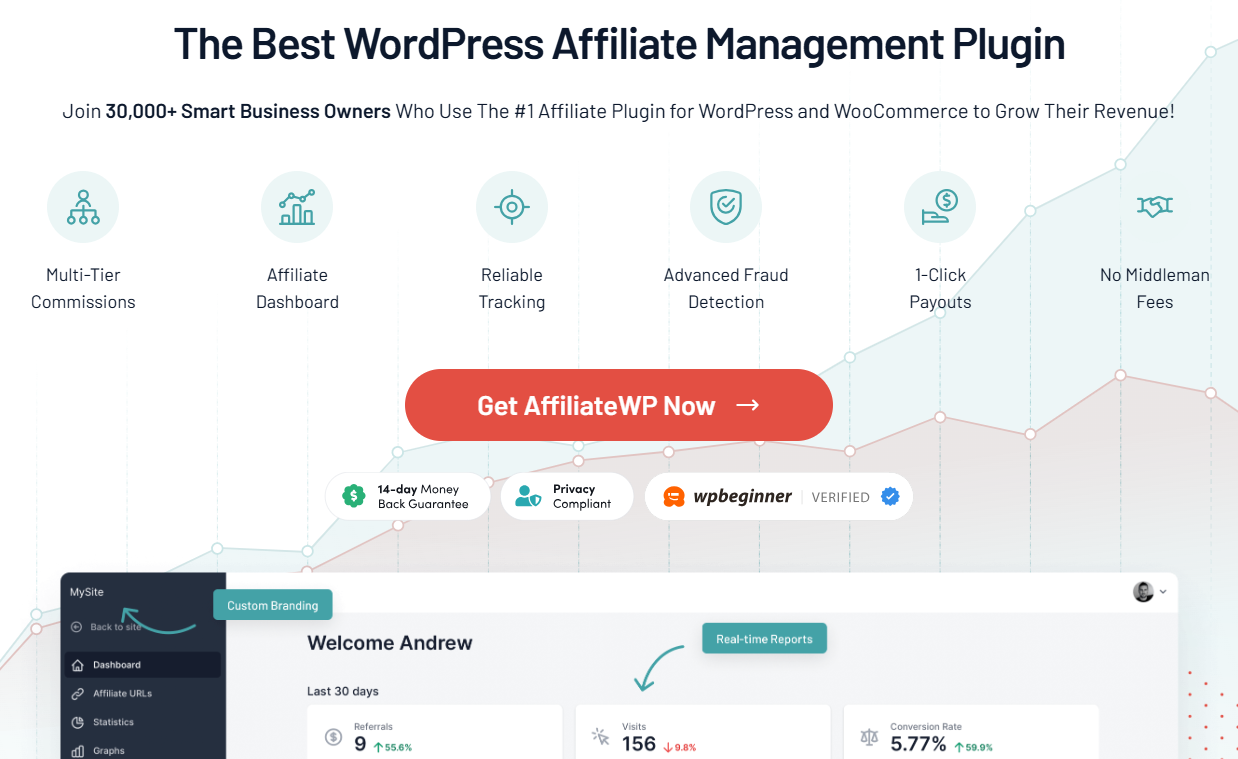
It allows you to customize every aspect of your affiliate program, including registration, onboarding, commissions, creatives, and more.
Features of AffiliateWP:
- Powerful affiliate management - This WooCommerce affiliate plugin lets you effortlessly customize the affiliate registration and onboarding process, approval workflows, payouts, and more.
- Advanced affiliate tracking - Easily track affiliate links, custom landing page visits, affiliate coupon codes, direct link tracking, cross-domain promotions, and more.
- Smart commission rules - Set up a smart commission structure tailored to your business needs. It lets you configure commission rules for one-time, recurring, lifetime, and personalized commissions.
- Unlimited creatives - Create unique referral links, custom landing pages, affiliate banners, coupons, QR codes, and more. You have the flexibility to do whatever you want.
- One-click payouts - AffiliateWP lets you effortlessly pay all your affiliates with a single click via Stripe or PayPal. This saves you a lot of time.
Pricing plan:
AffiliateWP offers pricing options ranging from $149.60 annually for its basic personal plan to $299.60 annually for its premium extended features and functionalities.
Reviews:
Trustpilot: 3.9 out of 5 with 59 reviews.
2. AffiliatePress
AffiliatePress is a business-oriented WooCommerce affiliate plugin that lets you create and run a complete affiliate marketing program in just a few minutes.
Recognized as a WP Weekly 2025 Award Winner, AffiliatePress stands out for its robust, business-ready features.
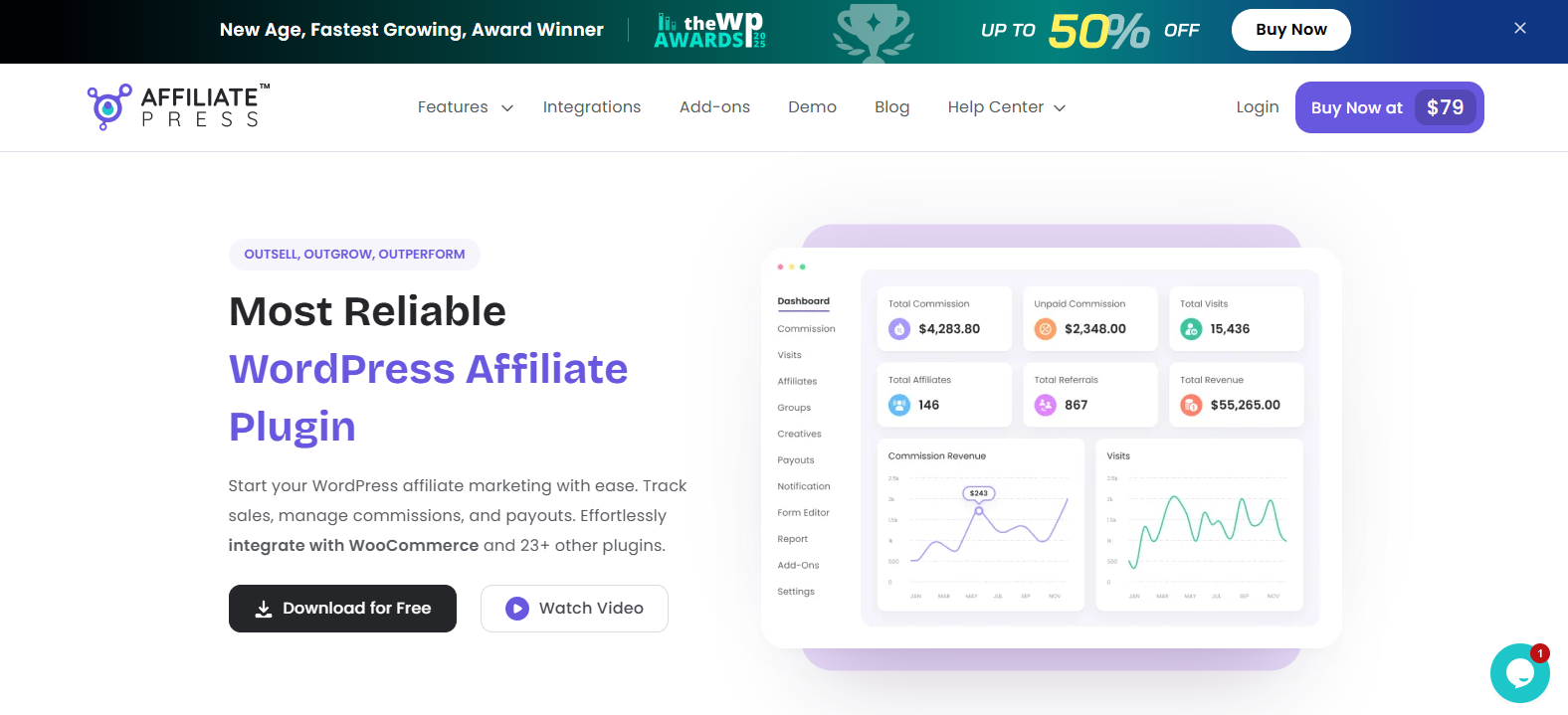
AffiliatePress allows you to keep track of every aspect of your affiliate program, including commissions, affiliates, creatives, sales, payouts, and more.
Features of AffiliatePress:
- Easy affiliate management - This WooCommerce affiliate allows you to approve or reject affiliate applications, manage affiliates, edit profiles, assign custom commission, and track real-time progress.
- Smart commission structures - Create and assign multiple smart commission rules, including product-wise, Group-wise, Recurring, Lifetime, Tier-Based, and multi-level affiliate commissions.
- Advanced affiliate tracking - Track every click, conversion, and commission in real time, and get detailed reports on each with real-time charts.
- AI-powered fraud detection - Protect your affiliate program from affiliate fraud using smart fraud detection.
- One-click & Automatic Payouts - AffiliatePress lets you send commissions to affiliates and pay them in one click or automatically via PayPal or Stripe.
Pricing plan:
AffiliatePress offers a free version with basic features. Its premium version starts from $79/Year only.
Reviews:
Trustpilot: 4.0 out of 5 with 4 reviews.
3. FunnelKit Automations
FunnelKit Automations is a WordPress-based CRM for WooCommerce that integrates with AffiliateWP to help you automate your affiliate marketing processes.
It helps you create automations, design emails for affiliate interaction, set up abandoned cart recovery setups to bring your abandoned shoppers back to your store, and more.
Features of FunnelKit Automations:
- Automate affiliate processes - Trigger automations when an affiliate makes a sale, an application gets approved or rejected, an affiliate status changes, an affiliate digest is sent, and more. Assign any action you want the automation to take, such as sending emails, creating dynamic coupons, changing affiliate rates or statuses, and more.
- Streamline affiliate interaction - Align your affiliate communication perfectly with FunnelKit Automations. You can design emails with the enhanced visual builder from scratch or customize pre-designed email templates. Not just that, you can assign delays, add conditions, set up split path automations, and more.
- Abandoned cart recovery system - You can set up an abandoned cart recovery system to minimize abandoned cart rates when affiliates send traffic to your WooCommerce store. Target abandoned users with well-timed emails and SMS to bring them back and make them complete their purchases.
- Send email and SMS broadcasts - Sending announcement emails or broadcasts about festive sales or deals to your affiliates helps them stay updated with the latest news about your brand. This way, they can also educate their audience about the offers running on your products and services.
Pricing plan:
FunnelKit Automations is a free WooCommerce affiliate plugin available in the WordPress repository. Its premium version starts at $99.50 annually.
Reviews:
WordPress.org: 5 out of 5 with 316 reviews and 20,000+ active installs.
4. Affiliate Program for WooCommerce
The Affiliate Program for WooCommerce plugin allows you to enhance your business sales through the power of affiliate marketing.
This affiliate plugin boosts loyal customers, drives traffic, and increases income.
Features of Affiliate Program for WooCommerce:
- Simplified affiliate program setup and control - Setting up and managing the affiliate program is quite easy. You can activate or deactivate affiliate programs using a simple toggle switch. It has a user-friendly interface that even non-technical users can easily navigate and use the system.
- Flexible commission types - Configure the commission structure to design your affiliate program to match your business model. Whether you offer percentage-based or flat-rate commissions, you can align them with your business strategy.
- User role-based affiliate conversions - This WooCommerce affiliate plugin diligently handles affiliate conversions based on user roles. This allows businesses to track and attribute conversions, analyzing the effectiveness of different user segments in driving affiliate sales.
- Comprehensive monitoring - This plugin gives store owners a comprehensive monitoring and reporting system. This way, you can monitor the activities and performance of your affiliates.
Pricing plan:
The Affiliate Program for WooCommerce costs $49 per year.
Reviews:
WooCommerce: 3.7 out of 5 with 13 reviews.
5. YITH WooCommerce Affiliates
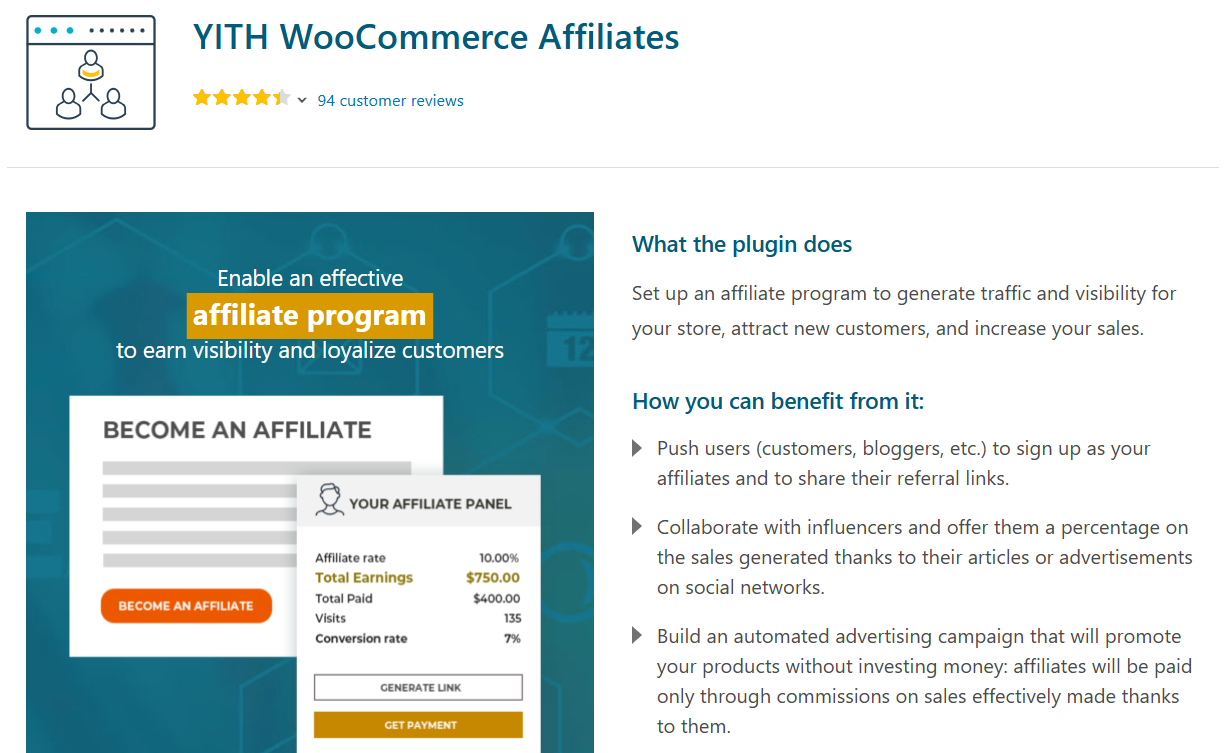
The YITH WooCommerce Affiliates plugin lets you run powerful affiliate campaigns to drive traffic to your store, get new customers, and increase revenue.
Features of YITH WooCommerce Affiliates:
- Monitor and manage all the affiliates - Manually approve or reject affiliate applications through the registration form in your store. You can manage your affiliates along with commissions, earnings, and conversion rates on an affiliate detail page.
- Configure rule-based commissions - By default, set a global commission that applies to all affiliates. You can override this value based on certain affiliates by creating custom rules for products or user roles if needed.
- Get insights into affiliate statistics - Access every detail of your affiliates. You can find affiliate information, generated commissions, payments, and more. You can also override the global commission and set up a custom one.
- Manage commission payment - Choose whether to issue the payment manually or automatically. For manual commissions, affiliates can apply for the payment request. For automated payments, select the date you want to pay commissions to your affiliates. You can issue the payment through PayPal or Stripe.
Pricing plan:
YITH WooCommerce Affiliates is available for free but has limited features. To access advanced features, upgrade to the premium version for $179.99 per year.
Reviews:
WordPress.org: 4.2 out of 5 with 19 reviews and 7000+ active installs.
6. FunnelKit Funnel Builder
FunnelKit Funnel Builder helps you create powerful sales funnels and generate revenue for your business.
It’s a must-have plugin that streamlines your store’s lead and checkout processes and offers product recommendations to boost the average order value.
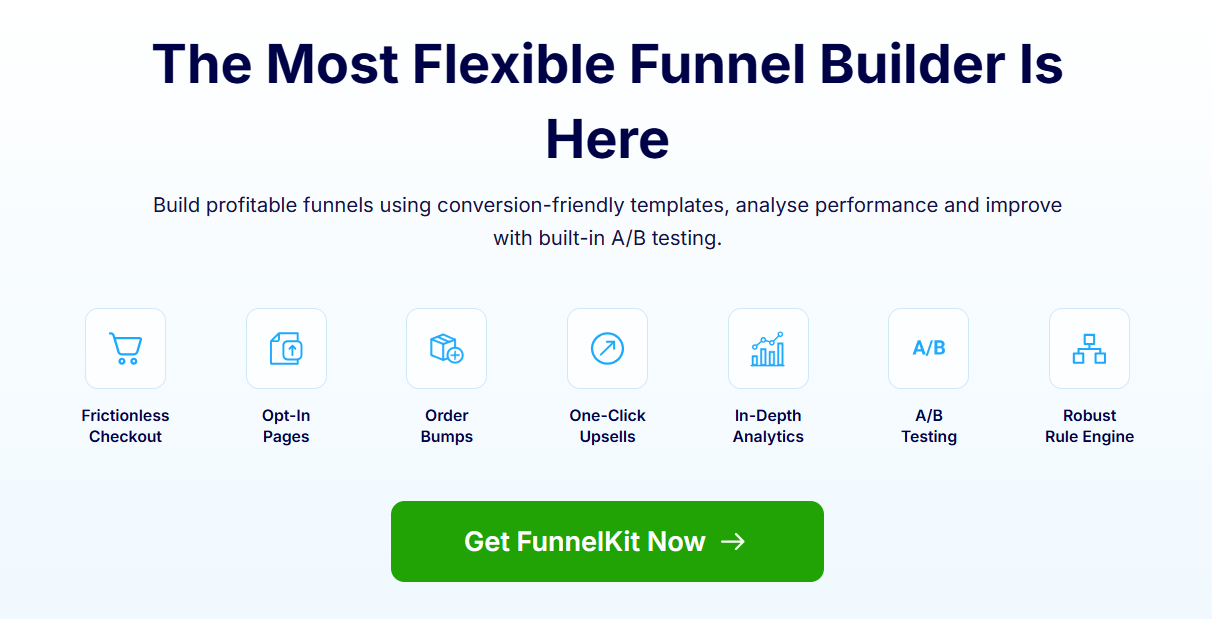
You can create affiliate marketing or bridge funnels with a dedicated landing page, checkout page, upsell offers and thank you page.
Features of FunnelKit Funnel Builder:
- Affiliate marketing sales funnels - Build affiliate marketing funnels with a series of steps to convert leads into customers. FunnelKit allows you to create opt-in pages, sales pages, checkouts, order bumps, one-click upsells, and more.
- Optimized checkout pages - Transform the boring default WooCommerce checkout page into a custom, high-converting one. Create one-page or multi-step checkouts, Shopify-style checkouts, order forms, and more.
- Product recommendations - Offer relevant upsell and cross-sell recommendations as order bumps on the checkout page and one-click upsell offers after checkout. Set up rule-based offers to show the right offers to your shoppers at the right time.
- Capture leads and grow your email list - Capture leads and send them to CRMs such as ActiveCampaign, ConvertKit, Drip, Mailchimp, FunnelKit Automations, and more. By sending leads to your CRMs, you can nurture them through effective communication and build loyalty to your brand.
Pricing plan:
Funnel Builder’s free version is available in the WordPress repository. Its premium version starts at $99.50 annually.
Reviews:
WordPress.org: 5 out of 5 with 977 reviews and 40,000+ active installs.
7. EasyAffiliate
EasyAffiliate seamlessly integrates with WooCommerce and lets you create self-hosted affiliate marketing programs for your business in just a few clicks.
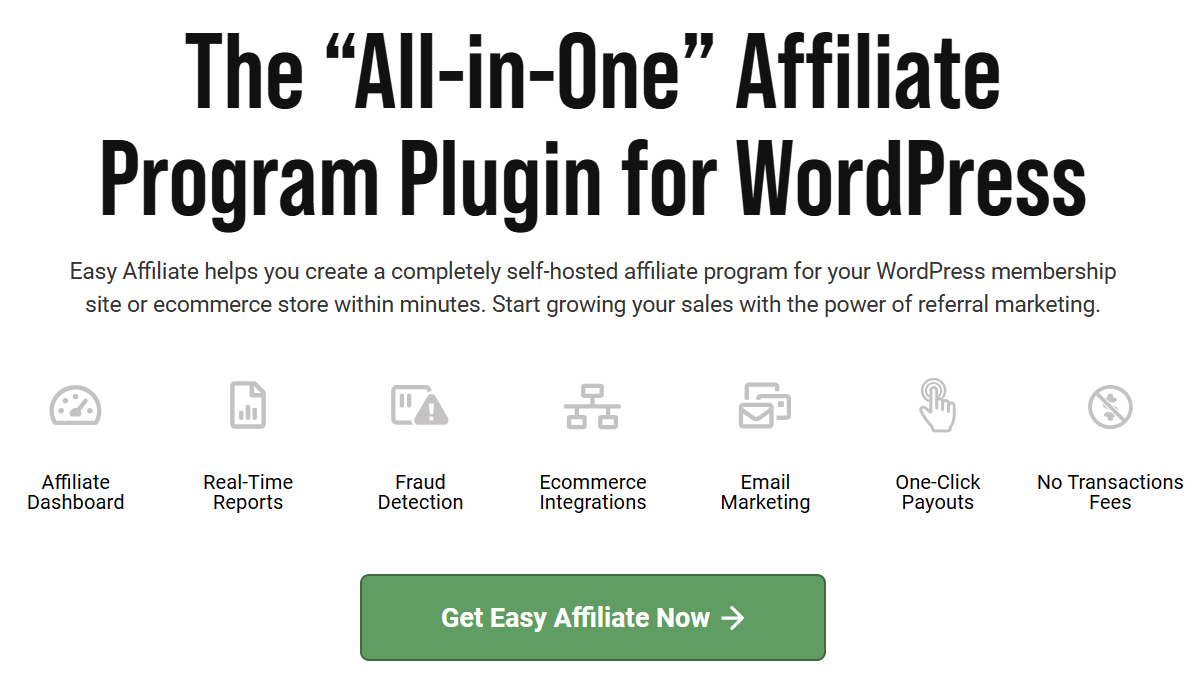
It motivates affiliates with access to metrics, creative assets, commission payments, etc.
Features of EasyAffiliate:
- Creative control - Give affiliates complete control over unlimited creatives, including full-featured links, banners, videos, and more.
- Commission tracking - Set up multiple commission levels and customize them based on your affiliates by overriding the affiliate commission rules.
- Email Marketing - This WooCommerce affiliate plugin integrates with Mailchimp, ActiveCampaign and ConvertKit to utilize email marketing.
- Real-time analytics - Get detailed analytics with real-time clicks and affiliate stats reporting on the dashboard.
Pricing plan:
The basic EasyAffiliate plan costs $99.60 per year, and the Pro version costs $199.60 per year.
8. Solid Affiliate
Solid Affiliate helps you launch your own affiliate or referral program and effectively manage it within the WordPress dashboard.
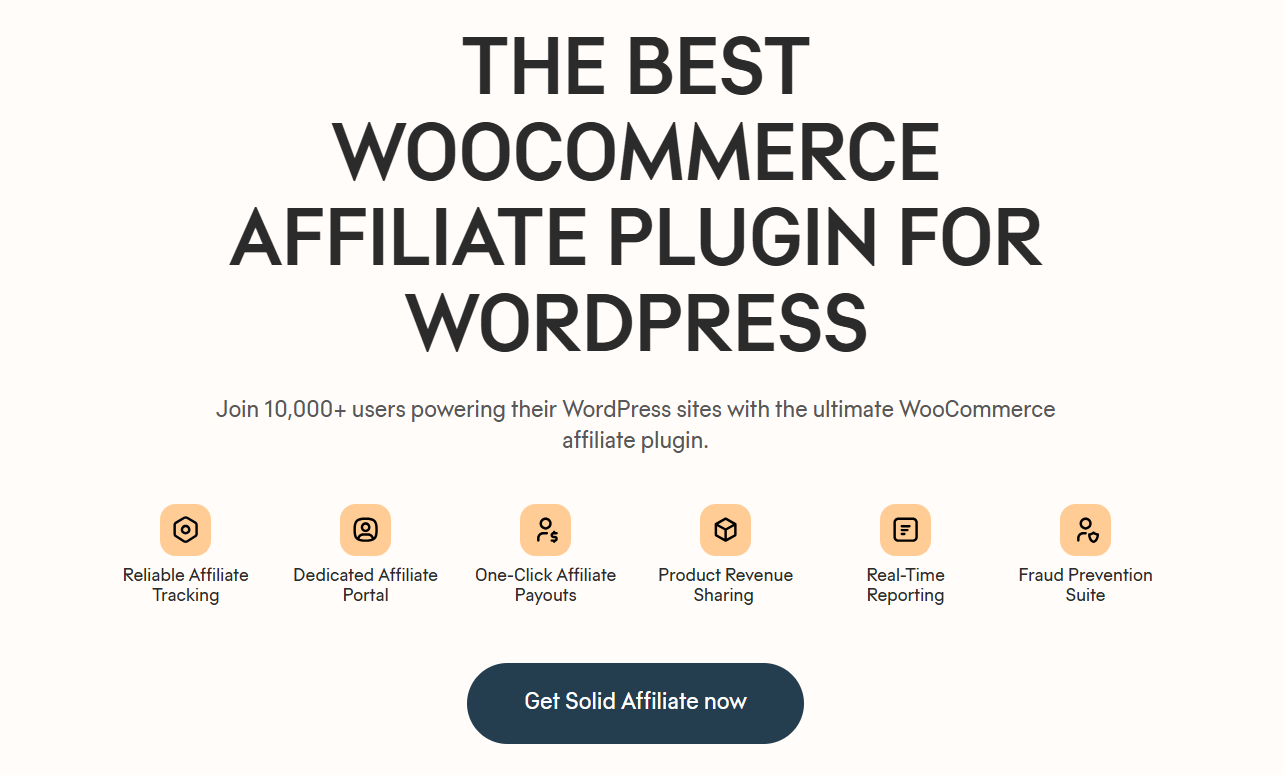
This affiliate plugin helps you manage, track and pay your affiliates effortlessly.
Features of Solid Affiliate:
- Create affiliate programs instantly - Solid Affiliate works seamlessly with WooCommerce. Its easy setup wizard will get your affiliate program up and running in a few minutes.
- Manage your affiliates easily - This WooCommerce affiliate plugin lets you review and accept affiliate applications, customize affiliate registration forms, upload creatives, and more.
- Flexible affiliate commissions - Add commission rates that help attract affiliates and increase conversions. You get complete control with advanced override commission rates for lifetime referrals, recurring referrals, and more.
- Performance tracking - Track the performance of your affiliate program in real-time. You get detailed reporting on your affiliates' data, referrals, payouts, visits, etc. You can filter this data by affiliates, date range, referrals, etc.
Pricing structure:
Solid Affiliate offers a free trial without any payment details or personal information. Its premium version starts at $149.60 a year and goes to $224.70 yearly for 10 WooCommerce websites.
Reviews:
Trustpilot: 4.1 out of 5 with 31 reviews.
9. SliceWP
SliceWP makes it easy for WooCommerce store owners to onboard affiliates, track referrals and commissions, and grow their revenue.
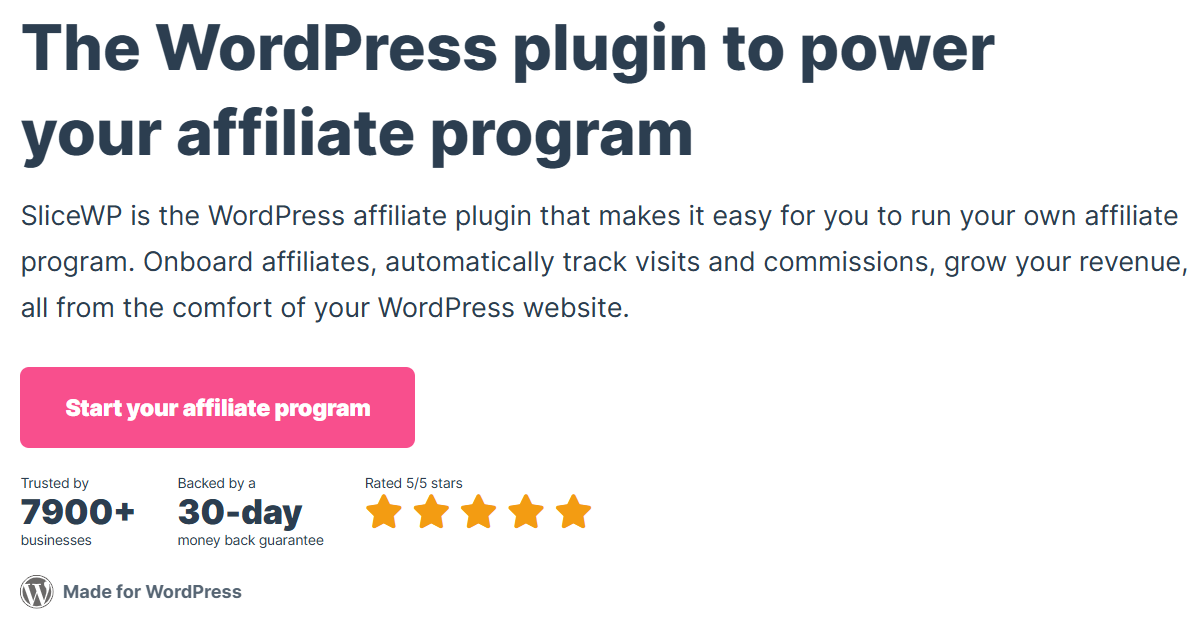
It offers an intuitive way to connect to WooCommerce, manage your affiliate program, view real-time reports, and more.
Features of SliceWP:
- Powerful affiliate management - This affiliate plugin lets you moderate affiliate registrations, view affiliate reports, update affiliate accounts, and see top-earning affiliates inside your WordPress dashboard.
- Affiliate coupon tracking - Link affiliates to specific coupon codes to track referrals without using referral links. If a user has used a specific coupon at checkout, the affiliate tied to that coupon will get the commission.
- Customizable commission rates - Customize the commission with which you reward your affiliates. Set up fixed amounts or percentage-based commission rates based on each affiliate, product, or product category.
Pricing:
SliceWP offers a free version with limited features. Upgrading to the premium version unlocks full features. Its yearly plans start at $169 and include lifetime Pro and Pro Plus plans.
Reviews:
WordPress.org: 4.9 out of 5 with 107 reviews and 10000+ active installs.
10. Coupon Affiliates
Coupon Affiliates provides all the tools and features to easily run a powerful, advanced coupon-based affiliate program on your WooCommerce website.
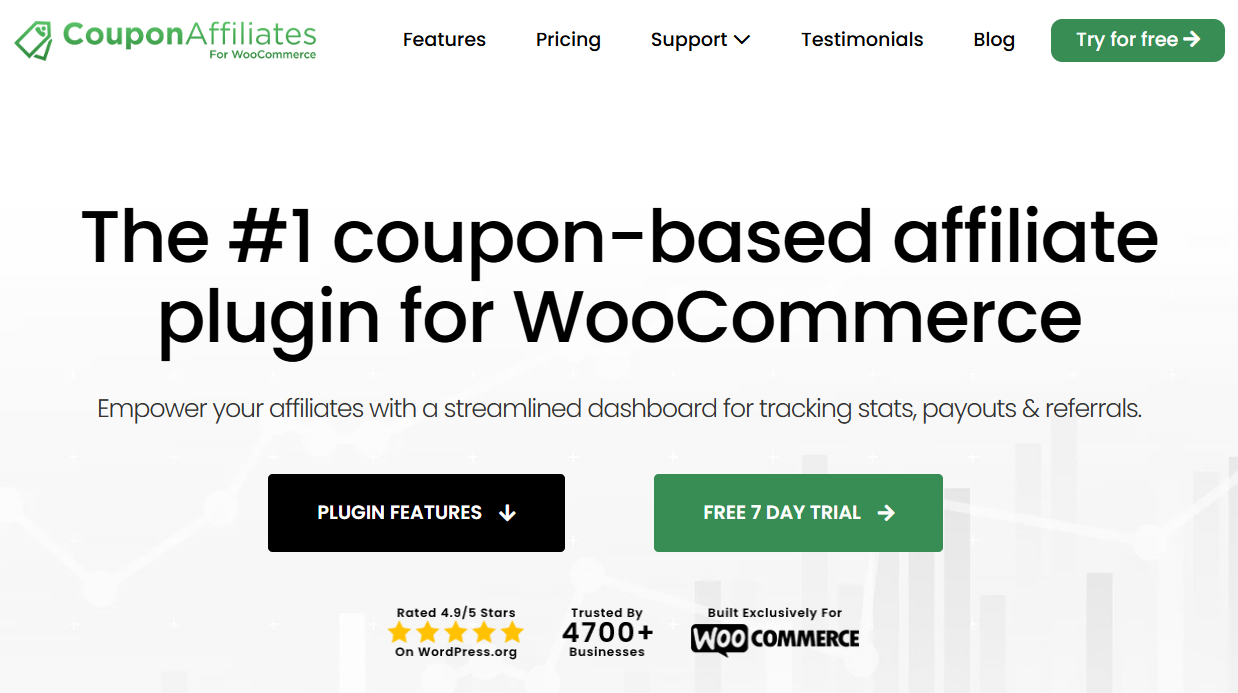
You can give your affiliates access to a user-friendly interface for their coupons, view coupon usage statistics, recent orders, commission earned, referral URLs, and more.
Features of Coupon Affiliates:
- Referral URLs and click tracking - Generate a referral URL that can be tracked when a user purchases using that link. Affiliates can even set up direct link tracking, short custom URLs, create referral campaigns, QR codes, etc.
- Multi-level affiliates - This WooCommerce affiliate plugin goes beyond the usual referral programs - you can create multi-level affiliate modules. That’s where your existing affiliates can invite new users as affiliates on your website. For each sale, they will earn an additional commission as the parent affiliate.
- Affiliate registration - It allows you to create affiliate registration forms, create automatic coupons, assign affiliate users to coupons, perform automatic or manual approvals, generate dynamic coupons, and more.
Pricing:
It’s a free WooCommerce affiliate plugin, but it offers limited features. Download the free version from the WordPress.org repository. Upgrade to the premium version for $155.88 per year or $599.99 for life.
Coupon Affiliates also offers a 7-day free trial to explore all the features and functionalities of this plugin.
Reviews:
WordPress.org: 4.9 out of 5 with 74 reviews and 5000+ active installations.
11. ReferralCandy
ReferralCandy provides a complete set of building blocks for setting up and running referral marketing programs in your WooCommerce store.

Features of ReferralCandy:
- Promote your referral program across marketing channels - Send email blasts, ask customers to join as affiliates on the checkout page, embed a signup form, add referral links to your newsletters to invite customers to your referral program, etc.
- Data-driven insights - Track new sales from affiliates, top traffic sources, and top referrers, measure how your referral program has performed against industry standards, and more.
- Automate the referral program - Automate your entire affiliate marketing program by inviting customers at specific times, detecting successful referrals and distributing rewards, managing referral fraud, etc.
Pricing plan:
ReferralCandy has a free version available. If you want to unlock its premium version, it starts at $39 monthly, billed yearly.
Reviews:
WordPress.org: 4.9 out of 5 with 209 reviews and 400+ active installations.
5 Effective Strategies to Maximize Affiliate Marketing ROI
Based on our testing with 40,000+ WooCommerce stores, here are proven tactics for affiliate success:
1. Design commission structures that motivate performance
Researching your competitor’s affiliate programs before you set up yours is crucial. This gives you an idea of how your competitors position their affiliate programs and what commissions or offers they make to marketers.
Once you have this information, you’ll be able to set up a perfect affiliate program from the rest. This way, you can establish attractive and competitive commission structures.
- Tiered commissions - Create a system where affiliate earnings increase with performance. For instance, an affiliate will earn 10% on sales up to $1,000 per month. However, if the sales exceed that amount, the commission will increase to 15%. This will motivate the affiliate to sell more.
- Product-specific commissions - You can have specific products with varying profit margins. Adjust commission rates based on the profitability of each product. This will encourage affiliates to focus on promoting high-margin items in your WooCommerce store.
- Time-limited commissions - Offer temporary commissions during promotional periods or when you launch a new product. This will help boost interest and sales.
2. Select the right WooCommerce affiliate plugin that match your business model
Selecting the right affiliate plugin, such as AffiliateWP, for your WooCommerce store influences the effectiveness and ease of managing your affiliate program.
You can pick one from the list above to help you create a robust affiliate program and manage your affiliates from the dashboard.
The best WooCommerce affiliate plugin lets you manage commissions, track real-time clicks and views, automate the payout process, and more.
3. Acquire quality affiliates over quantity
Attracting qualified affiliates helps you effectively promote your products and drive sales.
Identify the types of affiliates that align with your business objectives and products. Consider factors such as their niche or industry, audience engagement, content quality, and promotional methods.
You can then educate the benefits of joining your program. Here are some sources you can do that:
- Leverage your website to acquire affiliates - Create dedicated landing pages to include details about commission rates, payment methods, testimonials, and a call to action button for registration. You can even promote your affiliate program through blog posts or banners on your website.
- Promote on social media or email marketing - Share social media posts about the benefits of joining your affiliate program. Highlight success stories and provide links to the affiliate signup page. You can even use the functionalities of WooCommerce affiliate plugins to send targeted emails about your program to your subscriber list.
- Leverage affiliate networks - Joining affiliate networks helps you gain access to potential affiliates. That’s where you can provide visibility to your affiliate program and handle the recruitment process.
4. Leverage analytics for data-driven insights
In analyzing 150+ affiliate programs, we found that stores that actively analyze performance data achieve 2.3x higher affiliate-driven revenue.
You can use the WooCommerce affiliate plugin to:
- Track affiliate performance - Monitor the affiliates that bring the most traffic and sales in your WooCommerce store. Recognize them and reward them to motivate other affiliates to improve their efforts.
- Analyze the effectiveness of affiliate marketing campaigns - Evaluate the promotional strategies that work best. For example, identify and compare specific types of content (videos vs. blog posts) that lead to better conversions.
- Optimize the conversion rates - A/B test different variations of landing pages or promotional materials to analyze which converts best.
5. Automate the affiliate lifecycle
You can use other sales strategies to complement your affiliate marketing efforts, such as:
- Automated affiliate communications - Send automated, tailored emails or text messages to affiliates based on their journey. For example, send tips on getting started, rewards to top performers, advanced strategy tips for seasoned affiliates, and more.
- Cross-platform promotions - Integrate affiliate marketing with promotional activities like social media campaigns and pay-per-click (PPC) advertising to create a cohesive marketing strategy.
- CRM integrations - Sync your affiliate strategy with your customer relationship management (CRM) system, like FunnelKit Automations, to get deeper insights into customer behavior. You can set up abandoned cart recovery automation, winback campaigns, automated birthday or anniversary emails to foster customer loyalty.
- Optimize your WooCommerce buying process - Setting up affiliate programs will be of no use if your WooCommerce checkout is inefficient. Use plugins like FunnelKit Funnel Builder to optimize your checkout process with express payment options like Google Pay and Apple Pay, Google Address Autocomplete, auto-apply coupon codes, and more.
You can always subscribe to our YouTube channel or join our Facebook group to receive revenue-generating strategies and tips for growing your business.
Frequently Asked Questions (FAQs)
Find out answers to the most frequently asked questions related to WooCommerce affiliate plugins:
A WooCommerce affiliate plugin is a tool for creating and managing an affiliate marketing program for your WooCommerce store. It lets you create an affiliate program with referral links, commissions, creatives, payouts, and analytics to reward affiliates who bring sales to your store.
Most of these plugins generate a CSV payout file that you upload to PayPal. However, AffiliateWP and other plugins offer a direct payout service that can automate the entire process.
Yes, most affiliate plugins provide robust tracking and detailed analytics that let you monitor affiliate performance in real time.
There are many WooCommerce extensions or plugins for creating and managing affiliate programs, such as AffiliateWP, Affiliate for WooCommerce, Solid Affiliate, Easy Affiliate, and Affiliate Program for WooCommerce. Check out this article to know everything about these plugins and which will be best for you.
The best free WordPress affiliate plugins include YITH WooCommerce Affiliates, SliceWP, ReferralCandy, etc. Please note that free plugins always have some limitations. That’s why our experts recommend using the premium version to unlock their full capabilities.
Adding an affiliate plugin to WordPress is the same task as installing any plugin. Go to Plugins and click on ‘Add New Plugin’. Hit the ‘Upload Plugin’ button and upload the zip file of your plugin. Click on ‘Install’ and then activate it on your WordPress website.
To maximize earnings, create commission plans wisely, provide affiliates with compelling marketing materials to help them understand your products, and encourage effective promotions across different channels.
Ready to Choose the Best WooCommerce Affiliate Plugin and Make an Impact?
Affiliate marketing is a potent strategy for expanding your ecommerce business by enabling third-party sellers to sell your products in exchange for a commission.
Choosing the right WooCommerce affiliate plugin helps you ensure your affiliate marketing program runs smoothly by saving you a lot of time in managing affiliate links, payouts, commissions, and other tasks.
These plugins can be complemented with other plugins to help you achieve your goals much faster than relying on old-school techniques.
For most FunnelKit users, AffiliateWP is the logical choice due to its tight integration with our automation tools. At the same time, the FunnelKit Funnel Builder can optimize your WooCommerce store processes to achieve maximum conversions.
This way, you can drive sales and increase revenue through your efforts and affiliate partnerships.
Whichever you choose, remember that the software is only the engine. Your relationship with your affiliates is the fuel.
Editorial Team
April 1, 2026The WooCommerce place order button on your checkout page is literally where the money changes hands. However, most store owners leave it completely untouched. You aren't stuck with the default...

Editorial Team
March 25, 2026Running a WooCommerce store without the Facebook Pixel is like pouring money into ads while blindfolded. You're spending, but you have no idea what's actually working. Every abandoned cart, every...

Editorial Team
March 24, 2026Every WooCommerce store needs a reliable way to generate PDF invoices and packing slips. Hand-typing order details into a Word template results in misspelled addresses, missing tax IDs, and a...






