


Use this section to manage and configure your FunnelKit Funnel Builder settings, including license activation, default page builder, and homepage setup.
Navigate to FunnelKit Funnel Builder ⇒ Settings ⇒ General and make sure you are on the License tab.
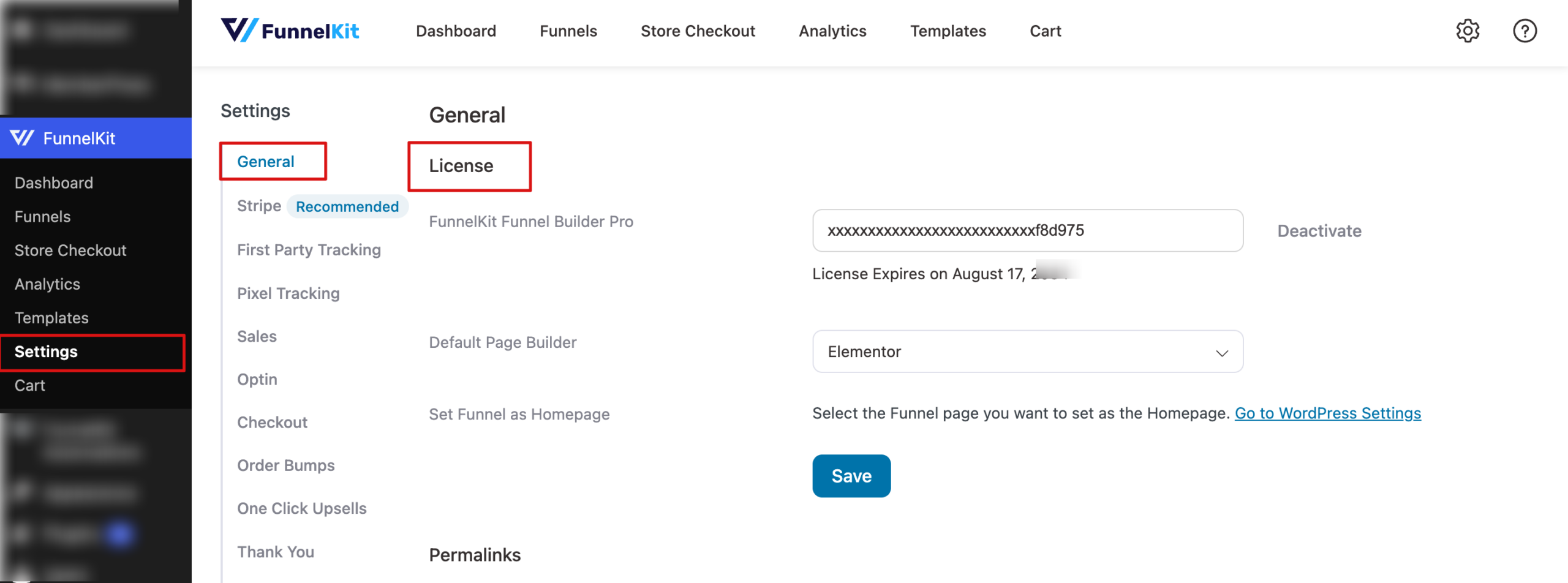
Now configure the following:
License Management
From here, you can activate or deactivate your Funnel Builder license linked to your account. This is an important step when installing FunnelKit Funnel Builder for the first time. The license expiration date is also displayed for quick reference.
Default Page Builder
Choose your preferred page builder for designing funnel pages. Once selected, this builder will be pre-selected automatically when you import funnel templates, saving you setup time. FunnelKit Funnel Builder is compatible with Elementor, Block Editor, Divi, Oxygen (Classic), Bricks and others.
Set Funnel as Homepage
You can assign any funnel page as your website’s homepage. This setting connects with WordPress homepage settings for seamless control.
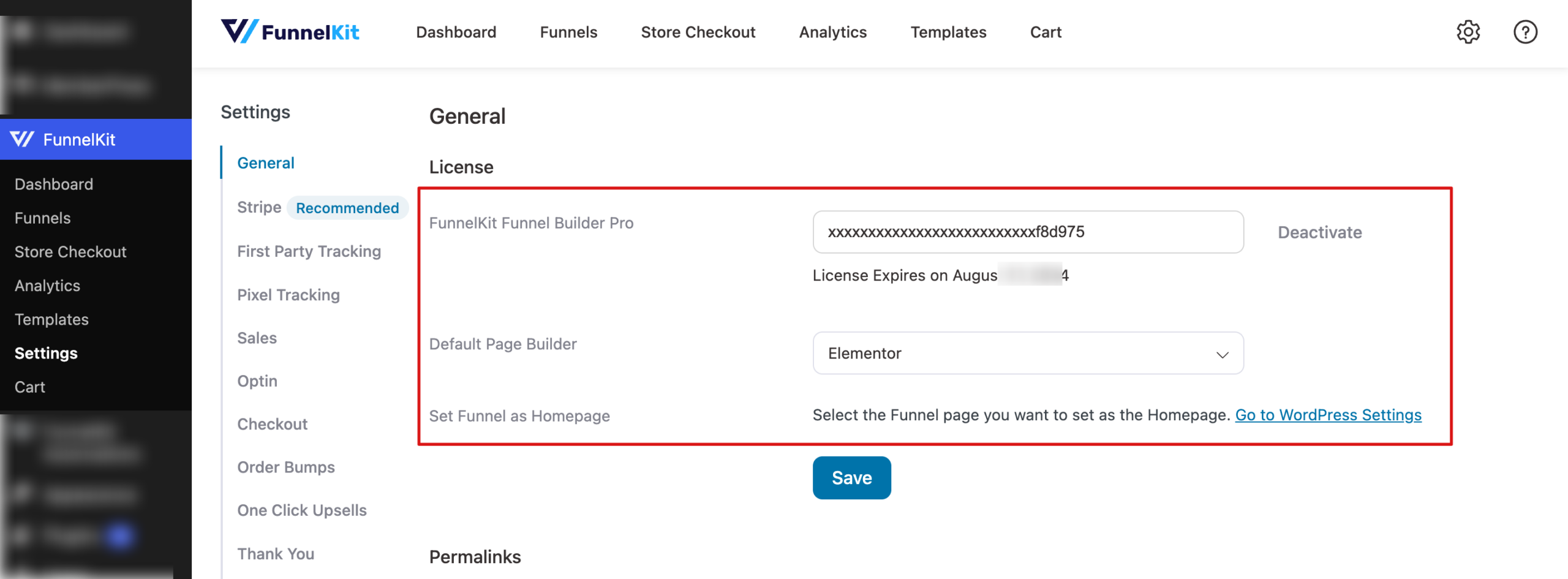
After making your changes, click Save to apply and lock in all updates.


