


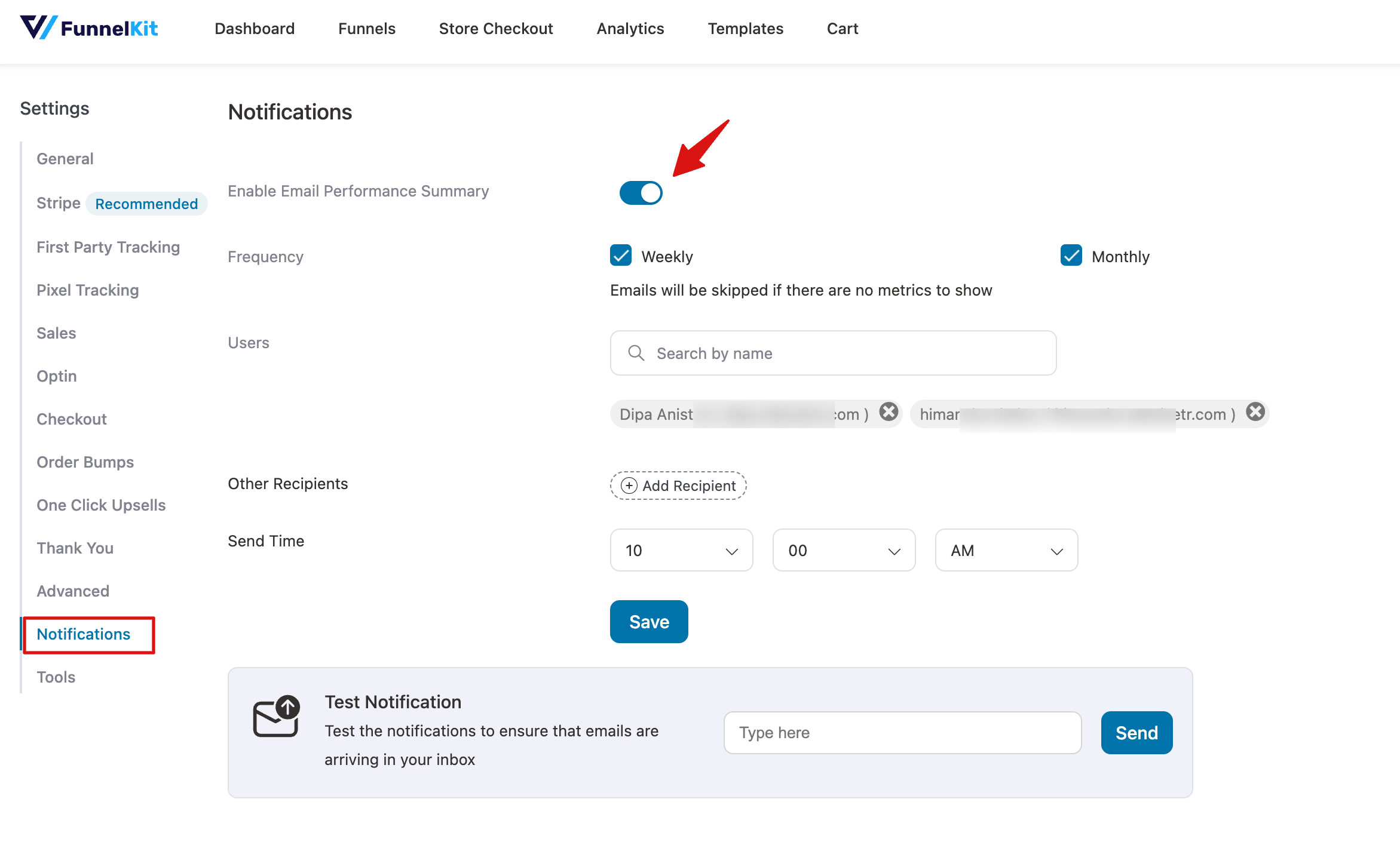
The Notifications section allows you to manage automated email summaries about your platform’s performance. These settings help you stay informed about activity, metrics, and updates without needing to log in constantly.
- Enable Email Performance Summary: Toggle this option to activate or deactivate performance summary emails. Once enabled, the system will automatically send summaries based on your selected frequency.
- Frequency: Choose how often you want to receive email summaries:
- Weekly – Receive a summary every week.
- Monthly – Receive a summary once a month.
Note: Emails will be skipped if there are no metrics to report for the selected period.
- Users: You can select which users will receive the notifications. Use the search function to find a user by name or email.
- Other Recipients: You can add additional email recipients who are not registered users. Simply enter their email addresses in the Add Recipient field.
- Send Time: Specify the time when you want the notifications to be sent, ensuring they arrive at the most convenient hour for your team.
Test Notification
Use this option to send a test email to verify that notifications are arriving correctly in your inbox. Enter the email address in the field provided and click Send.
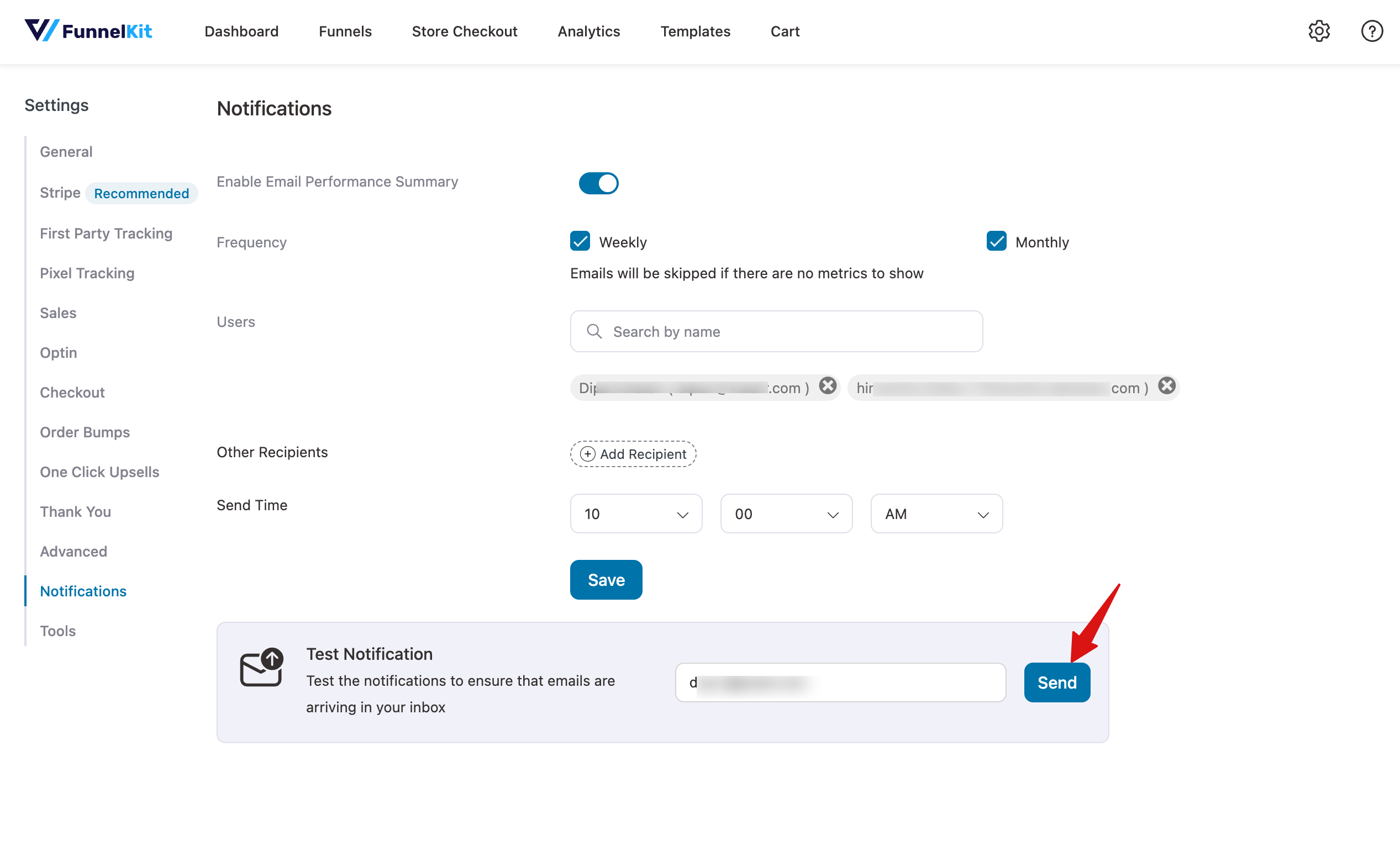
After configuring all options, click Save to apply your notification settings.


