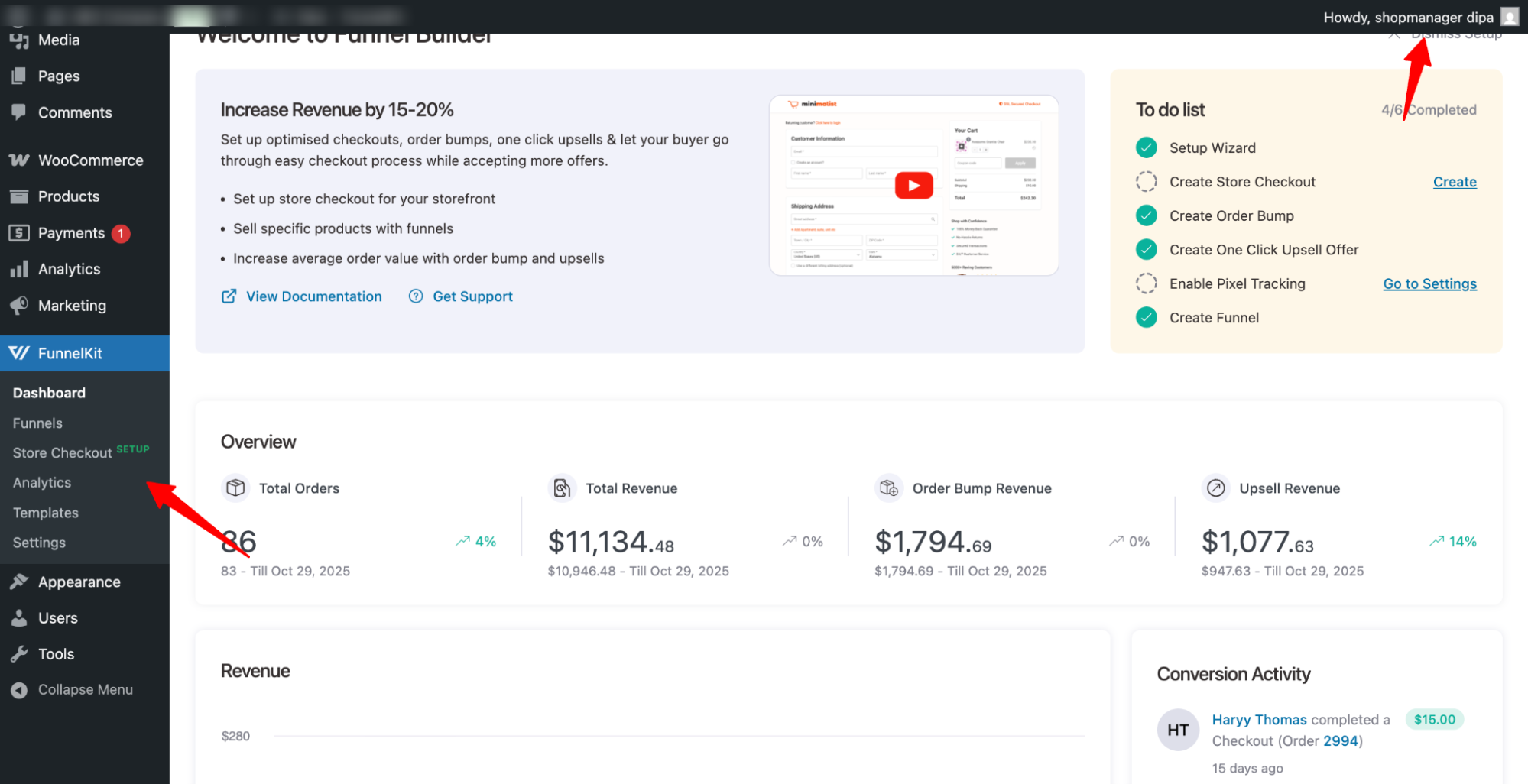
In this documentation, we will explain how to grant access to FunnelKit menus for a specific user role.

Here are the steps you need to follow:
Add the following code snippet to grant users access to the FunnelKit menu:
Step 1: Add the Code Snippet
Add the following code snippet to grant users access to the FunnelKit menu:
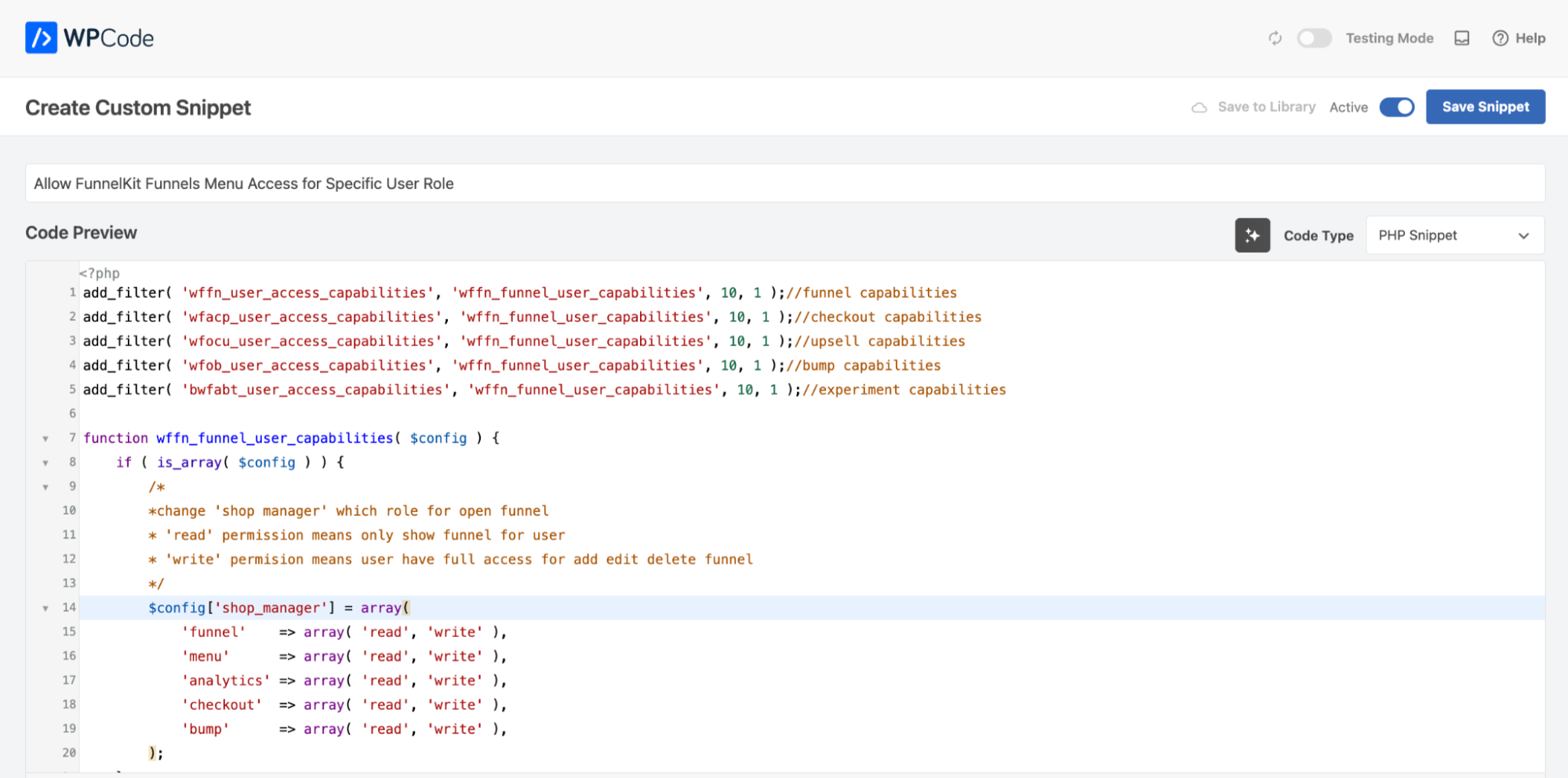
Here is the code snippet:
add_filter( 'wffn_user_access_capabilities', 'wffn_funnel_user_capabilities', 10, 1 );//funnel capabilities
add_filter( 'wfacp_user_access_capabilities', 'wffn_funnel_user_capabilities', 10, 1 );//checkout capabilities
add_filter( 'wfocu_user_access_capabilities', 'wffn_funnel_user_capabilities', 10, 1 );//upsell capabilities
add_filter( 'wfob_user_access_capabilities', 'wffn_funnel_user_capabilities', 10, 1 );//bump capabilities
add_filter( 'bwfabt_user_access_capabilities', 'wffn_funnel_user_capabilities', 10, 1 );//experiment capabilities

function wffn_funnel_user_capabilities( $config ) {
	if ( is_array( $config ) ) {
		/*
		*change 'shop manager' which role for open funnel
		* 'read' permission means only show funnel for user
		* 'write' permision means user have full access for add edit delete funnel
		*/
		$config['shop_manager'] = array(
			'funnel'    => array( 'read', 'write' ),
			'menu'      => array( 'read', 'write' ),
			'analytics' => array( 'read', 'write' ),
			'checkout'  => array( 'read', 'write' ),
			'bump'      => array( 'read', 'write' ),
		);
	}
	return $config;
}
Step 2: Make necessary changes to the code snippet
You can allow access to the FunnelKit menu to any type of user. For this, all you need to do is replace “shop_manager” with any user role here.
By default, WordPress allows you to create different user roles, such as Shop Manager, Customer, Subscriber, Contributor, Author, Editor, and Administrator.
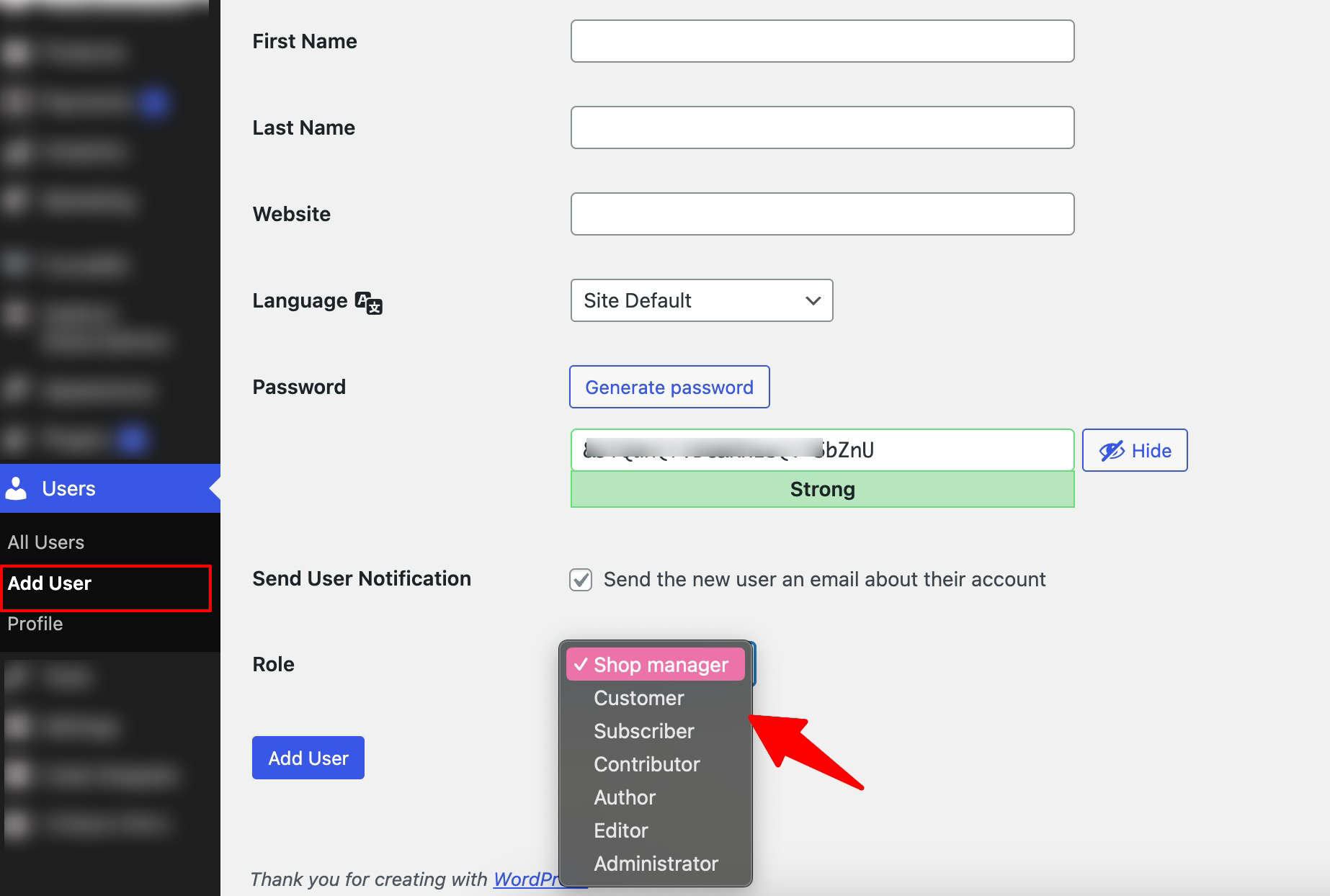
Just replace it with shop_manager.
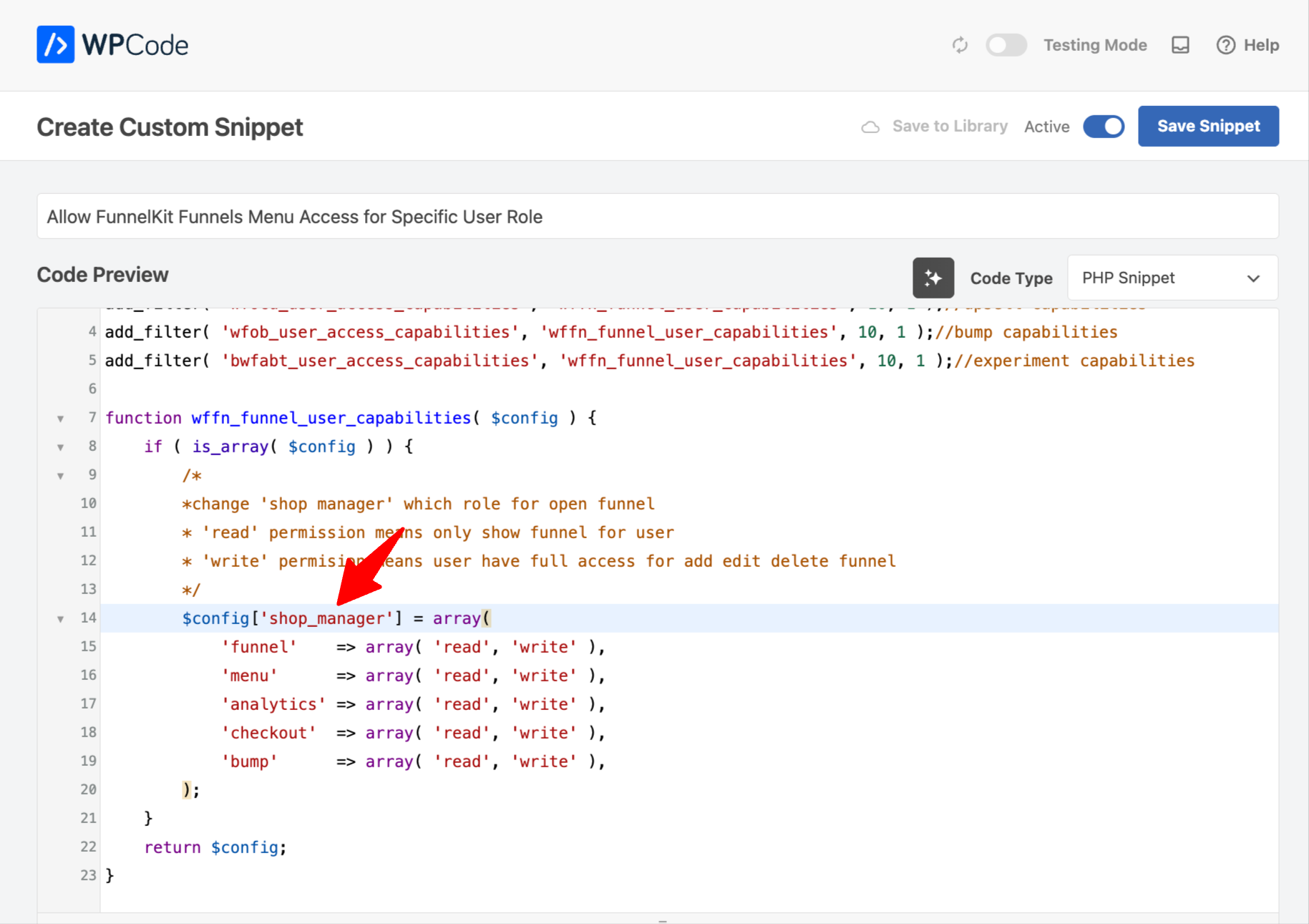
Here are the values you need to use:
| User Role | Replace shop_manager with |
|---|---|
| Contributor | contributor |
| Author | author |
| Editor | Editor |
| Administrator | administrator |
Note: The Administrator will have access to the FunnelKit menu by default. So you can skip that.
The Funnels menu will now be accessible to the specified user role.
Step 3: Test the process
Now, log in to the account to which you want to give access to the FunnelKit menu, and you should see the menu with other available options.