


Here, you can configure the core settings for FunnelKit Automations that control licensing, compliance details, and brand appearance.
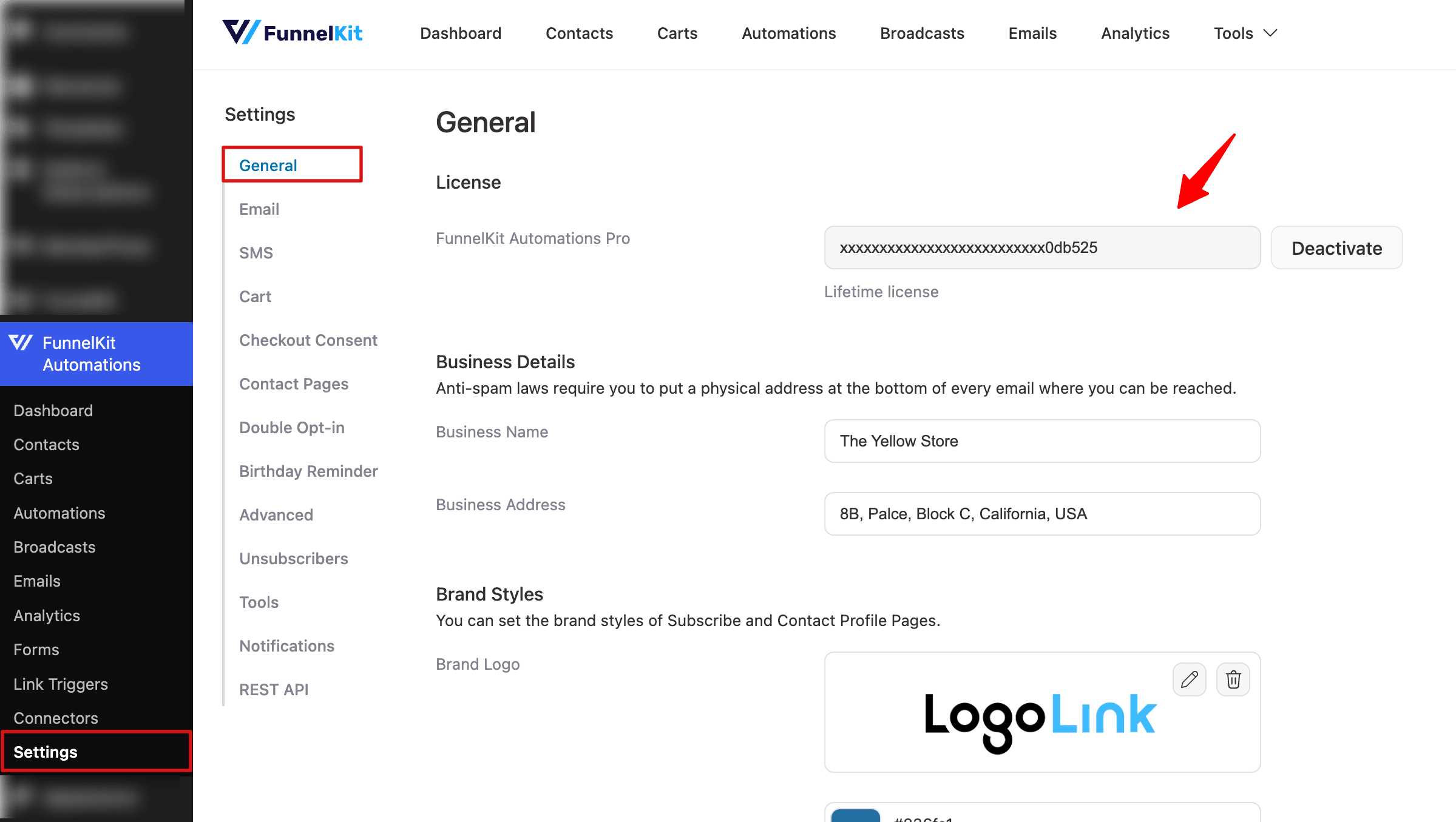
License
Here, you can enter the key to activate FunnelKit Automations Pro. Any time you can view your license key, check the license type (for example, lifetime), and deactivate the license at any time if needed.
Business Details
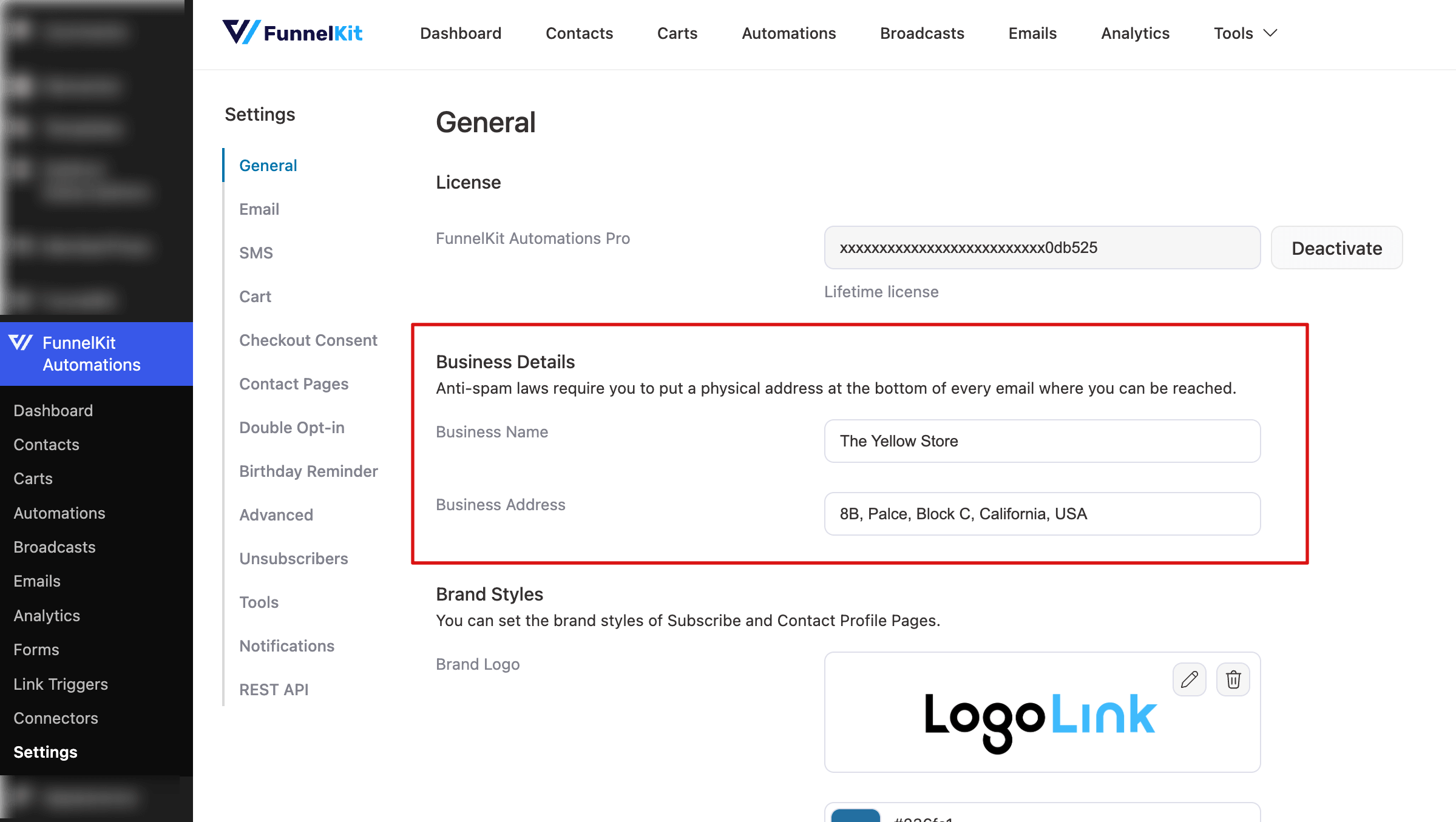
Anti-spam laws require you to include a physical address at the bottom of every email you send. In this section, enter your business name and address so recipients can easily identify and contact you. These details will automatically appear in the footer of all emails sent through FunnelKit Automations.
Fields included:
- Business Name – The official name of your business
- Business Address – Your complete physical mailing address
Brand Styles
This section allows you to define the visual identity for your Subscribe pages and Contact Profile pages.
You can configure:
- Brand Logo: Upload your brand logo
- Brand Color: Choose your primary brand color to maintain a consistent look and feel
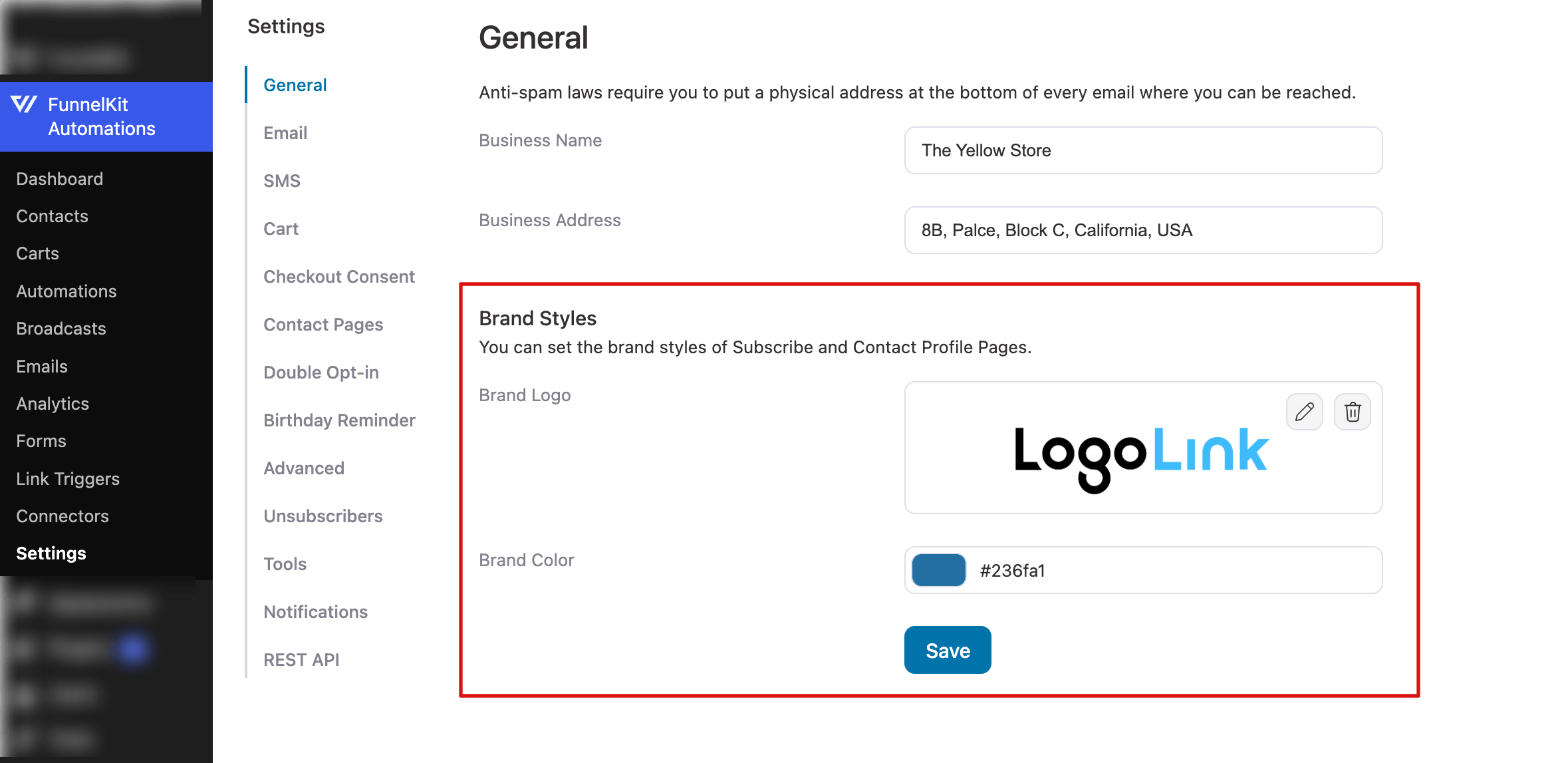
Don’t forget to click Save after making any changes to apply the updated settings.
This is all about the general settings in FunnelKit Automations.


