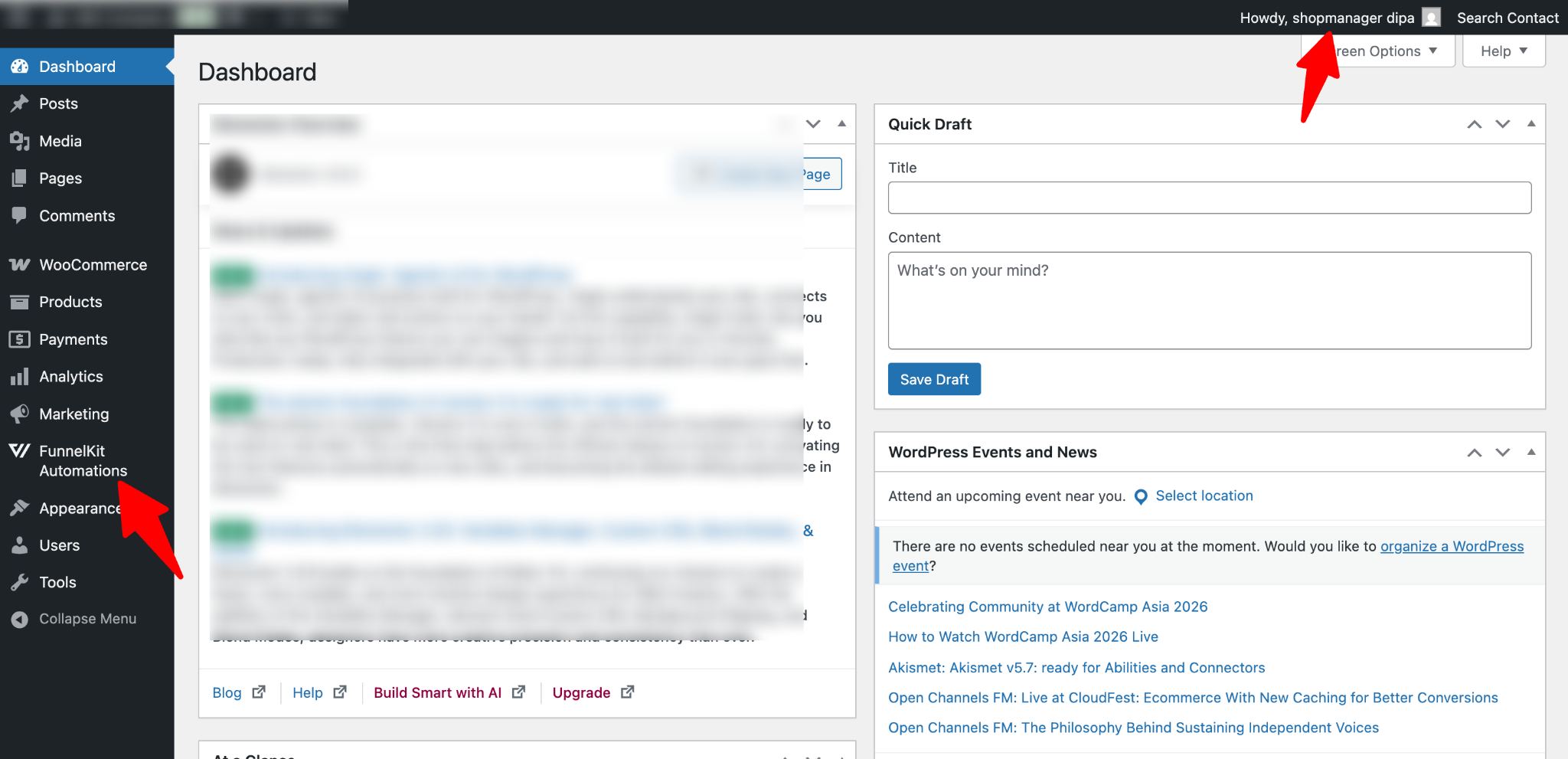
In this documentation, we will explain how to grant access to FunnelKit Automations menus for specific user roles, such as Shop Manager and Editor.
Note: With this setup, users will only gain access to the FunnelKit Automations menu and not to any other plugins.
To allow access to the FunnelKit menu to shop manager or editors, follow these steps:
Step 1: Add the Code Snippet
Add the following code snippet to grant users access to the FunnelKit menu:

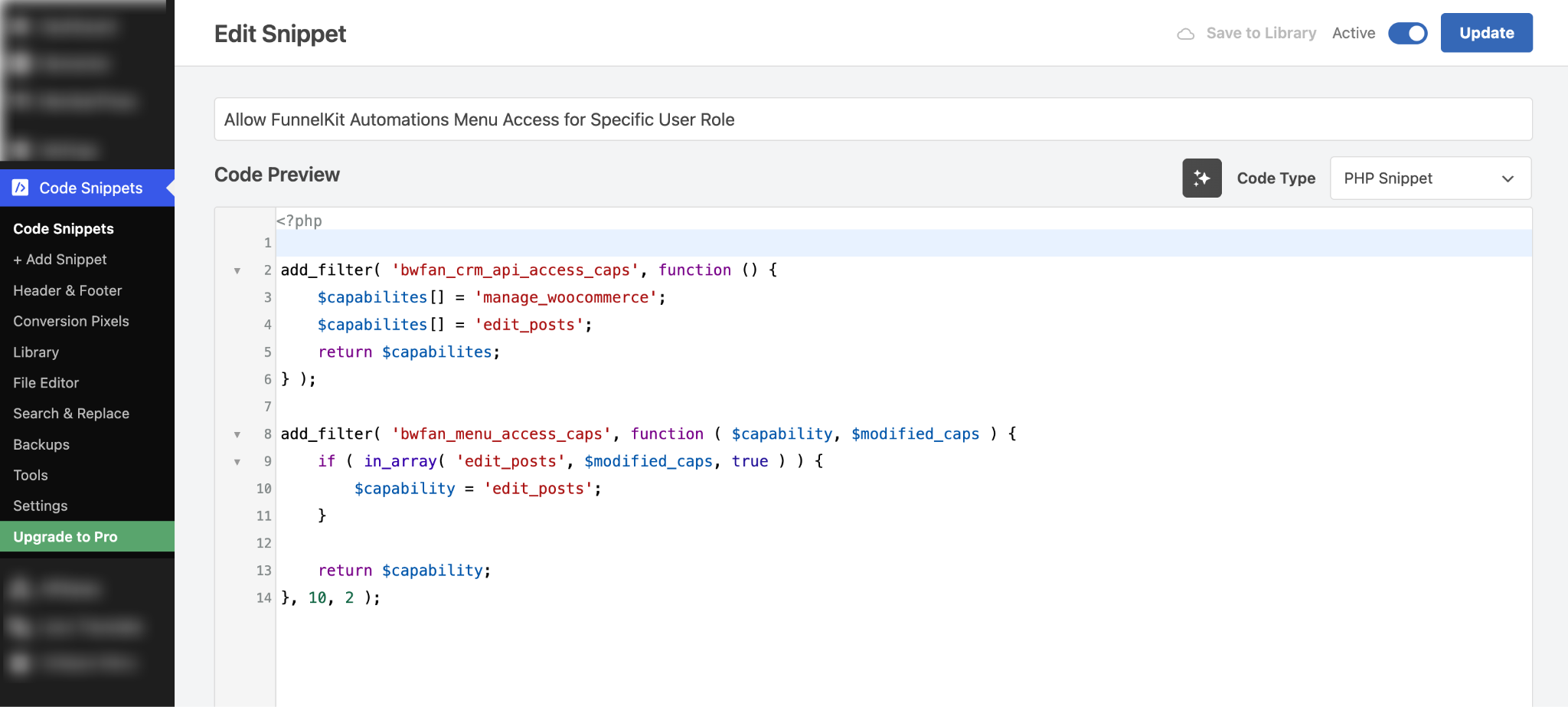
Here is the code snippet:
<?php

add_filter( 'bwfan_crm_api_access_caps', function () {
	$capabilites[] = 'manage_woocommerce';
	$capabilites[] = 'edit_posts';
	return $capabilites;
} );

add_filter( 'bwfan_menu_access_caps', function ( $capability, $modified_caps ) {
	if ( in_array( 'edit_posts', $modified_caps, true ) ) {
		$capability = 'edit_posts';
	}

	return $capability;
}, 10, 2 );
Step 3: Test the process
Now log in with any Shop Manager or Editor account, and you will be able to see the FunnelKit Automations menu.