


Now you can send transactional emails in multiple languages using FunnelKit Automations.
To create multilingual transactional emails, you can use the following plugins:
- WPML
- TranslatePress
- GTranslate
- Polylang
- Linguise
For example, we will show the process using TranslatePress, but you can follow a similar approach with the other plugins.
How To Enable Multilingual Transactional Emails
Follow these steps:
Step 1: Set Up Multiple Languages
First, install and activate your chosen multilingual plugin. Then, set up multiple languages for your store.
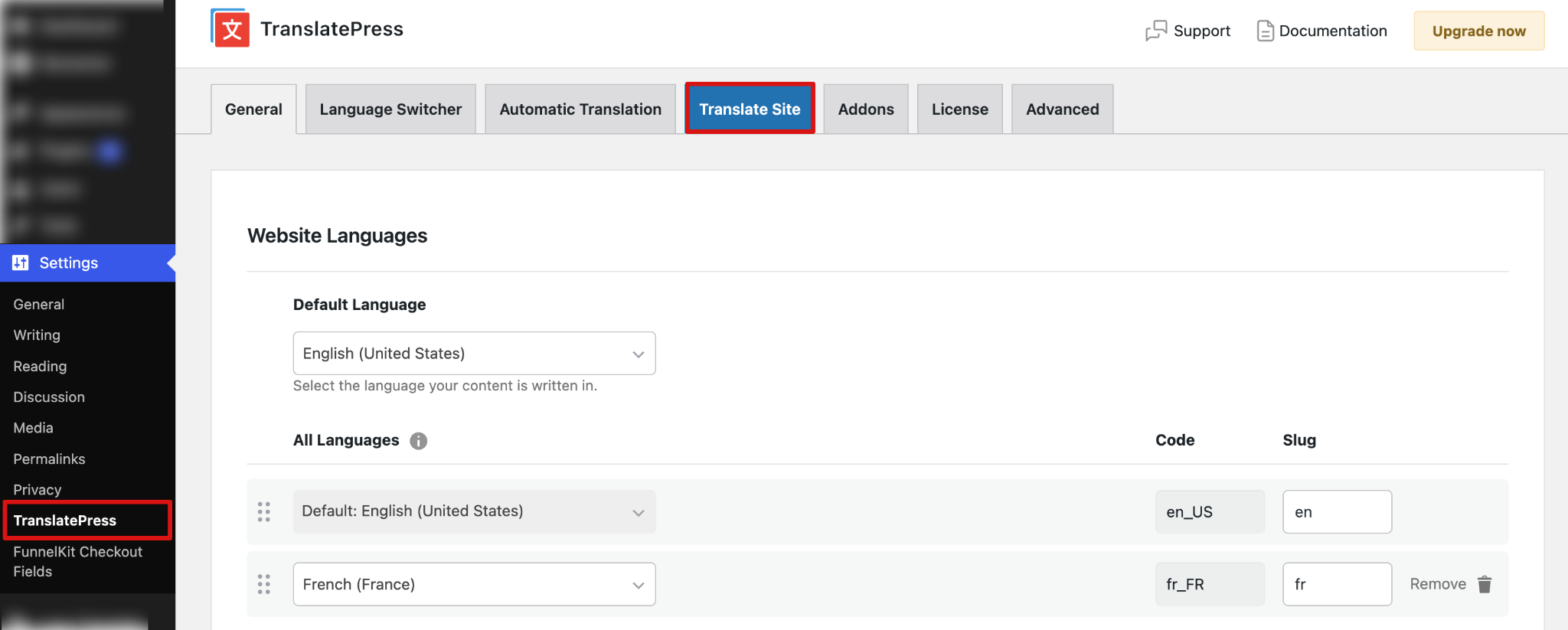
Step 2: Edit Email Templates for Different Languages
Once your languages are set up, you will find an additional column for each additional store language under transactional emails.
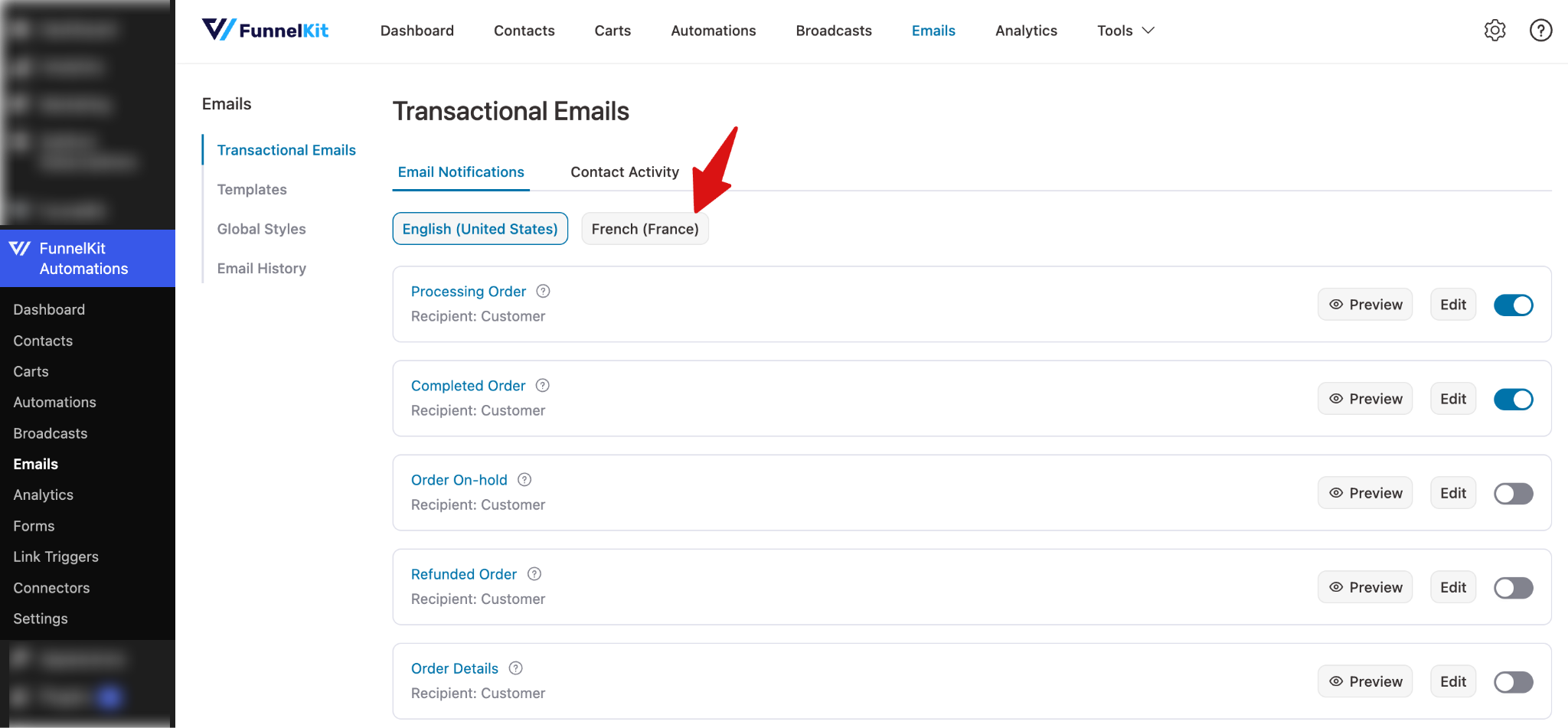
Switch to the language tab for the language you want to edit. You can then update your email templates and translate the content for that specific language.
To edit any template, simply click the email.
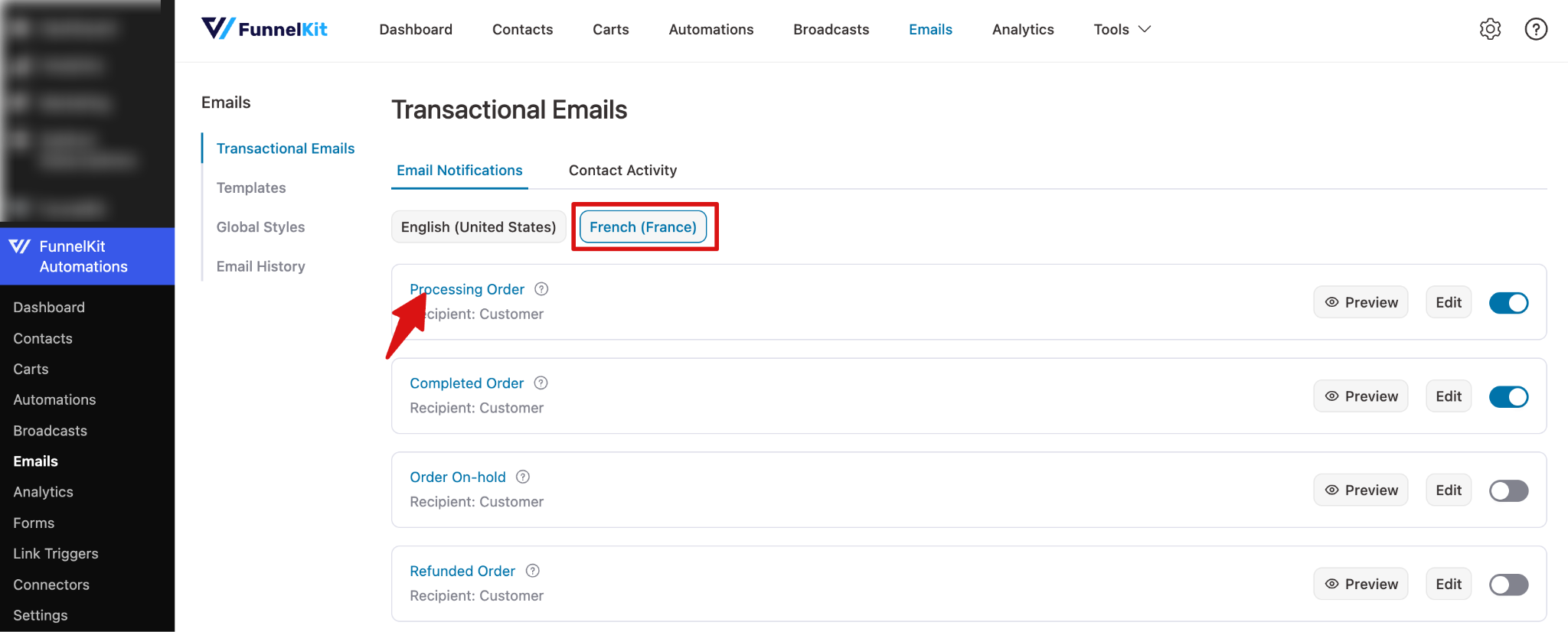
Next, add the subject line and preview text for the target audience. To start customizing email body content, click the “Edit” button.
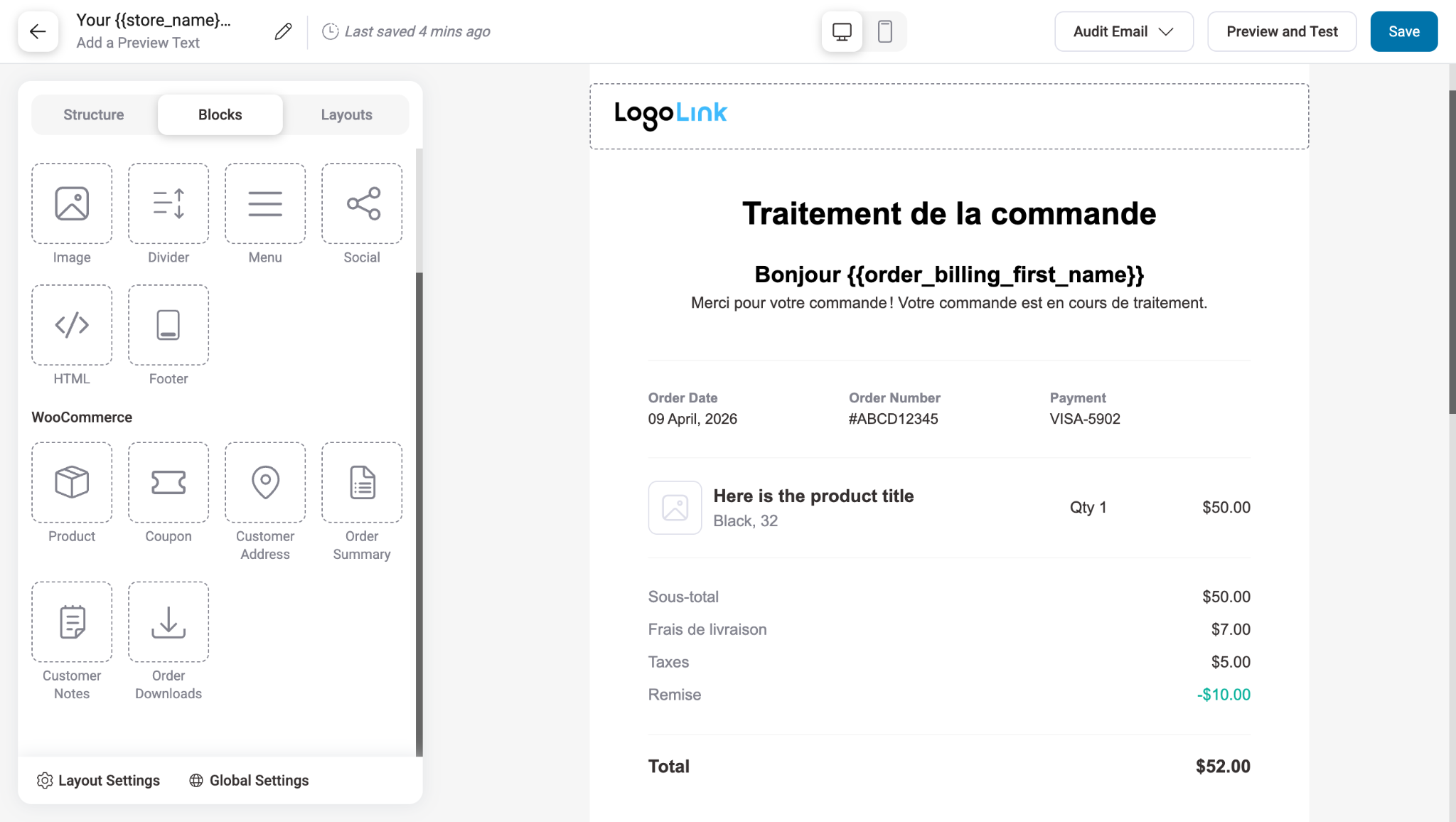
Next, replace the English content in each template with content in the target language.
Step 3: Send Test Email
For a final check, you can review and send a test email.
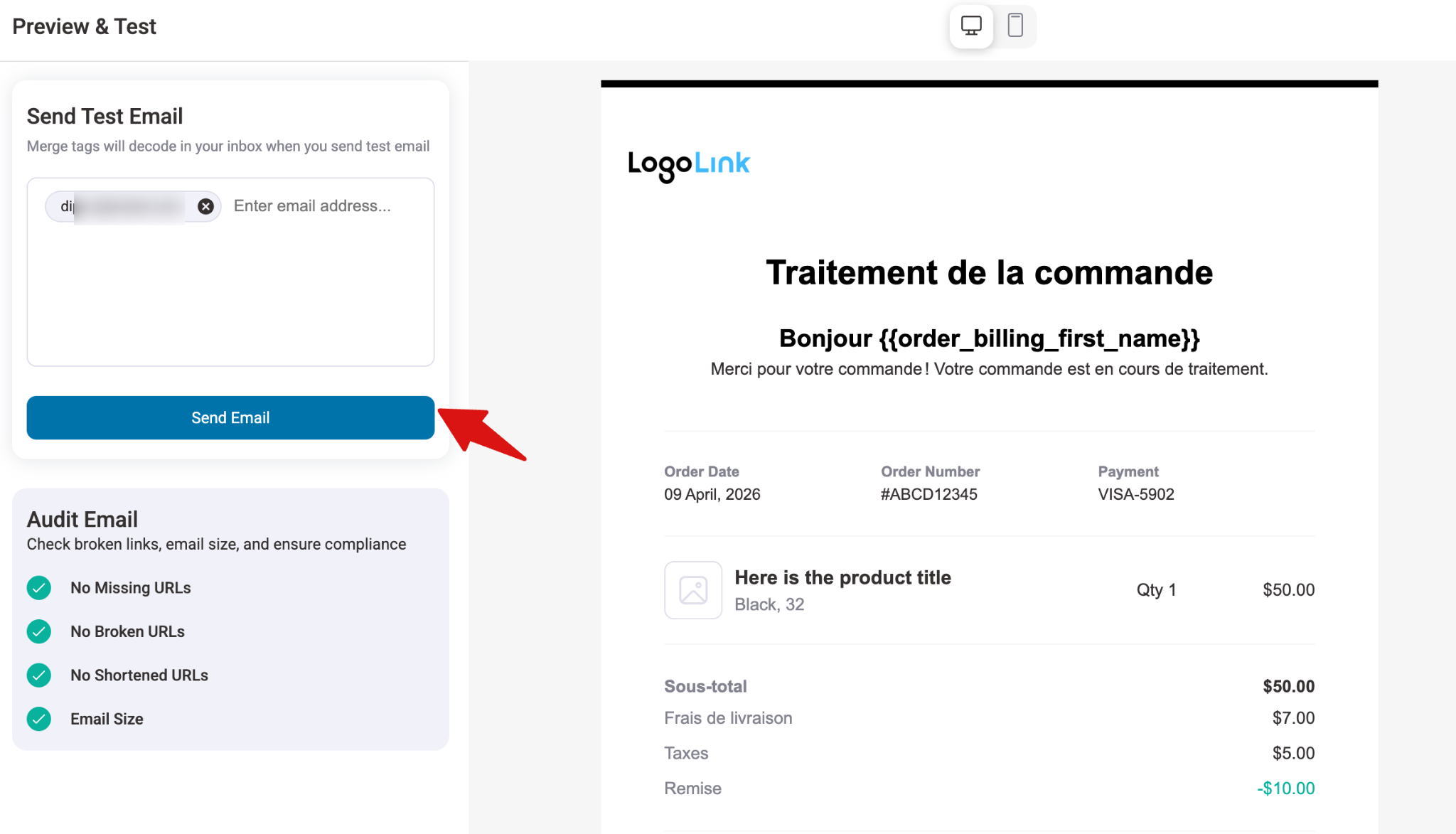
If the preview looks okay, you’re good to go.
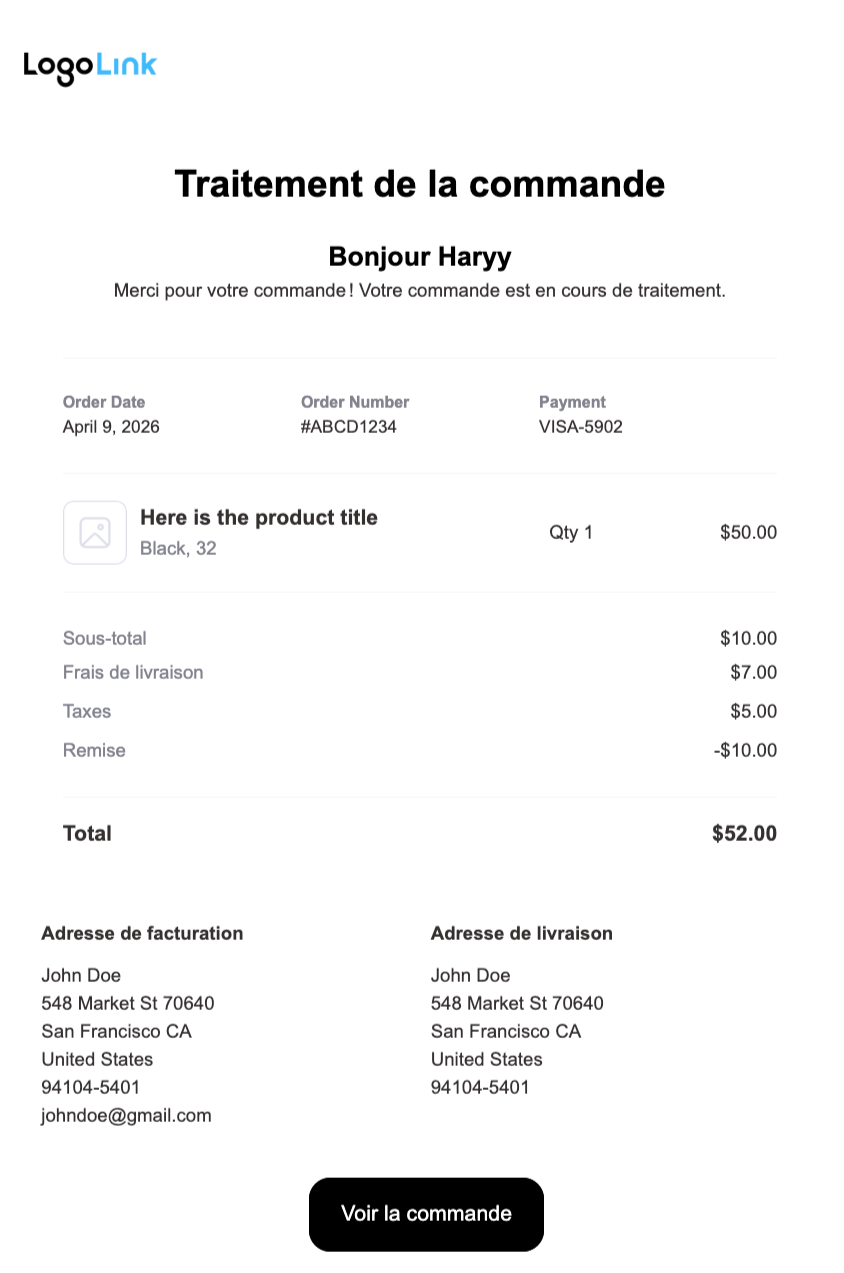
Note: Repeat the same process for all email templates in the current language, then repeat the full process for every language in your store.
That’s it! This is how you set up multilingual transactional emails.
RTL Language Support in Email Editor
Now, if you want to add a right-to-left (RTL) language in your emails, such as Arabic, Hebrew, or Farsi, FunnelKit Automations fully supports it in the Visual Email Editor.
When you have a multilingual plugin active (like TranslatePress, Linguise, or similar) with an RTL language enabled:
- When editing an English email template, the editor displays content in left-to-right orientation.
- When switching to a right-to-left (RTL) language version of the same template, the editor automatically adjusts to right-to-left layout, including text alignment, content flow, and template structure, with no manual configuration required.
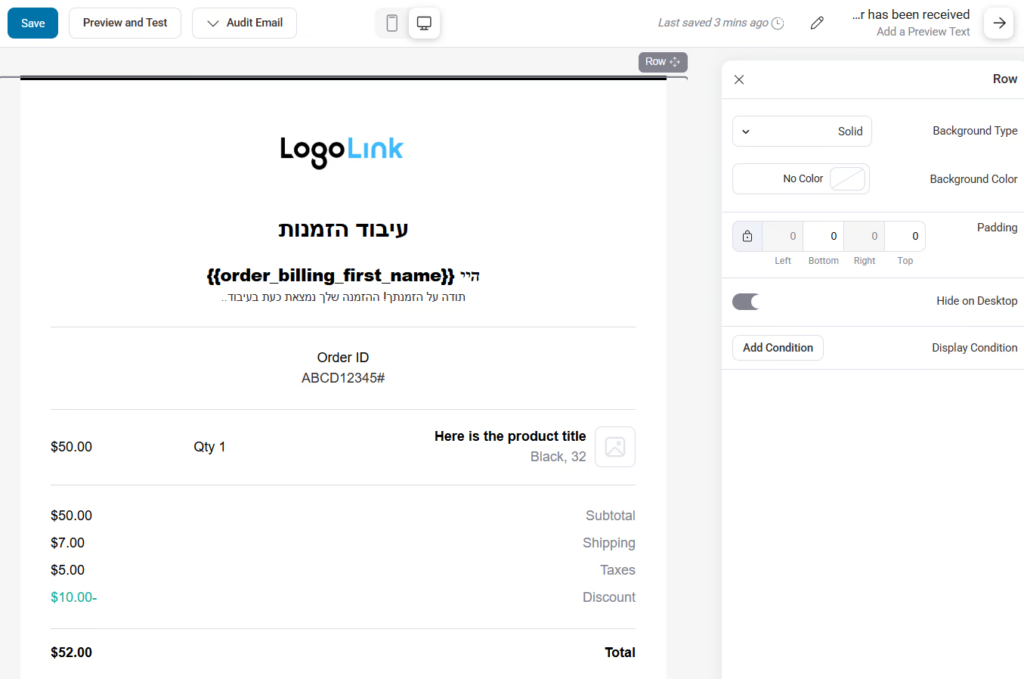
This ensures that all your transactional and marketing emails look professional and correctly formatted, no matter which language your store uses.


